Configuration
MiniFreak 49
- Enregistrez votre MiniFreak 49 pour obtenir votre Licence MiniFreak V.
Registering a MiniFreak 49 also unlocks extra MiniFreak V features.
Votre MiniFreak inclut son équivalent VST fidèle, offrant le même son hybride puissant avec des filtres analogiques modélisés. Utilisez-le dans votre DAW, profitez de les mêmes presets, en physique et en virtuel, synchronisez-le avec les contrôles du MiniFreak et accédez aux mises à jour firmware.
- Download & install MiniFreak V.
This also installs Arturia Software Center, where you’ll manage your licences and updates. Plus d’infos
Already have MiniFreak V installed?
Update it to the latest version in Arturia Software Center, then skip to step 3. - Connectez votre MiniFreak en USB, allumez-le et ouvrez MiniFreak V, making sure you’re online. If you don’t have the latest firmware, you’ll see instructions on how to update.
Bonus: MiniFreak 49 also comes with Freak Renaissance, including 250 extra presets.
Find it in the Sound Store inside MiniFreak V.
How to install sound banks
Learn more
with our MiniFreak 49 tutorials
Accelerate your creative journey with confidence. Explore essential features, tips and tricks on how to design your own sounds.
Playlist de tutoriels
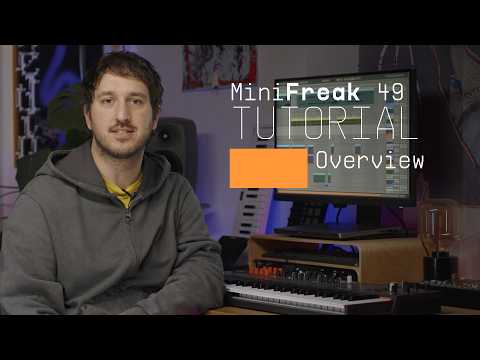
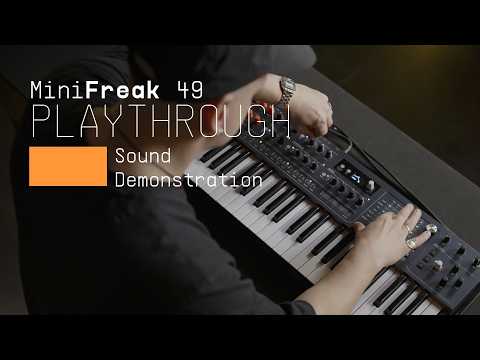
MiniFreak 49 | Overview
Join Alex for an introduction to MiniFreak 49, Arturia’s six-voice hybrid synthesizer with a 49-key semi-weighted keybed. Explore its dual digital engines, analog filter and audio-rate Filter FM, alongside the new touch matrix, expressive modulation, stereo voice panning and creative sequencing tools that bring sound design and performance together.
Plus d'informations
grâce à nos manuels
To learn even more, you can find the manuals on MiniFreak 49's Resources page: