AstroLab
update
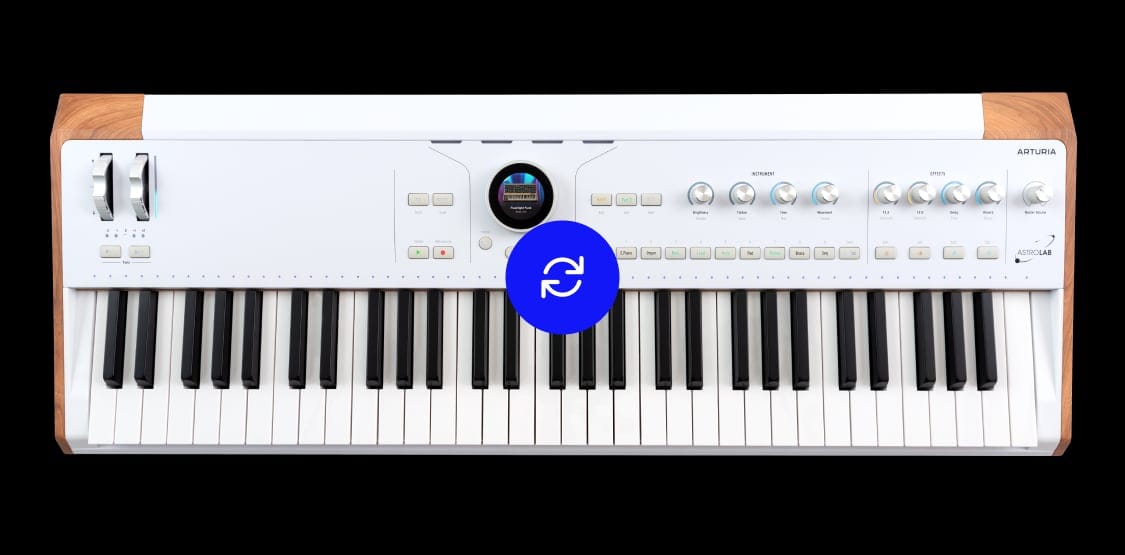
AstroLab keeps delivering new sounds, features, and performance improvements through regular updates.
A broader stage palette
Discover new sample-based instruments: A piano built with eight velocity layers alongside funk and orchestral brass, pop strings, and upright and electric basses. 60+ new sounds for a more complete stage-ready palette.
Deeper sound control
Access each instrument’s key parameters in the new Sound Edit view. Explore dedicated pages for envelopes, filter, glide and more, then shape the sound with AstroLab’s four macro controls.
More reliable performance
AstroLab 2.0 brings improvements to sampler polyphony, Analog Lab linking and updating. Transposition now shows on the Octave LEDs, aftertouch feels better (37), and a reworked preset list makes accessing the best presets easier.
Version 1.7
What’s included
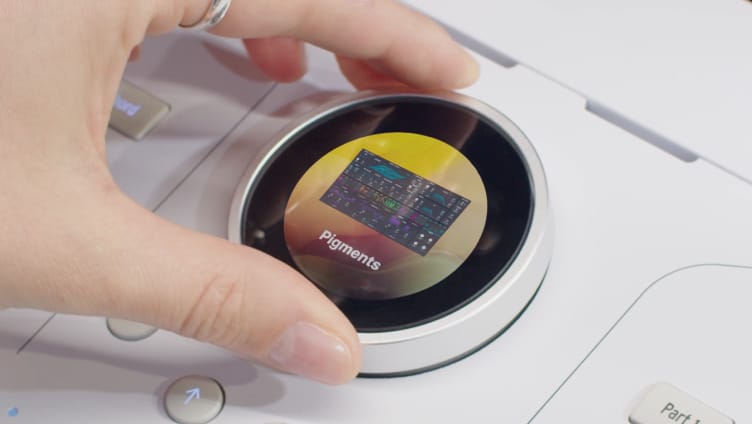
Version 1.7 brings support for Pigments 7 to AstroLab, alongside stability improvements and content management updates.
Load, edit and save Pigments 7 presets directly on the machine, free up space by removing unused installed samples, or fully clear user content - including samples, presets and banks - for a factory-reset state.
What’s included
in version 1.6
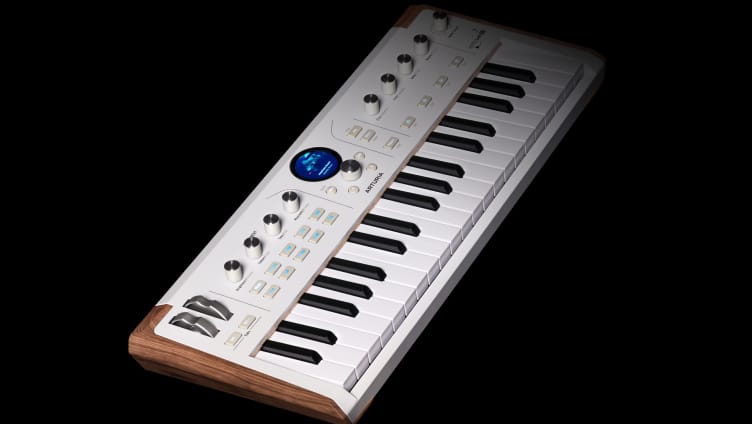
Version 1.6 brings support for AstroLab 37 alongside stability and workflow refinements for AstroLab and Analog Lab.
We work continually to improve the performance of AstroLab and the seamlessness of its integration with Analog Lab. Have more confidence on stage and manage your sounds with ease.
What’s included
in version 1.5
AstroLab update 1.5 delivered new and updated instruments from Arturia’s V Collection 11.
7 new instruments
Support has now been added for MiniBrute V, Augmented YANGTZE, Augmented MALLETS, Synthx V, SEM V3, Jup-8000 V and Pure LoFi.
Requested features
Enjoy quicker preset loads, seamless playlist transfer with Analog Lab, on-the-fly program-changes for external gear, and direct FX & MIDI editing straight from Analog Lab.
Fixes and enhancements
We work continually to improve the performance of AstroLab and the seamlessness of its integration with Analog Lab. Have more confidence on stage and manage your sounds with ease.
V Collection 11
compatibility
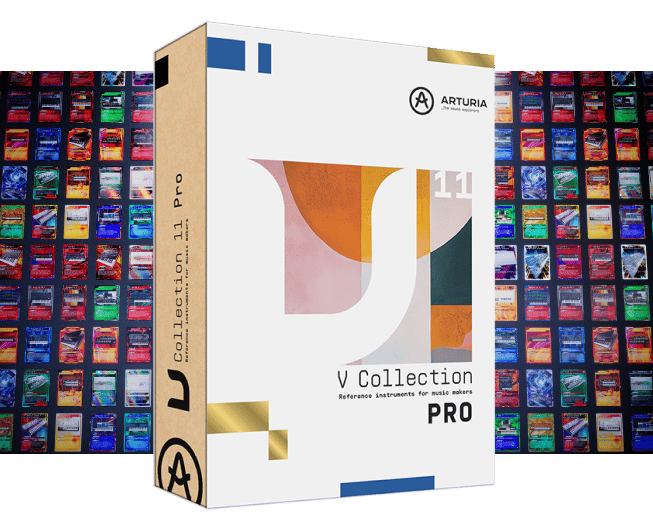
This update delivers support for new V Collection 11 instruments alongside new features and important bug fixes.
Enjoy seamless compatibility with Pigments 6 and V Collection 11, alongside improved preset management, external device control and more.
- MiniBrute V
- Augmented YANGTZE
- Augmented MALLETS
- Synthx V
- SEM V3
- Jup-8000 V
- Pure LoFi
What’s included
in version 1.4
This update delivers support for new Pigments 6 and MiniFreak V versions alongside important bug fixes.
Enjoy seamless compatibility with Pigments 6 and MiniFreak V3, alongside improved mirroring with Analog Lab. This update also addresses other fixes -ensuring a smoother, more efficient workflow.
What’s included
in version 1.3
This update delivers 6 new and updated instruments from Arturia’s V Collection X alongside a significant dose of new sounds. Enjoy 290 new presets that showcase the best of the newly supported instruments, including 90 new artist tributes and other important fixes.
6 new instruments
Support has now been added for Acid V, MiniFreak V, Augmented BRASS and Augmented WOODWINDS alongside the completely remodeled engines of Mini V and Wurli V introduced in V Collection X.
290 new presets
Discover 200 of the best presets from the newly supported instruments. Plus 90 new Tribute presets ranging from Tame Impala to Queen, Massive Attack, Talking Heads, Radiohead, Weather Report and more.
Fixes and enhancements
We have worked hard to improve the performance of AstroLab and the seamlessness of its integration with Analog Lab. Have more confidence on stage and manage your sounds with ease.