
Pitch SHIFTER-910
Harmonics sculptor
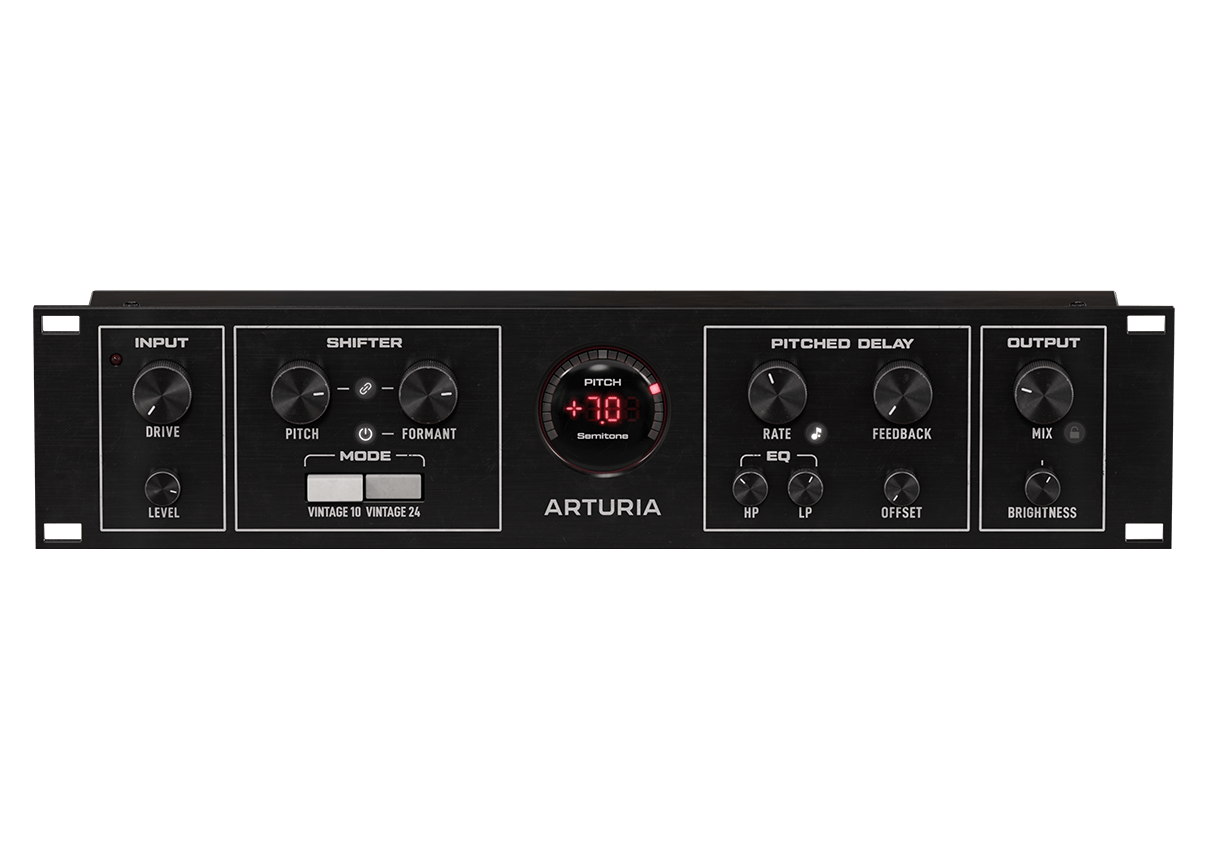
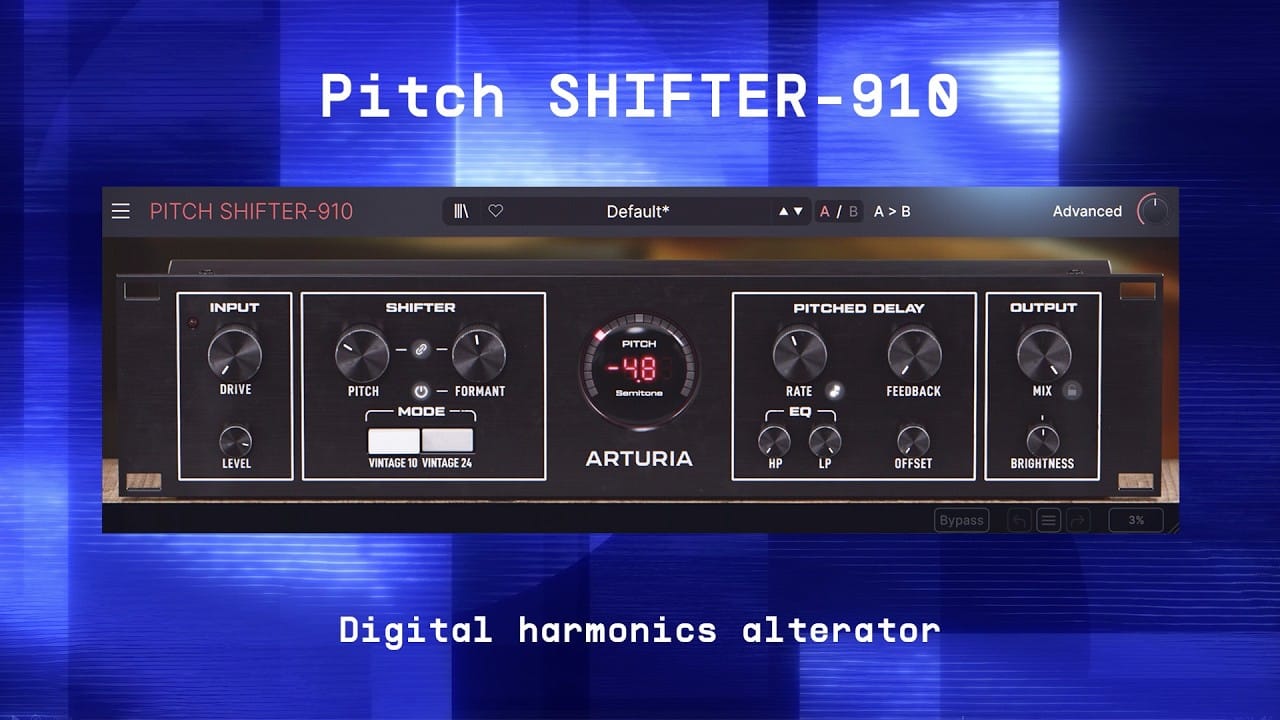
Pitch SHIFTER-910 captures the gritty tone and musical unpredictability that defined early digital pitch and delay processing. With precise pitch/formant shaping, playable MIDI harmonies and vocal-specific sound design tools - discover a powerful voice-shaper for modern music workflows.
Bend
your voice
Modeled after the first and most iconic digital pitch shifter, Pitch SHIFTER-910 merges classic pitch-and-delay transformation with modern DSP.
Contort any vocal medium with ease — whether adding harmonies that move with your performance or widening a chorus into a larger-than-life ensemble.
Legendary pitch processor
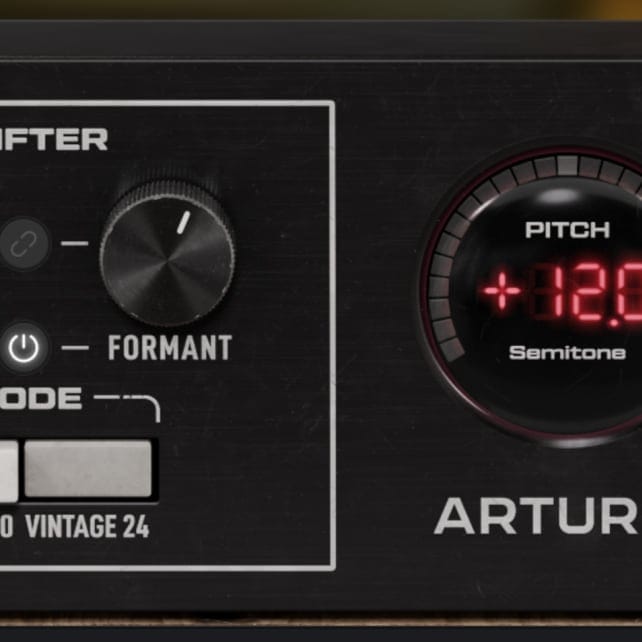
Capture the artefacts and imperfections that made early digital pitch shifters iconic - with ±12 st pitch transformation and a meticulously recreated signal path.
Modern flexibility
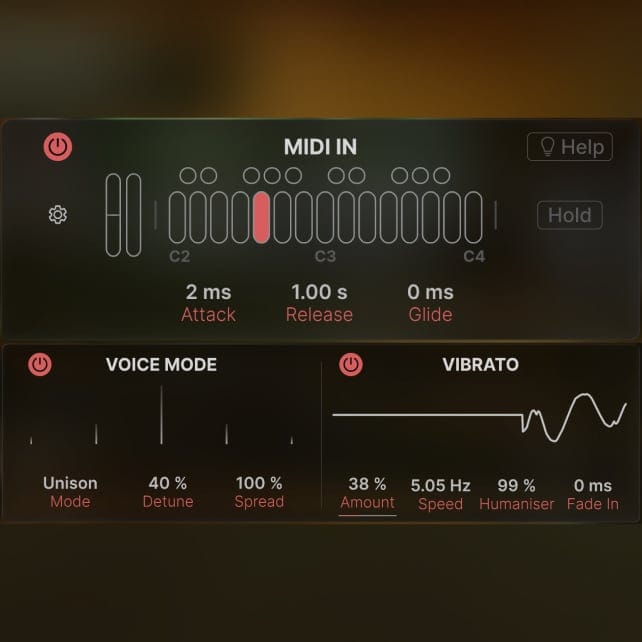
Harness an expanded pitched delay and advanced tooling that includes dual/unison Voice, Vibrato, and MIDI performance for harmonies and motion that go far beyond the original.
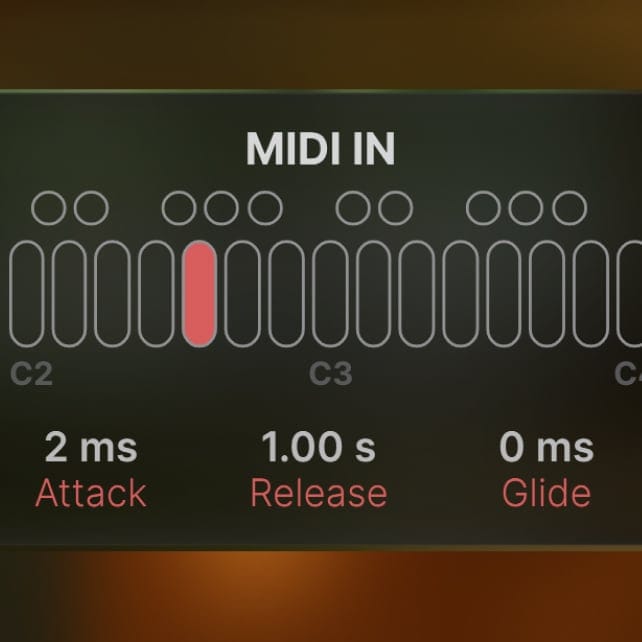
Playable MIDI control
Play the effect like an instrument with MIDI In - from doubling a melody line to adding chords - plus envelope shaping, glide, and performance modulation for expressive control.
Elevated
sound
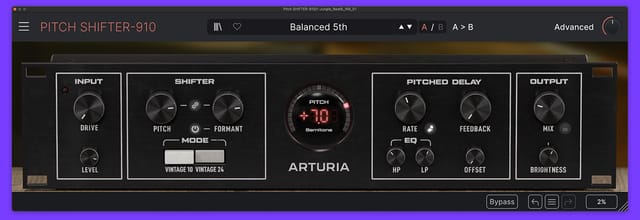
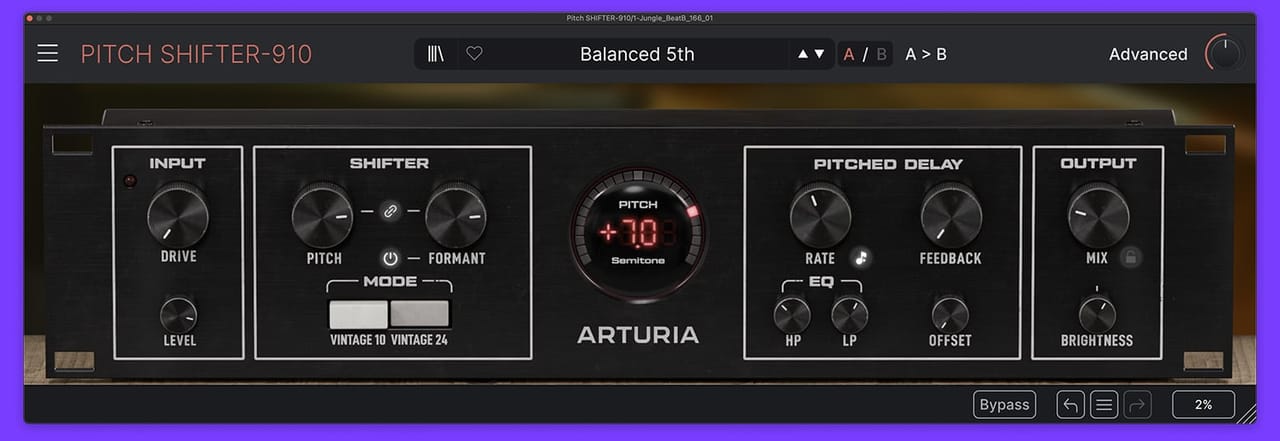
From instant harmonies to pitched-delay FX, Pitch SHIFTER-910 brings unmistakable character to any source.
1
2
3
4
5
6
The advanced
panel
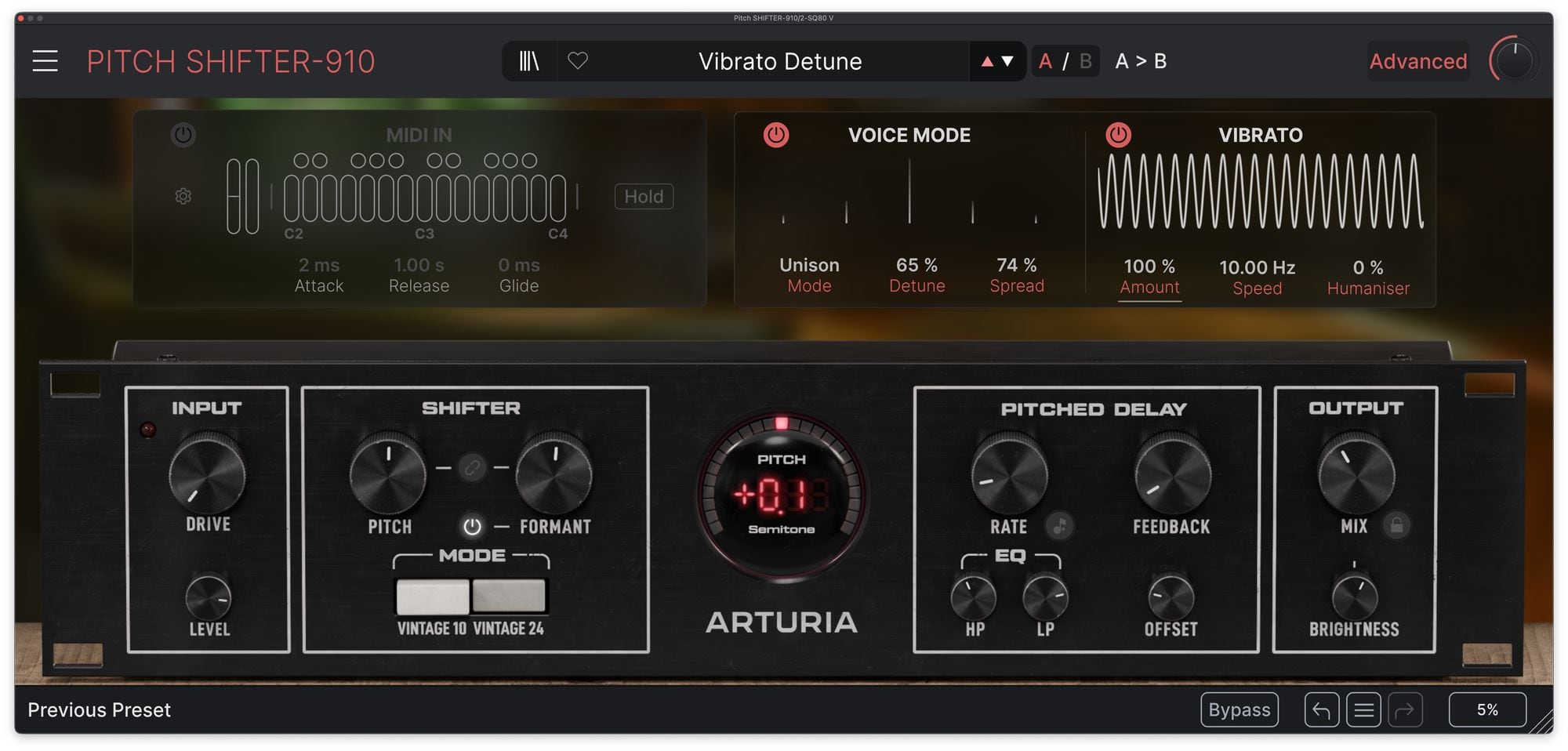
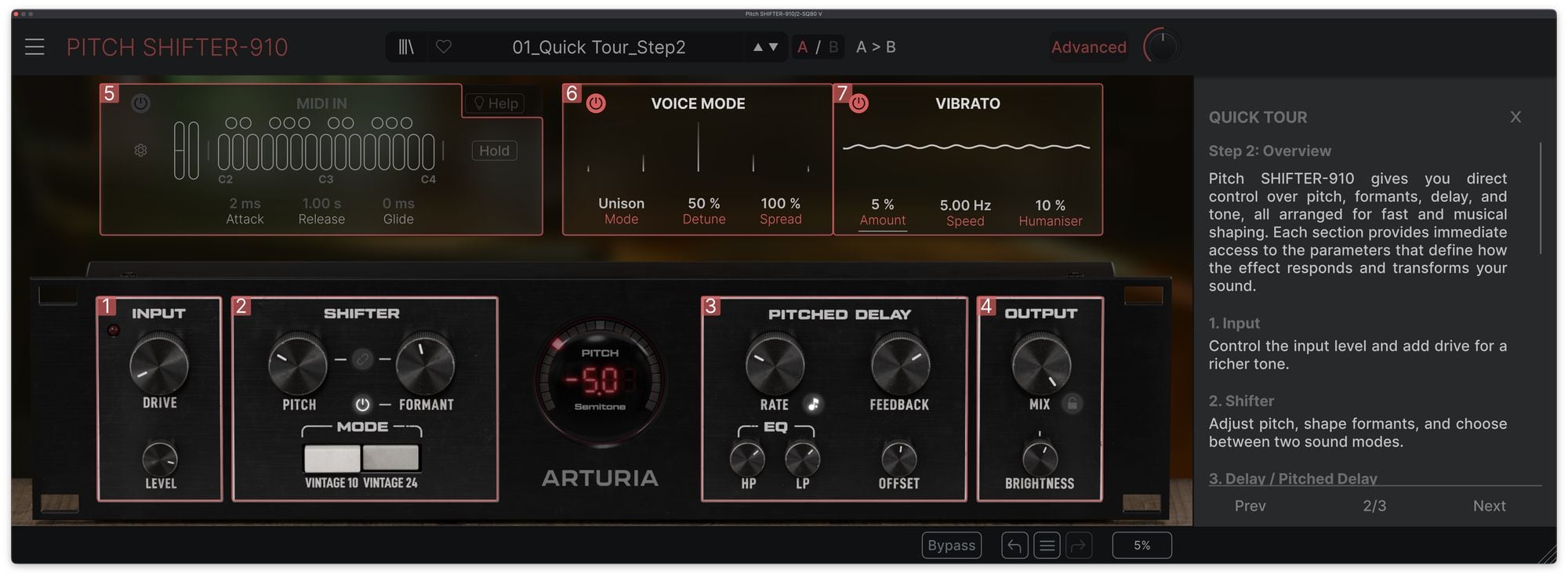
Take Pitch SHIFTER-910 beyond classic processing with performance-ready controls — play with MIDI, recreate dual-unit widening and add expressive movement with vibrato.

MIDI In
Turn the shifter into an instrument: control pitch with MIDI notes (mono or Poly 4), shape dynamics with Attack/Release, add Glide for smooth transitions, and bring expression via velocity, pitch bend, and mod wheel routing.
Voice Mode
Instant width and ensemble: choose Dual Mono to recreate the classic two-unit, hard-panned studio technique, or Unison for dense, detuned layering — with Detune and Spread for fast stereo impact.
Vibrato
Add organic motion with Amount and Speed, then dial in realism with Humanizer. In MIDI mode, Fade In introduces vibrato gradually for more natural phrasing and expressive builds.
Legendary
pitch processing
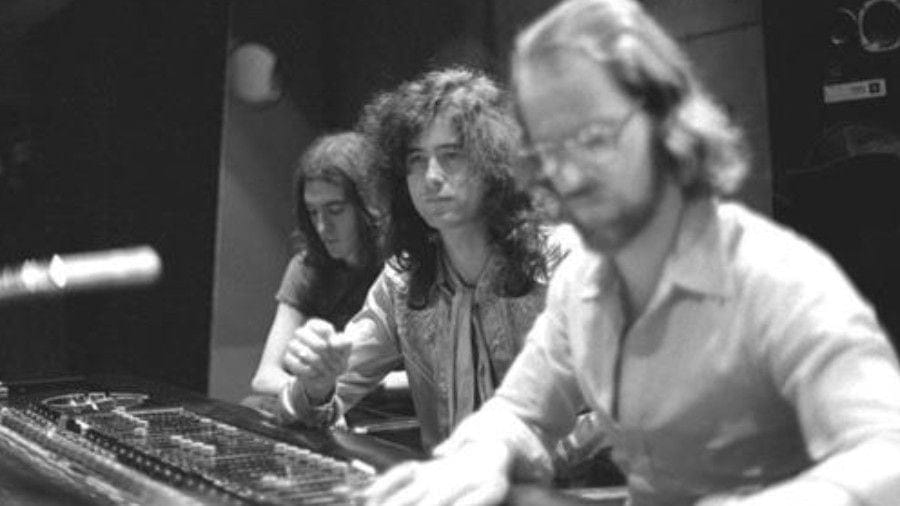
Pitch SHIFTER-910 sits in a lineage of studio tools that changed how records could sound, introducing new signal processing that gave it its signature sound and artefacts.
Early digital pitch shifters combined real-time transposition with delay and regenerative feedback. From subtle widening to unstable pitch-delay climbs and detuned dual-unit trickery, they helped define the sound of records from the likes of David Bowie, Led Zeppelin, AC/DC, The Grateful Dead, Tom Petty, Patti Smith, U2 and more.
Instant
results
A handful of presets that spotlight Pitch SHIFTER-910’s signature palette, from classic interval shifts to gritty detune. Load one up, tweak a few key controls, and find that sweet spot.
Balanced 5th
Lily Jordy
A simple 5th harmony for your vocals, with the tilt filter slightly open.
Bright Unison
Cubic Spline
Bright unison, perfect for guitars, basses or synths that need more openness and width.
Wide Lift
Lily Jordy
Like a chorus, this preset widens and brightens your sound.
David's Secret Low Snare
Cubic Spline
When you give your friend Tony a snare and with his new f-cks-with-the-fabric-of-time toy, he sends you back the most iconic snare sound ever.
Dark Screamo
Lily Jordy
Thick, processed distortion that adds dramatic intensity to rock & metal guitars or vocals.
Eternal Reflections
Lily Jordy
Dreamy eternal feedback - well not exactly, but it's the impression it gives. Works well on pads and ethereal vocals.
Pitch control,
reimagined
Pitch SHIFTER-910 is built for today’s production needs. Add motion, width, and iconic early-digital character to vocals, guitars, synths, and more - from subtle harmonisation to full-on reality-bending FX.

Add Vocal Harmonies
Turn any vocal into a playable harmony. Trigger intervals and voicings with MIDI In (up to 4 notes), then refine the tone with Pitch and Formant for subtle doubles, tight thirds, or bold, characterful shifts.
Create Pitched-Delay FX
Build movement that evolves over time, from gentle rhythmic shimmer to rising/falling feedback trails. Perfect for transitions and sound design that feels alive.
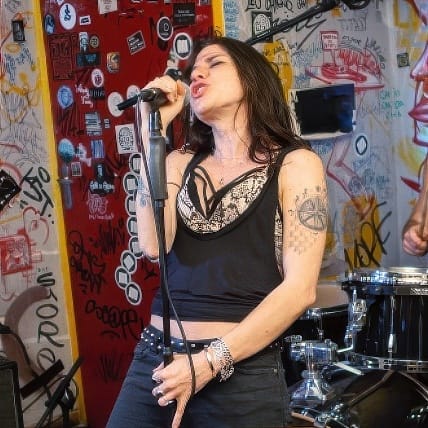
Widen & Drive
Make a single take feel bigger and more forward. Add Drive for harmonic colour, then switch on Voice Mode to double or triple the signal with detune and stereo spread - from gentle width to animated choruses.
Artist
Corner
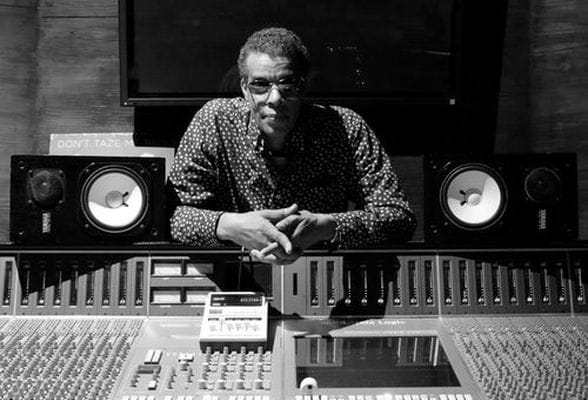
Gerry "The Gov" Brown
Producer / Mixing engineer
"Pitch Shifter 910, Arturia has done it again! This one has so many new features that I love: the Input section, the drive section, the Shifter section. I Love the Different Modes: Vintage 10/Vintage 24. It has greatly improved from the original one, also the Pitched Delay section is fantastic and the HP/LP features. So many really great presets as well. "
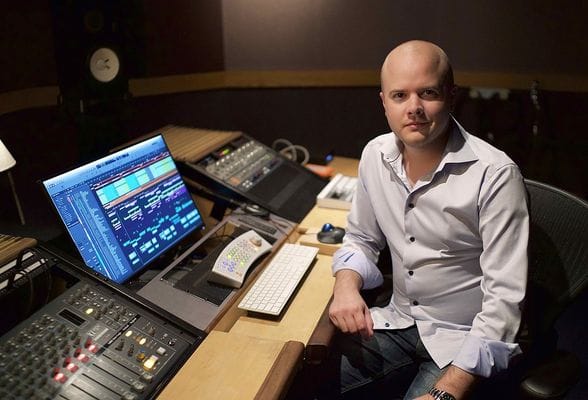
Trevor Muzzy
Producer / Grammy-nominated mixer & engineer
"Vintage 910-style pitch effects- but modernized!! This one is gonna get a lot of use on vocals, guitars, synths, etc…"
Mac Declos
Producer, Dj
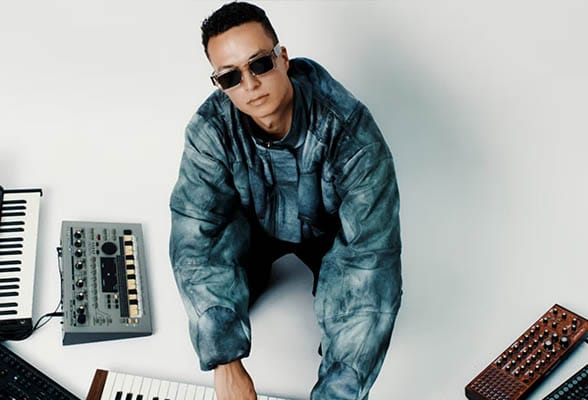
"PitchShifter is exactly the kind of pitch-shifting tool I’ve been waiting for. It strikes a beautiful balance between tonal clarity and grainy character. You can push it toward distortion or harmonic richness, while the integrated delay adds real personality and a distinctive color to the sound. A must-have! "

Salar Ansari
Producer (Luis Resto, Ian Fink)
"Love the drive and its tone. The pitch algorithms are musical, and you can hear it. Instant charm with the pitched delay too. Go ahead, adjust your brightness and boom, so much beauty and good work done in one device. Voice mode under Advanced settings unlocks another great space."

Lorenzo Lacchesi
Producer, DJ
" This is a plugin I’ve been waiting for. I’m genuinely impressed by how it pulls out harmonics without that usual “plastic” tone you often get from other manufacturers’ pitch shifters. It’s been incredibly effective on the track I’m currently working on, especially for layering stabs. You can really dig into texture variations thanks to the built-in pitched delay. Highly, highly recommended!!"

Richard Furch
Mixer - Prince, Frank Ocean, Tyrese
"I love the clean and classic layout for creative pitch-shifting, but even more so the advanced voice mode. It's a playground for widening sounds to fit them better in the mix and create depths. Top it off with some vibrato and you got a real winner here.""

Karen Nyame
Producer, singer, songwritter
"It was quick and easy to experiment with tonal variations, pitching, and the phrasing of the delays. I used it on percussion and loved the vintage modes because I could also play with the texture of the sounds - I wanted to contort some percussive glitches by tuning them. The shifter plugin can do so much more with vocals."
Included in
FX Collection PRO
Reference effects for music makers
This effect is part of FX Collection Pro, a complete production toolkit comprising 39 meticulously crafted effects spanning classic studio emulations and bold, modern processors. From shaping your sounds to sculpting mixes and finishing tracks - discover everything you need to bring your music to life.

The features
you need
DAW 适用
Whatever your workflow - mixing, sound design, or production, all plugins integrates smoothly into your setup, support major DAWs, running on Windows and macOS in the formats producers rely on every day.
TAE® Powered
The exclusive analog modeling technology that makes our emulations indistinguishable from the originals.
By accurately mimicking the characteristics of analog oscillators, filters, and soft clipping, we can provide astonishing component-accurate detail and authentic analog charm in equal measure.
Gallery
Main Features
Digital harmonics alterator
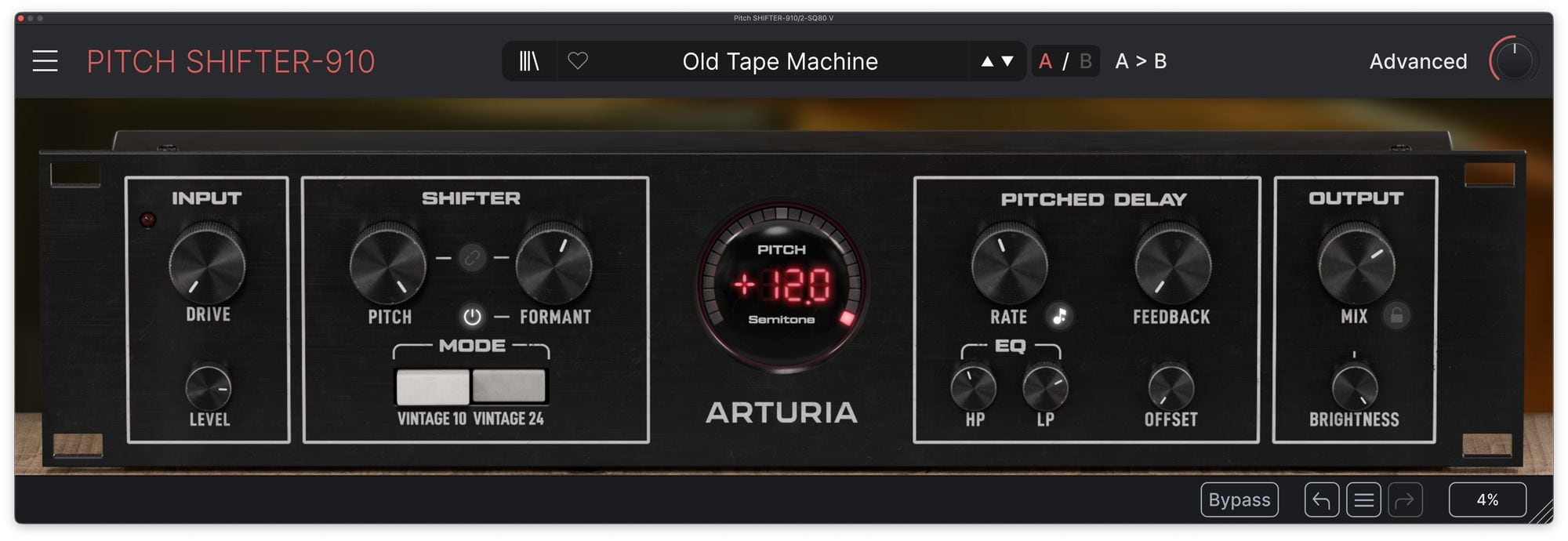
Pitch + Formant Shifter:
- Pitch shift up to ±12 semitones
- Optional Formant + Pitch/Formant Link
Advanced Features that go beyond the original hardware:
- MIDI In: play pitch with MIDI (mono or Poly 4), with Attack/Release, Glide, velocity, pitch bend, and mod wheel control.
- Voice Mode: Recreate the classic dual-unit widening (Dual Mono) or stack dense, detuned layers with Unison + Stereo Spread.
- Vibrato: Add expressive motion with Amount/Speed, natural variation with Humanizer, and MIDI Fade In for playable modulation.
Delay / Pitched Delay
Vintage Modes:
- Vintage 10 delivers maximum grit and artefacts
- Vintage 24 offers a cleaner, more polished sound
30 curated presets: Start fast with classic widening, harmonies, and feedback effects — then tweak from there.
Platform Specifications
Windows
- Win 10+ (64bit)
- 4 GB RAM
- 4 cores CPU, 3.4 GHz (4.0 GHz Turbo-boost)
- 1GB free hard disk space
- OpenGL 2.0 compatible GPU
- ARM processors not supported on Windows
Required configuration
- VST, AAX, Audio Unit, NKS.





Apple
- Mac OS 10.13+
- 4 GB RAM
- 4 cores CPU, 3.4 GHz (4.0 GHz Turbo-boost) or M1 CPU
- 1GB free hard disk space
- OpenGL 2.0 compatible GPU
Work with ASC
- An elegant and simple solution to help you install, activate, and update your Arturia software instruments.