
How to install
Get started
with MiniFuse 2 OTG
Get your MiniFuse up and running and start
capturing, creating, streaming
01 Set up
MiniFuse 2 OTG
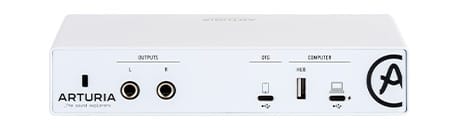
- Connectez MiniFuse 2 OTG to your computer, from the interface’s USB port identified as “COMPUTER”.
- Téléchargez et installez le MiniFuse Control Center.
- Lancez le logiciel et suivez les instructions dans le MiniFuse Control Center to set up your MiniFuse 2 OTG and activate your Software license.
Pourquoi utiliser le MiniFuse Control Center ?
MiniFuse Control Center is the required utility software that unlocks the full capabilities of your product. It allows detailed control over the parameters of your audio interface and ensures regular free firmware updates, keeping your MiniFuse configured and always ready to record.
Get more from your MiniFuse
free software, tutorials & more
Discover a suite of pro-grade software that provides everything you need to start making audio content out-of-the-box.







There's no need to rush! You can return to this page at any time so go at your own pace.
02 Install
additional Arturia software
MiniFuse 2 OTG comes with four incredible Arturia powerful software effects and one instrument included for free.
Pour installer vos logiciels Arturia supplémentaires, utilisez l'Arturia Software Center :
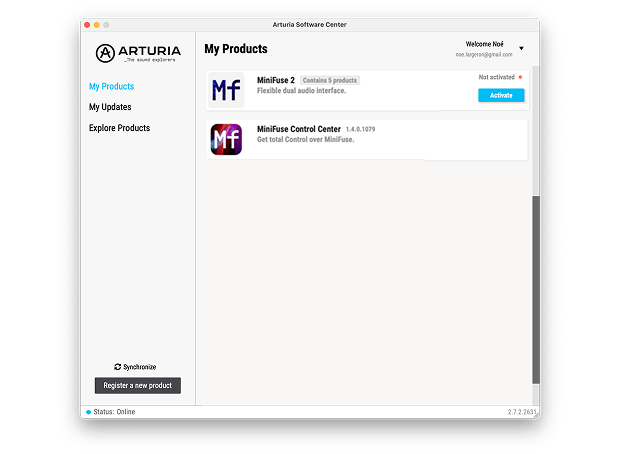
- Open the Arturia Software Center and look for your MiniFuse 2 OTG.
You must have completed the registration steps during the launch of the MiniFuse Control Center to show up in the Arturia Software Center. You can do it anytime if you have skipped this step the first time. - Click on MiniFuse 2 OTG to reveal the included software and install them individually or all at once by simply clicking on Install All.
If you registered your MiniFuse 2 OTG on the website, you have to click Activate first to reveal the download options.
Si vous rencontrez des difficultés lors de l'installation, laissez-nous vous guider →
03 Download
included software from our partners
Alongside Arturia Software, we provide a selection of industry-standard plugins and software from our partners to accelerate your music production journey.







Logiciels de production musicale et d'enregistrement
pour créer, mixer et exporter vos morceaux
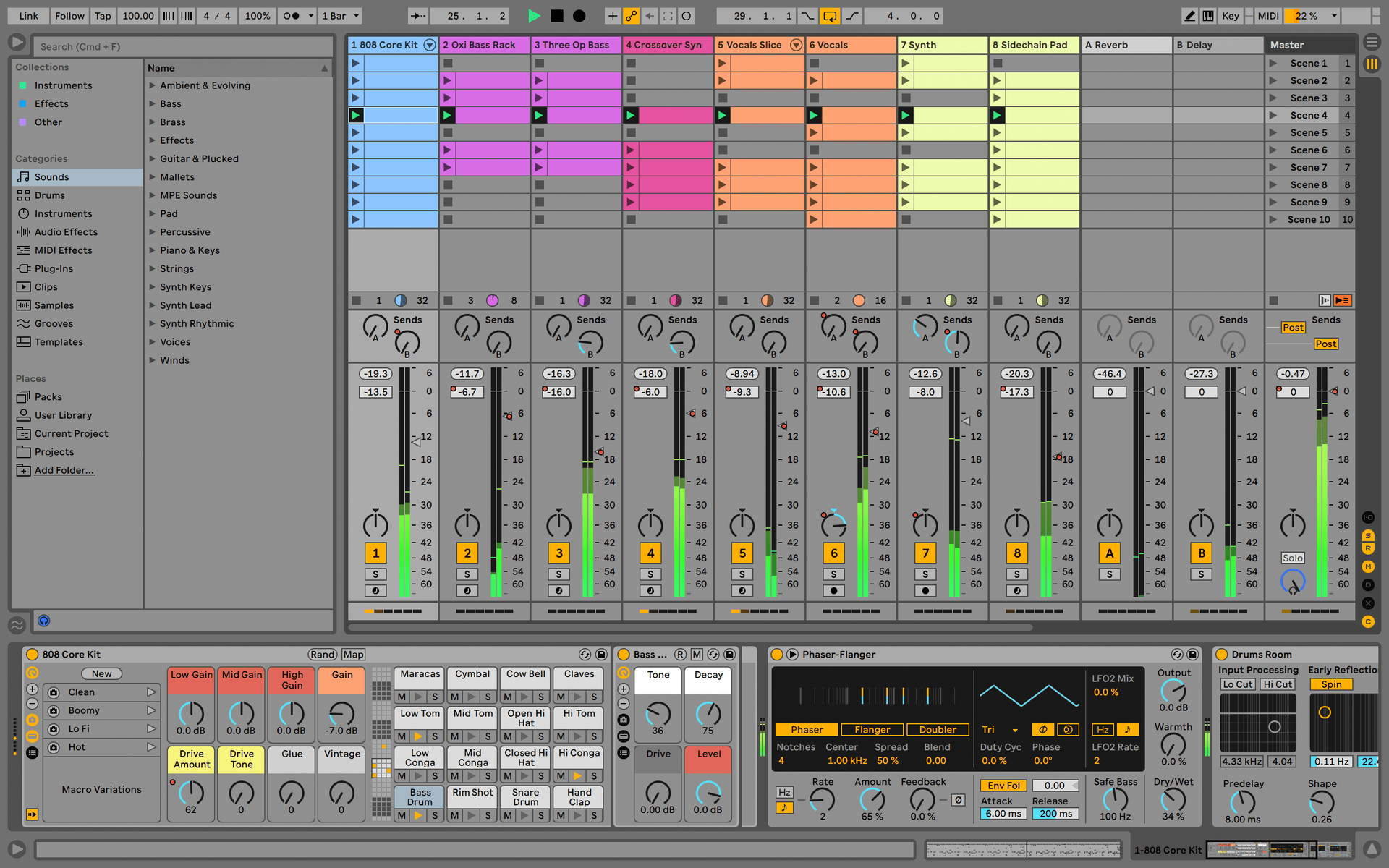
Ableton Live Lite 12
One of the most popular music production, recording and performing platforms in the world, Ableton Live Lite lets you create, mix, and export your tracks.
How to install
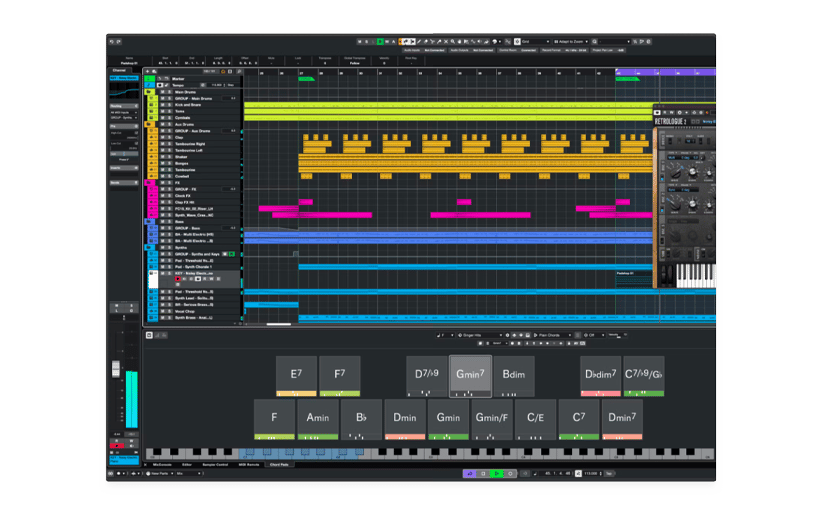
Steinberg Cubase LE
Jumpstart your music creation with a streamlined yet powerful desktop DAW, offering essential tools for recording, editing, and mixing.
How to install
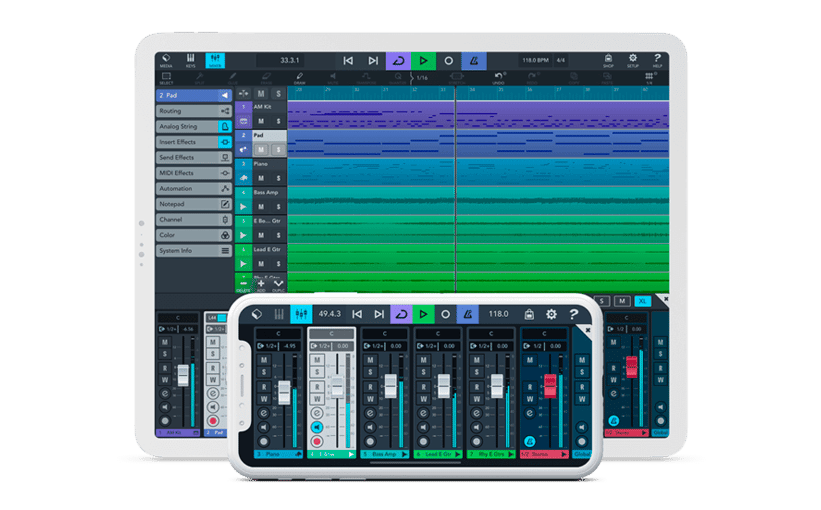
Steinberg Cubasis LE
Cubasis LE makes recording, editing and mixing a breeze - no matter where you are, right there on your iPhone or iPad.
How to install
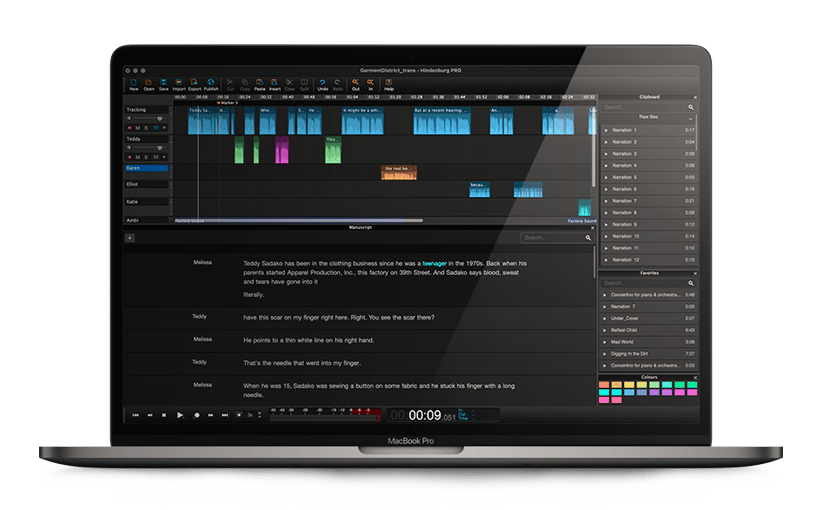
Hindenburg Pro
A one-year subscription plan unleash you craft compelling audio stories with unparalleled precision and professional tools designed for broadcast-quality results, setting your narratives apart.
How to install
Encore plus d'effets virtuels
pour une qualité audio irréprochable
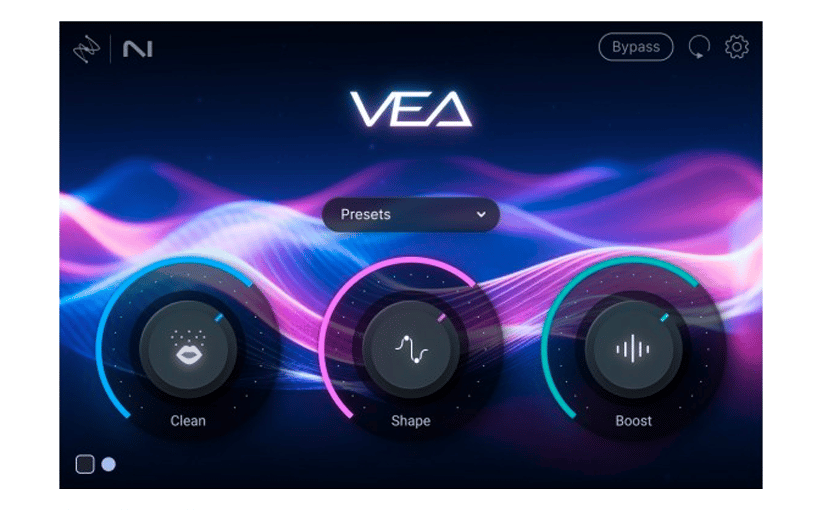
Izotope Voice Enhancement Assistant
Instantly clean and enhance your voice recordings with AI-powered simplicity, delivering clear, professional audio without complex adjustments.
How to install
Encore plus d'inspiration
avec les logiciels de référence utilisés par les professionnels du monde entier.
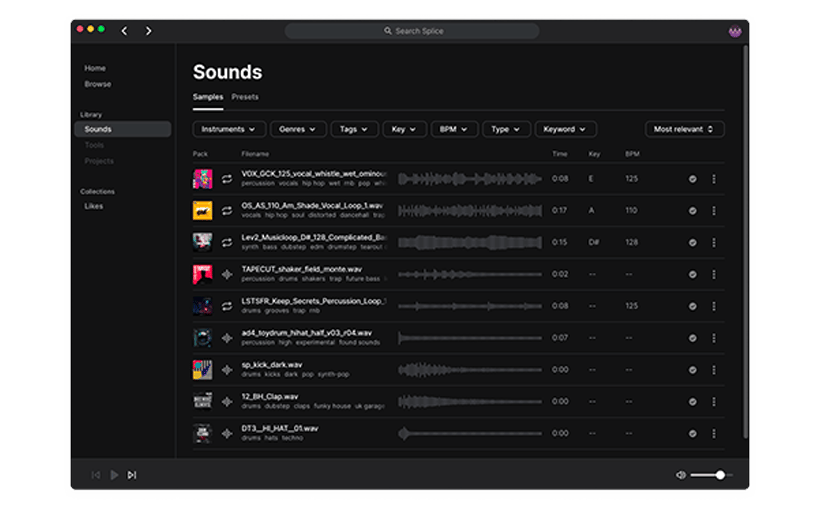
_Splice Creator Plan
A 3-month free subscription let you access millions of hi-def royalty-free samples, from lo-fi drum loops to punchy vocal one-shots, as well as synth sounds, Splice Skills tutorials, and much more. What’s stopping you?
How to install
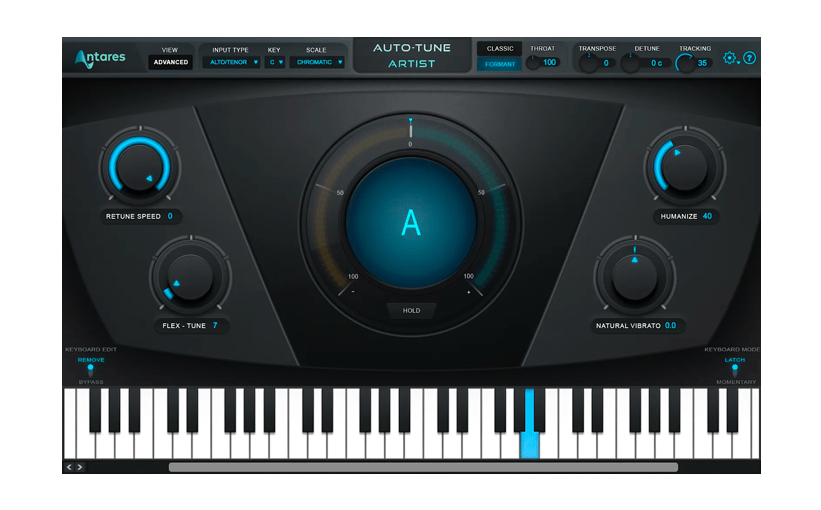
AutoTune® UNLIMITED
A 3-month free subscription to refine your vocal parts for perfect harmony or go full trap-style AutoTune® with a 3-month subscription to the industry’s favorite voice tuning plugin.
