
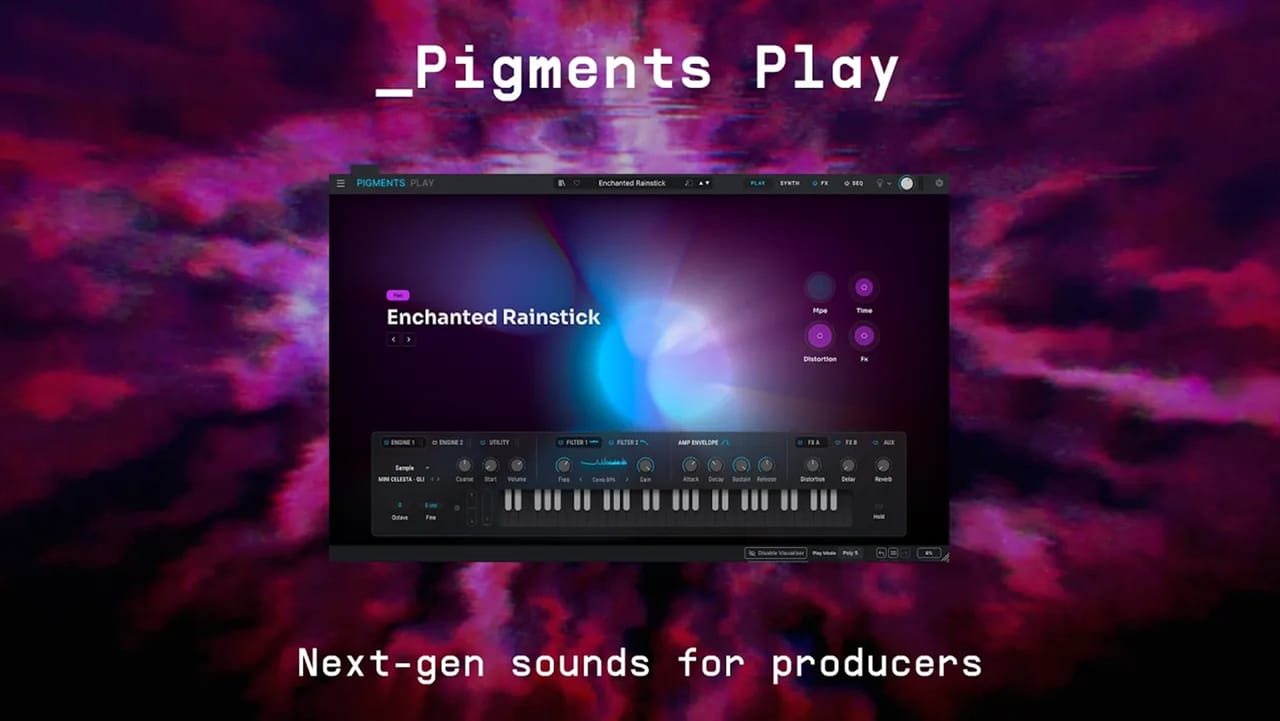
Pigments Play
Next-gen sounds for producers
Create forward
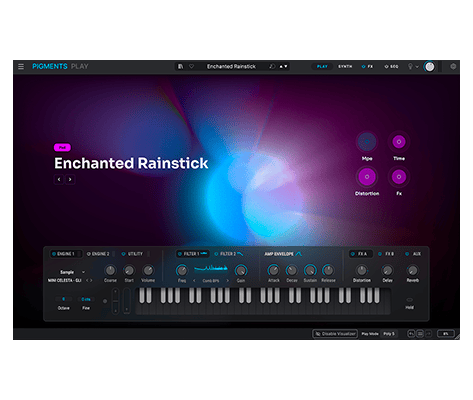
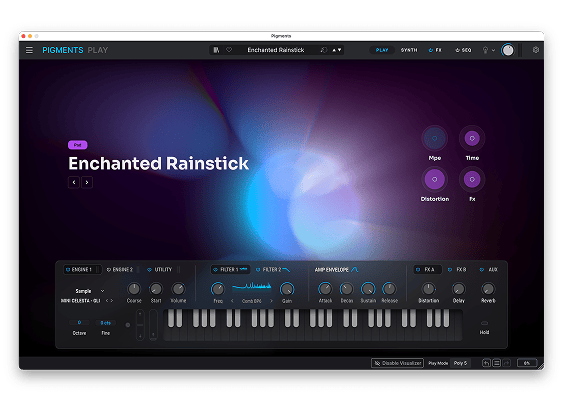
Up the innovativeness and impact of your production with Pigments Play, a free software synthesizer powered by Pigments. Explore 100 expertly curated presets, then reshape them through a focused, audio-reactive interface with six forms of synthesis, 50+ filter modes and 20 effects.
Modern synthesis
made immediate
Experience the power of Pigments in an approachable instrument for first-time sound designers and fast-moving producers. Start from a polished preset, see it respond as you play, and make meaningful changes without losing your flow.
Find your sound
fast
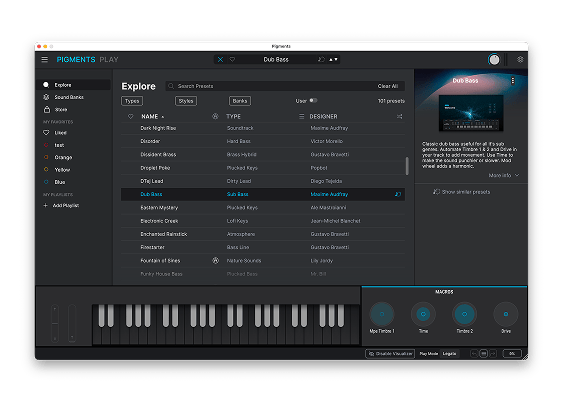
From luminous keys and liquid pads to heavyweight basses, animated sequences and razor-edged leads, discover 100 sounds chosen for modern pop, R&B, garage, house, drum and bass, trap, ambient and beyond.
Pigments power
distilled
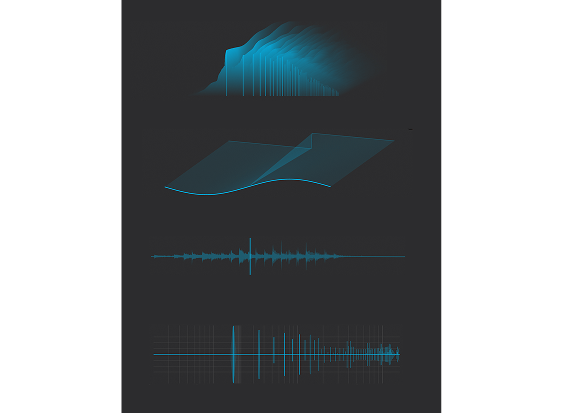
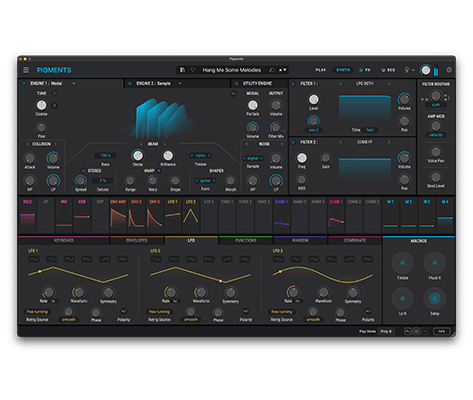
Move through Modal, Granular, Wavetable, Sample, Harmonic and Virtual Analog synthesis, then explore 50+ filter modes and 20 effects. A focused set of controls keeps every change clear, immediate and musical.
Vidéos
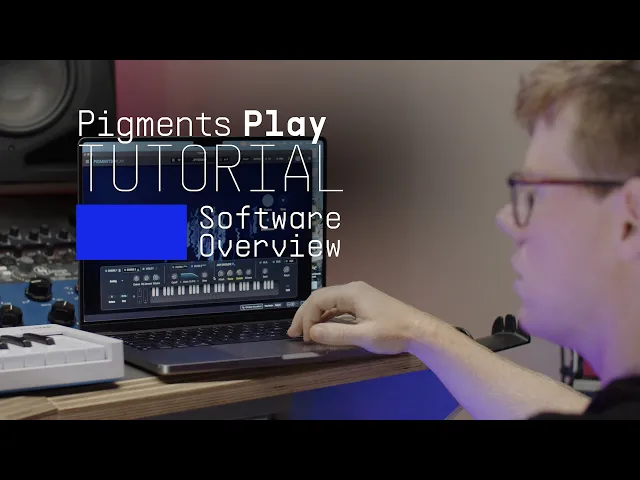
Pigments Play | Overview
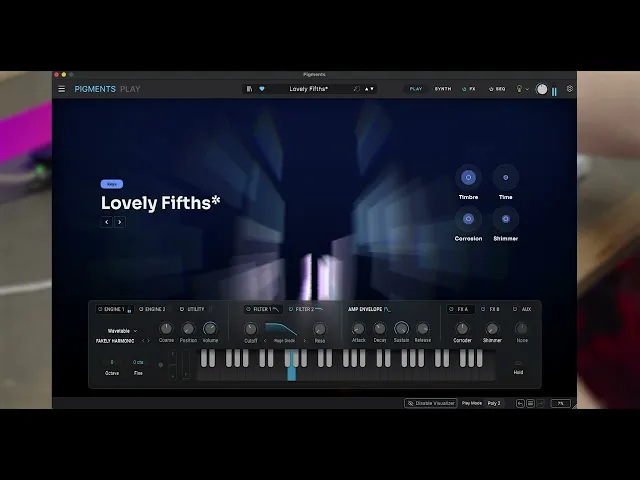
Pigments Play | Onboarding
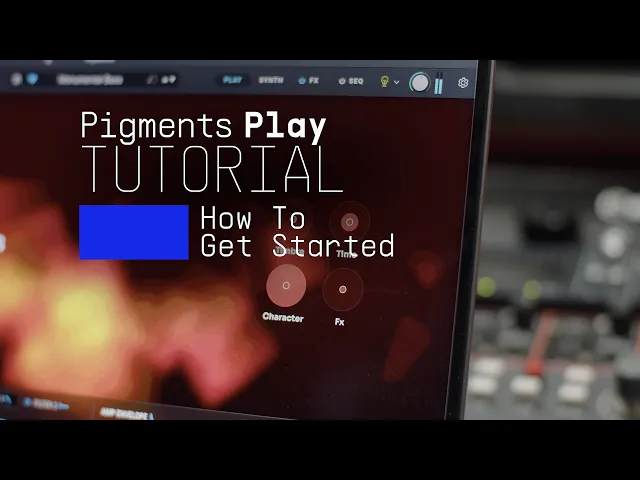
Pigments Play | How To Get Started
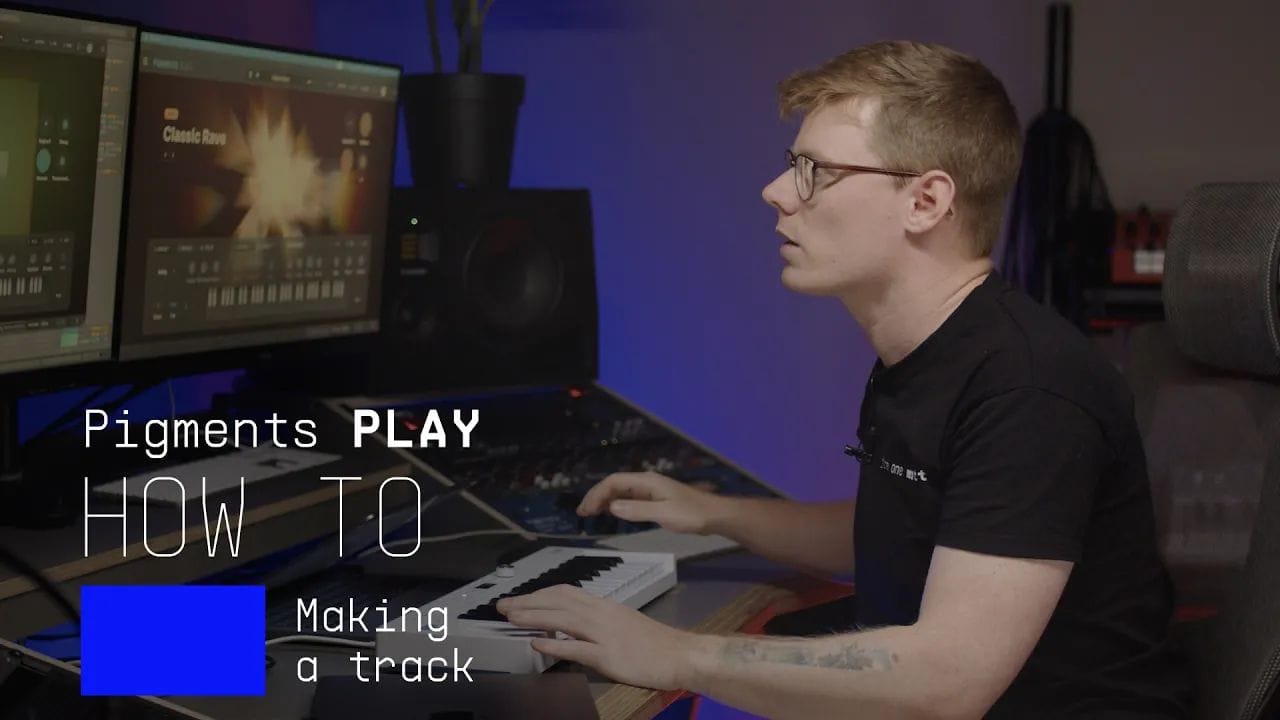
Pigments Play | How To Make a Track
Main Features
100 Presets created by expert sound designers from Pigments
One simple interface with 4 macros: brightness, timbre, time, movement and 4 effects: 2 mod effects, delay, reverb
Updated browser to find sounds quickly: filter by type and instrument
Sound Store: 200+ Artist & Genre based sound banks
New paid and Free content added regularly
Automatic mapping of parameters for Arturia keyboards
Parameters can be mapped easily to other MIDI controllers
Platform Specifications
Windows
- Win 10+ (64bit)
- 4 GB RAM
- 4 cores CPU, 3.4 GHz (4.0 GHz Turbo-boost)
- 4GB free hard disk space
- OpenGL 2.0 compatible GPU
- ARM processors not supported on Windows
Required configuration
- Works in Standalone, VST, AAX, Audio Unit.





Apple
- Mac OS 11+
- 4 GB RAM
- 4 cores CPU, 3.4 GHz (4.0 GHz Turbo-boost) or M1 CPU
- 4GB free hard disk space
- OpenGL 2.0 compatible GPU
Work with ASC
- An elegant and simple solution to help you install, activate, and update your Arturia software instruments.