
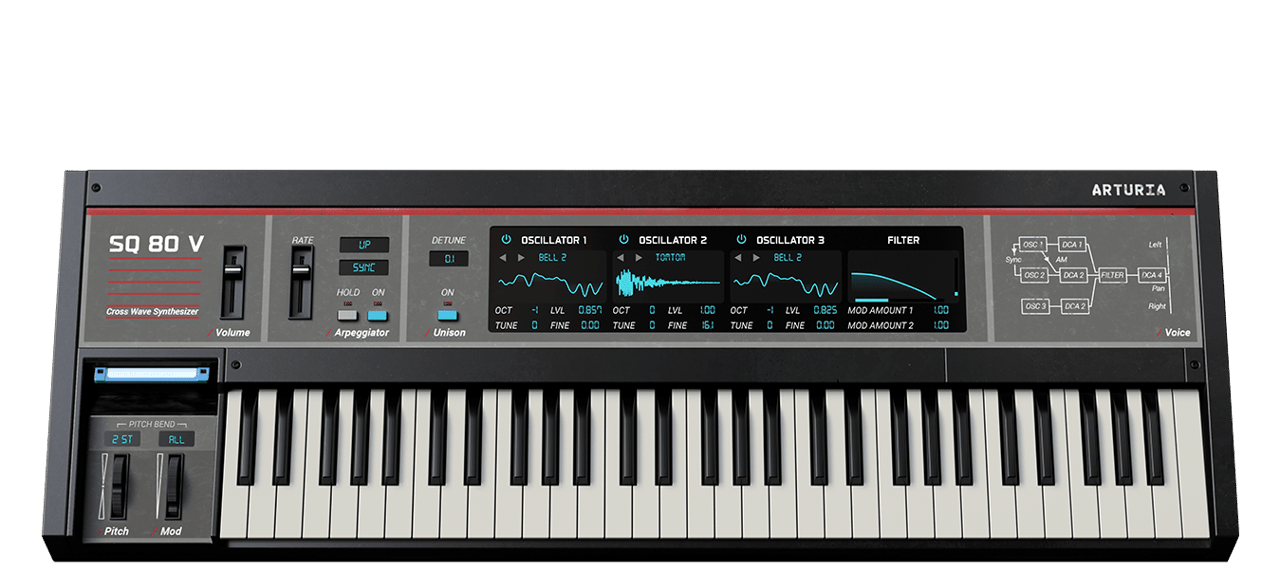
SQ80 V
有机数字波形生成器。
1. Download & install the Arturia Software Center (ASC)
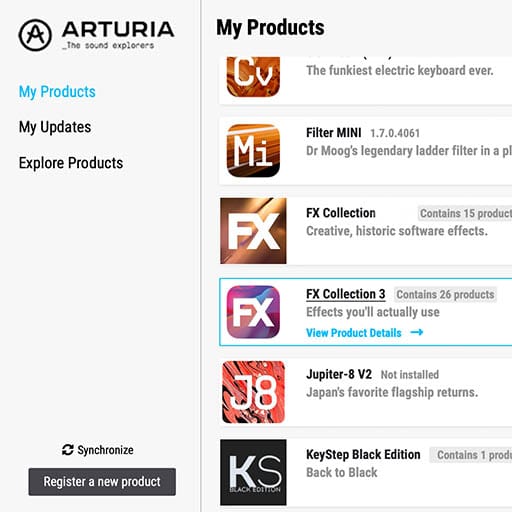
Arturia 软件中心(又名 ASC)可让您在计算机上激活、安装和更新 Arturia 虚拟乐器。
它将让您访问您拥有的软件,以及 Arturia 其他软件的演示版本。
2. 登录 Arturia Software Center (ASC)
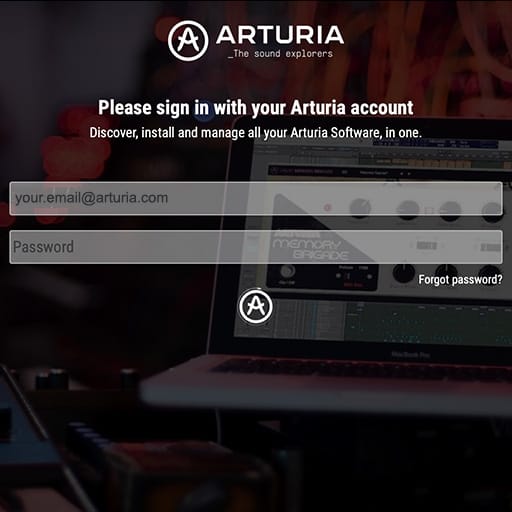
Enter the same email address and password as for your My Arturia account. You will then be able to find your Product License on the main panel.
如果您没有 Arturia 帐户,请单击“创建帐户”并按照流程创建帐户。
If you're using an offline computer, please follow the process described in this 这篇文章
如果您在 Arturia 网站上购买了软件许可证,它已自动注册到您的账户中。否则,请点击主窗口顶部的“注册新产品”按钮。
3. 通过 ASC 安装并激活您的产品
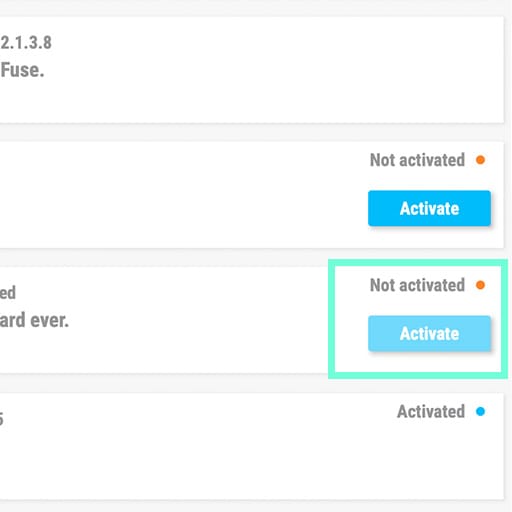
在列表中查找您的产品并点击“安装”按钮,启动静默安装过程。
You will be asked to define the destination folders on the first time.
Your product will remain in demo mode until it is activated. To do so click on the “Activate” button. Your brand new effect will now be activated.
您现在可以在最多 5 台不同的电脑上无限制地使用它。要做到这一点,请在您的其他电脑上重复此操作。
4. Launch Your Product
Your product is not available as a standalone software.
It must be used in a DAW (Digital Audio Workstation).
Click on the icons to see how to select and use your new effect in the most popular DAWs:
Discover, experiment, enjoy!

Ableton Live

Bitwig

Cubase

FL Studio
Logic Pro X
Pro Tools

Studio One
Digital Performer
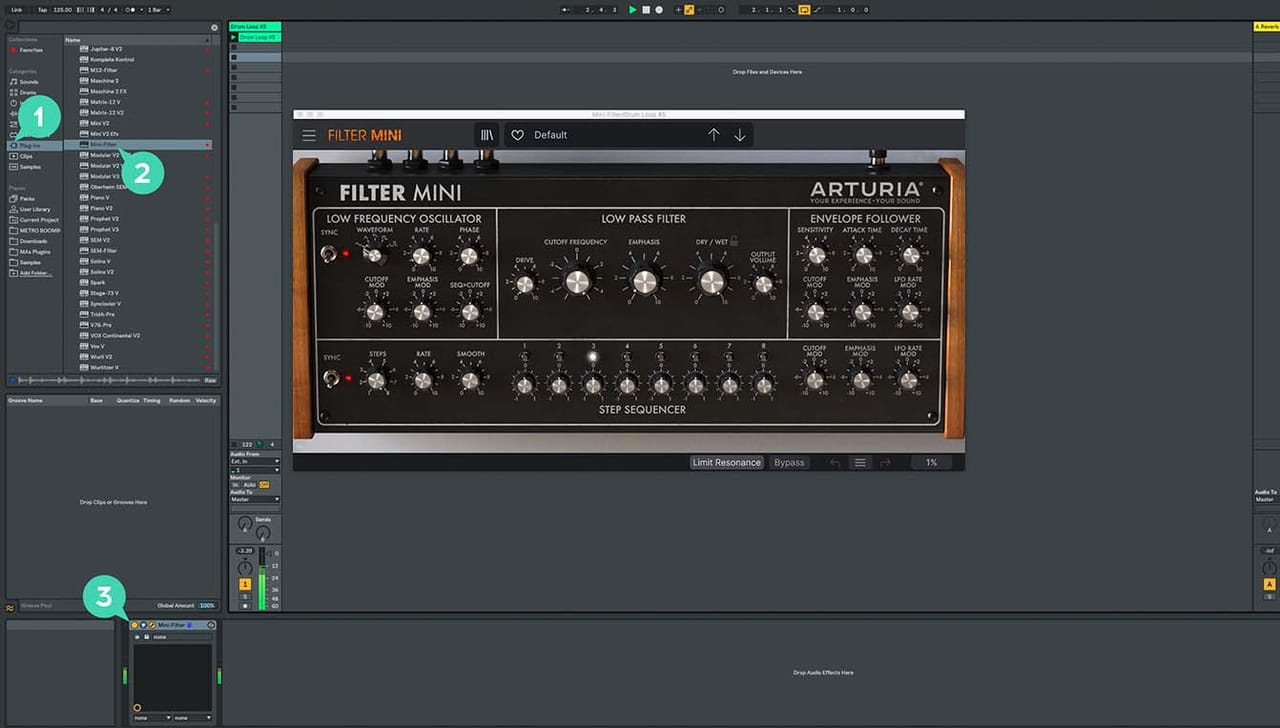
For Ableton Live
1/ Open the Live browser, and click on the 'Plug-ins' section.
2/ In the VST or Audio Unit* folder, browse the virtual effect of your choice.
3/ Drag & drop it in your track or FX return.
SQ80 V
Tutorials
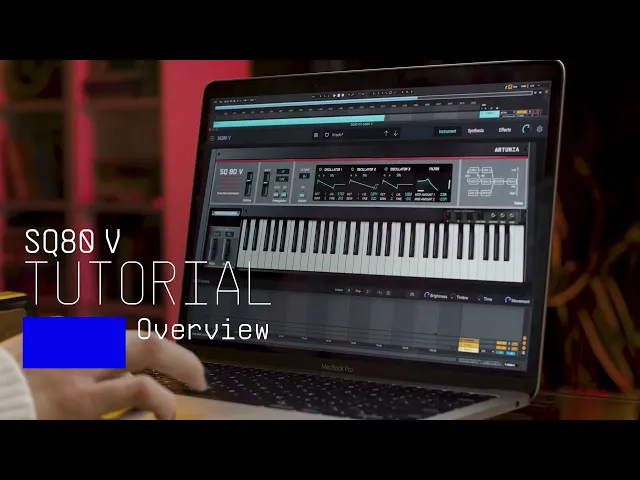
Tutorials | Tutorial | SQ80 V
In this video, product specialist Charlie talks you through the history of the iconic synth, its main features, Arturia original enhancements, and takes you on a ride of the SQ80 V waves with sound demonstrations.
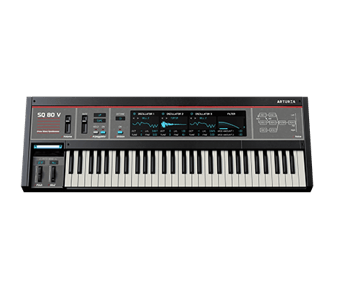
SQ80 V
Software
Manuals
SQ80 V EN Manual
版本en - 1.0.1|13.21 MB|9/30/2021