
FX Collection 6
Referenz-Effekte für Musikschaffende
1. Lade und installiere das Arturia Software Center (ASC)
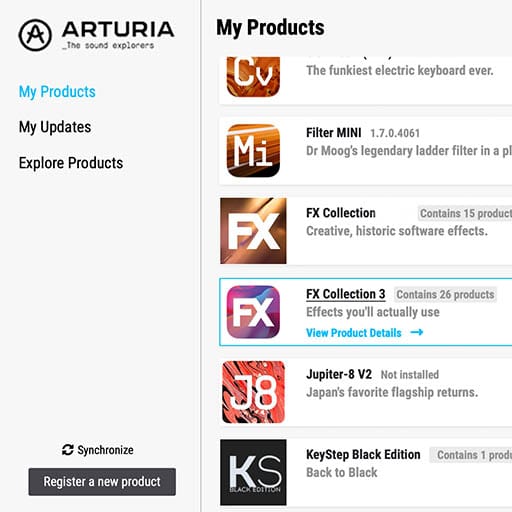
Mit dem Arturia Software Center (ASC) kannst du deine virtuellen Arturia-Instrumente auf deinen Computern installieren, aktivieren und auch aktualisieren.
Hier kannst du auf deine Arturia-Software zugreifen, sowie Demo-Versionen für andere Software-Produkte aus unserem Arturia-Katalog laden.
2. Log dich in das Arturia Software Center ein
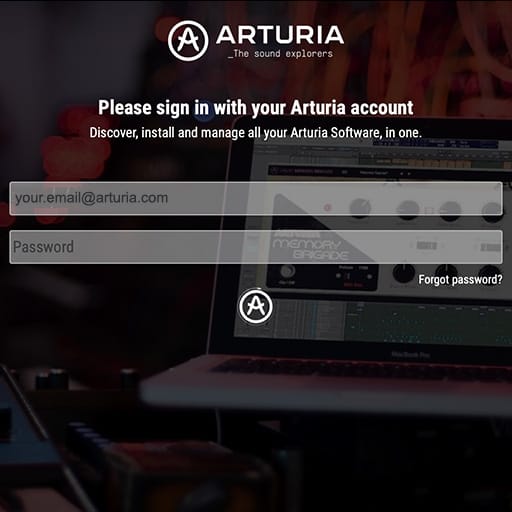
Gib die gleiche E-Mail-Adresse und das gleiche Passwort wie für dein Mein Arturia-Konto ein. Du findest dann deine Produktlizenz im Hauptfenster.
Wenn du noch kein Arturia-Konto hast, klick auf "Create Account" und folge den Anweisungen, um ein neues Konto anzulegen.
Wenn du einen Computer ohne Internetverbindung verwendest, befolge bitte das in diesem dieser Artikel beschriebene Verfahren.
Wenn du deine Software-Lizenz auf der Arturia-Website erworben hast, wurde diese automatisch in deinem Konto registriert. Klick ansonsten oben im Hauptfenster auf die Schaltfläche “Register a new product”.
3. Installiere und aktiviere dein Produkt im ASC
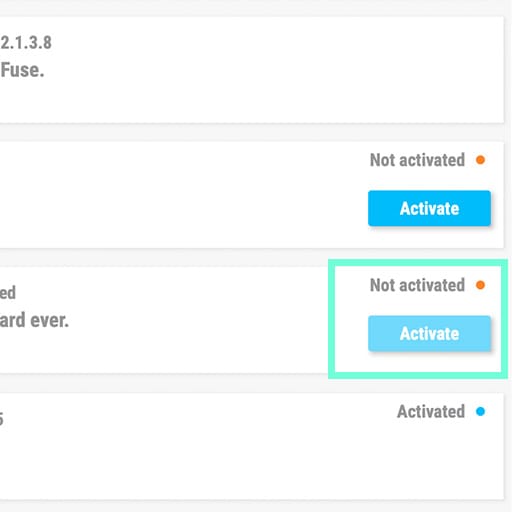
Such in der Liste nach deinem Produkt und klick auf die Schaltfläche „Install“, um den Installationsprozess zu starten.
Beim ersten Mal wirst du aufgefordert, die Zielordner zu definieren.
Dein Produkt bleibt im Demo-Modus, bis es aktiviert wird. Klick dazu auf die Schaltfläche "Aktivieren". Dein brandneuer Effekt wird dann aktiviert.
Du kannst die Software jetzt ohne Einschränkung auf bis zu fünf verschiedenen Computern gleichzeitig verwenden. Wiederhole dazu diesen Vorgang auf deinen anderen Computern.
4. Starte dein Produkt
Dein Produkt ist nicht als Standalone-Software verfügbar.
Die Verwendung setzt eine DAW (Digital Audio Workstation) voraus.
Klicke auf die schaltflächen, um zu erfahren, wie du deinen neuen Effekt in den gängigsten DAWs auswählst und einsetzt:
Entdecken. Experimentieren. Genießen.

Ableton Live

Bitwig

Cubase

FL Studio

Logic Pro X

Pro Tools

Studio One

Digital Performer
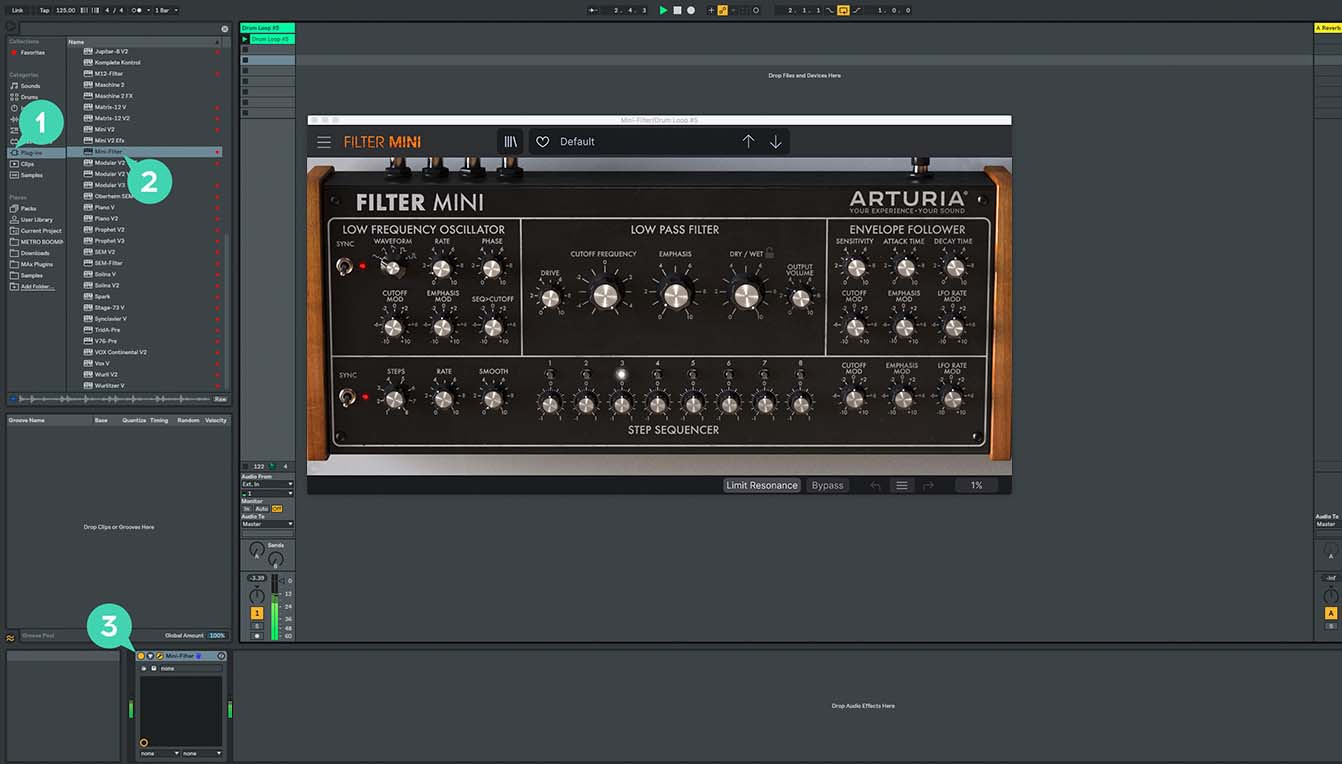
Für Ableton Live
1/ Öffne den Live-Browser und klicke auf den „Plug-Ins“-Bereich.
2/ Such im VST- oder Audio Unit*-Ordner nach dem virtuellen Effekt deiner Wahl.
3/ Ziehe diesen per Drag & Drop in deinen Track oder Effekt-Returnkanal.
FX Collection 6
Tutorials
Tutorials | What is FX Collection 6 Intro
Join Rose for a quick introduction to FX Collection 6 Intro, a streamlined bundle of 6 essential effects for modern production. From subtle analog colour to bold creative transformation, this compact toolkit covers space, movement, texture, and punch across your whole mix.
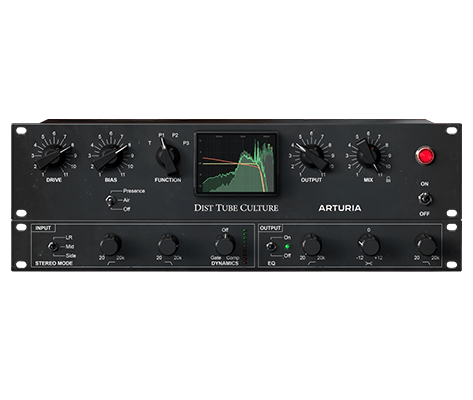
Dist TUBE-CULTURE
Software
Handbücher
Dist TUBE-CULTURE DE Manual
Versionde - 1.0.0|24.32 MB|6/16/2022
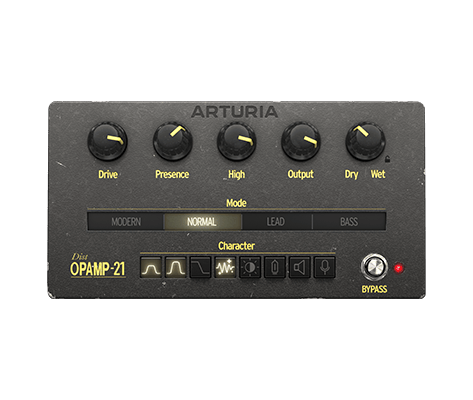
Dist OPAMP-21
Software
Handbücher
Dist OPAMP-21 DE Manual
Versionde - 1.0.0|23.25 MB|6/14/2022
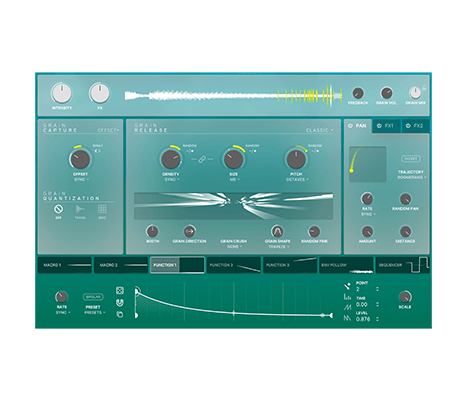
Efx FRAGMENTS
Software
Handbücher
Efx FRAGMENTS DE Manual
Versionde - 1.0.0|20.48 MB|3/23/2022
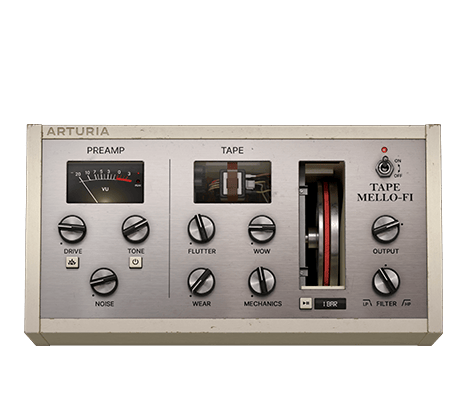
Tape MELLO-FI
Software
Handbücher
Tape MELLO-FI DE Manual
Versionde - 1.0.1|31.46 MB|1/21/2022
Filter MINI
Software
Handbücher
Filter MINI DE Manual
Versionde - 1.3.0|4.97 MB|7/19/2021
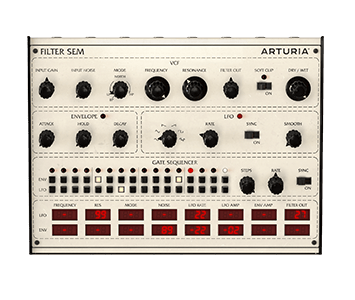
Filter SEM
Software
Handbücher
Filter SEM DE Manual
Versionde - 1.2.1|4.2 MB|7/22/2021
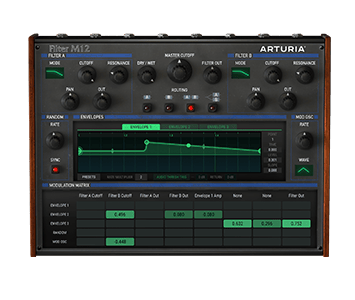
Filter M12
Software
Handbücher
Filter M12 DE Manual
Versionde - 1.2.0|3.74 MB|2/11/2020
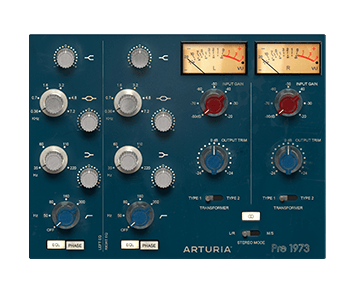
Pre 1973
Software
Handbücher
Pre 1973 DE Manual
Versionde - 1.2|14.59 MB|2/11/2020
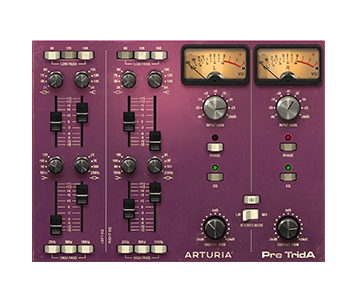
Pre TridA
Software
Handbücher
Pre TridA DE Manual
Versionde - 1.2|16.03 MB|2/11/2020
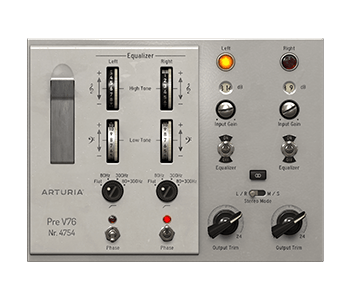
Pre V76
Software
Handbücher
Pre V76 DE Manual
Versionde - 1.2|9.95 MB|2/11/2020
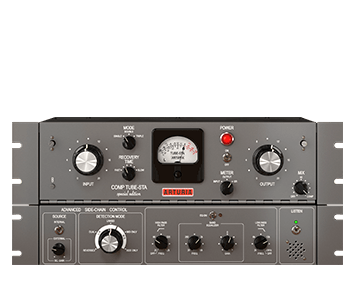
Comp TUBE-STA
Software
Handbücher
Comp TUBE-STA DE Manual
Versionde - 1.0.1|16.36 MB|5/17/2019
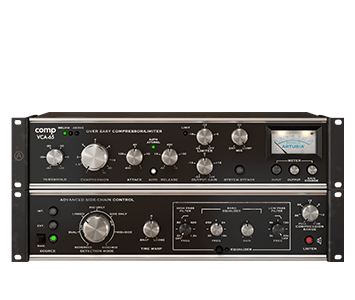
Comp VCA-65
Software
Handbücher
Comp VCA-65 DE Manual
Versionde - 1.0.1|15.6 MB|5/17/2019
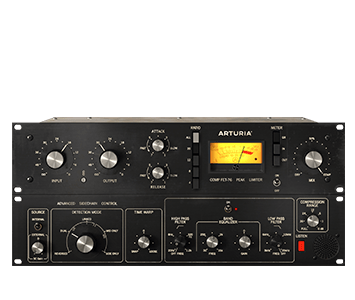
Comp FET-76
Software
Handbücher
Comp FET-76 DE Manual
Versionde - 1.0.1|16.01 MB|5/17/2019
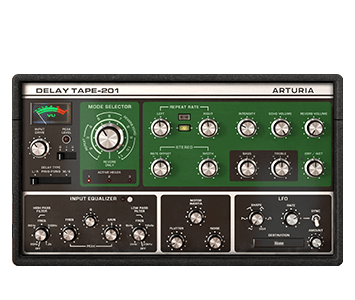
Delay TAPE-201
Software
Handbücher
Delay TAPE-201 DE Manual
Versionde - 1.3.0|15.72 MB|6/30/2021
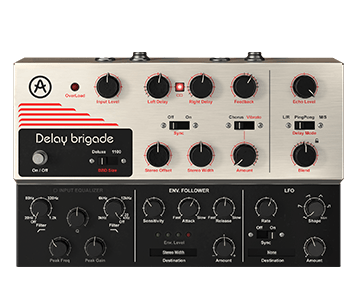
Delay BRIGADE
Software
Handbücher
Delay BRIGADE DE Manual
Versionde - 1.5.0|5.3 MB|6/16/2022
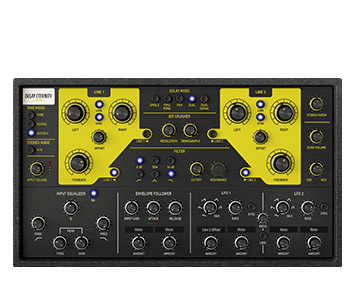
Delay ETERNITY
Software
Handbücher
Delay ETERNITY DE Manual
Versionde - 1.0.0|7 MB|8/22/2019
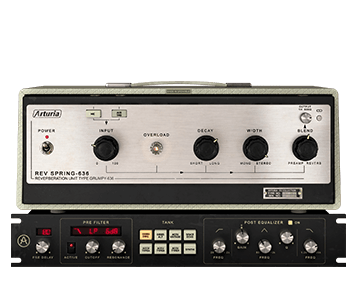
Rev SPRING-636
Software
Handbücher
Rev SPRING-636 DE Manual
Versionde - 1.0.1|10.19 MB|11/14/2022
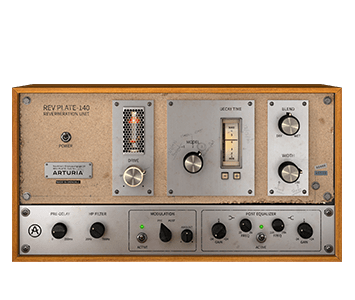
Rev PLATE-140
Software
Handbücher
Rev PLATE-140 DE Manual
Versionde - 1.0.0|16.29 MB|1/7/2020
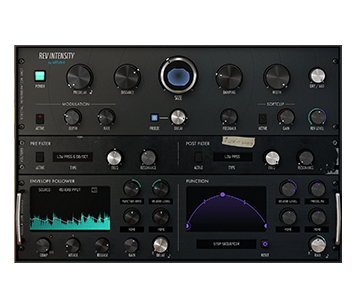
Rev INTENSITY
Software
Handbücher
Rev INTENSITY DE Manual
Versionde - 1.0|14.42 MB|3/4/2020
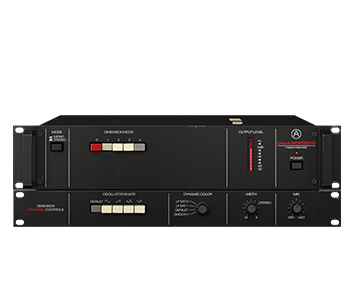
Chorus DIMENSION-D
Software
Handbücher
Chorus DIMENSION-D DE Manual
Versionde - 1.0|9.53 MB|10/9/2020
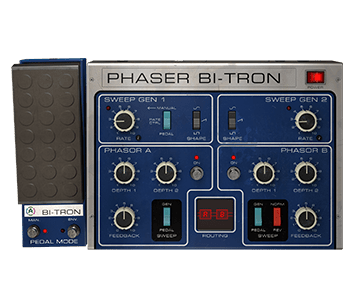
Phaser BI-TRON
Software
Handbücher
Phaser BI-TRON DE Manual
Versionde - 1.0|30.99 MB|11/5/2020
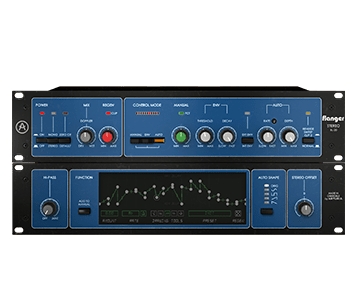
Flanger BL-20
Software
Handbücher
Flanger BL-20 DE Manual
Versionde - 1.0|16.94 MB|10/23/2020
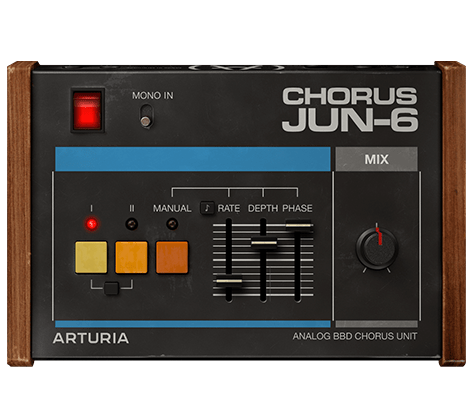
Chorus JUN-6
Software
Handbücher
Chorus JUN-6 DE Manual
Versionde - 1.0|16.47 MB|1/4/2021
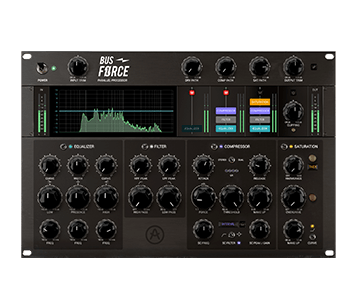
Bus FORCE
Software
Handbücher
Bus FORCE DE Manual
Versionde - 1.0|50.16 MB|6/21/2021
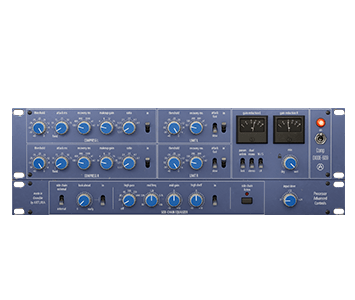
Comp DIODE-609
Software
Handbücher
Comp DIODE-609 DE Manual
Versionde - 1.0|25.62 MB|6/30/2021
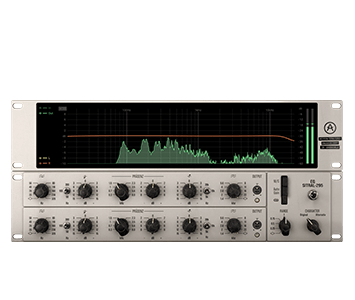
EQ SITRAL-295
Software
Handbücher
EQ SITRAL-295 DE Manual
Versionde - 1.0|24.58 MB|6/29/2021
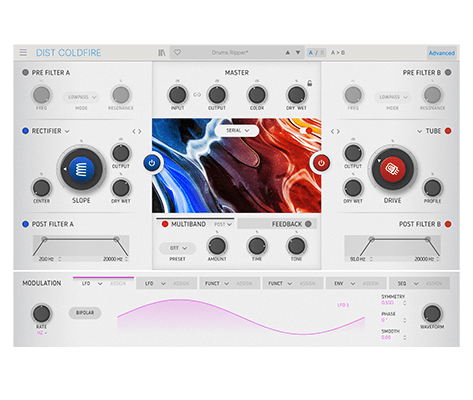
Dist COLDFIRE
Software
Handbücher
Dist COLDFIRE DE Manual
Versionde - 1.0.0|36.07 MB|9/20/2022
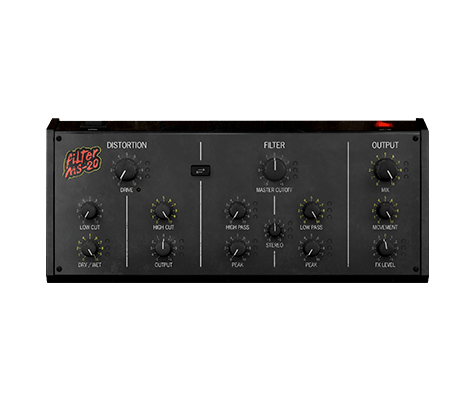
Filter MS-20
Software
Handbücher
Filter MS-20 DE Manual
Versionde - 1.0.0|16.25 MB|12/29/2022
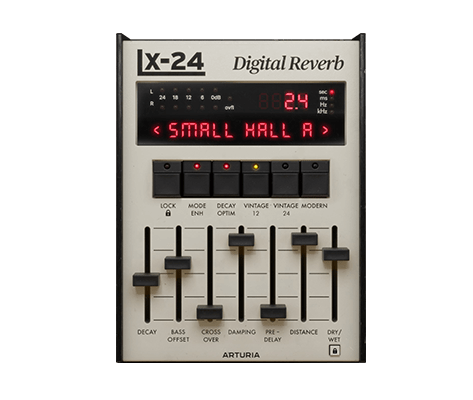
Rev LX-24
Software
Handbücher
Rev LX-24 DE Manual
Versionde - 1.0.0|6.26 MB|5/5/2023
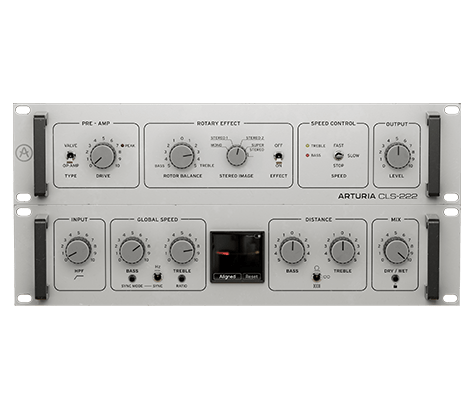
Rotary CLS-222
Software
Handbücher
Rotary CLS-222 DE Manual
Versionde - 1.0.0|36.27 MB|6/22/2023
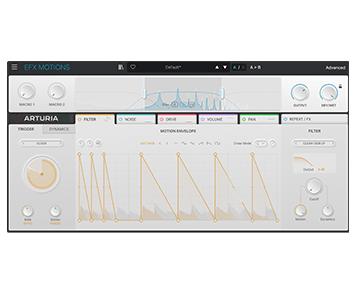
Efx MOTIONS
Software
Handbücher
Efx MOTIONS DE Manual
Versionde - 1.0.0|18.16 MB|12/29/2023
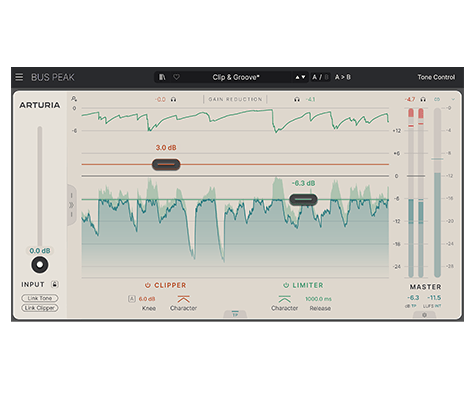
Bus PEAK
Software
Handbücher
Bus PEAK DE Manual
Versionde - 1.0.0|21.49 MB|10/13/2025
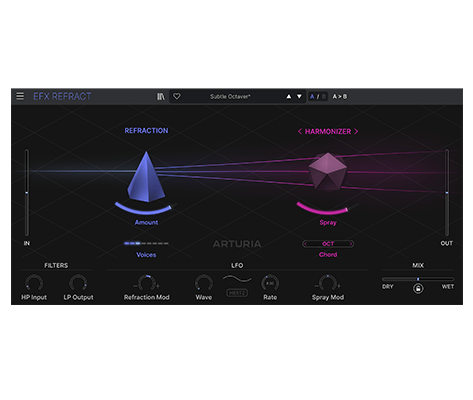
Efx REFRACT
Software
Handbücher
Efx REFRACT DE Manual
Versionde - 1.0.0|6.44 MB|5/26/2025
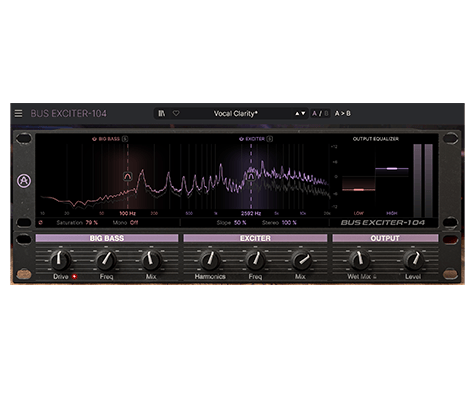
Bus EXCITER-104
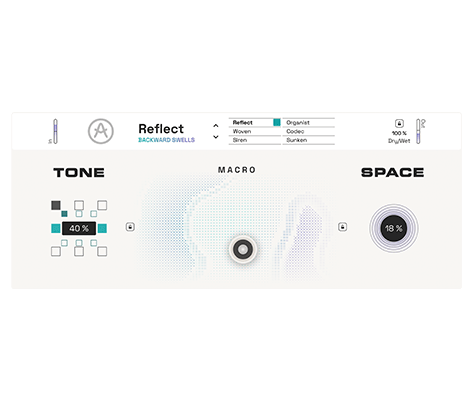
Efx AMBIENT
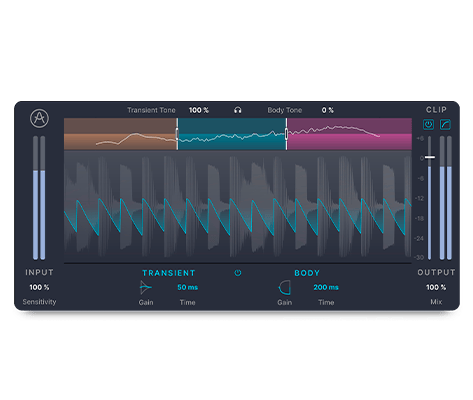
Bus TRANSIENT
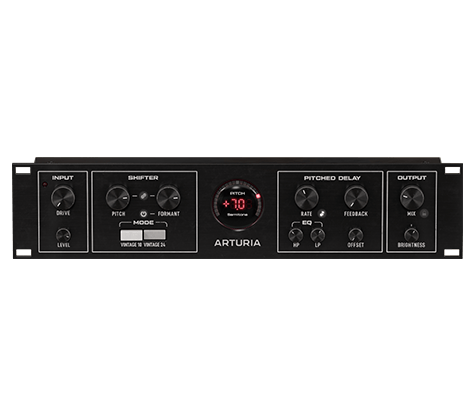
Pitch SHIFTER-910
Software
Handbücher
Pitch SHIFTER-910 DE Manual
Versionde - 1.0.0|9.94 MB|6/17/2025
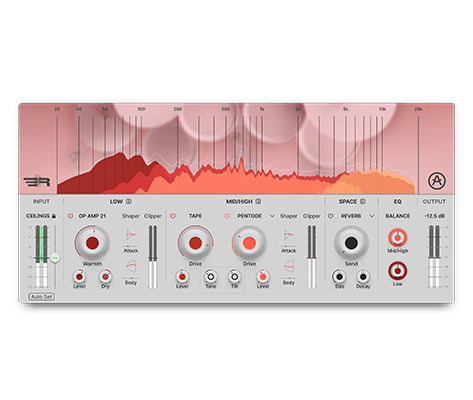
Mix DRUMS
Software
Handbücher
Mix DRUMS DE Manual
Versionde - 1.0.0|8.56 MB|7/3/2025
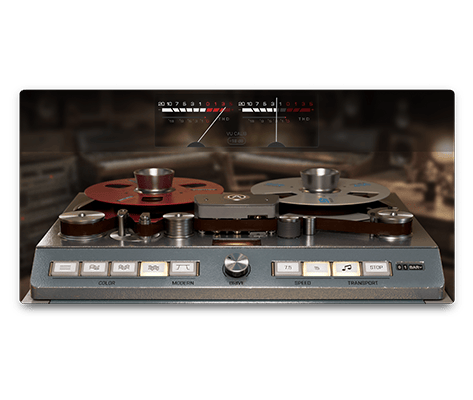
Tape J-37
Software
Handbücher
Tape J-37 DE Manual
Versionde - 1.0.0|73.78 MB|1/7/2025
Du benötigst weitere Hilfe?
Unser Support-Team hilft dir gerne weiter bei Fragen zum Einsatz von Arturia-Instrumenten. Du kannst uns über diese Seite kontaktieren:
Nach Hilfe fragen