
Drumbrute Impact 1984
Defiant analog sound
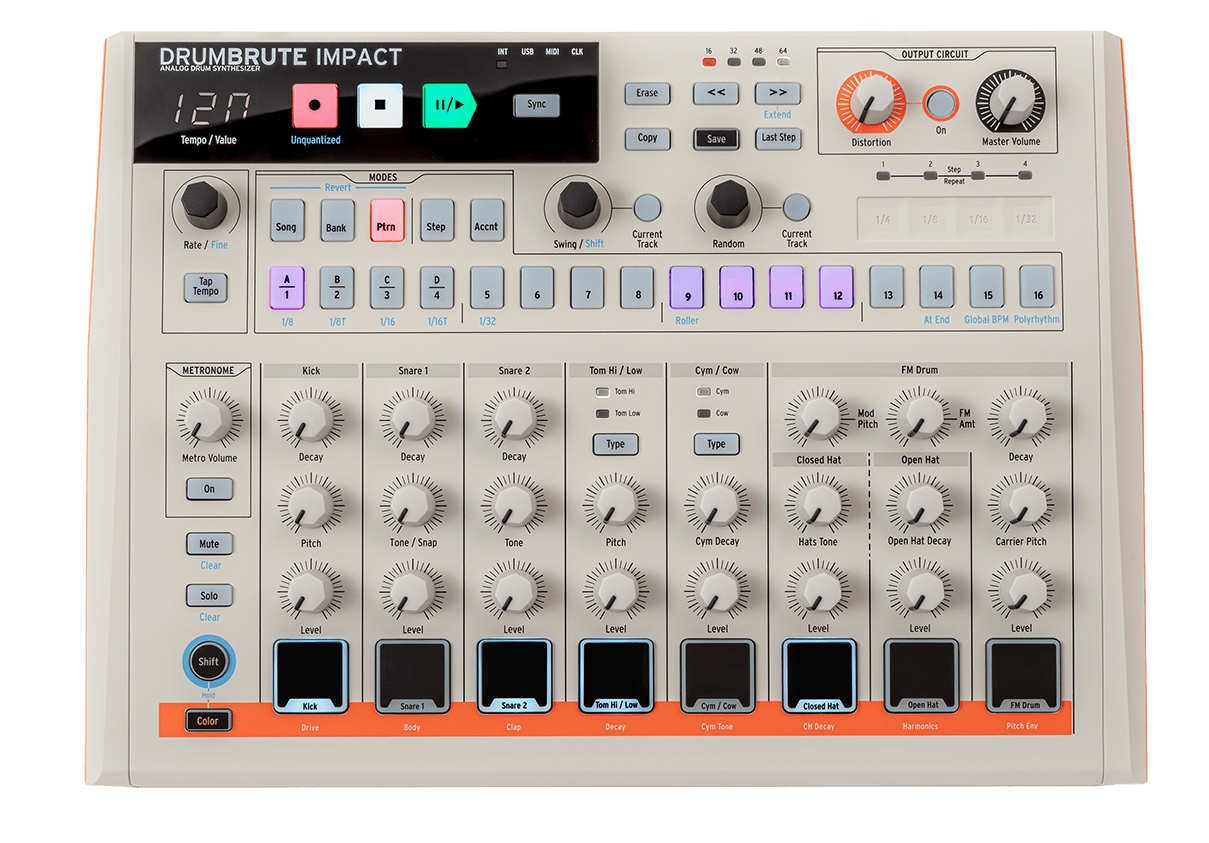
Drumbrute Impact 1984
Tutoriales
Tutoriales | Ep. 1: Sounds and Steps
Make a pattern straight away.
In the first tutorial, Bryan demonstrates the huge sound flexibility on offer with DrumBrute Impact, cycling through each sound and their parameters. He also demonstrates how easy it is to get started by entering steps in various ways using the performance pads and workflow-enhanced sequencer.
Tutoriales | Ep. 2: Color and Distortion
Master DrumBrute Impact’s sonic secrets.
Learn how to enable and sequence DrumBrute Impact’s Color function, and how the in-built distortion can be used on the master mix to give your sound extra bite, or to glue everything together. DrumBrute Impact is a tone-master, and Bryan is here to show you how to make full use of its abilities in this easy to follow guide.
Tutoriales | Ep. 3: Adding Feeling
Bring your patterns to life!
Learn how to use the Roller and Looper to play around with time divisions, add polyrhythm, swing, and randomness to your sequences. Bryan also covers how simple it is to engage unquantized recording to capture that human feel in your beats. Watch this quick tutorial, and learn how DrumBrute Impact can enhance your patterns, performances, and tracks.
Tutoriales | Ep. 4: Exploring Connectivity
The beating heart of your setup.
DrumBrute Impact can connect to other music-making devices. In this video, Bryan shows how to process DrumBrute Impact’s sound with external effects, and sync to other music gear using MIDI and Clock. It’s more than an analog drum machine – it’s the perfect companion in the studio or live.
¿Necesitas más ayuda?
Nuestro equipo de asistencia estará encantado de ayudarte con tus preguntas sobre el uso de instrumentos Arturia. Puedes contactar con ellos en esta página:
¿Necesitas ayuda?