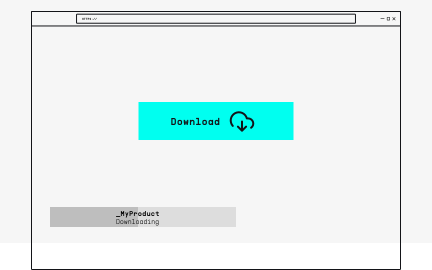
Merci d'avoir choisi PolyBrute !
Vous trouverez sur cette page de quoi faire vos premiers pas avec votre produit.
Vous trouverez sur cette page de quoi faire vos premiers pas avec votre produit.
Créez un compte
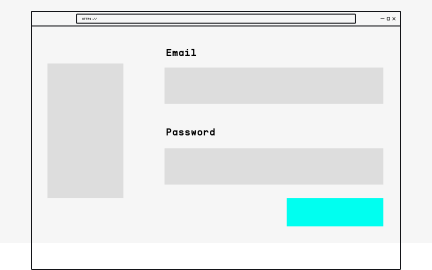
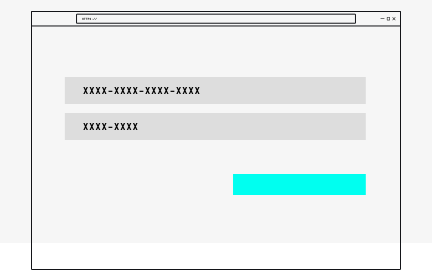
Enregistrez votre produit
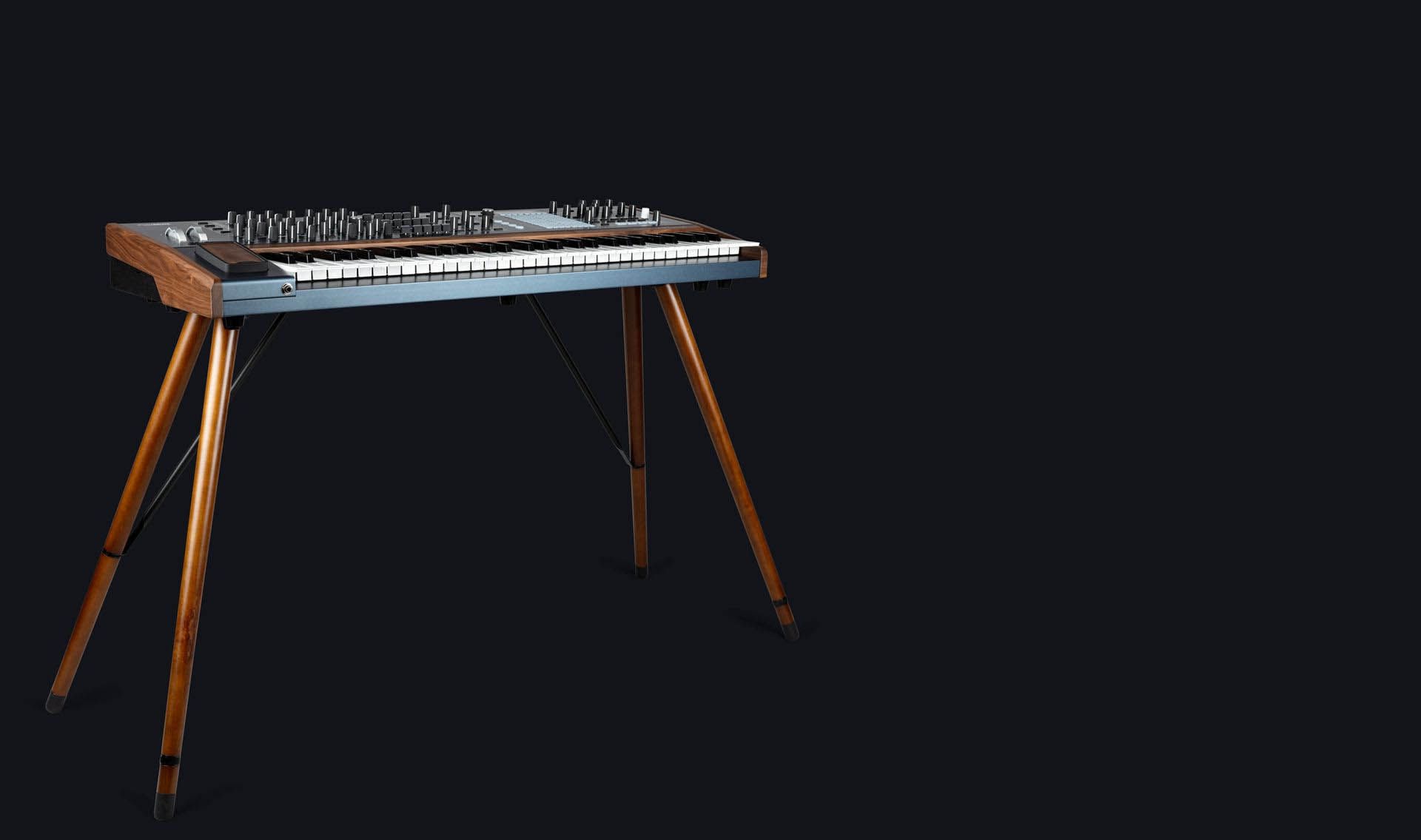
A firmware update may already be available for your PolyBrute.
Please make sure to follow the next steps to get this one applied.
Connect your PolyBrute to your computer via the USB connection. Make sure not to use a USB hub.
Launch the PolyBrute Connect.
If it is not immediately displayed, try powering OFF and ON your instrument.
If a new firmware is available, a pop-up will show up to update to the latest firmware. Otherwise, click on the Update FW button in the bottom toolbar.
1. Click on the "Update to Latest" button.
2. L’installation du firmware débutera après votre validation.
1. Commencez par télécharger le micrologiciel de votre choix juste ici
2. In the PolyBrute Connect software, Click on the "Upgrade From File" button
3. Sélectionnez le fichier du firmware sur votre ordinateur
4. L’installation du firmware débutera après votre validation
After few seconds, your PolyBrute will automatically reboot to finalize the process.

PolyBrute
PolyBrute FR Manual
Versionfr - 3.0.0|3.19 Mo|10/19/2023
Notre équipe d’assistance sera ravie de vous aider si vous avez des questions concernant l’utilisation des instruments d’Arturia. Vous pouvez la contacter à partir de cette page :
Demandez de l’aide0:00 / 0:00