Thank you for purchasing PolyBrute!
This page will guide you through the quick steps to get your synth and associated software up and running.
This page will guide you through the quick steps to get your synth and associated software up and running.
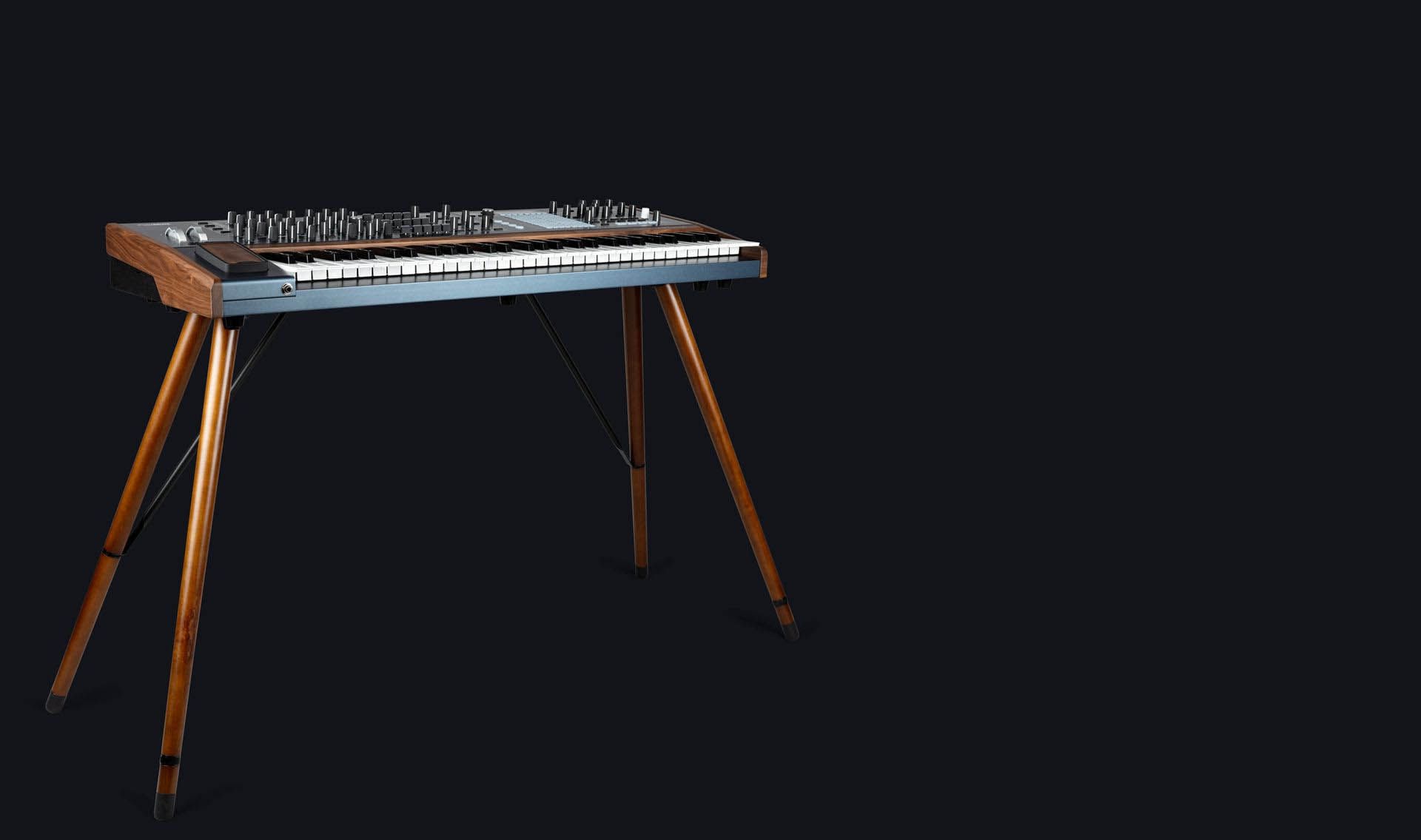
A firmware update may already be available for your PolyBrute.
Please make sure to follow the next steps to get this one applied.
Connect your PolyBrute to your computer via the USB connection. Make sure not to use a USB hub.
Launch the PolyBrute Connect.
If it is not immediately displayed, try powering OFF and ON your instrument.
If a new firmware is available, a pop-up will show up to update to the latest firmware. Otherwise, click on the Update FW button in the bottom toolbar.
1. Click on the "Update to Latest" button.
2. 您进行验证后,固件安装将首次启动。
1. 首先下载固件 就在这儿
2. In the PolyBrute Connect software, Click on the "Upgrade From File" button
3. 选择计算机上的固件文件
4. 您进行验证后,固件安装将首次启动
After few seconds, your PolyBrute will automatically reboot to finalize the process.

PolyBrute
PolyBrute EN Manual
版本en - 3.0.1|3.14 MB|10/19/2023
0:00 / 0:00