
PolyBrute
变形模拟复音合成器
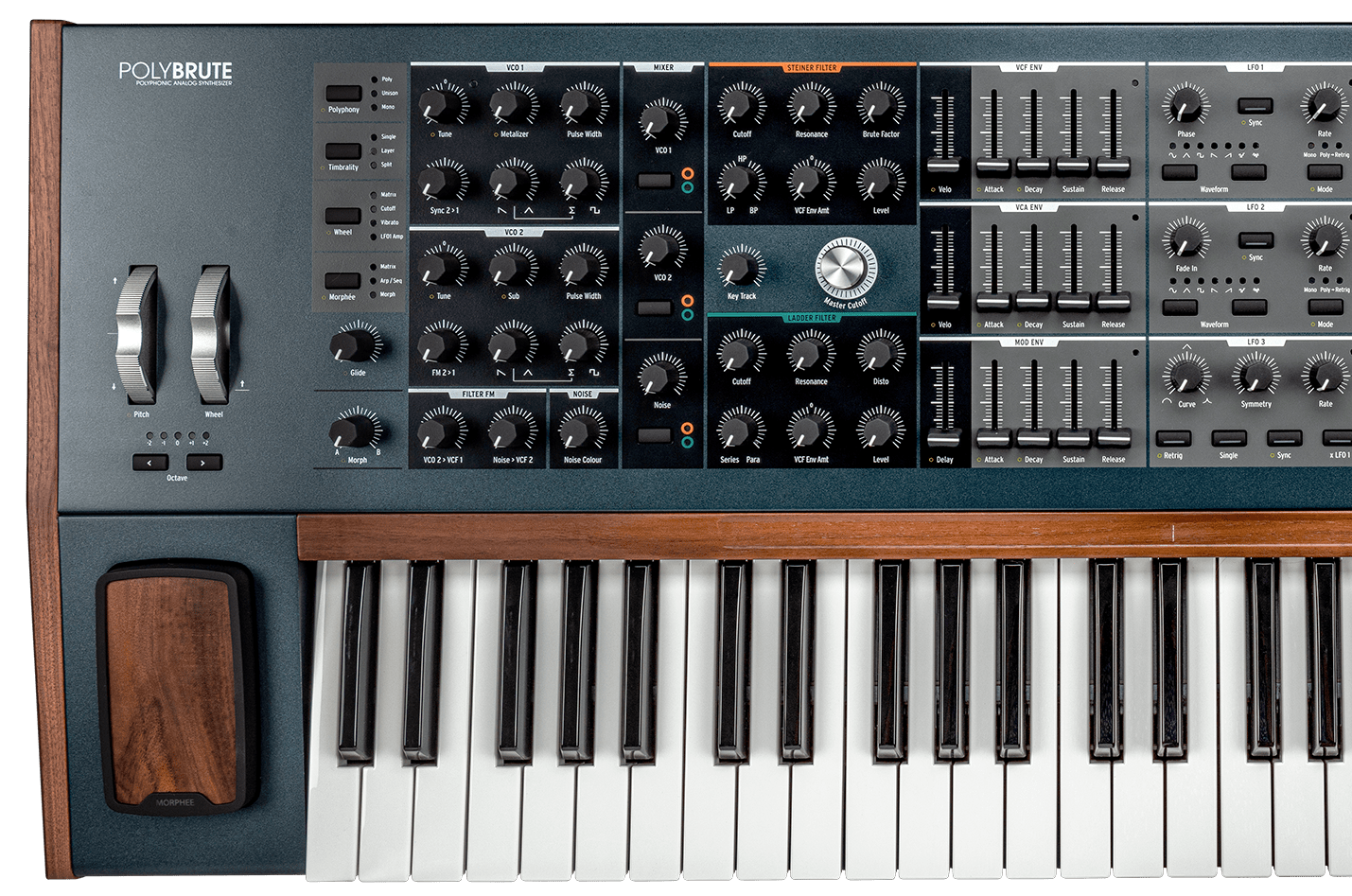
PolyBrute
Tutorials
Tutorials | Ep. 1: Voice Architecture
What shapes PolyBrute's sound
In this episode, Matt dissects the many components, controls, and settings that define PolyBrute's expansive range of voices before modulation or expression. This includes the dual Brute VCOs, the twin VCF setup, the LFO section, and more.
Tutorials | Ep. 2: Modulation
Shape, twist, tame
Now that you've got PolyBrute's massive voice architecture down, it's time to modulate. In this episode, Matt breaks down every aspect of the Mod Matrix, an expansive digital patch bay that lets you reroute PolyBrute's components to taste - offering unlimited creative freedom.
Tutorials | Ep. 3: Morphing
A to B and everything in between
The third episode of the PolyBrute tutorial series touches upon, undoubtedly, one of its most important features - morphing and the expression controls. Throughout the video sound designer and composer Matt Pike guides you through its charms, showing the depths and sharing the tips on how to keep your sound in a state of constant motion with musical expressiveness in mind.
Tutorials | Ep. 4: Effects
From Bitcrusher to tape echo
In this episode of our PolyBrute tutorial series, Matt shows you the full extent of its FX capabilities. Fully-loaded with pristine digital modulation, delay, and reverb algorithms, these FX don't just provide the perfect finishing touch to PolyBrute's massive sound - they're yet another axis for its expansive expression and morphing features.
Tutorials | Ep. 5: Sequencer
Patterns emerging
In this episode of our PolyBrute tutorial series, we're exploring its 64-step sequencer. Matt Pike goes in-depth, showing you the sequencer's intuitive visual interface via the Matrix, the simple transport controls, and how you can use it to weave intricate polyphonic patterns and complex automation.
Tutorials | Ep. 6: PolyBrute Connect
Virtual control of your dream synth
In the final episode of the PolyBrute tutorial series Matt Pike talks you through its behind the scenes utilities and essential settings. He also takes a look at PolyBrute Connect, PolyBrute's advanced software companion that lets you control your synth from a like-for-like virtual interface.
Tutorials | Ep. 7: Firmware 3.0 update
Discover deeper creative features
Matt Pike gives you a guided tour of the fresh creative features, sonic enhancements, and useful fixes arriving with PolyBrute's firmware 3.0, from built-in distortion to new tuning options.
PolyBrute
How To's
Tutorials | PolyBrute Connect - Episode 1: Get Started
Tutorials | PolyBrute Connect - Episode 2: DAW Workflow
Tutorials | PolyBrute Connect - Episode 3: Morphing Visualised
Tutorials | PolyBrute connect - Tutorial Ep.4 Sounds Management
Tutorials | PolyBrute Connect | Hardware Synthesizers | ARTURIA
Tutorials | Rodriguez Jr. | Performance with PolyBrute
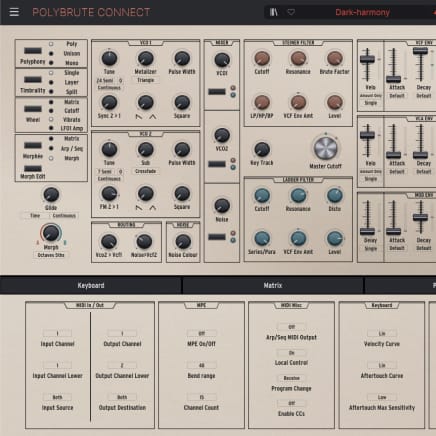
2. Launch PolyBrute Connect
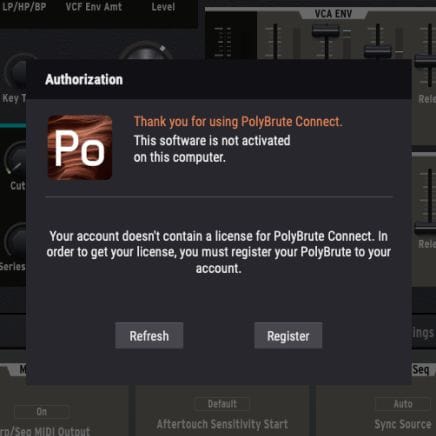
Once installed, simply connect your PolyBrute to your computer and open the application. Make sure your computer is connected to the internet. It will guide you through all necessary steps in order to update your Firmware.
If you're using an offline computer, please download the firmware file on the resources page before copying it on a USB key along the PolyBrute Connect installer.
For more help please refere to the FAQ PolyBrute Firmware Update Support
3. Udpate your PolyBrute Firmware
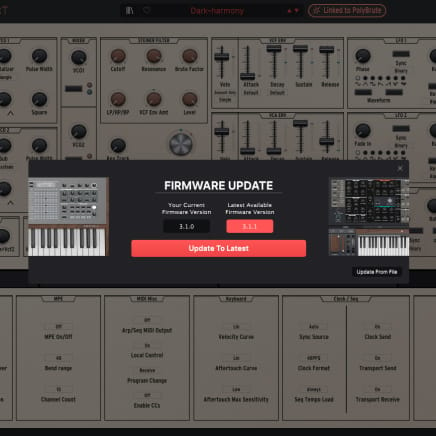
Upon launch, PolyBrute Connect will automatically warn you if your Firmware is not up-to-date. If so, you can update it automatically (“Update to Latest” button) or manually ("Update from File" button).

PolyBrute
Manuals
PolyBrute EN Manual
版本en - 3.0.1|3.14 MB|10/19/2023
Polybrute Connect
Software
Manuals
Polybrute Connect EN Manual
版本en - 2.0.0|31.96 MB|12/3/2021