ARTURIA

fr

Produits

SonsStoreCommunautéassistance

Get started
with KeyLab mk3

Get your KeyLab mk3 up and running and kick start your musical journey.

Set up
KeyLab mk3

Je découvre les produits Arturia
Je suis déjà client Arturia
J'ai seulement besoin du dernier firmware
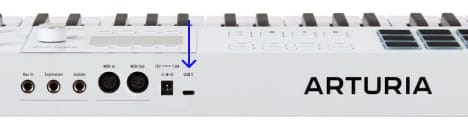
  1. Connectez KeyLab mk3 à votre ordinateur via le port USB de l'interface.
  2. Téléchargez et installez Analog Lab.

  3. Lancez le logiciel et suivez les instructions au sein d'Analog Labpour configurer votre KeyLab mk3.

Pourquoi Analog Lab ?

Analog Lab gère à la fois votre KeyLab mk3 et votre contenu sonore.

  • Gardez votre KeyLab mk3 à jour
  • Gérez et ajustez vos sons dans les moindres détails
  • Intégrez KeyLab mk3 à votre studio
  • Accédez à 2000+ sons vintage et modernes issus de notre célèbre V Collection.

En savoir plus sur Analog Lab →

Si vous recherchez des assignations MIDI spécifiques ou personnalisées, vous les trouverez ici →

Si vous rencontrez des difficultés lors de l'installation, laissez-nous vous guider →

Get more from your KeyLab mk3
free software, tutorials & more

Discover a suite of pro-grade software that provides everything you need to start making audio content out-of-the-box.

Learn more
with our KeyLab mk3 tutorials

Start your creative journey with confidence. Explore essential features, tips and tricks on how to design your own sounds, other music production hacks and much more.

Playlist de tutoriels

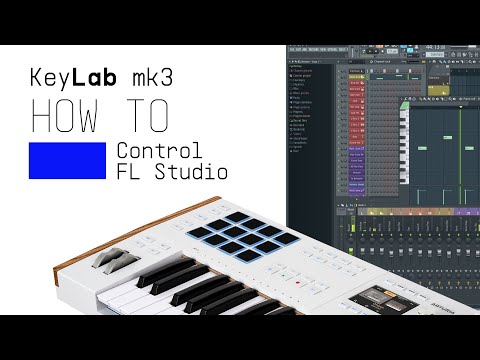
1. KeyLab mk3 | How to Control FL Studio
Lena demonstrates how KeyLab mk3 and FL Studio work together to take your music production to the next level. With custom integration, you’ll have deep control over your DAW, from clip launching to mixing and more.
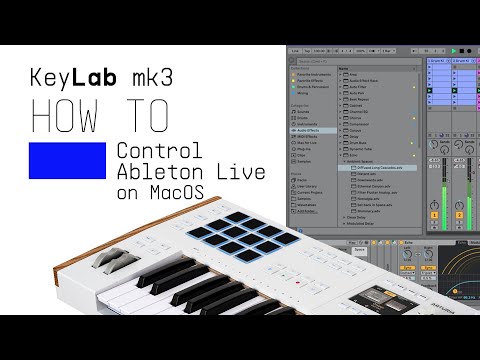
2. KeyLab mk3 | How to Control Ableton Live on Mac OS
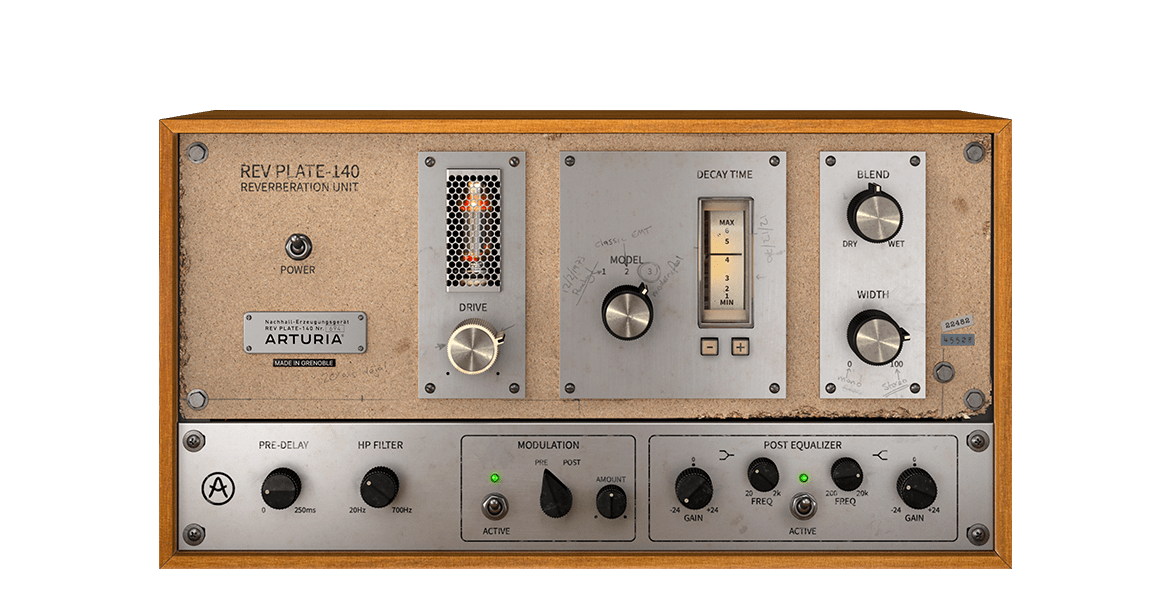
Learn how to unleash the full potential of Ableton Live with KeyLab mk3. Lena demonstrates how the dedicated DAW mapping provides seamless connectivity, letting you launch clips, play melodies, tweak your mix effortlessly, and more.
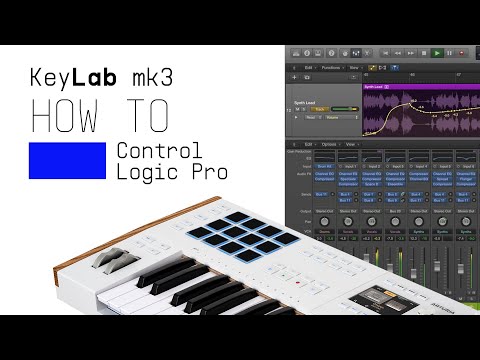
3. KeyLab mk3 | How to Control Logic Pro
Lena shows you how KeyLab mk3 integrates perfectly with Logic Pro. With the help of dedicated DAW mappings, you'll learn how to streamline your workflow, control instruments, and mix tracks with the intuitive and touch-sensitive features of KeyLab mk3.
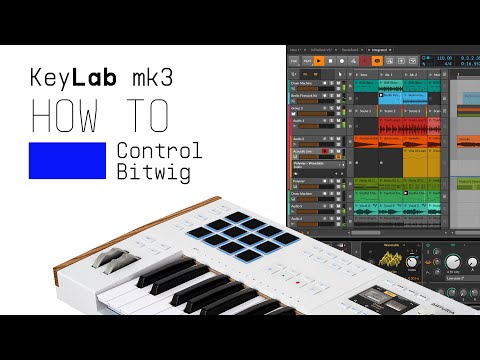
4. KeyLab mk3 | How to Control Bitwig
Dive into Bitwig Studio with Lena as she shows you how to integrate KeyLab mk3 using its custom integration. Discover how to control your DAW workflow with precision, flexibility, and ease - all at your fingertips.
5. KeyLab mk3 | How to Control Ableton Live on Windows
Learn how to unleash the full potential of Ableton Live with KeyLab mk3. Lena demonstrates how the dedicated DAW mapping provides seamless connectivity, letting you launch clips, play melodies, tweak your mix effortlessly, and more.
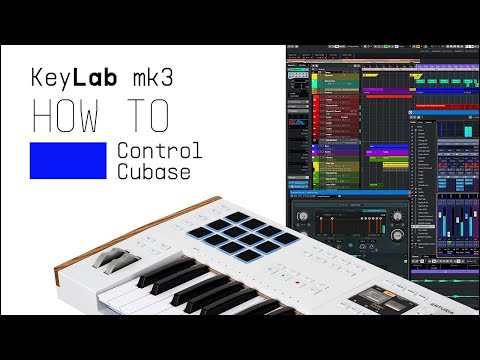
6. KeyLab mk3 | How to Control Cubase
Discover how to enhance your Cubase workflow with KeyLab mk3. Lena walks you through the dedicated DAW mapping designed for seamless integration, allowing you to navigate, create, and produce music more efficiently than ever before.
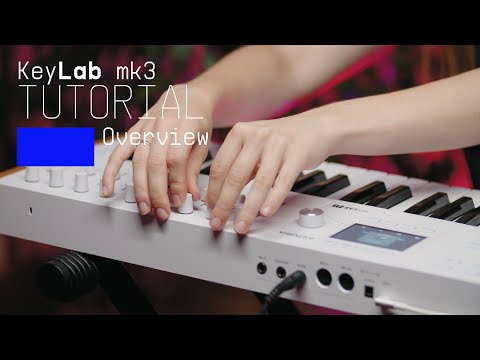
7. KeyLab mk3 - Overview
Join Lena as she takes you on an in-depth tour of KeyLab mk3, Arturia's flagship MIDI controller. Discover its smart features, workflow highlights and some inspiring sounds that are included as standard.
16min58
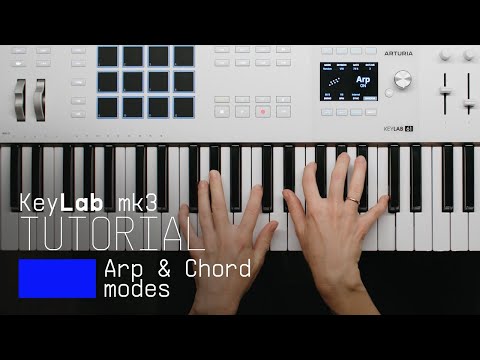
8. How to Control Arp and Chord Mode
Follow Lena to learn how to use the creative features of the KeyLab MK3 to effortlessly create interesting melodies and harmonies.
11min55
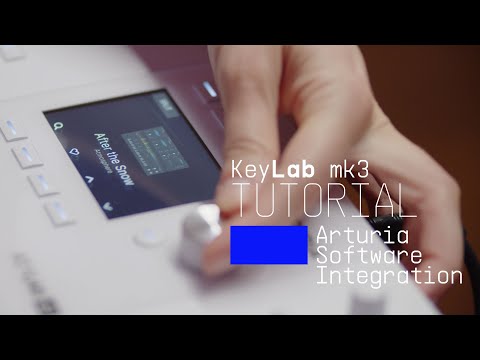
9. Arturia Software Integration
Lena explores the seamless integration between KeyLab mk3 and Arturia's Analog Lab & V Collection. Experience its intuitive pre-mapped controls alongside a library of award-winning synth and keyboard sounds.
12min50
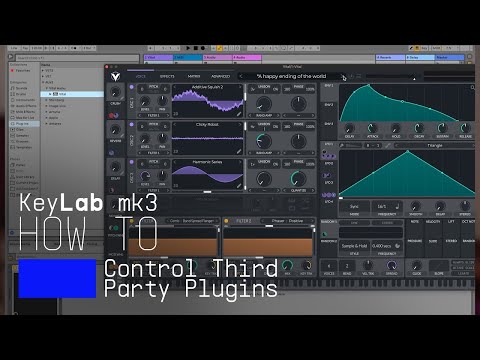
10. How to Control Third Party Plugins
Discover how to map your favorite VST plugin to the controls of KeyLab mk3. Lena offers a simple guide to third party plugin configuration for Ableton, FL Studio, Cubase and Logic Pro, so you can make the most of KeyLab mk3's powerful controls in any environment!
4min48

KeyLab mk3 | How to Control FL Studio

Lena demonstrates how KeyLab mk3 and FL Studio work together to take your music production to the next level. With custom integration, you’ll have deep control over your DAW, from clip launching to mixing and more.

Install
additional Arturia software

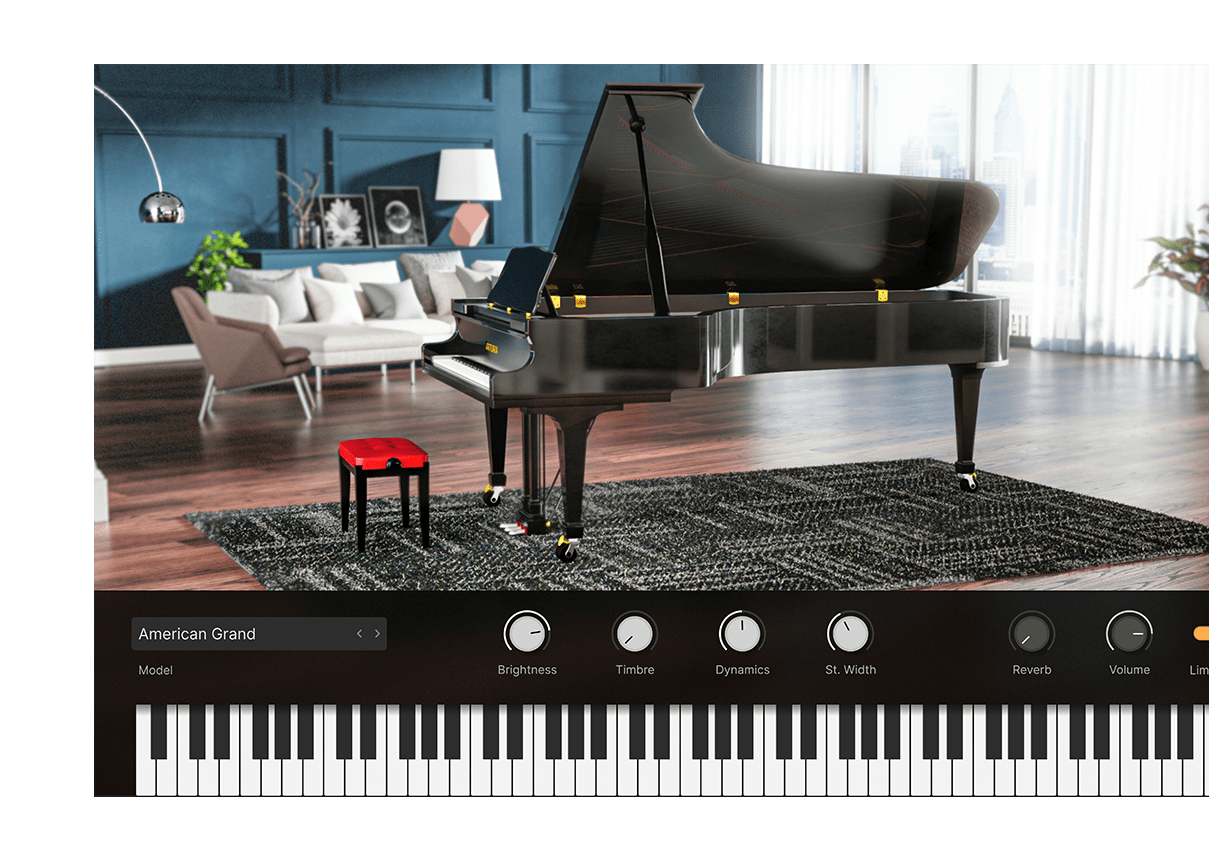
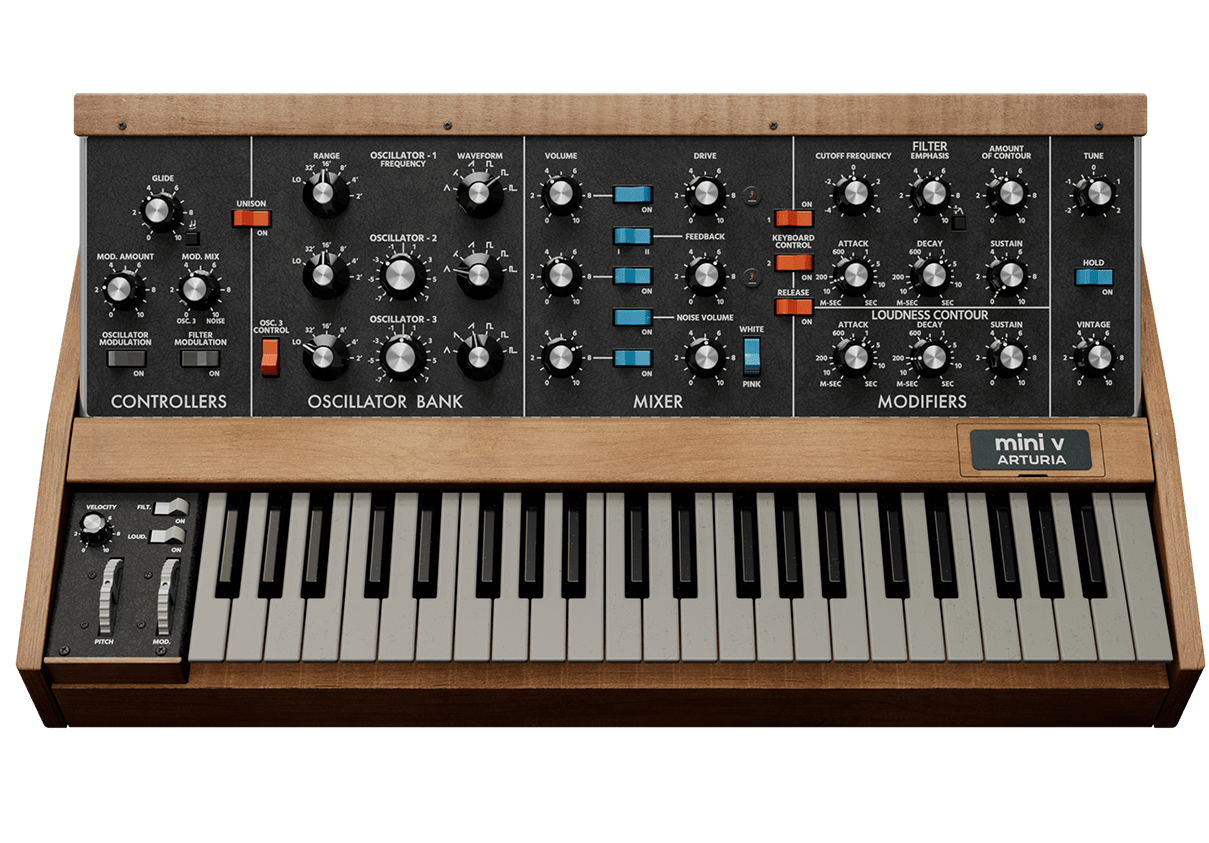
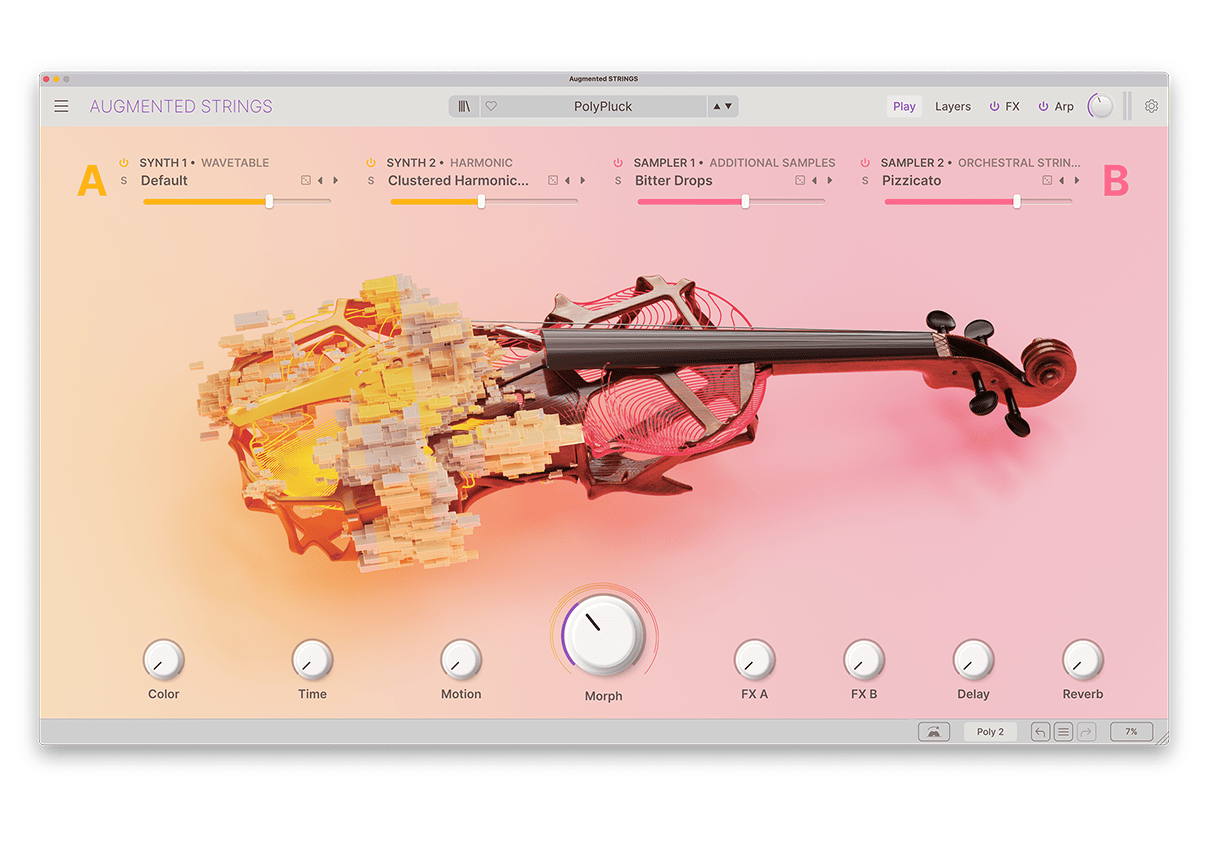
KeyLab mk3 comes with incredible and powerful Arturia software included for free.

Pour installer vos logiciels Arturia supplémentaires, utilisez l'Arturia Software Center :

  1. Téléchargez et installez l'Arturia Software Center. (Si vous utilisez déjà le Software Center, passez à l'étape 2.)
  2. Open the Arturia Software Center and recherchez votre KeyLab mk3 .

    (Votre KeyLab mk3 doit être enregistré pour apparaître dans l'Arturia Software Center. Si ce n'est pas encore fait,vous pouvez le faire ici.)
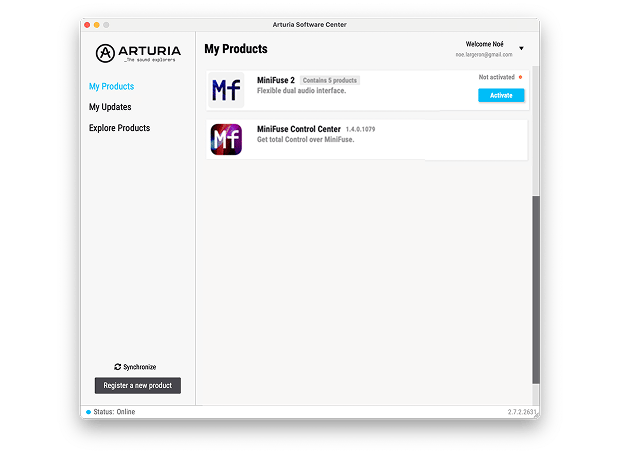
  3. Cliquez sur Activer, puis sur le titre KeyLab mk3 pour afficher les logiciels inclus et les installer individuellement ou tous à la fois.
Si vous rencontrez des difficultés lors de l'installation, laissez-nous vous guider →

Télécharger
included software from our partners

Alongside Arturia Software, we provide a selection of industry-standard plugins and software from our partners to accelerate your music production journey.

Logiciels de production musicale et d'enregistrement
pour créer, mixer et exporter vos morceaux

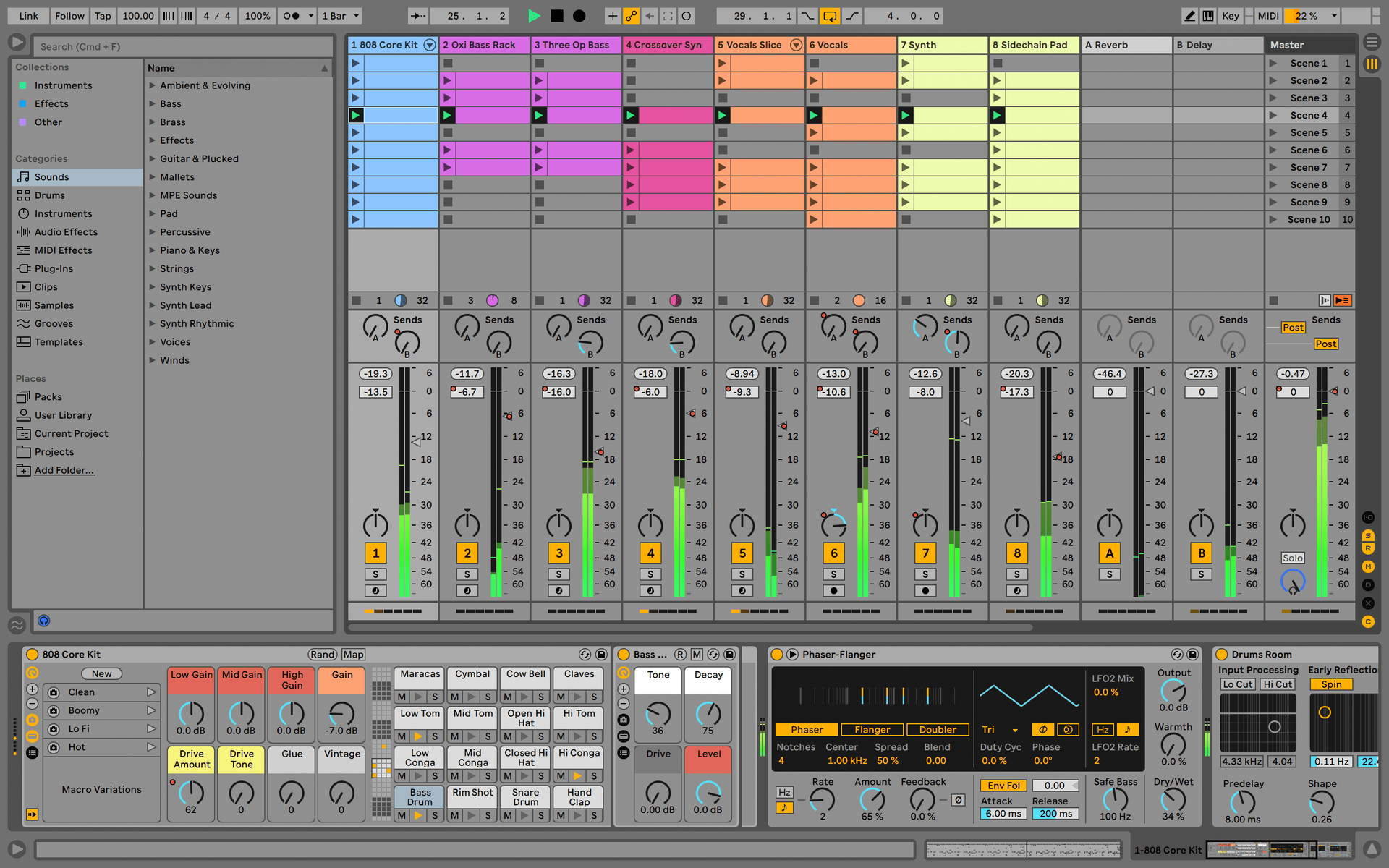
Ableton Live Lite 12

One of the most popular music production, recording and performing platforms in the world, Ableton Live Lite lets you create, mix, and export your tracks.

How to install

Encore plus d'instruments virtuels
pour des sons de piano riches et profonds

Komplete Select

Choose between 3 different bundles. Craft with iconic synths, sampled sounds, and effects from Komplete 15 Select - a hand-picked production toolkit.

How to install
Encore plus d'inspiration
, des échantillons à la théorie musicale

Loopcloud

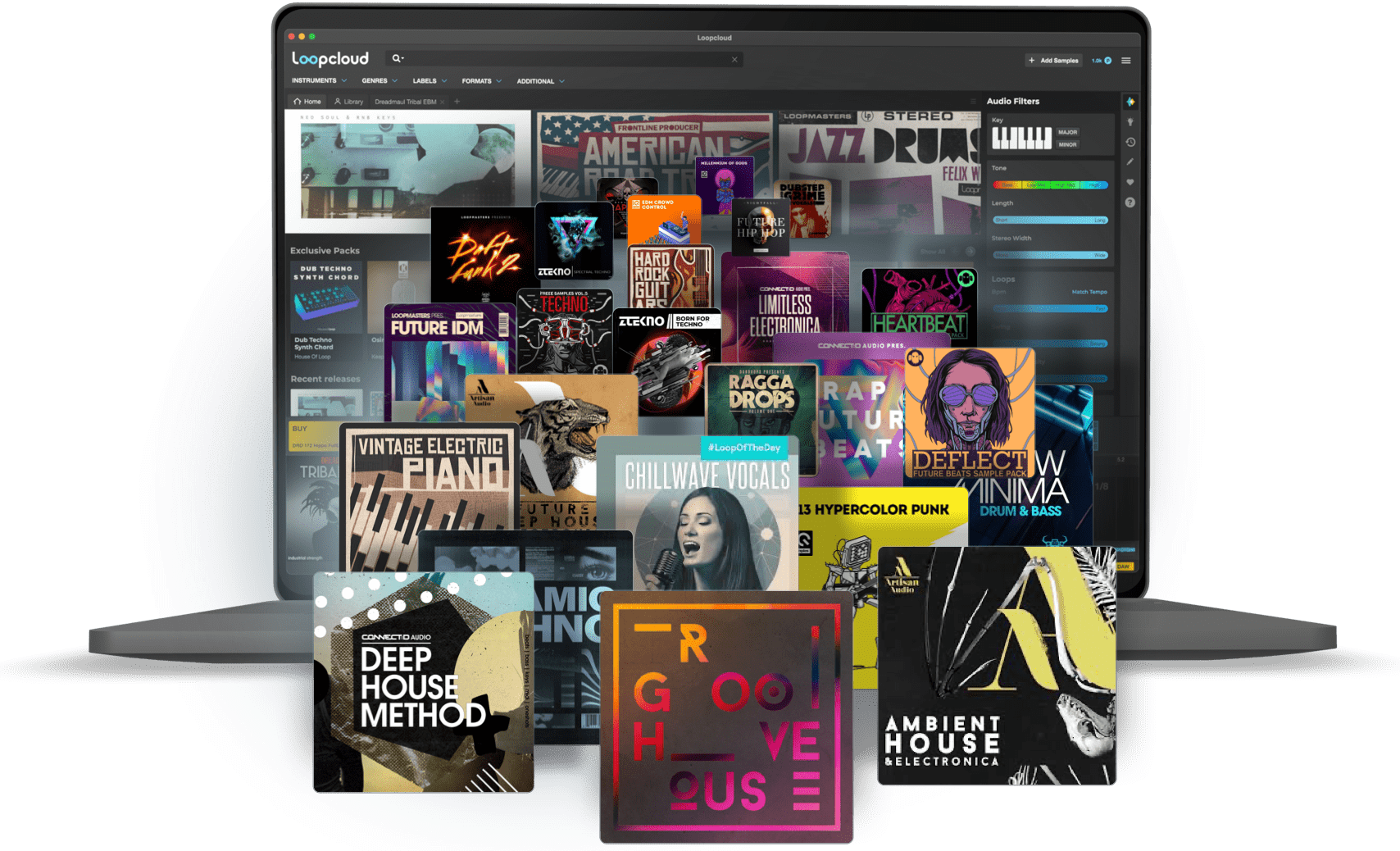
A 2-month subscription to Loopcloud gives you millions of hi-def royalty-free samples, from lo-fi drum loops to punchy vocal one-shots, and add them to your personal collection for life. Beat-making essentials.

How to install
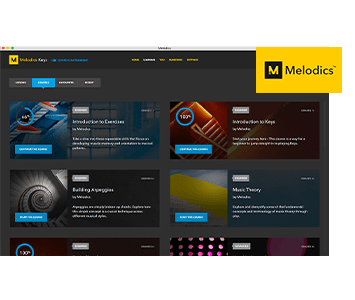
Melodics

If you're new to keyboards, music theory or DAW production, get started with a subscription to Melodics. The app gives you lessons, tips and tricks to suit your style, so you can improve your skills while you make music.

How to install

Find more information
with our manuals and cheatsheet

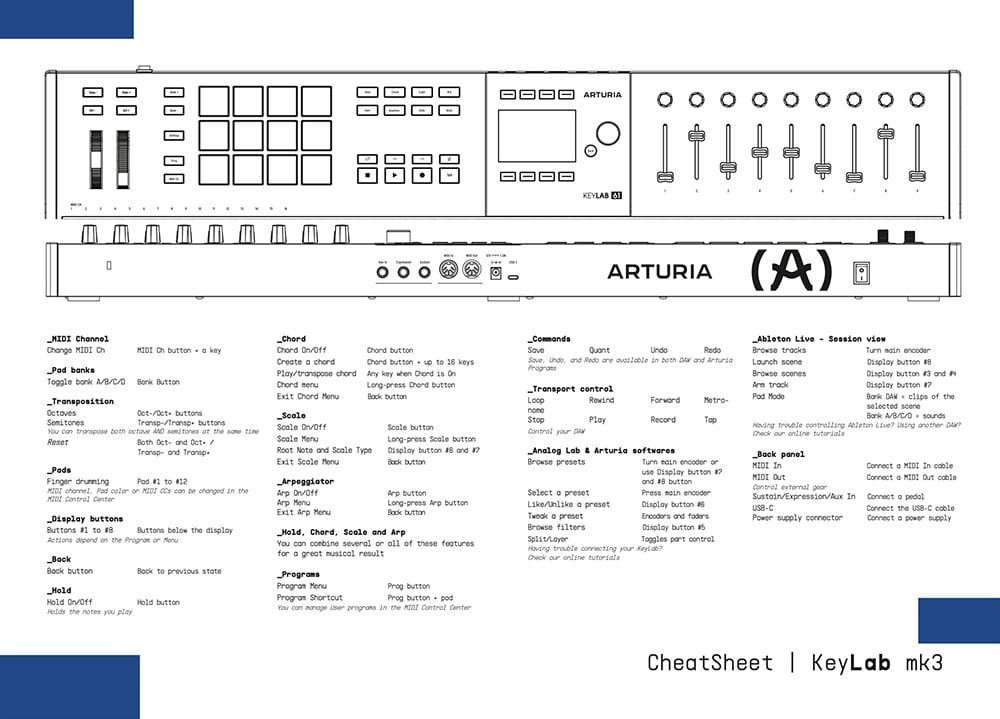
Download our cheatsheets for an overview of KeyLab mk3's controls:

To learn even more, you can find the manuals on KeyLab mk3's Resources page:
Read our manuals for KeyLab mk3 →

Integrate
KeyLab mk3 into your setup

KeyLab mk3 integrates seamlessly with all major Digital Audio Workstations right out of the box, including automatically mapped controls to play, pause, record, and trigger loops.

Logic
Ableton
FL Studio
Cubase
Bitwig

If you cannot control your Digital Audio Workstation directly from KeyLab mk3 - explore our custom controller mappings.

Go to custom controller mappings for KeyLab mk3 →

You can also dive deeper and create custom MIDI mappings for your specific needs with our MIDI Control Center:

Get MIDI Control Center and learn more →