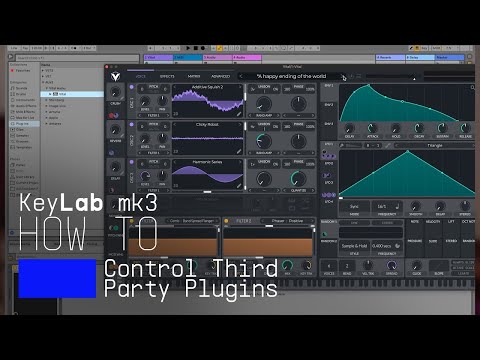
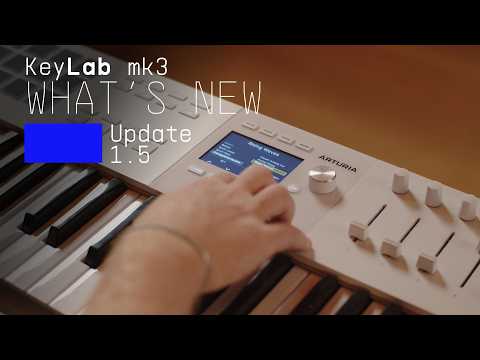
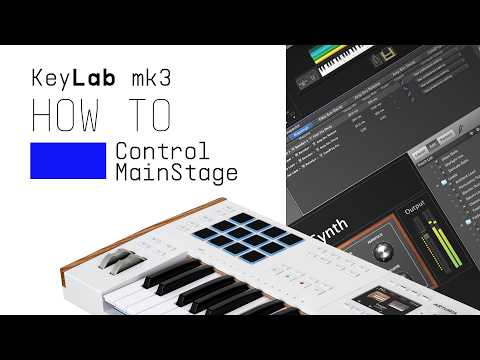
Get more from your KeyLab mk3
free software, tutorials & more
手にしたその日から、オーディオ・コンテンツの制作を始められるプロ仕様ソフトウェア・スイートをご体感ください。




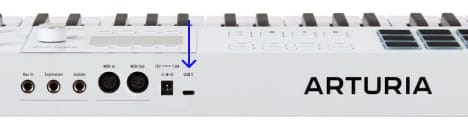
Analog Labは、KeyLab mk3本体とサウンドコンテンツの両方を管理します。
特定のカスタムMIDIマッピングをお探しの場合は、こちらから入手できます →
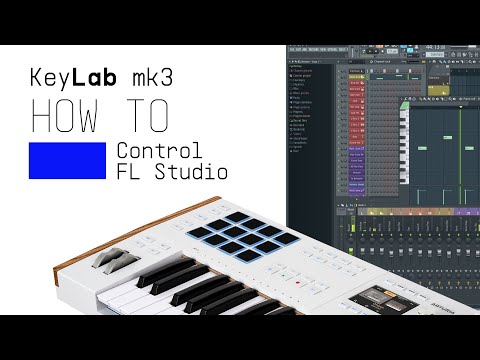
Lena demonstrates how KeyLab mk3 and FL Studio work together to take your music production to the next level. With custom integration, you’ll have deep control over your DAW, from clip launching to mixing and more.
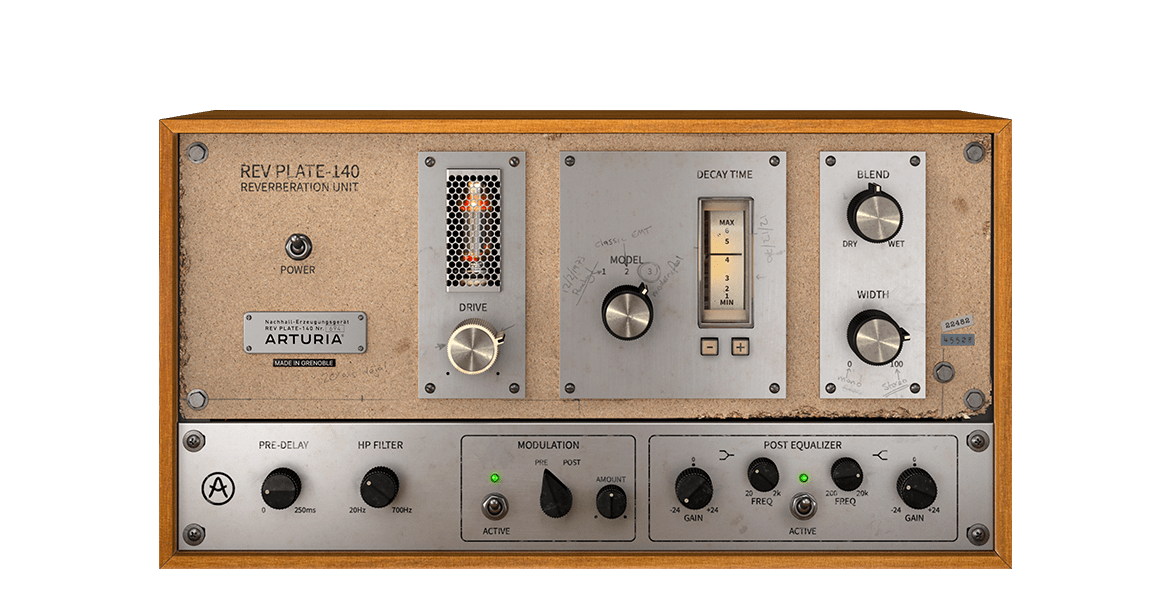
60年代のオリジナル機は、4人分の体重よりも重く、家一軒よりも高価でしたが、今ではリバーブ界の歴史的名機とされ、当時は革新的な存在だった実機を忠実に再現したプラグインを、お手頃な価格で簡単にお使いいただけます。
Rev PLATE-140の魅力を探る →
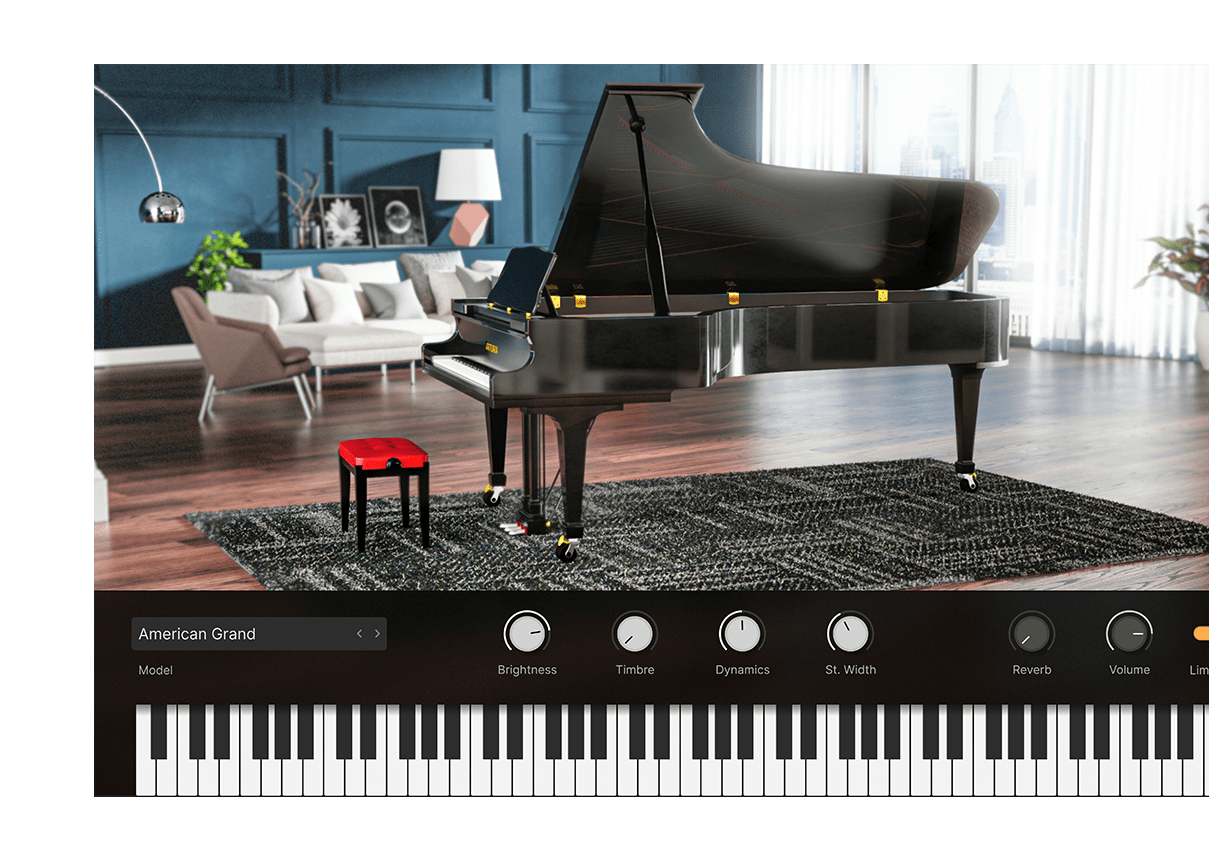
豪華なドイツ製コンサートグランドから、モダンな金属製フレーム、さらにはガラス製フレームといった通常では考えられない設計まで、現代の音楽制作にマッチした至高のピアノの数々をフィジカルモデリングで再現し、かつてないトーンコントロール機能も注入。すべて、このインストゥルメント1つで可能です。
Piano Vの魅力を探る →
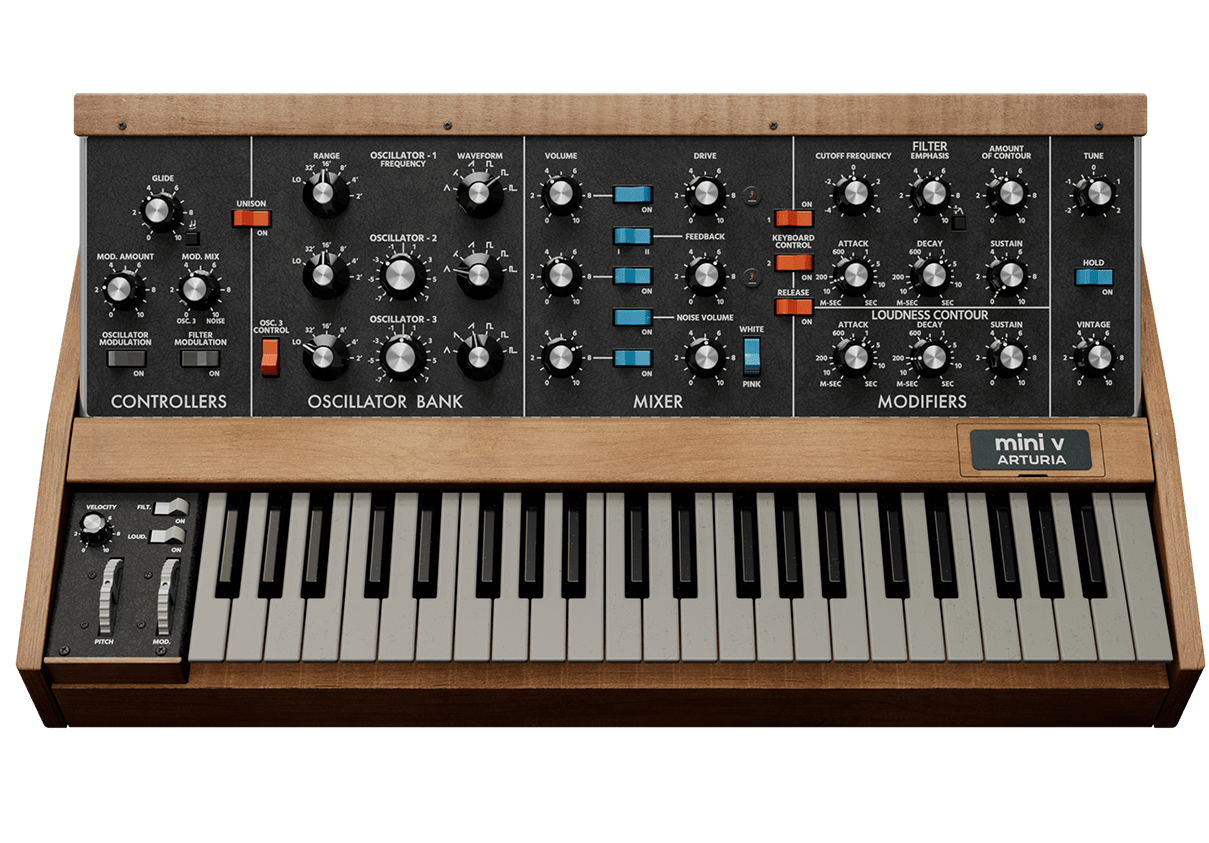
地球上で最も知名度の高いモノシンセが生まれ変わりました。アイコン的なリードサウンドとベースサウンドをミュージシャンの手にもたらした楽器のマジックをキャプチャーしたのが、Mini Vです。次世代モデリングで生命を吹き込まれ、甘美なディテールとダイナミックなドライブ感で、どんなトラックにも魅力的なシンセサウンドを加えることができます。
Mini Vの魅力を探る →
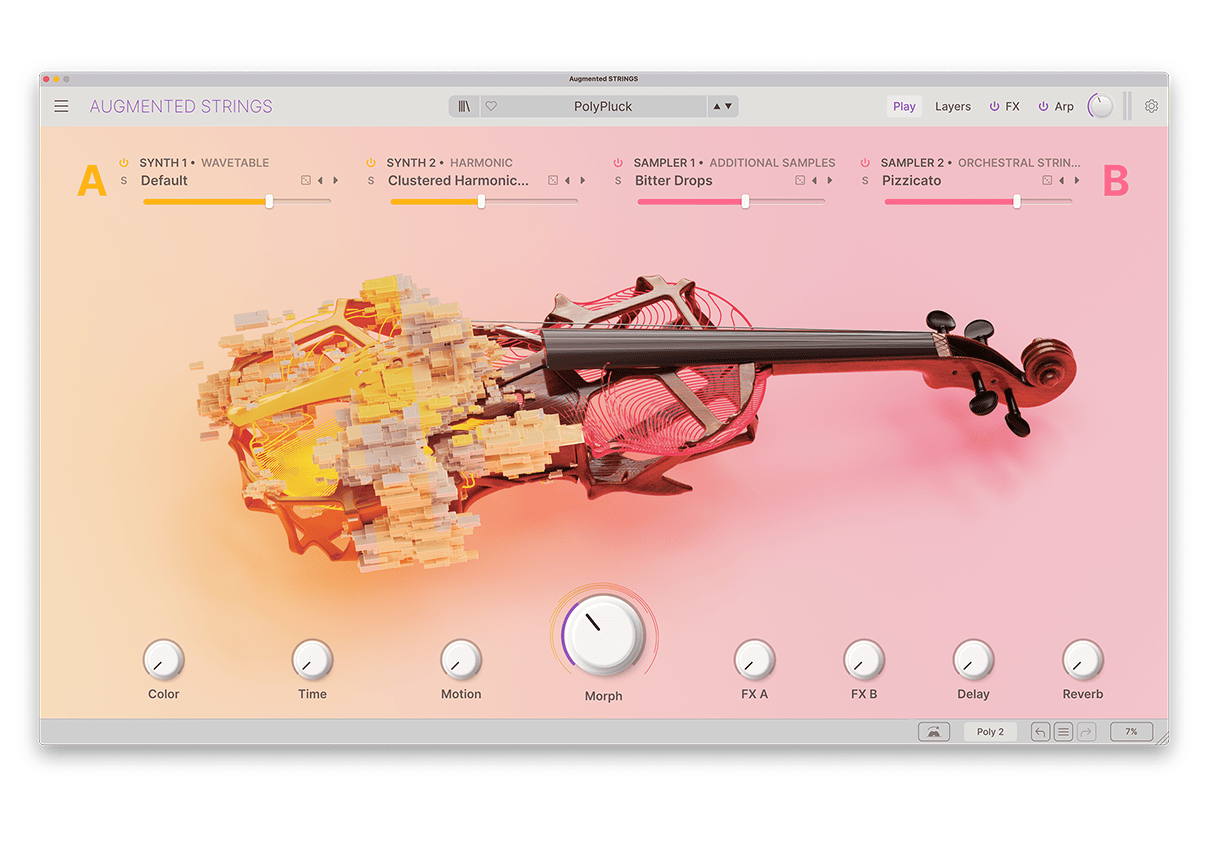
Augmented STRINGSは、リッチなストリングスのサンプルと最先端のシンセシスを融合した、使いやすく刺激的なソフトウェアインストゥルメントで、リアルなものや抽象的なもの、そして刺激的なストリングスサウンドを幅広い内蔵しています。
Augmented STRINGSの魅力を探る →
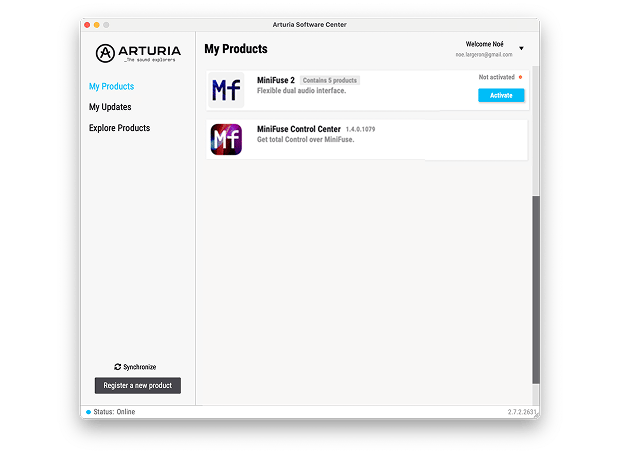
追加のArturiaソフトウェアをインストールするには、Arturia Software Centerを使用します:
(Arturia Software CenterにKeyLab mk3を表示させるには、製品登録が必要です。未登録の場合は、こちらから登録できます.)
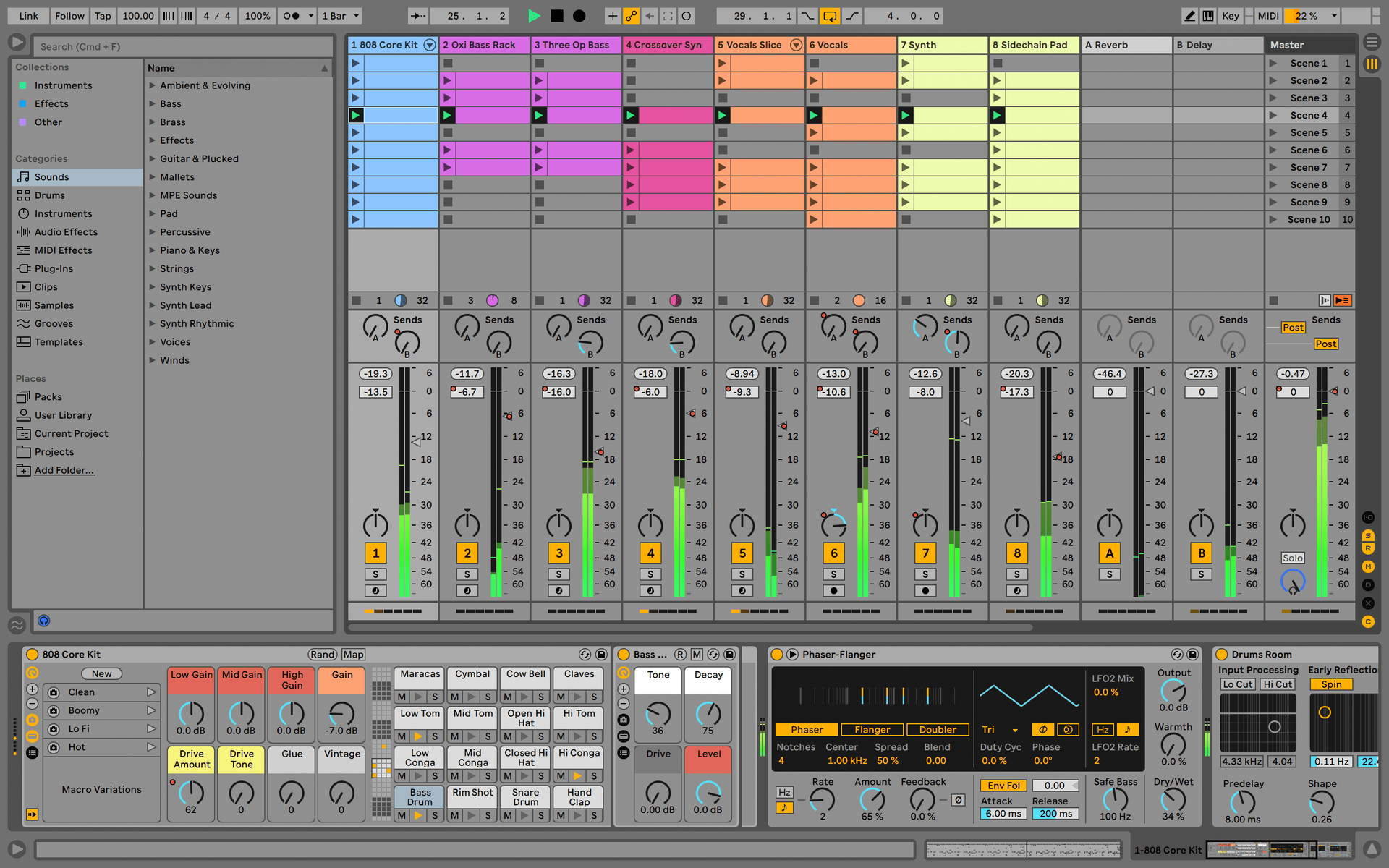
Ableton Live Lite 12
One of the most popular music production, recording and performing platforms in the world, Ableton Live Lite lets you create, mix, and export your tracks.
How to install

Komplete Select
Choose between 3 different bundles. Craft with iconic synths, sampled sounds, and effects from Komplete 15 Select - a hand-picked production toolkit.
How to install
Loopcloud
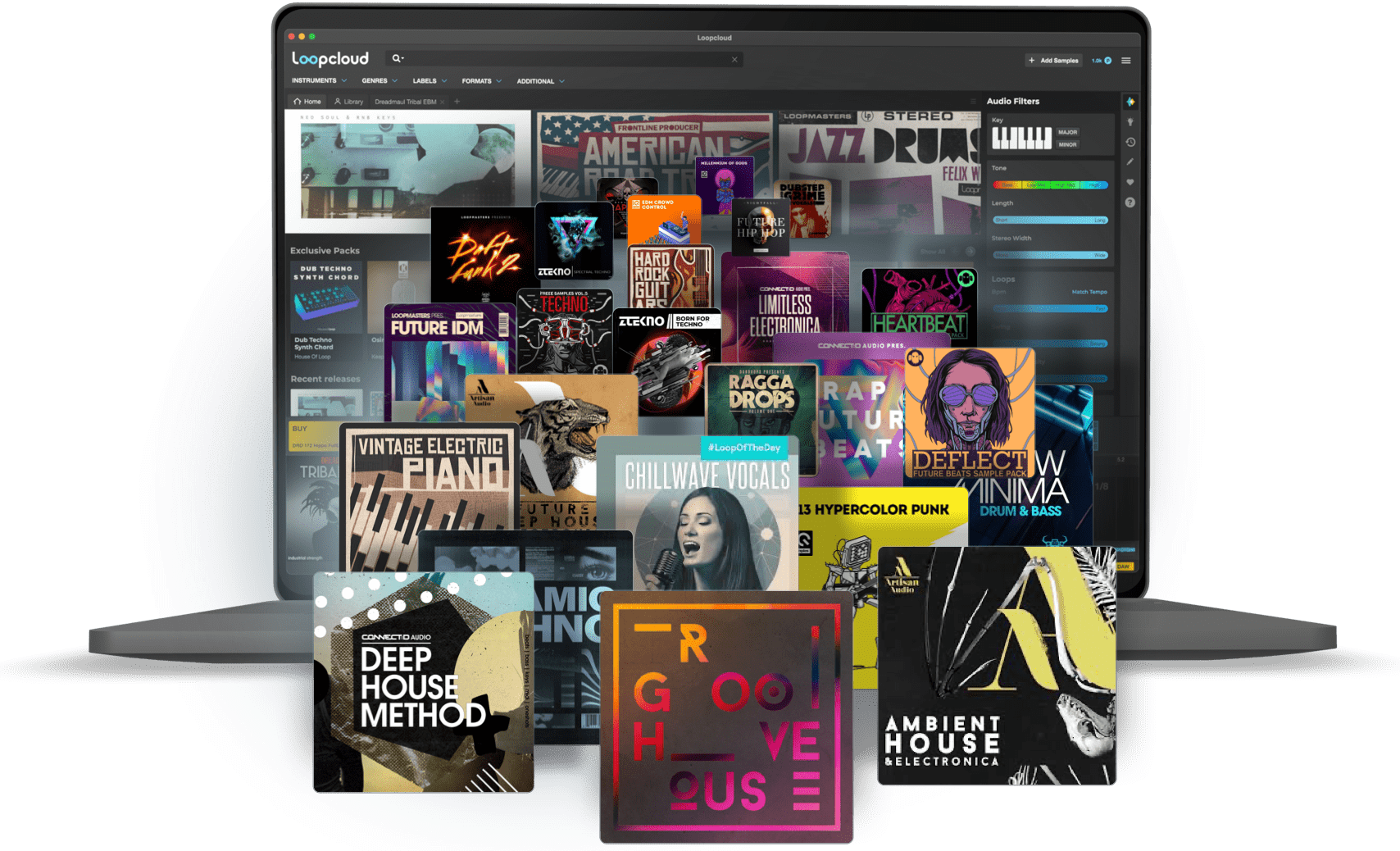
A 2-month subscription to Loopcloud gives you millions of hi-def royalty-free samples, from lo-fi drum loops to punchy vocal one-shots, and add them to your personal collection for life. Beat-making essentials.
How to install
Melodics
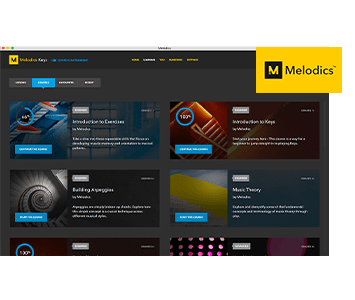
If you're new to keyboards, music theory or DAW production, get started with a subscription to Melodics. The app gives you lessons, tips and tricks to suit your style, so you can improve your skills while you make music.
How to install
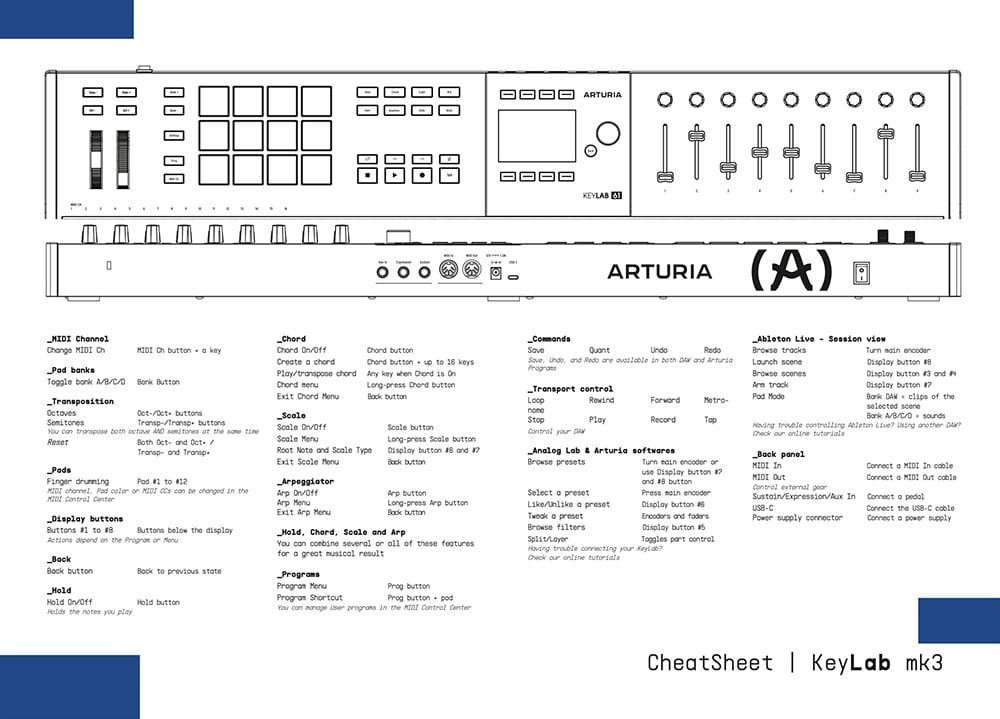
Download our cheatsheets for an overview of KeyLab mk3's controls:
To learn even more, you can find the manuals on KeyLab mk3's Resources page:
 mainstage
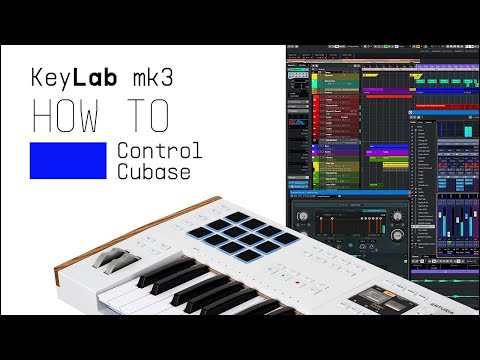
 Cubase
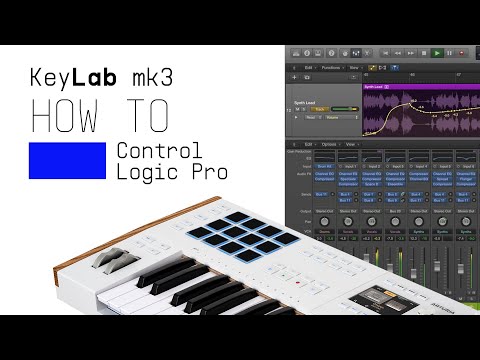
 Logic
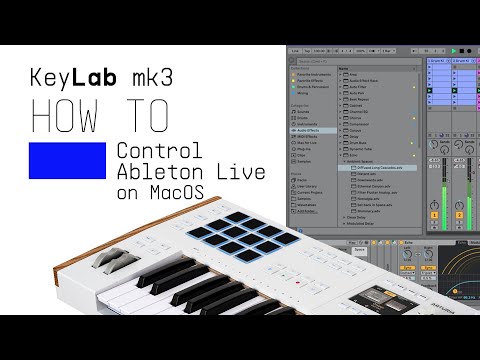
Logic Ableton
 FL Studio
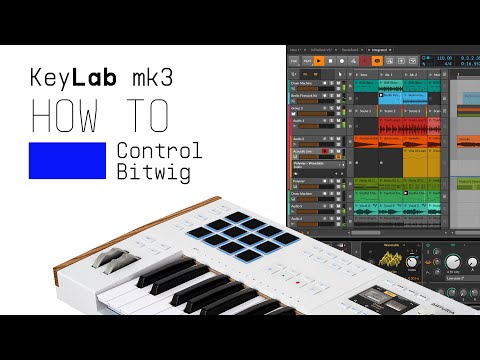
 Bitwig
If you cannot control your Digital Audio Workstation directly from KeyLab mk3 - explore our custom controller mappings.
Go to custom controller mappings for KeyLab mk3 →
MIDI Control Centerを使えば、さらに高度な設定や用途に応じたカスタムMIDIマッピングも作成できます:

0:00 / 0:00