Get more from your KeyLab mk3
free software, tutorials & more
Entdecke das Package mit professioneller Software, das dir alles bietet, was du für die Erstellung deiner Audio-Contents brauchst.




Analog Lab verwaltet sowohl dein KeyLab mk3 als auch deine Sounds.
Mehr über Analog Lab erfahren →
Wenn du nach speziellen und individuellen MIDI-Mappings suchst, findest du diese hier →
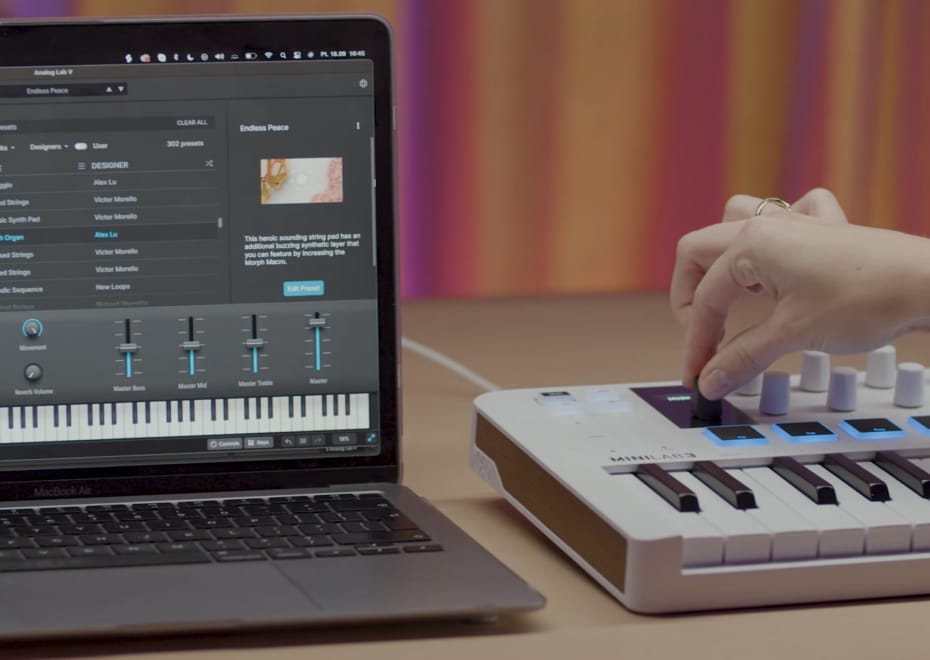
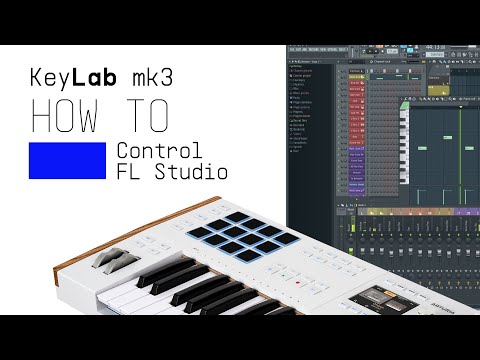
Lena demonstrates how KeyLab mk3 and FL Studio work together to take your music production to the next level. With custom integration, you’ll have deep control over your DAW, from clip launching to mixing and more.
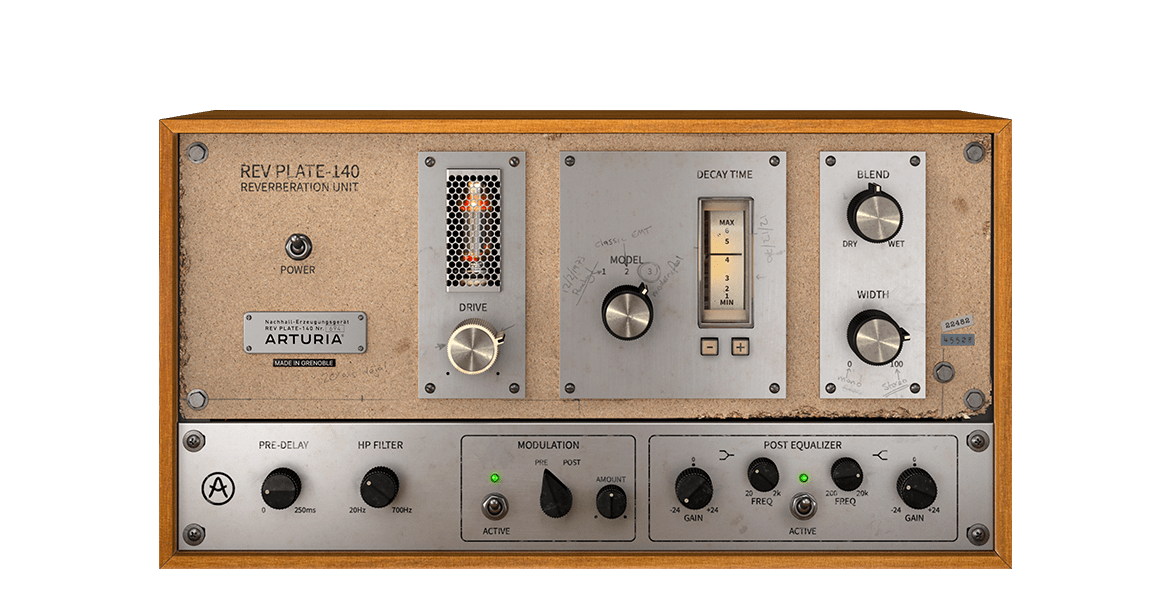
Die ursprüngliche 1960er-Einheit wog mehr als vier Personen und hat mehr als ein Haus gekostet. Aber jetzt kannst du eine exakte Emulation dieses legendären, bahnbrechenden Halleffekts nutzen, ohne dein Bankkonto zu sprengen oder dein Rückgrat zu brechen.
Entdecke Rev PLATE-140 →
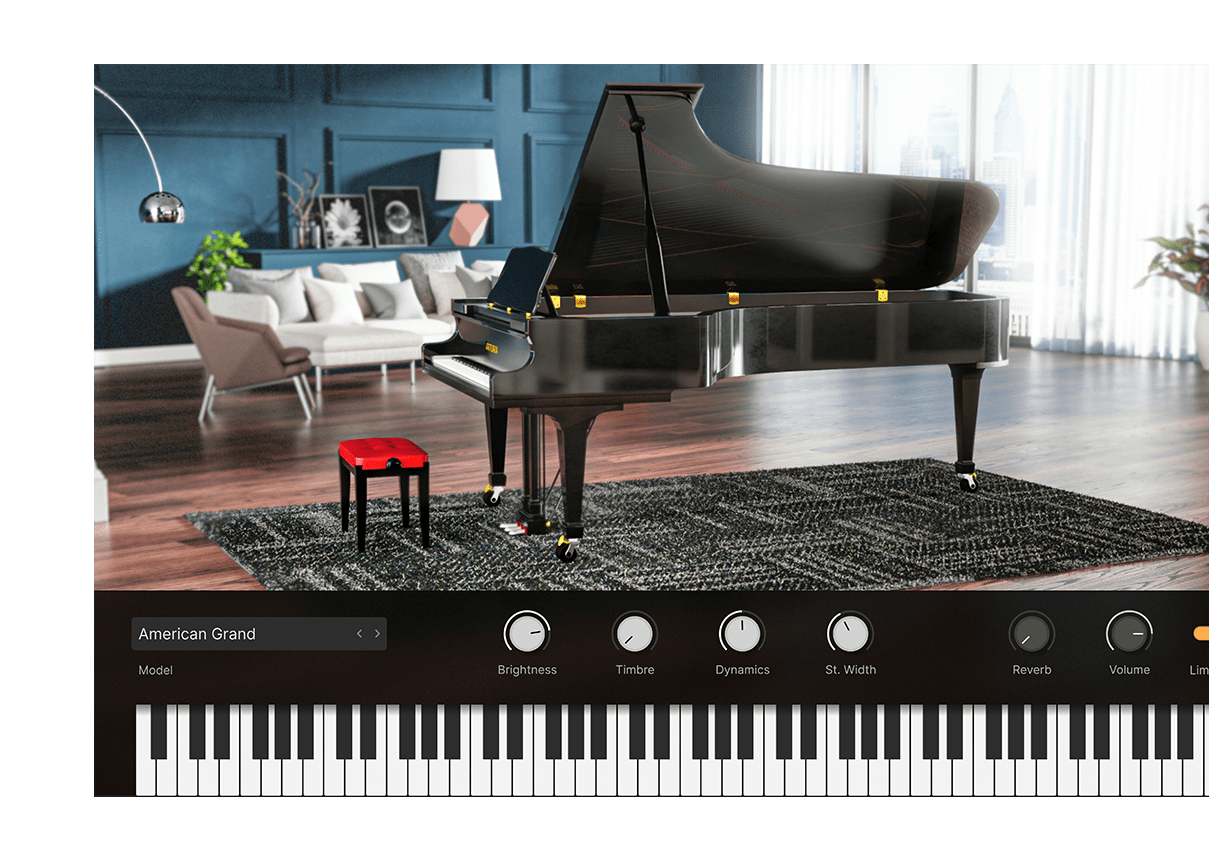
Entdecke die erlesenste Auswahl an hochwertigen Klavieren, von luxuriösen deutschen Konzertflügeln bis hin zu zeitgenössischen Designstudien mit Metall- und Glasrahmen. Mit dynamischem Physical Modeling zum Leben erweckt und mit umfangreicher Klangkontrolle – und alles in einem einzigen Instrument.
Entdecke Piano V →
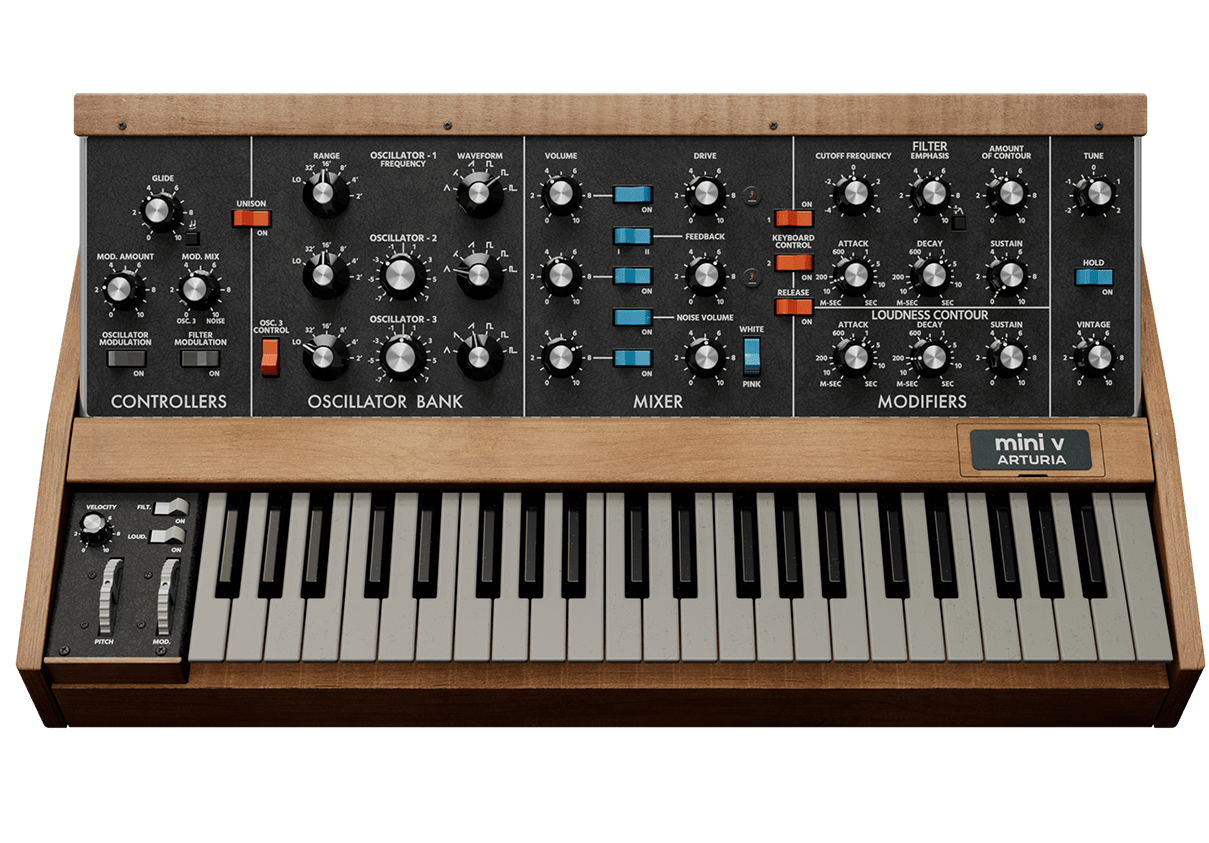
Das bekannteste Mono-Synth auf diesem Planeten – wiedergeboren. Der Mini V fängt die Magie des Instruments ein, das die legendäre Lead- und Bass-Sounds in die Hände der Musiker bringt. Mit einer Emulation der nächsten Generation zum Leben erweckt bietet der Mini V überzeugende Synthesizer-Sounds für jeden Track, mit vielen Details und dynamischem Drive.
Entdecke Mini V →
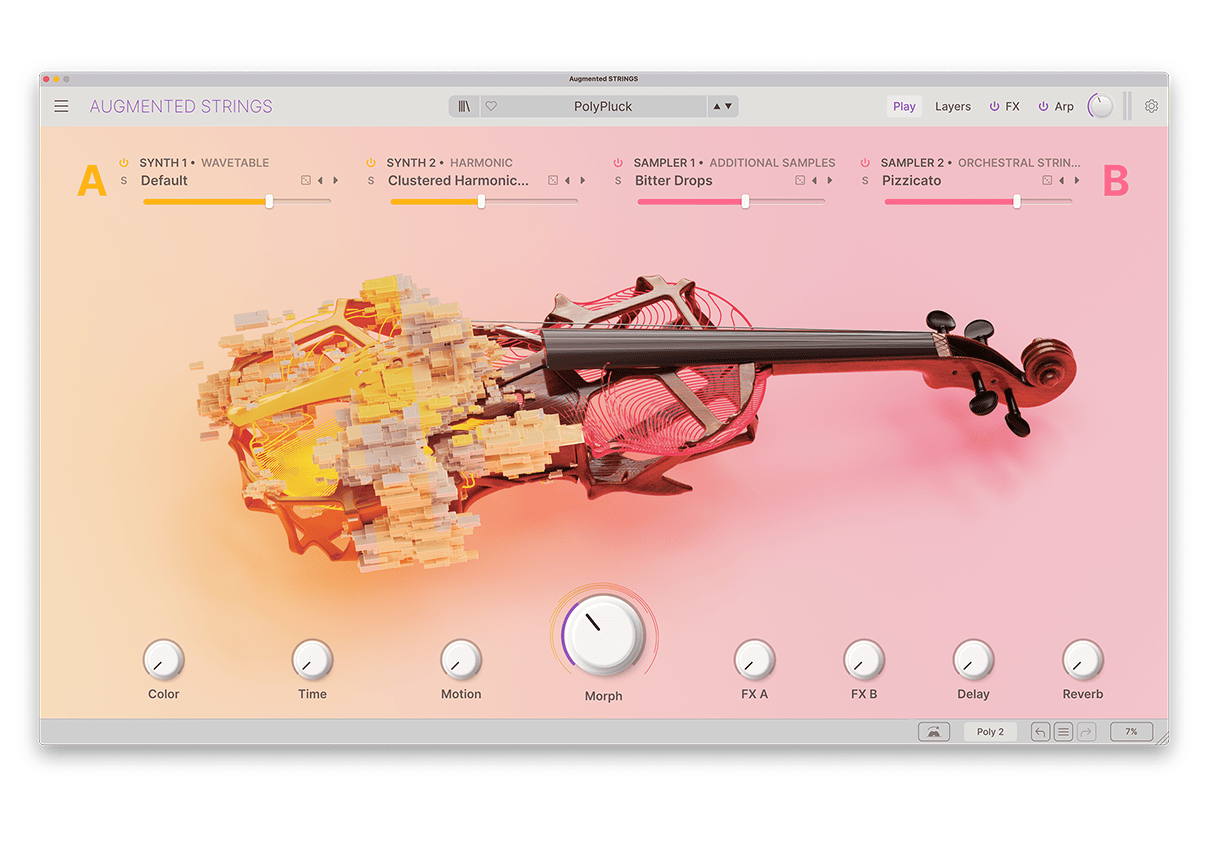
Augmented STRINGS kombiniert detailreich gesampelte Streicher mit modernster Synthese in einem zugänglichen, inspirierenden Software-Instrument, das modernen Producern einen direkten Zugriff auf eine umfassenden Palette authentischer, abstrakter und stimmungsvoller Streicherklänge ermöglicht.
Entdecke Augmented STRINGS →
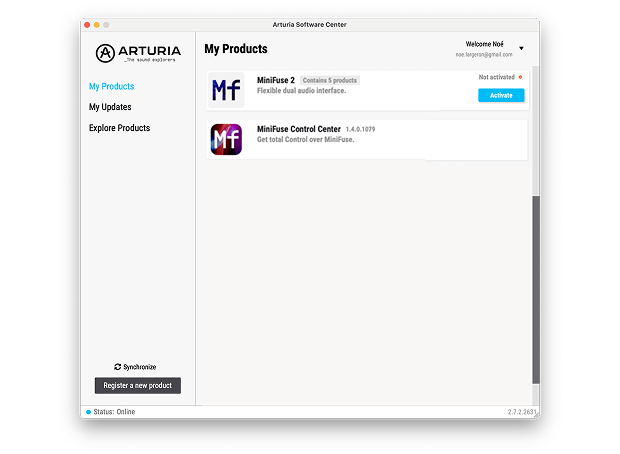
Um deine zusätzliche Arturia-Software zu installieren, nutze das Arturia Software Center:
(dein KeyLab mk3 muss registriert sein, um im Arturia Software Center gelistet zu werden. Falls du das noch nicht getan hast,kannst du das hier machen.)
Ableton Live Lite 12
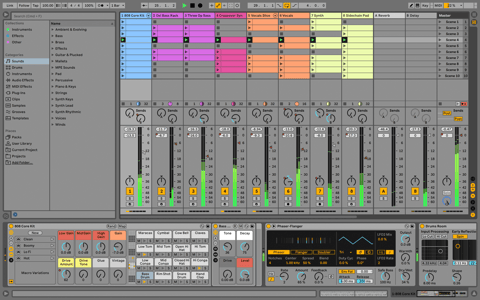
One of the most popular music production, recording and performing platforms in the world, Ableton Live Lite lets you create, mix, and export your tracks.
How to install
Komplete Select
Choose between 3 different bundles. Craft with iconic synths, sampled sounds, and effects from Komplete 15 Select - a hand-picked production toolkit.
How to install

Loopcloud
A 2-month subscription to Loopcloud gives you millions of hi-def royalty-free samples, from lo-fi drum loops to punchy vocal one-shots, and add them to your personal collection for life. Beat-making essentials.
How to install
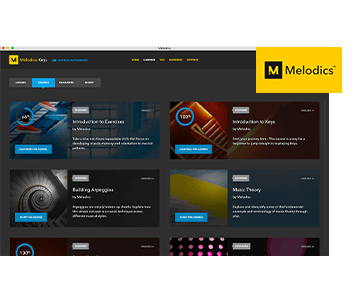
Melodics
If you're new to keyboards, music theory or DAW production, get started with a subscription to Melodics. The app gives you lessons, tips and tricks to suit your style, so you can improve your skills while you make music.
How to install
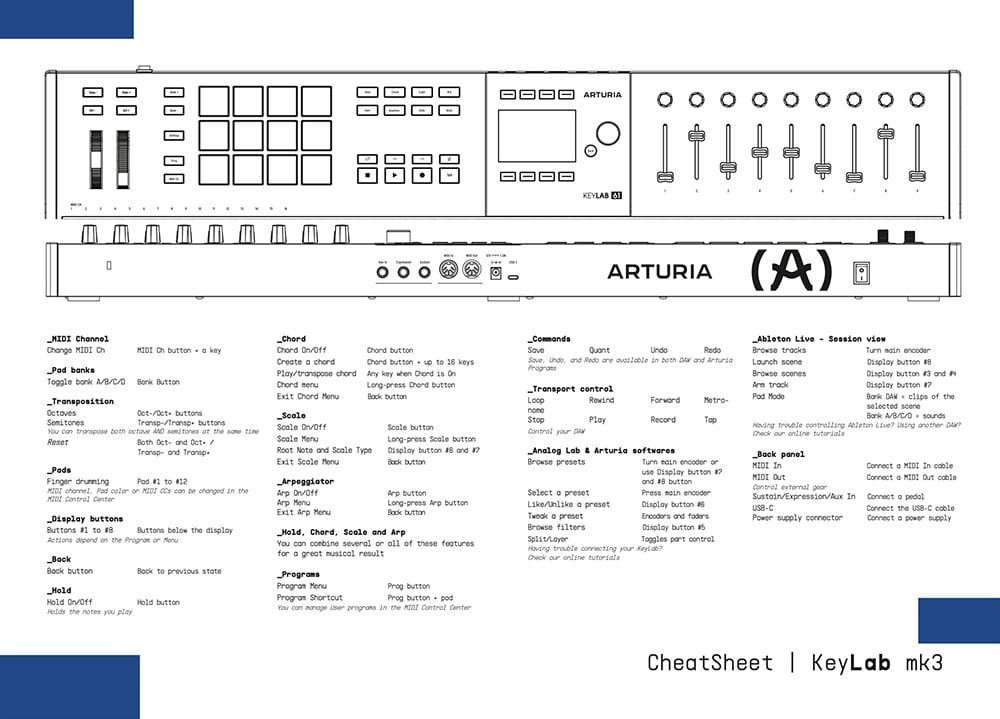
Download our cheatsheets for an overview of KeyLab mk3's controls:
To learn even more, you can find the manuals on KeyLab mk3's Resources page:
 mainstage
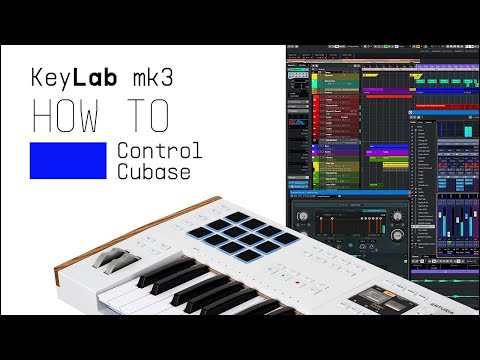
 Cubase
 Logic
Logic Ableton Live
 FL Studio
 Bitwig
If you cannot control your Digital Audio Workstation directly from KeyLab mk3 - explore our custom controller mappings.
Go to custom controller mappings for KeyLab mk3 →
Tauch noch tiefer ein und erstelle im MIDI Control Center individuelle MIDI-Zuweisungen für deine speziellen Anforderungen:
0:00 / 0:00