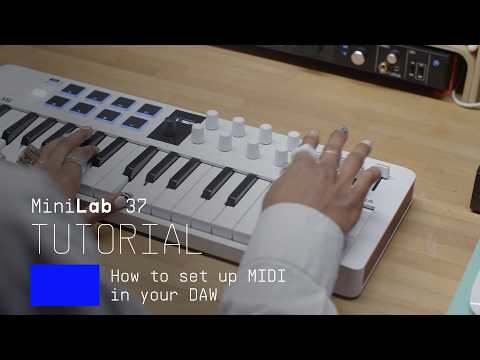
Get more from your MiniLab 37
free software, tutorials & more
Découvrez une suite logicielle professionnelle réunissant tout le nécessaire pour créer vos contenus audio dès la première utilisation.




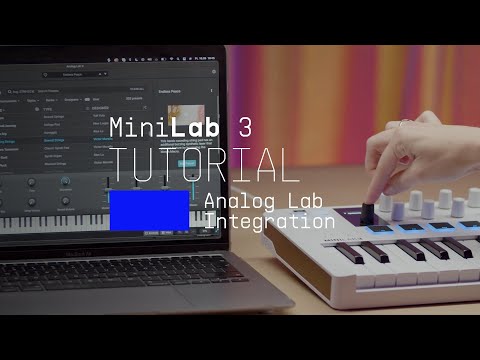
Analog Lab gère à la fois votre MiniLab 37 et votre contenu sonore.
En savoir plus sur Analog Lab →
Si vous recherchez des assignations MIDI spécifiques ou personnalisées, vous les trouverez ici →

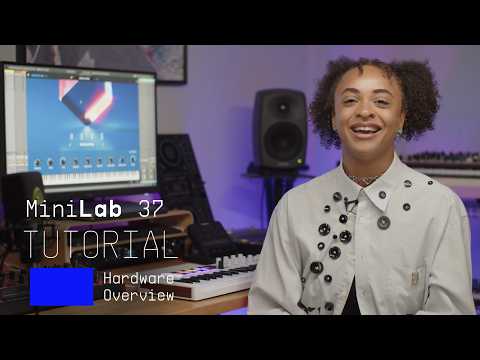
Lena shows you how to integrate your MiniLab 3 with Logic Pro, to make the most out of your creative DAW workflow.
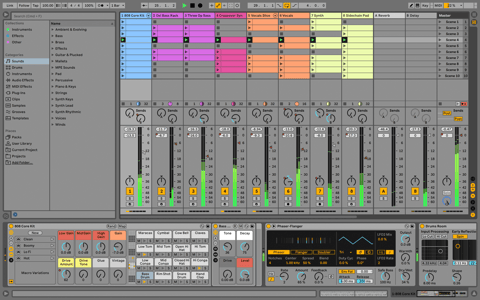
Ableton Live Lite 12
One of the most popular music production, recording and performing platforms in the world, Ableton Live Lite lets you create, mix, and export your tracks.
How to install
Komplete Select
Choose between 3 different bundles. Craft with iconic synths, sampled sounds, and effects from Komplete 15 Select - a hand-picked production toolkit.
How to install
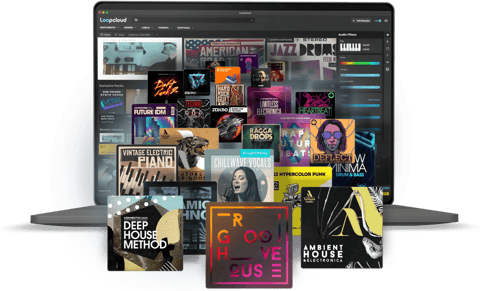
Loopcloud
A 2-month subscription to Loopcloud gives you millions of hi-def royalty-free samples, from lo-fi drum loops to punchy vocal one-shots, and add them to your personal collection for life. Beat-making essentials.
How to install
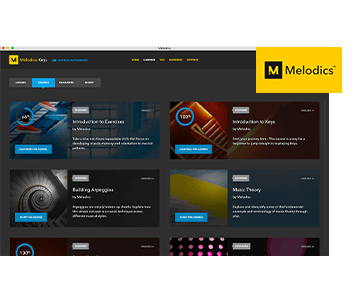
Melodics
If you're new to keyboards, music theory or DAW production, get started with a subscription to Melodics. The app gives you lessons, tips and tricks to suit your style, so you can improve your skills while you make music.
How to install
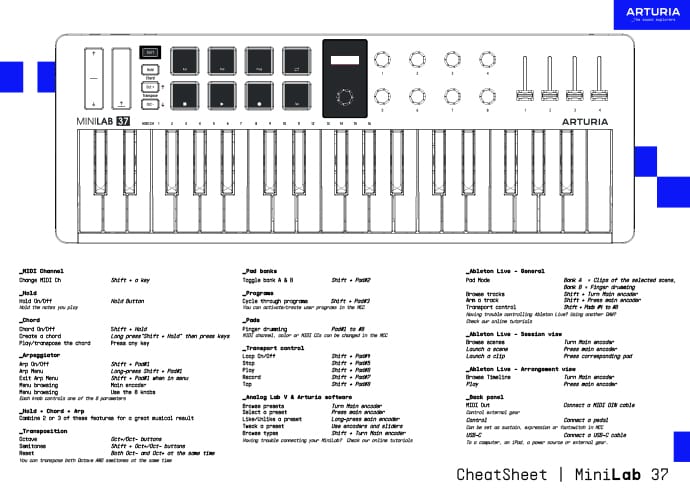
Download our cheatsheets for an overview of MiniLab 37's controls:
To learn even more, you can find the manuals on MiniLab 37's Resources page:
 Logic
Logic FL Studio
 Cubase
 Bitwig
If you cannot control your Digital Audio Workstation directly from MiniLab 37 - explore our custom controller mappings.
Go to custom controller mappings for MiniLab 37 →
Allez plus loin en créant des assignations MIDI personnalisées adaptées à vos besoins grâce au MIDI Control Center :
0:00 / 0:00