ARTURIA

de

Erste Schritte
with MiniLab 37

Get your MiniLab 37 up and running and kick start your musical journey.

Einrichtung
MiniLab 37

Ich bin neu bei Arturia
Ich bin bereits Arturia-Kunde
Ich benötige nur die neueste Firmware
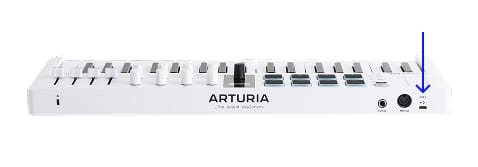
  1. Verbinde das MiniLab 37 über den USB-Anschluss des Interfaces mit deinem Computer.
  2. Lade Analog Lab herunter und installiere dieses.

  3. Starte die Software und folge den Anweisungen in Analog Labzur Einrichtung deines MiniLab 37.

Warum Analog Lab?

Analog Lab verwaltet sowohl dein MiniLab 37 als auch deine Sounds.

  • Halte dein MiniLab 37 auf dem neuesten Stand
  • Verwalte und optimiere deine Sounds im Detail
  • Integriere MiniLab 37 in dein Studio
  • Greif auf 500 klassische und moderne Sounds aus unserer preisgekrönten V Collection zu.

Mehr über Analog Lab erfahren →

Wenn du nach speziellen und individuellen MIDI-Mappings suchst, findest du diese hier →

Solltest du Probleme bei der Installation haben, wir helfen dir gerne weiter →

Get more from your MiniLab 37
Kostenlose Software, Tutorials & mehr

Entdecke das Package mit professioneller Software, das dir alles bietet, was du für die Erstellung deiner Audio-Contents brauchst.


Mehr erfahren
with our MiniLab 37 tutorials

Starte deine kreative Reise. Entdecke wichtige Funktionen, Tipps und Tricks für dein Sounddesign, clevere Produktions-Hacks und vieles mehr.

Tutorial-Playliste

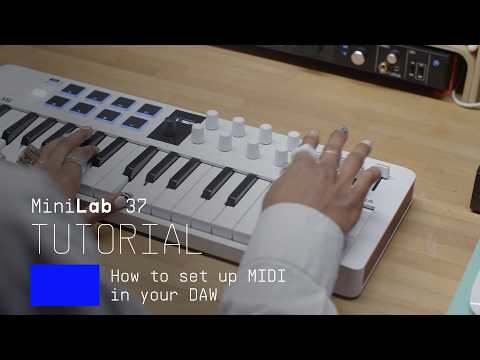
1. How To Control Reason
Yetundey shows you how to integrate your MiniLab 3 with Reason, to make the most out of your creative DAW workflow.
4min46
2. How To Control Logic Pro
Lena shows you how to integrate your MiniLab 3 with Logic Pro, to make the most out of your creative DAW workflow.
5min30
3. How To Control Bitwig
Yetundey shows you how to integrate your MiniLab 3 with Bitwig, to make the most out of your creative DAW workflow.
4min29
4. How To Control FL Studio
Yetundey shows you how to integrate your MiniLab 3 with FL Studio, to make the most out of your creative DAW workflow.
5min42
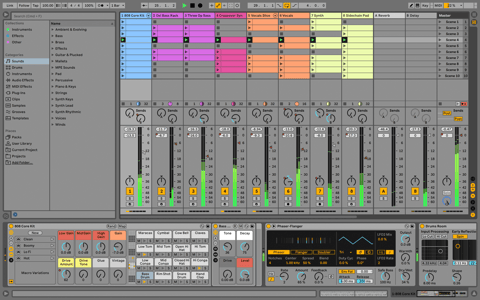
5. How To Control Ableton Live
Yetundey shows you how to integrate your MiniLab 3 with Ableton Live, to make the most out of your creative DAW workflow.
5min50
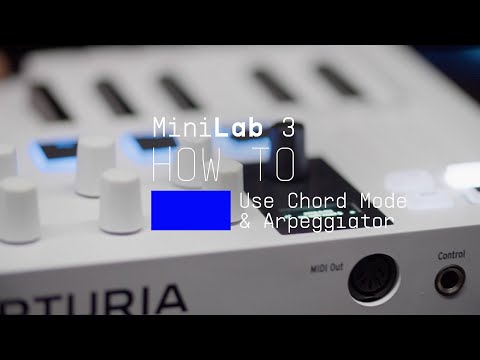
6. How To Use Chord Mode & the Arpeggiator
In this video, Yetundey takes a closer look at MiniLab 3's inspiring chord & melody creation features, making wrong notes a thing of the past and bringing your musical ideas to life.
7min46
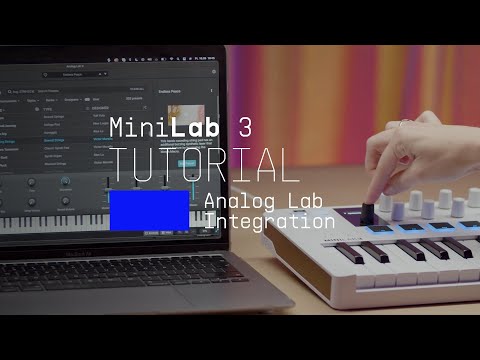
7. Using Analog Lab
Lena explores the seamless link between MiniLab 3 and Analog Lab, our easy-to-use library of award-winning synth & keyboard sounds. Control every aspect of this software with MiniLab 3's flexible controls.
7min32
8. Overview
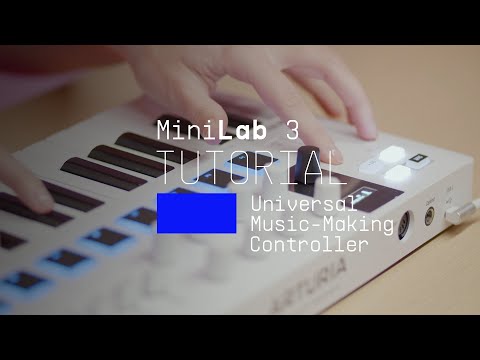
Lena introduces you to our universal music-making controller, giving you a guided tour of its fresh features, hidden talents, and the amazing sounds & software it comes with.
14min09
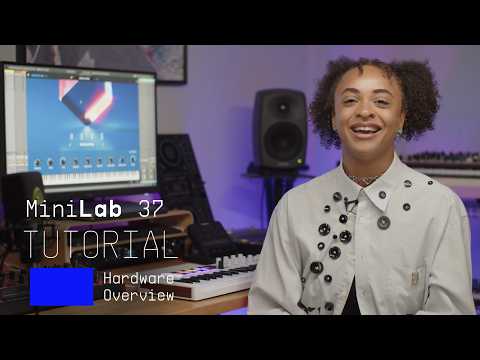
9. MiniLab 37 | Overview Tutorial
8min56

How To Control Reason

Yetundey shows you how to integrate your MiniLab 3 with Reason, to make the most out of your creative DAW workflow.

Download
Mitgelieferte Software unserer Partner

Zusätzlich zur Arturia-Software bieten wir dir eine Auswahl bekannter Plug-Ins und Programme unserer Partner, damit du mit deiner Musikproduktion noch schneller vorankommst.

Software für Produktion und Recording
zum Erstellen, Mischen und Exportieren deiner Tracks

Ableton Live Lite 12

One of the most popular music production, recording and performing platforms in the world, Ableton Live Lite lets you create, mix, and export your tracks.

How to install
Weitere Software-Instrumente
für tiefe und nuancierte Klavierklänge

Komplete Select

Choose between 3 different bundles. Craft with iconic synths, sampled sounds, and effects from Komplete 15 Select - a hand-picked production toolkit.

How to install
Noch mehr Inspiration
– von Samples bis Musiktheorie

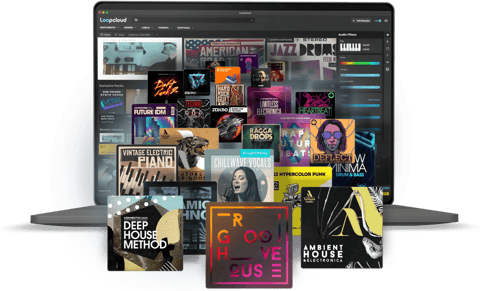
Loopcloud

A 2-month subscription to Loopcloud gives you millions of hi-def royalty-free samples, from lo-fi drum loops to punchy vocal one-shots, and add them to your personal collection for life. Beat-making essentials.

How to install
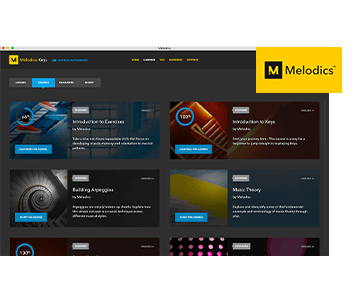
Melodics

If you're new to keyboards, music theory or DAW production, get started with a subscription to Melodics. The app gives you lessons, tips and tricks to suit your style, so you can improve your skills while you make music.

How to install

Weitere Informationen
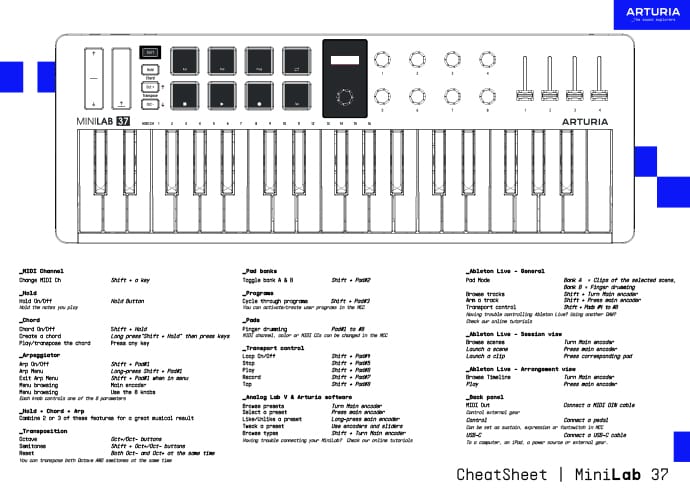
in unseren Handbüchern und dem 'Spickzettel'

Download our cheatsheets for an overview of MiniLab 37's controls:

To learn even more, you can find the manuals on MiniLab 37's Resources page:
Read our manuals for MiniLab 37 →

Integrieren
MiniLab 37 into your setup

MiniLab 37 integrates seamlessly with all major Digital Audio Workstations right out of the box, including automatically mapped controls to play, pause, record, and trigger loops.

Logic
FL Studio
Cubase
Bitwig

If you cannot control your Digital Audio Workstation directly from MiniLab 37 - explore our custom controller mappings.

Go to custom controller mappings for MiniLab 37 →

Tauch noch tiefer ein und erstelle im MIDI Control Center individuelle MIDI-Zuweisungen für deine speziellen Anforderungen:

Hol dir das MIDI Control Center und erfahre mehr →

Du hast Fragen?
Wir haben die Antworten!

Du brauchst weitere Hilfe?