ARTURIA

es

productos

sonidostiendacomunidadasistencia

Primeros pasos
with MiniLab 37

Get your MiniLab 37 up and running and kick start your musical journey.

Configuración
MiniLab 37

No había usado productos de Arturia
Soy cliente de Arturia
Solo necesito el firmware más reciente
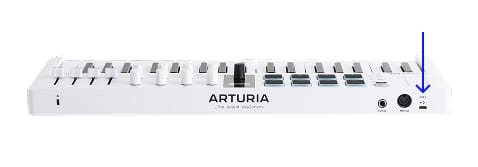
  1. Conecta tu MiniLab 37 al ordenador mediante el puerto USB de la interfaz.
  2. Descarga e instala Analog Lab.

  3. Abre el software y sigue las instrucciones en Analog Labpara configurar tu MiniLab 37.

¿Por qué Analog Lab?

Analog Lab gestiona tanto tu MiniLab 37 como tu contenido sonoro.

  • Mantén tu MiniLab 37 actualizado
  • Gestiona y manipula sonidos en profundidad
  • Integra tu MiniLab 37 en tu estudio
  • Accede a 500 sonidos clásicos y modernos de nuestra premiada V Collection.

Más información sobre Analog Lab →

Si buscas asignaciones MIDI concretas y personalizadas, puedes encontrarlas aquí →

Si tienes algún problema con el proceso de instalación, te ayudamos →

Get more from your MiniLab 37
software gratuito, tutoriales y demás

Descubre una colección de software profesional con todo lo necesario para empezar a crear contenido sonoro al instante.


Más información
with our MiniLab 37 tutorials

Empieza tu aventura creativa con total confianza. Descubre funciones esenciales, consejos para diseñar tus propios sonidos, trucos de producción musical y mucho más.

Lista de reproducción de tutoriales

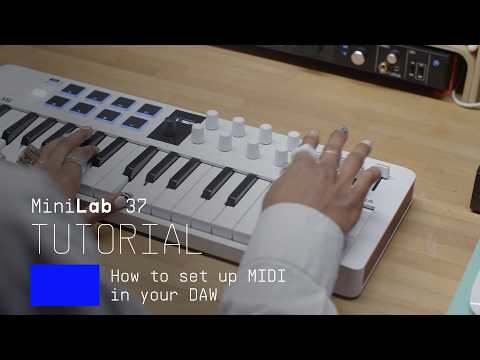
1. How To Control Reason
Yetundey shows you how to integrate your MiniLab 3 with Reason, to make the most out of your creative DAW workflow.
4min46
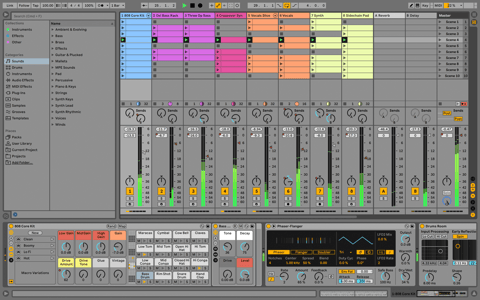
2. How To Control Logic Pro
Lena shows you how to integrate your MiniLab 3 with Logic Pro, to make the most out of your creative DAW workflow.
5min30
3. How To Control Bitwig
Yetundey shows you how to integrate your MiniLab 3 with Bitwig, to make the most out of your creative DAW workflow.
4min29
4. How To Control FL Studio
Yetundey shows you how to integrate your MiniLab 3 with FL Studio, to make the most out of your creative DAW workflow.
5min42
5. How To Control Ableton Live
Yetundey shows you how to integrate your MiniLab 3 with Ableton Live, to make the most out of your creative DAW workflow.
5min50
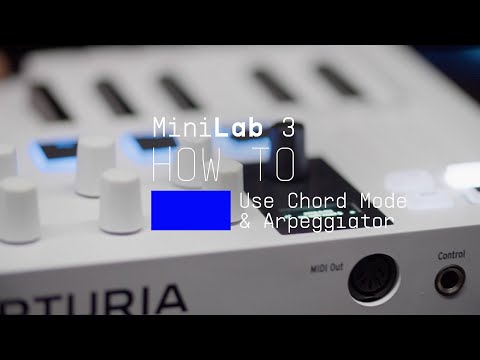
6. How To Use Chord Mode & the Arpeggiator
In this video, Yetundey takes a closer look at MiniLab 3's inspiring chord & melody creation features, making wrong notes a thing of the past and bringing your musical ideas to life.
7min46
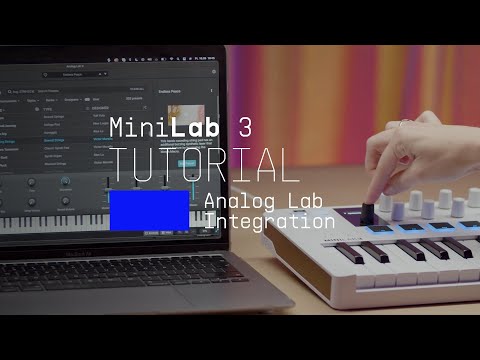
7. Using Analog Lab
Lena explores the seamless link between MiniLab 3 and Analog Lab, our easy-to-use library of award-winning synth & keyboard sounds. Control every aspect of this software with MiniLab 3's flexible controls.
7min32
8. Overview
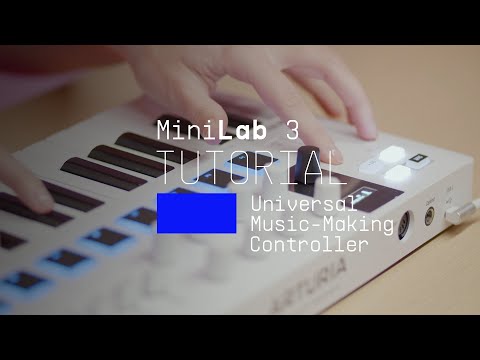
Lena introduces you to our universal music-making controller, giving you a guided tour of its fresh features, hidden talents, and the amazing sounds & software it comes with.
14min09
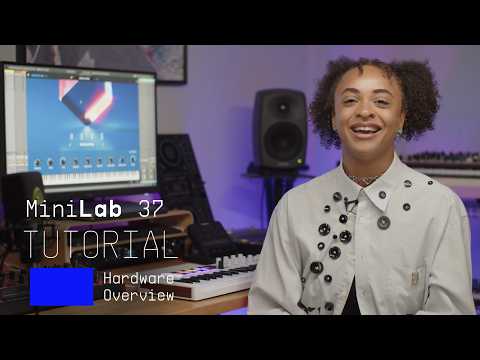
9. MiniLab 37 | Overview Tutorial
8min56

How To Control Reason

Yetundey shows you how to integrate your MiniLab 3 with Reason, to make the most out of your creative DAW workflow.

Descargar
software incluido de nuestros colaboradores

Además del software de Arturia, incluimos una selección de plugins y herramientas de referencia de nuestros colaboradores para impulsar tu producción musical.

Software de producción musical y grabación
para crear, mezclar y exportar tus temas

Ableton Live Lite 12

One of the most popular music production, recording and performing platforms in the world, Ableton Live Lite lets you create, mix, and export your tracks.

How to install
Aún más instrumentos virtuales
para sonidos de piano complejos y expresivos

Komplete Select

Choose between 3 different bundles. Craft with iconic synths, sampled sounds, and effects from Komplete 15 Select - a hand-picked production toolkit.

How to install
Aún más inspiración,
desde samples hasta teoría musical

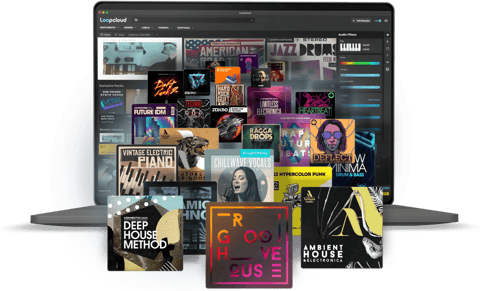
Loopcloud

A 2-month subscription to Loopcloud gives you millions of hi-def royalty-free samples, from lo-fi drum loops to punchy vocal one-shots, and add them to your personal collection for life. Beat-making essentials.

How to install
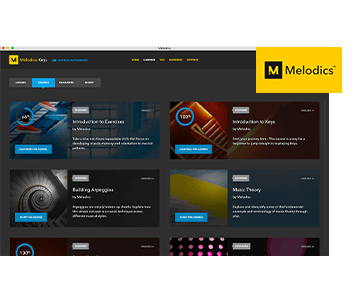
Melodics

If you're new to keyboards, music theory or DAW production, get started with a subscription to Melodics. The app gives you lessons, tips and tricks to suit your style, so you can improve your skills while you make music.

How to install

Más información
en nuestros manuales y guías rápidas

Download our cheatsheets for an overview of MiniLab 37's controls:

To learn even more, you can find the manuals on MiniLab 37's Resources page:
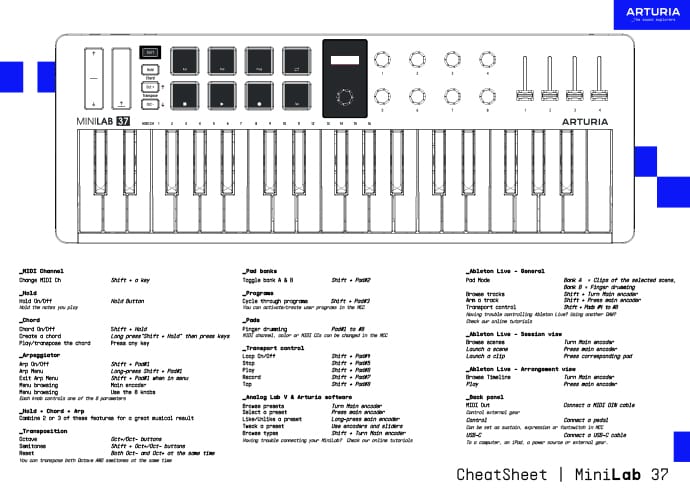
Read our manuals for MiniLab 37 →

Integración
MiniLab 37 into your setup

MiniLab 37 integrates seamlessly with all major Digital Audio Workstations right out of the box, including automatically mapped controls to play, pause, record, and trigger loops.

Logic
FL Studio
Cubase
Bitwig

If you cannot control your Digital Audio Workstation directly from MiniLab 37 - explore our custom controller mappings.

Go to custom controller mappings for MiniLab 37 →

También puedes ir más allá y crear asignaciones MIDI personalizadas para adaptarlas a tus necesidades con MIDI Control Center:

Descarga MIDI Control Center y descubre más →