
KeyStep Pro
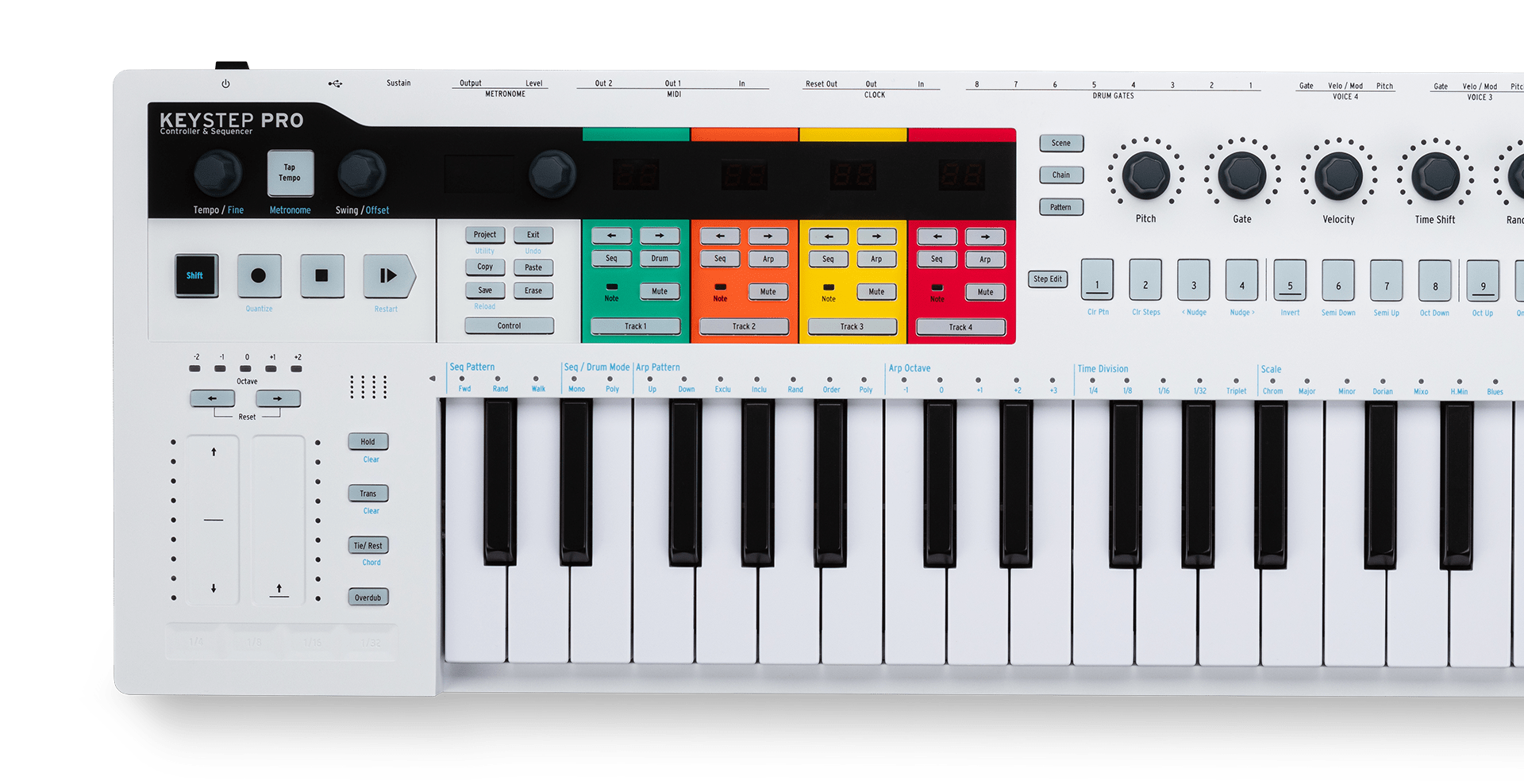
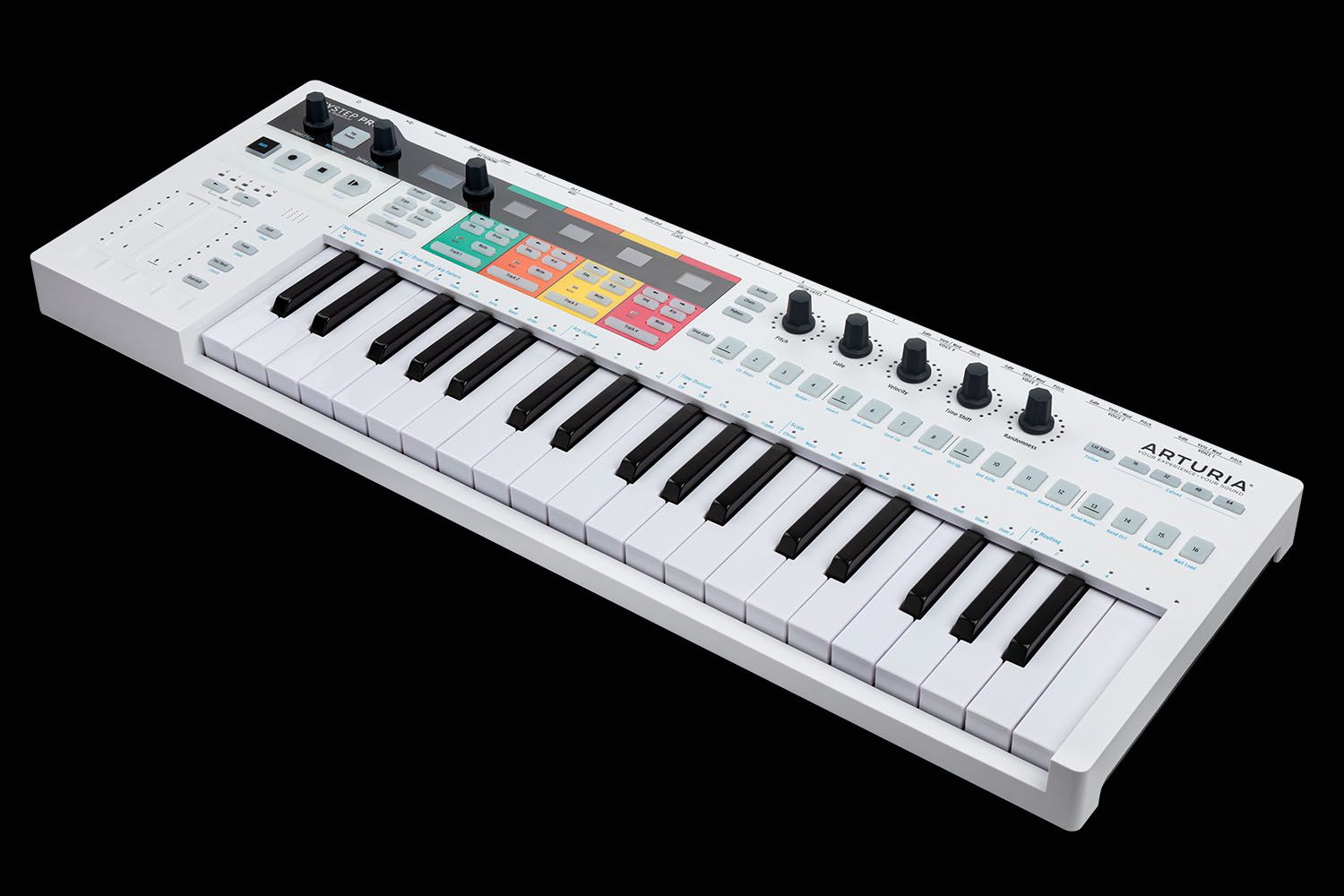
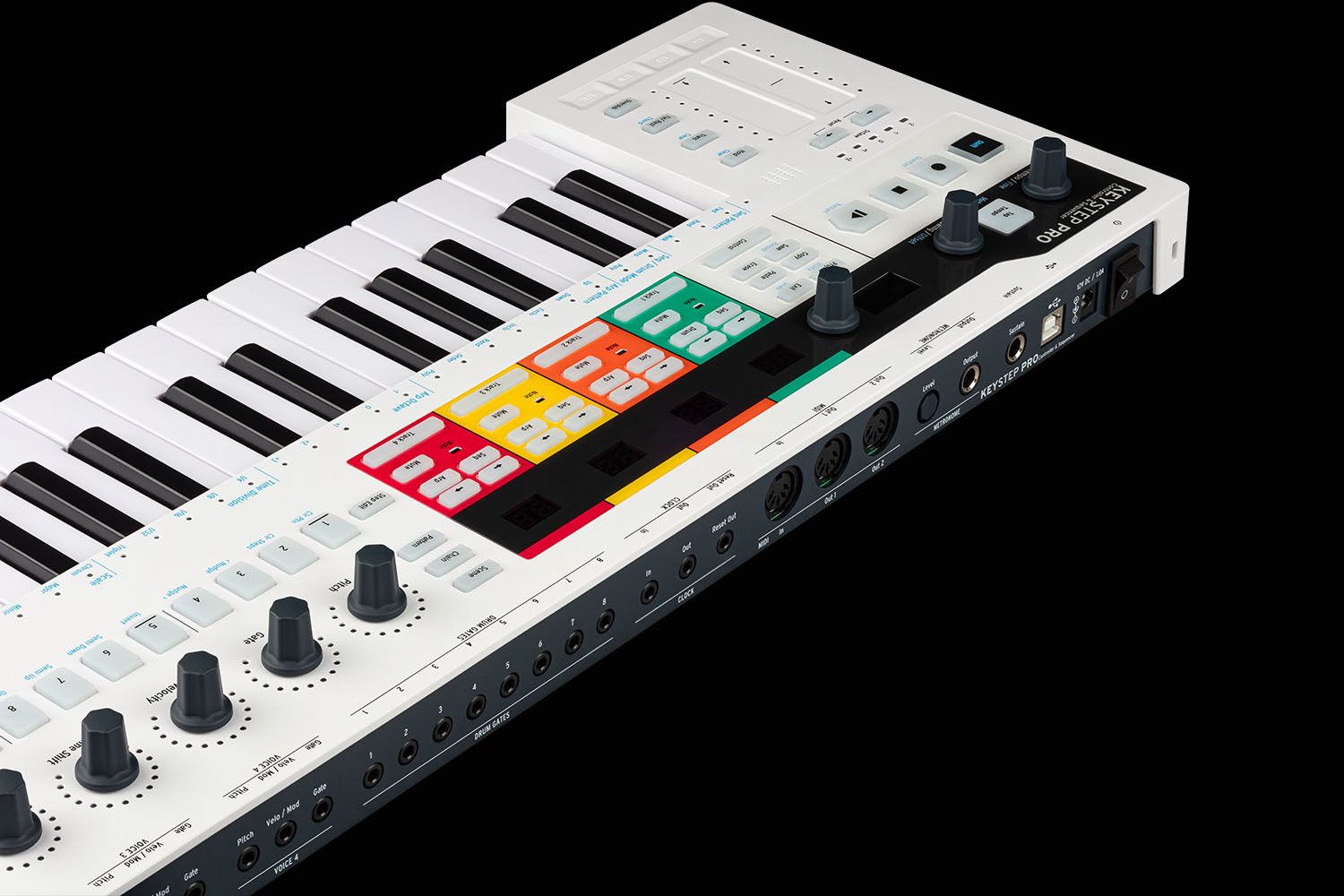
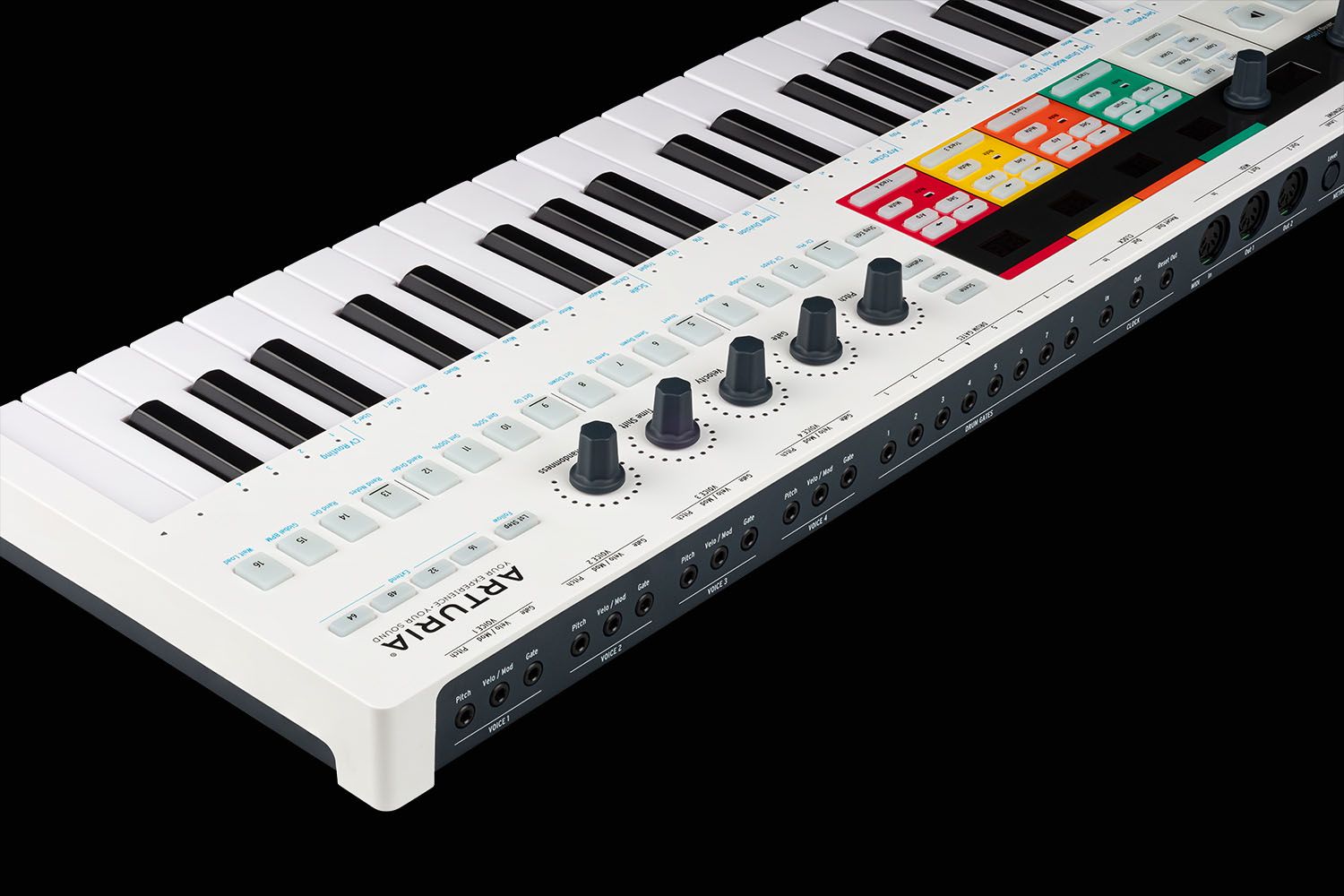
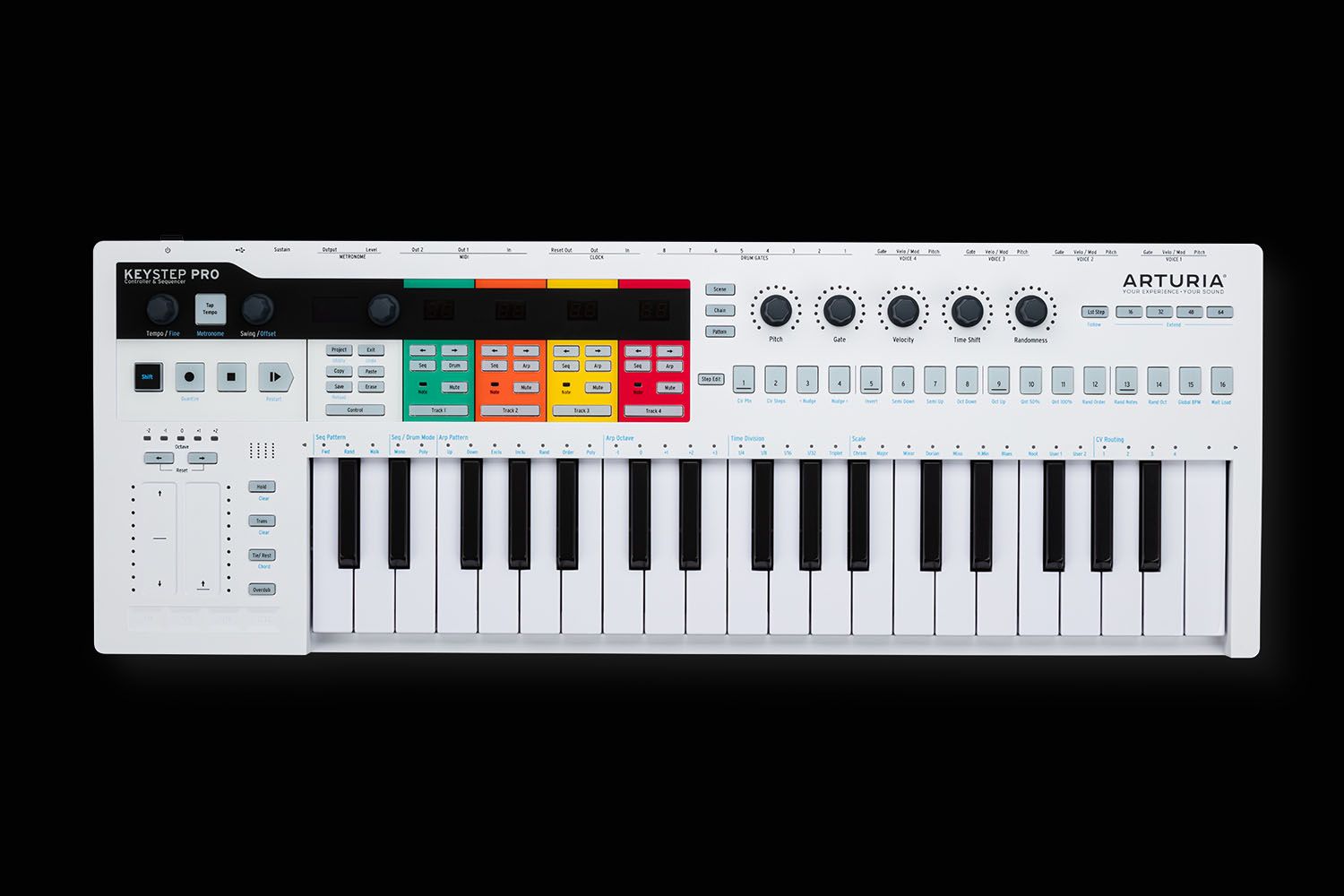
Teclado controlador con secuenciador polifónico.
KeyStep Pro
Tutoriales
Tutoriales | Ep. 1: Overview
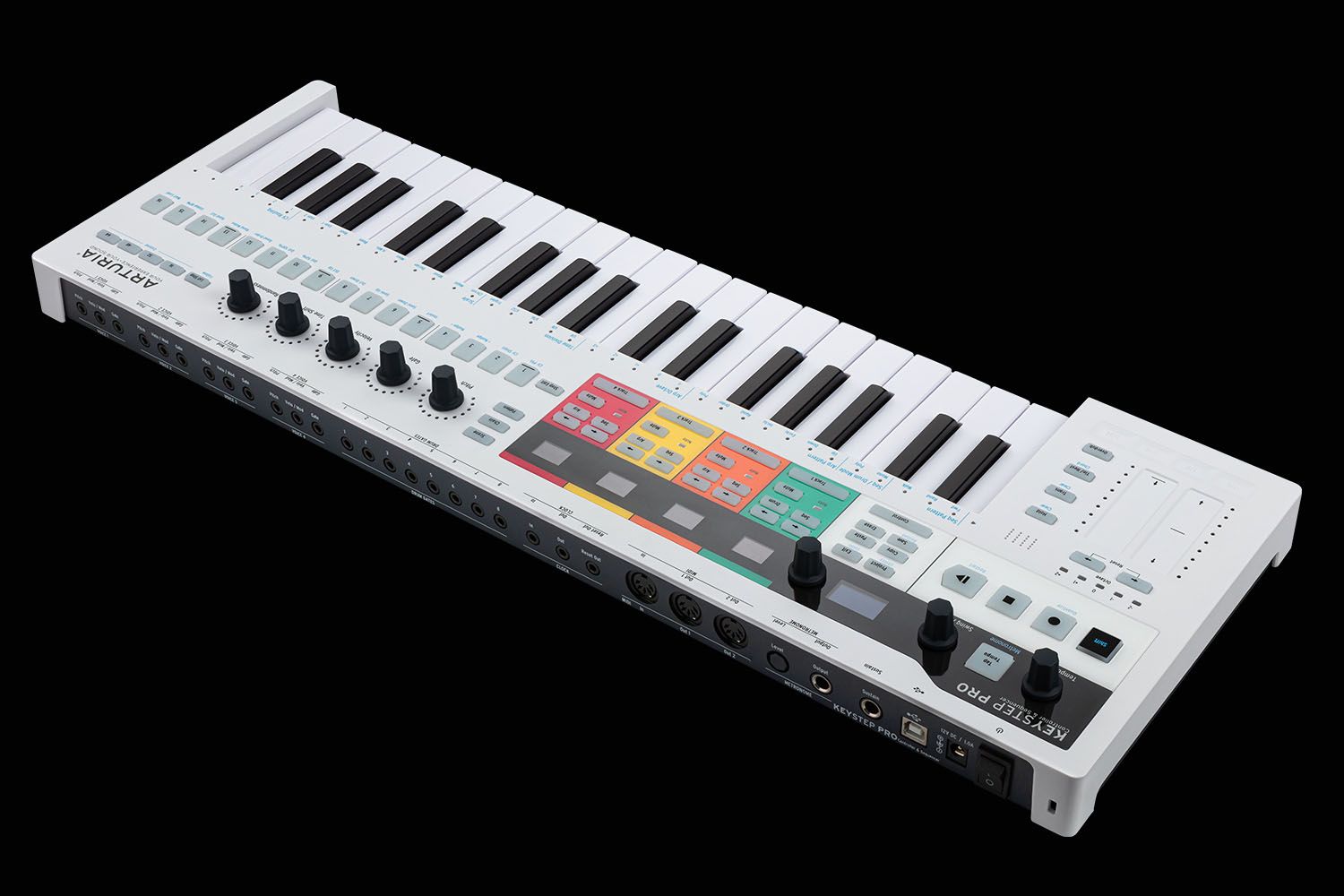
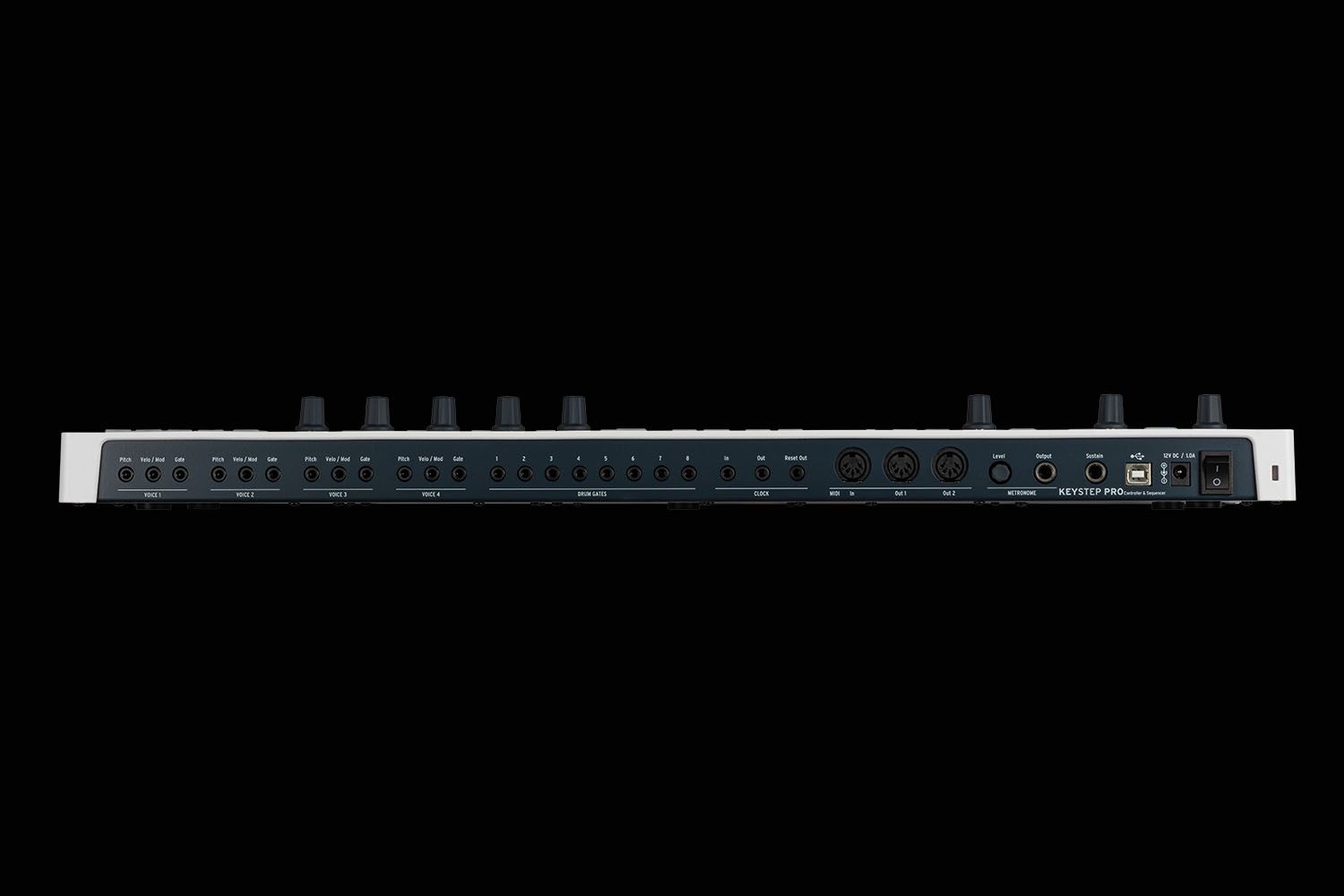
In the overview tutorial you will find the general information about the features and functionalities of KeyStep Pro - from the basic to the more advanced ones. You will learn how to play, program and edit notes as well get the insight into the connectivity.
Tutoriales | Ep. 2: Sequencer Basics
The second episode describes the basics of sequencing with KeyStep Pro. You will be able to learn about its four tracks of polyphony and see how to use various modes of sequencing - Step Recording, Step Programming and Real Time Recording modes. Here we also talk about the Drum Sequencer and some basic operational tasks like saving patterns and copying notes.
Tutoriales | Ep. 3: Sequencer Advanced
Third episode invites you to go deeper with the KeyStep Pro sequencer capabilities. We will delve into the Step Edit mode as well as learn about how to use various ways to modify our patterns through Shift Step and Shift Key Functions such as Random Notes and Random Order.
Tutoriales | Ep. 4: Arpeggiator
KeyStep Pro comes with three arpeggiators that can run at various speeds, time divisions and octaves. This episode describes all those functions and gives some nice tips on how to produce transitions and breakdowns with the use of the Arp tracks.
Tutoriales | Ep. 5: Performing
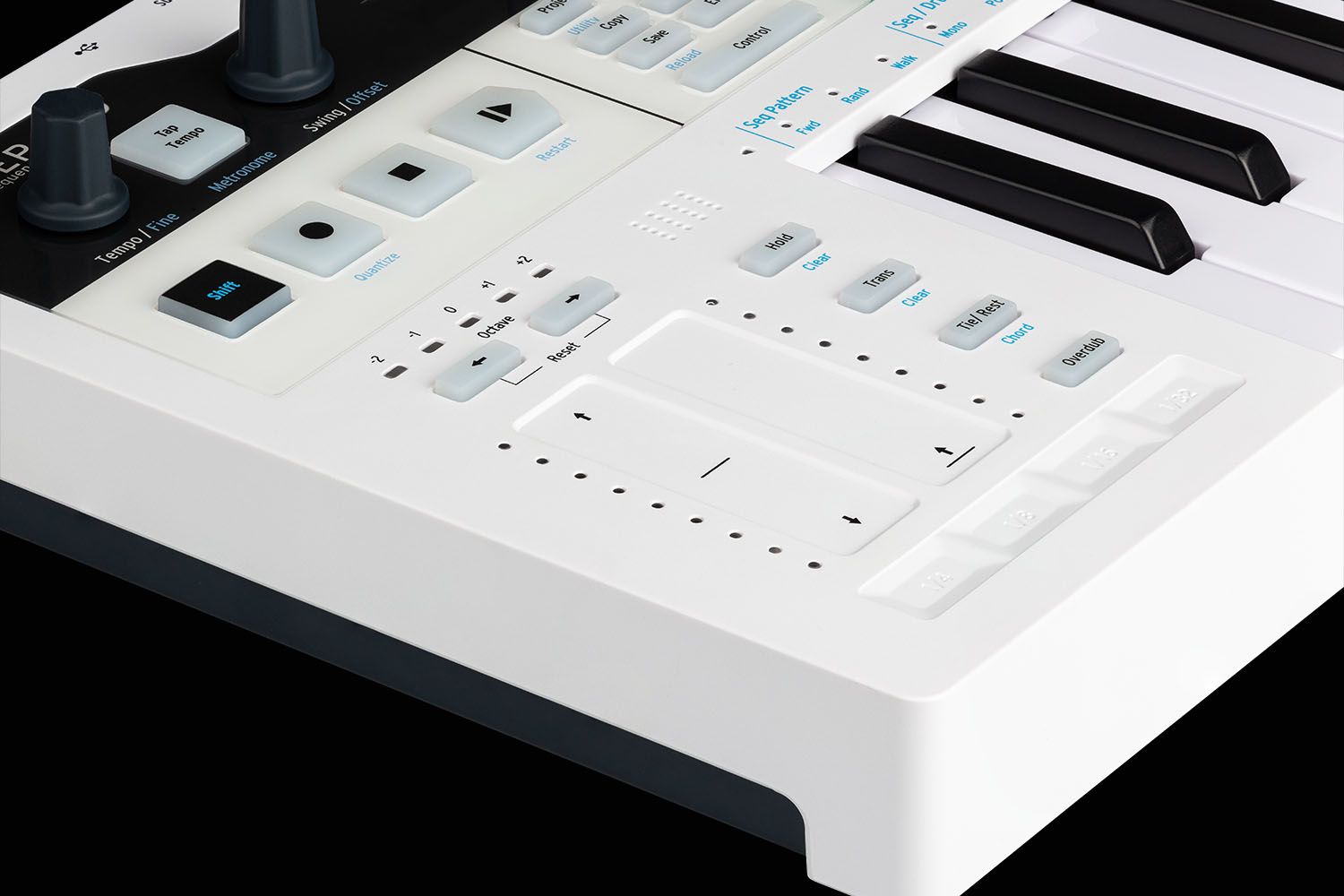
In the fifth episode we are looking at the KeyStep Pro's live playing features. From Scales to Looper and Touch Strips - we will learn how to combine all those features to be able to produce interesting ideas for the stage or arrangements in the studio.
Tutoriales | Ep. 6: Connectivity & Settings
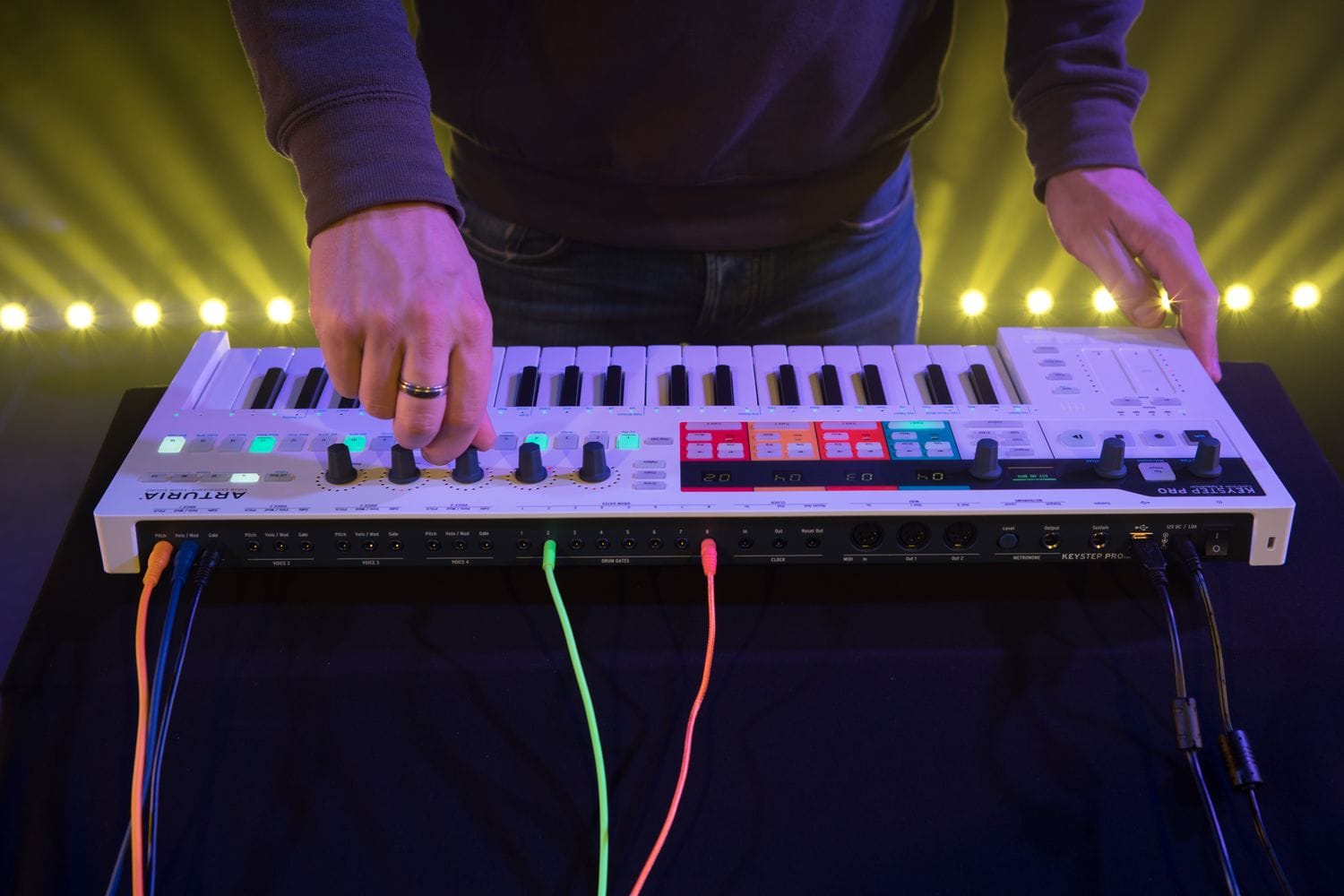
In the last one we are going to learn about KeyStep Pro connectivity and its Utilities mode. We are describing the various setups in which KeyStep Pro can thrive and also examine the front panel Settings that allow you to change some crucial aspects about your projects and patterns without connecting to the computer.
Vídeos
Galería
¿Necesitas más ayuda?
Nuestro equipo de asistencia estará encantado de ayudarte con tus preguntas sobre el uso de instrumentos Arturia. Puedes contactar con ellos en esta página:
¿Necesitas ayuda?