ARTURIA

es

productos

sonidostiendacomunidadasistencia

Get started
with KeyStep Pro

Get your KeyStep Pro up and running and kick start your musical journey.

Set up
KeyStep Pro

  1. Registra tu KeyStep Pro para desbloquear tus licencias de software gratuitas incluidas.

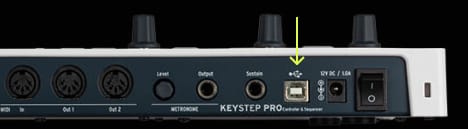
  2. Conecta tu KeyStep Pro al ordenador mediante el puerto USB de la interfaz.
  3. Descarga e instala MIDI Control Center.

  4. Abre el software y sigue las instrucciones dentro de MIDI Control Centerpara configurar tu KeyStep Pro.

¿Por qué usar MIDI Control Center?

MIDI Control Center es la herramienta esencial para aprovechar todo el potencial de tu KeyStep Pro. Ofrece un control preciso de los parámetros y permite actualizar el firmware de forma gratuita, manteniendo tu KeyStep Pro siempre al día y a punto para grabar.
Si tienes algún problema con el proceso de instalación, te ayudamos →

Get more from your KeyStep Pro
free software, tutorials & more

Discover a suite of pro-grade software that provides everything you need to start making audio content out-of-the-box.

Learn more
with our KeyStep Pro tutorials

Start your creative journey with confidence. Explore essential features, tips and tricks on how to design your own sounds, other music production hacks and much more.

Lista de reproducción de tutoriales

1. Ep. 1: Overview
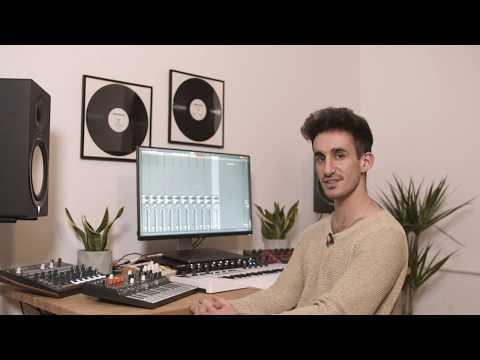
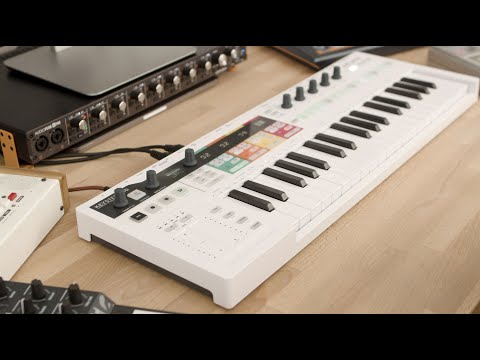
In the overview tutorial you will find the general information about the features and functionalities of KeyStep Pro - from the basic to the more advanced ones. You will learn how to play, program and edit notes as well get the insight into the connectivity.
2. Ep. 2: Sequencer Basics
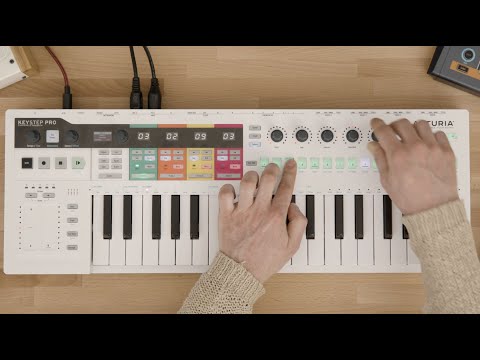
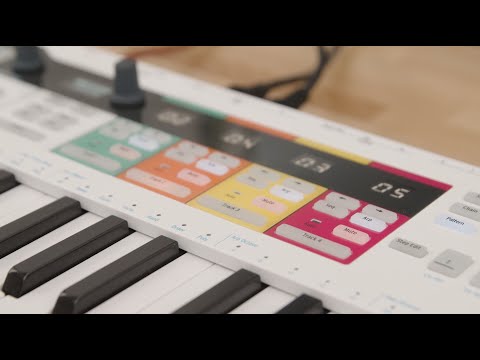
The second episode describes the basics of sequencing with KeyStep Pro. You will be able to learn about its four tracks of polyphony and see how to use various modes of sequencing - Step Recording, Step Programming and Real Time Recording modes. Here we also talk about the Drum Sequencer and some basic operational tasks like saving patterns and copying notes.
3. Ep. 3: Sequencer Advanced
Third episode invites you to go deeper with the KeyStep Pro sequencer capabilities. We will delve into the Step Edit mode as well as learn about how to use various ways to modify our patterns through Shift Step and Shift Key Functions such as Random Notes and Random Order.
4. Ep. 4: Arpeggiator
KeyStep Pro comes with three arpeggiators that can run at various speeds, time divisions and octaves. This episode describes all those functions and gives some nice tips on how to produce transitions and breakdowns with the use of the Arp tracks.
5. Ep. 5: Performing
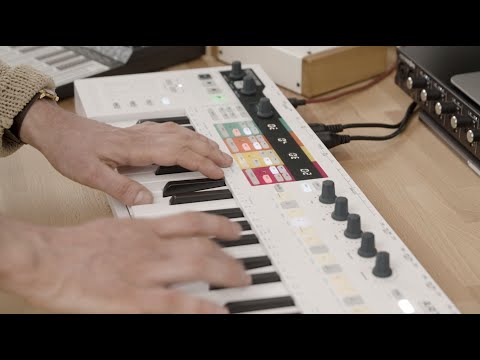
In the fifth episode we are looking at the KeyStep Pro's live playing features. From Scales to Looper and Touch Strips - we will learn how to combine all those features to be able to produce interesting ideas for the stage or arrangements in the studio.
6. Ep. 6: Connectivity & Settings
In the last one we are going to learn about KeyStep Pro connectivity and its Utilities mode. We are describing the various setups in which KeyStep Pro can thrive and also examine the front panel Settings that allow you to change some crucial aspects about your projects and patterns without connecting to the computer.

Ep. 1: Overview

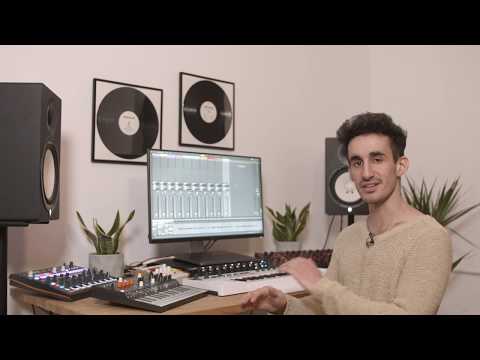
In the overview tutorial you will find the general information about the features and functionalities of KeyStep Pro - from the basic to the more advanced ones. You will learn how to play, program and edit notes as well get the insight into the connectivity.

Install
Analog Lab Intro

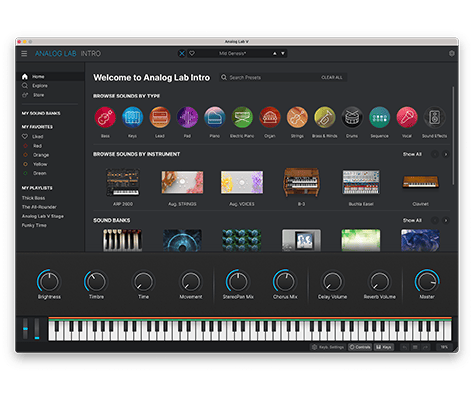
Analog Lab Intro te permite tocar y editar 500 presets de nuestra premiada V Collection.

Más información sobre Analog Lab Intro →

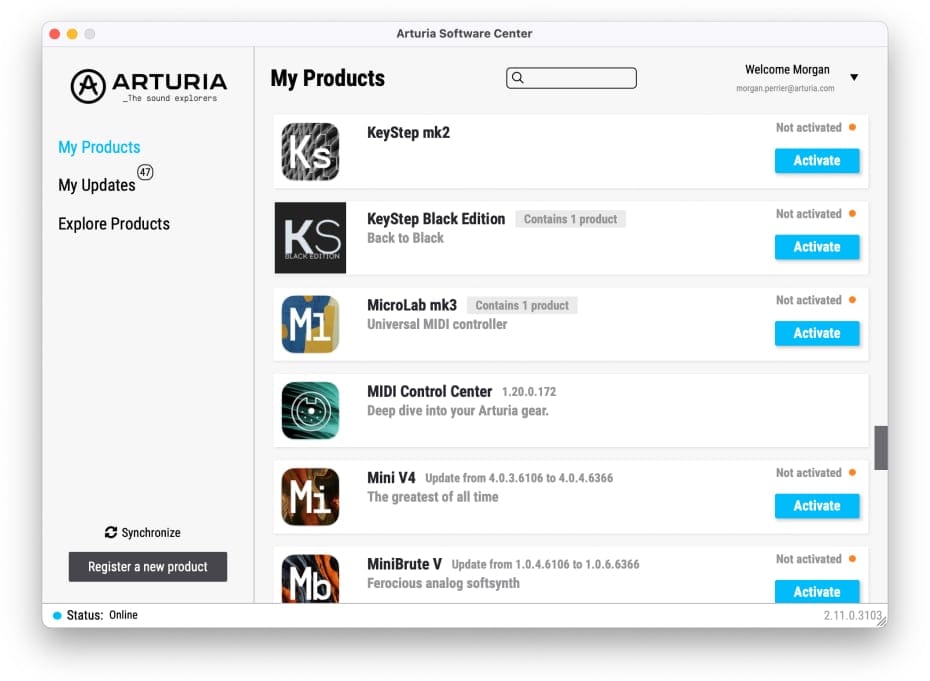
Para instalar Analog Lab Intro, usa Arturia Software Center:

  1. Open the Arturia Software Center and look for your KeyStep Pro.

    (Tu KeyStep Pro debe estar registrado para aparecer en Arturia Software Center. Para ello, cierra Arturia Software Center, conecta tu KeyStep Pro al ordenador y vuelve a abrir Arturia Software Center).

  2. Pulsa KeyStep Pro para ver tu licencia de software and install Analog Lab Intro.

    (Si ya registraste tu KeyStep Pro en nuestra web, primero haz pulsa Activate para ver las opciones de descarga).
Si tienes algún problema con el proceso de instalación, te ayudamos →

Descargar
included software from our partners

Alongside Arturia Software, we provide a selection of industry-standard plugins and software from our partners to accelerate your music production journey.

Software de producción musical y grabación
para crear, mezclar y exportar tus temas

Ableton Live Lite 12

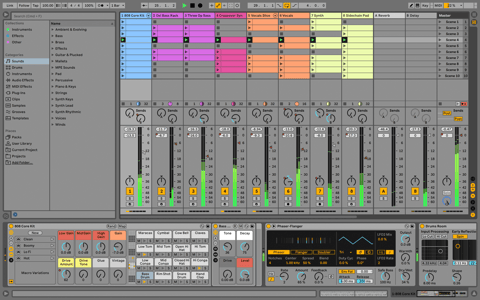
One of the most popular music production, recording and performing platforms in the world, Ableton Live Lite lets you create, mix, and export your tracks.

How to install

Find more information
with our manuals

To learn even more, you can find the manuals on KeyStep Pro's Resources page:

Read our manuals for KeyStep Pro →