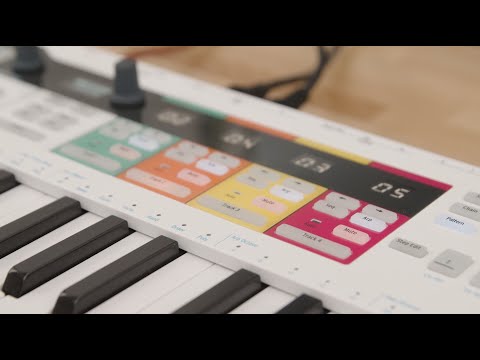
Get more from your KeyStep Pro
free software, tutorials & more
Découvrez une suite logicielle professionnelle réunissant tout le nécessaire pour créer vos contenus audio dès la première utilisation.

Enregistrez votre KeyStep Propour obtenir vos licences logicielles offertes.
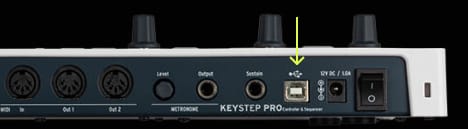
Le MIDI Control Center est l'utilitaire essentiel pour exploiter pleinement votre KeyStep Pro. Il offre un contrôle précis des paramètres et assure les mises à jour régulières du firmware, pour que votre KeyStep Pro reste parfaitement configuré et toujours prêt à créer.
In the overview tutorial you will find the general information about the features and functionalities of KeyStep Pro - from the basic to the more advanced ones. You will learn how to play, program and edit notes as well get the insight into the connectivity.
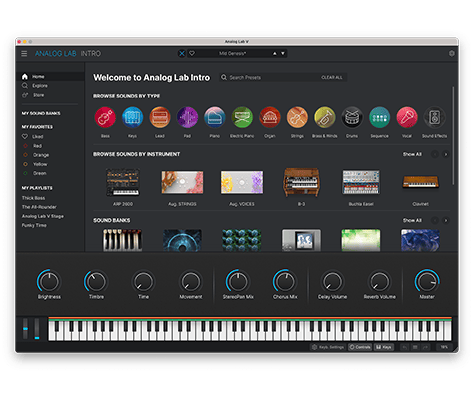
Analog Lab Intro vous permet de jouer et de modifier 500 presets d'instruments issus de notre célèbre V Collection.
En savoir plus sur Analog Lab Intro →
Pour installer Analog Lab Intro, utilisez l'Arturia Software Center :
(Votre KeyStep Pro doit être enregistré pour apparaître dans l'Arturia Software Center. Pour ce faire, fermez l'Arturia Software Center, connectez le KeyStep Pro à votre ordinateur et relancez l'Arturia Software Center.)
(Si vous avez enregistré votre KeyStep Pro sur notre site web, vous devez d'abord cliquer sur Activer pour afficher les options de téléchargement.)

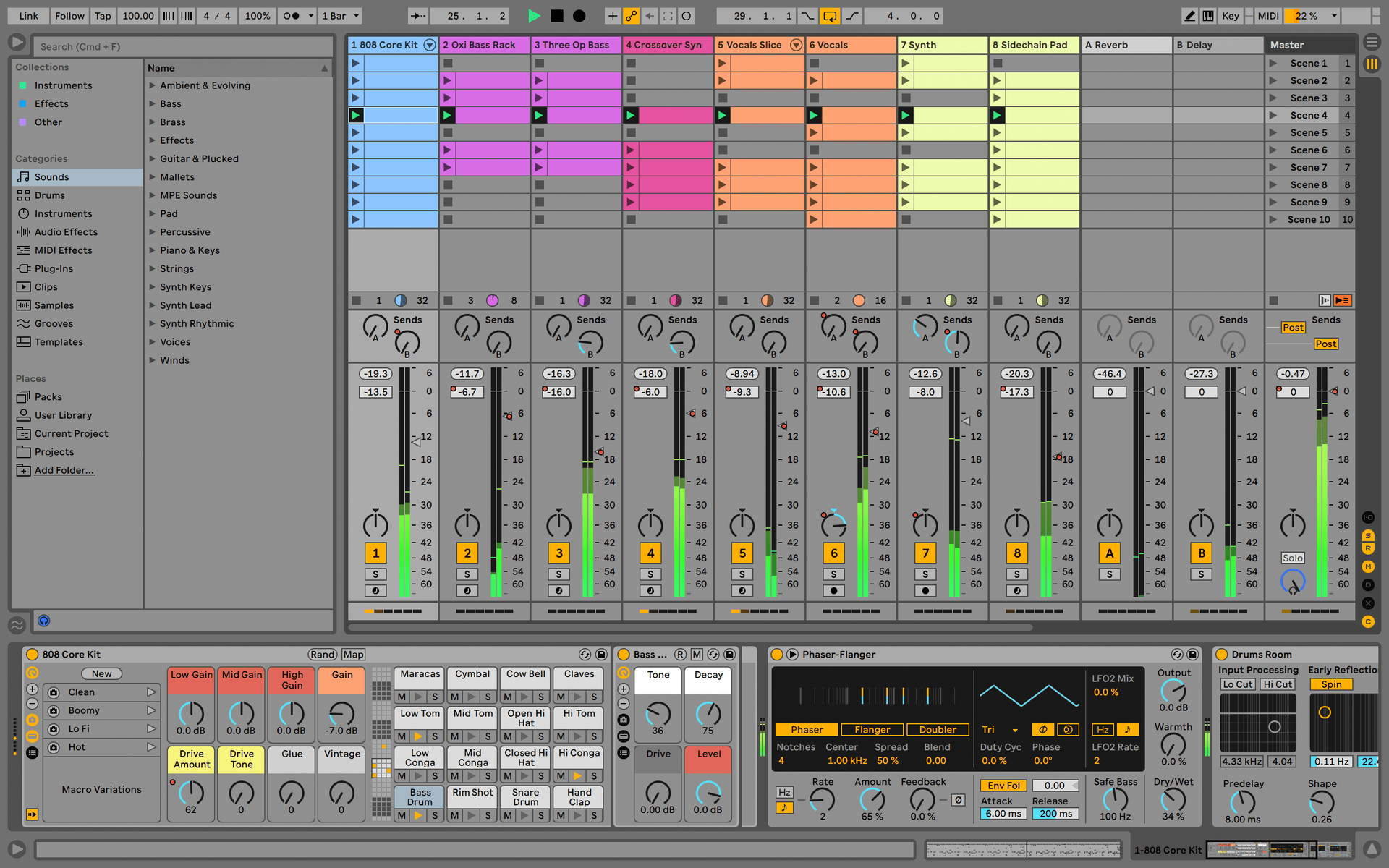
Ableton Live Lite 12
One of the most popular music production, recording and performing platforms in the world, Ableton Live Lite lets you create, mix, and export your tracks.
How to install
To learn even more, you can find the manuals on KeyStep Pro's Resources page:
0:00 / 0:00