ARTURIA

zh

产品

声音商城社区支援

Get started
with KeyStep Pro

Get your KeyStep Pro up and running and kick start your musical journey.

Set up
KeyStep Pro

  1. Register your KeyStep Pro to unlock your included free Software licenses.

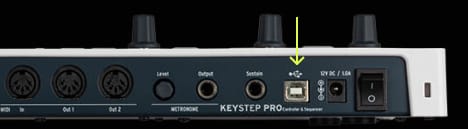
  2. Connect KeyStep Pro to your computer, from the interface’s USB port.
  3. Download and install the Midi Control Center.

  4. Launch the software and follow the instructions inside the Midi Control Center to set up your KeyStep Pro.

Why Midi Control Center?

Midi Control Center is the required utility software that unlocks the full capabilities of your KeyStep Pro. It allows detailed control over the parameters of your product and ensures regular free firmware updates, keeping your KeyStep Pro configured and always ready to record.

若您在安装过程中遇到问题

Get more from your KeyStep Pro
free software, tutorials & more

Discover a suite of pro-grade software that provides everything you need to start making audio content out-of-the-box.

Learn more
with our KeyStep Pro tutorials

Start your creative journey with confidence. Explore essential features, tips and tricks on how to design your own sounds, other music production hacks and much more.

Tutorials playlist

1. Ep. 1: Overview
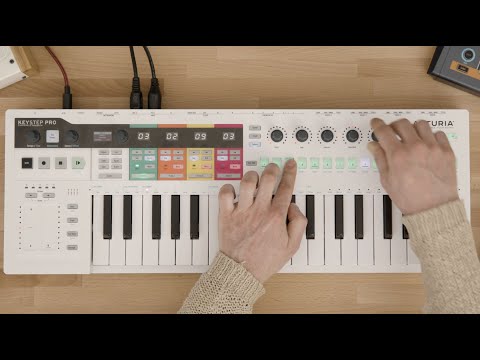
In the overview tutorial you will find the general information about the features and functionalities of KeyStep Pro - from the basic to the more advanced ones. You will learn how to play, program and edit notes as well get the insight into the connectivity.
2. Ep. 2: Sequencer Basics
The second episode describes the basics of sequencing with KeyStep Pro. You will be able to learn about its four tracks of polyphony and see how to use various modes of sequencing - Step Recording, Step Programming and Real Time Recording modes. Here we also talk about the Drum Sequencer and some basic operational tasks like saving patterns and copying notes.
3. Ep. 3: Sequencer Advanced
Third episode invites you to go deeper with the KeyStep Pro sequencer capabilities. We will delve into the Step Edit mode as well as learn about how to use various ways to modify our patterns through Shift Step and Shift Key Functions such as Random Notes and Random Order.
4. Ep. 4: Arpeggiator
KeyStep Pro comes with three arpeggiators that can run at various speeds, time divisions and octaves. This episode describes all those functions and gives some nice tips on how to produce transitions and breakdowns with the use of the Arp tracks.
5. Ep. 5: Performing
In the fifth episode we are looking at the KeyStep Pro's live playing features. From Scales to Looper and Touch Strips - we will learn how to combine all those features to be able to produce interesting ideas for the stage or arrangements in the studio.
6. Ep. 6: Connectivity & Settings
In the last one we are going to learn about KeyStep Pro connectivity and its Utilities mode. We are describing the various setups in which KeyStep Pro can thrive and also examine the front panel Settings that allow you to change some crucial aspects about your projects and patterns without connecting to the computer.

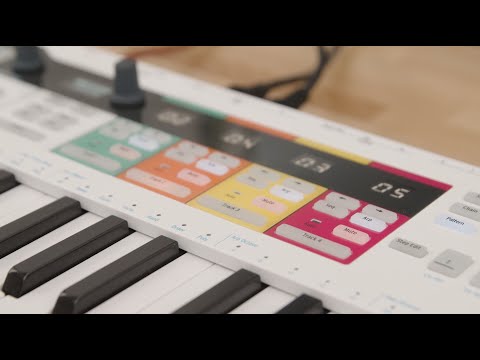
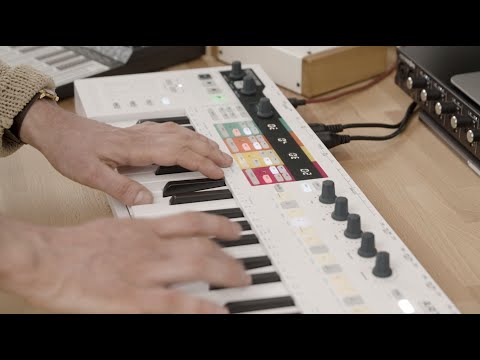
Ep. 1: Overview

In the overview tutorial you will find the general information about the features and functionalities of KeyStep Pro - from the basic to the more advanced ones. You will learn how to play, program and edit notes as well get the insight into the connectivity.

Install
Analog Lab Intro

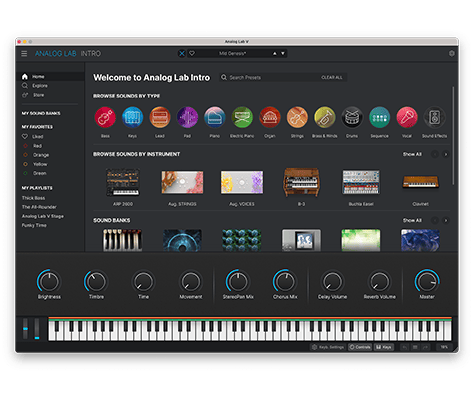
Analog Lab Intro allows you to play and tweak 500 instrument presets from our award-winning V Collection.

Learn more about Analog Lab Intro →

To install Analog Lab Intro, use the Arturia Software Center:

  1. Open the Arturia 软件中心 and look for your KeyStep Pro.

    (Your KeyStep Pro must be registered in order to show up in the Arturia Software Center. To do so, close the Arturia Software Center, connect KeyStep Pro to your computer & launch the Arturia Software Center again.)

  2. Click on KeyStep Pro to reveal your software license and install Analog Lab Intro.

    (If you registered your KeyStep Pro on our website, you have to click Activate first to reveal the download options.)
若您在安装过程中遇到问题

Download
included software from our partners

Alongside Arturia Software, we provide a selection of industry-standard plugins and software from our partners to accelerate your music production journey.

"音乐制作与录音软件
,用于创作、混音及导出音轨"

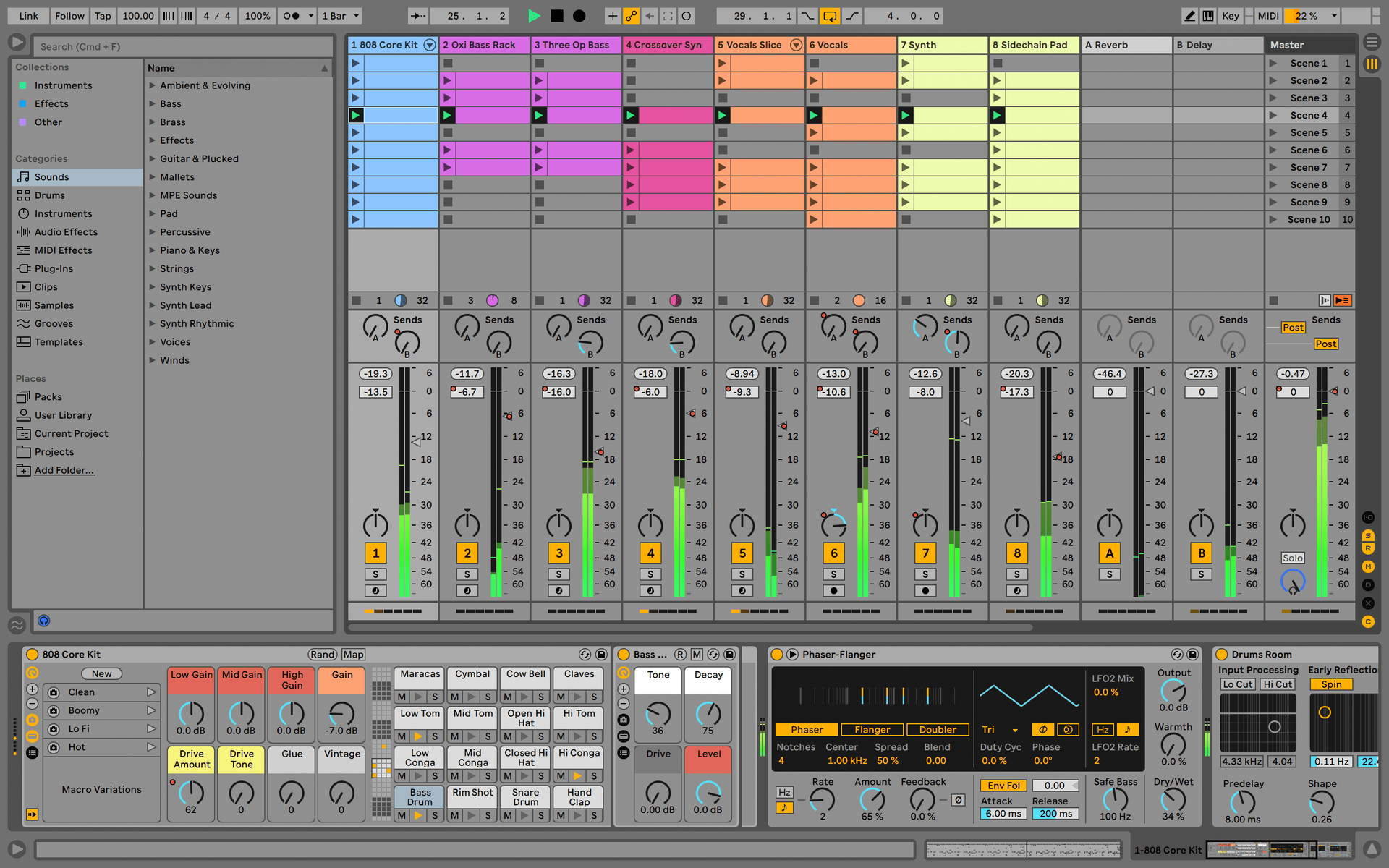
Ableton Live Lite 12

One of the most popular music production, recording and performing platforms in the world, Ableton Live Lite lets you create, mix, and export your tracks.

How to install

Find more information
with our manuals

To learn even more, you can find the manuals on KeyStep Pro's Resources page:

Read our manuals for KeyStep Pro →