Get more from your KeyStep Pro
free software, tutorials & more
Entdecke das Package mit professioneller Software, das dir alles bietet, was du für die Erstellung deiner Audio-Contents brauchst.

Registriere dein KeyStep Proum deine enthaltenen kostenlosen Software-Lizenzen freizuschalten.
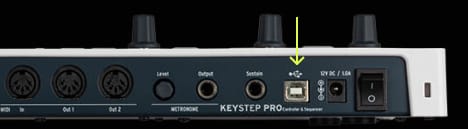
Das Midi Control Center ist ein wichtiges Hilfsprogramm, um den vollen Funktionsumfang deines KeyStep Pro nutzen zu können. Es ermöglicht eine präzise Steuerung aller Parameter deines Geräts und stellt regelmäßige kostenlose Firmware-Updates bereit, damit dein KeyStep Pro optimal konfiguriert und stets bereit für deine Sessions bleibt.
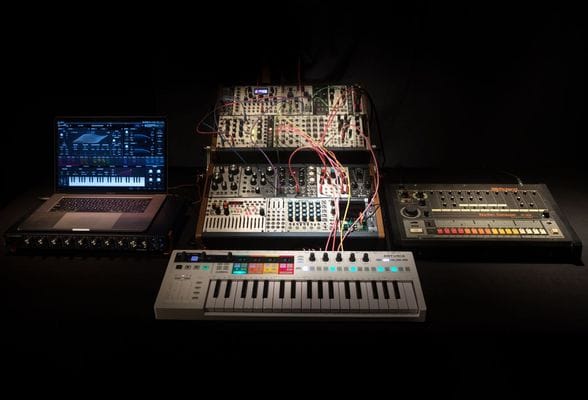
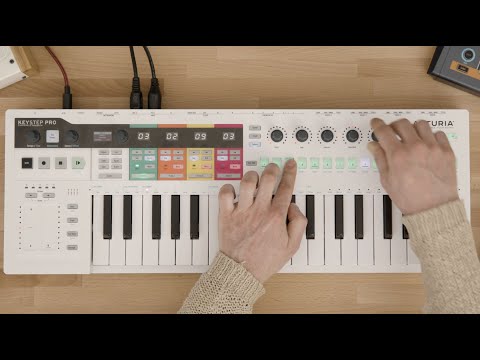
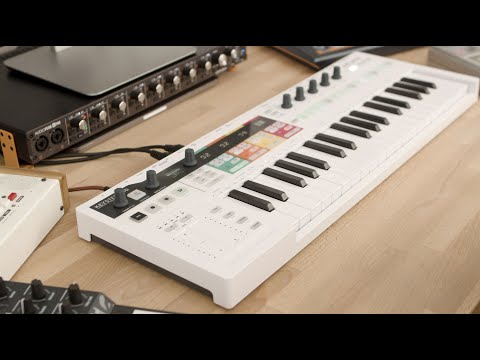
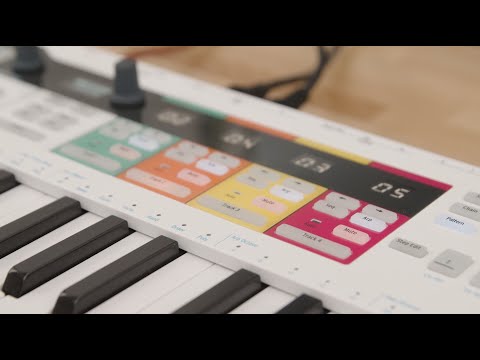
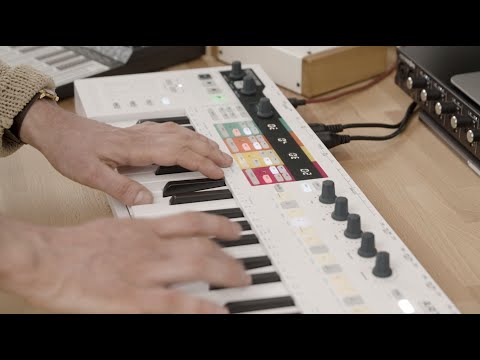
In the overview tutorial you will find the general information about the features and functionalities of KeyStep Pro - from the basic to the more advanced ones. You will learn how to play, program and edit notes as well get the insight into the connectivity.
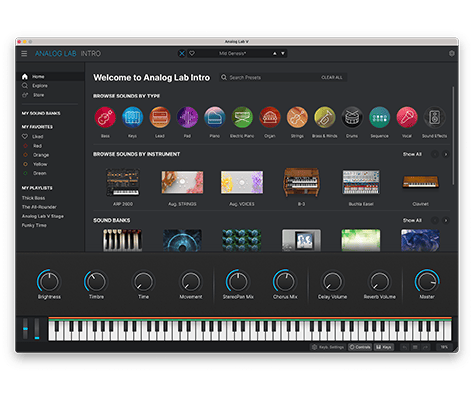
Mit Analog Lab Intro kannst du 500 Presets aus unserer preisgekrönten V Collection spielen und editieren.
Erfahre mehr über Analog Lab Intro →
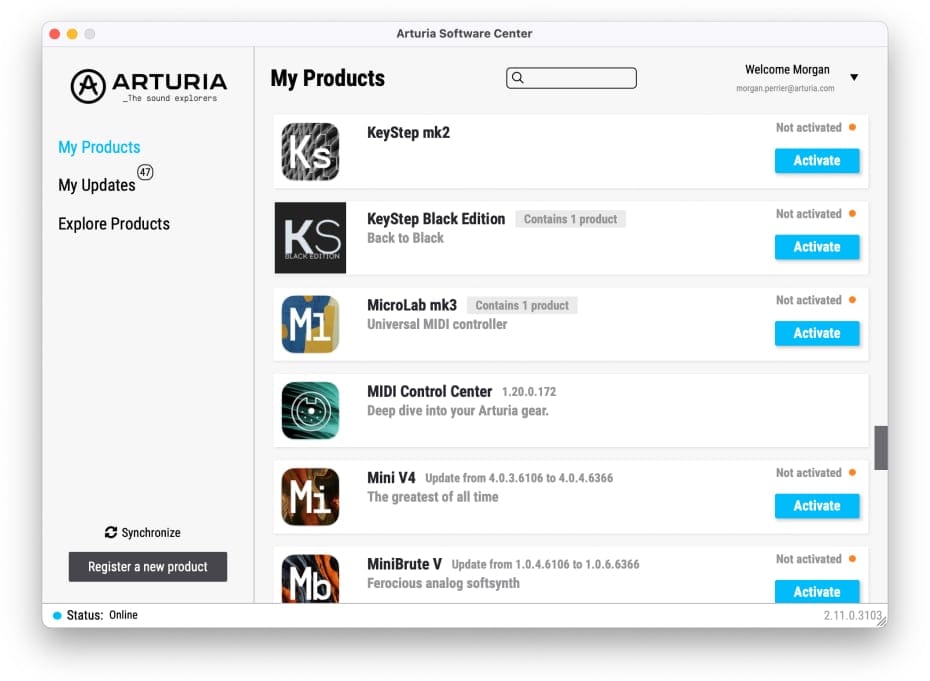
Nutze das Arturia Software Center, um Analog Lab Intro zu installieren:
(dein KeyStep Pro muss registriert sein, damit es im Arturia Software Center zu sehen ist. Schließe dazu das Arturia Software Center, verbinde KeyStep Pro mit deinem Computer und starte das Arturia Software Center erneut)
(falls du dein KeyStep Pro bereits auf unserer Webseite registriert hast, musst du zuerst auf 'Aktivieren' klicken, um die Download-Optionen anzuzeigen)
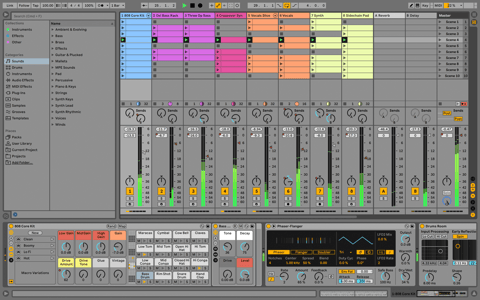
Ableton Live Lite 12
One of the most popular music production, recording and performing platforms in the world, Ableton Live Lite lets you create, mix, and export your tracks.
How to install
To learn even more, you can find the manuals on KeyStep Pro's Resources page:
0:00 / 0:00