Get more from your KeyLab 88 mk3
free software, tutorials & more
Découvrez une suite logicielle professionnelle réunissant tout le nécessaire pour créer vos contenus audio dès la première utilisation.




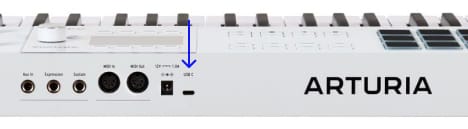
Analog Lab gère à la fois votre KeyLab 88 mk3 et votre contenu sonore.
En savoir plus sur Analog Lab →
Si vous recherchez des assignations MIDI spécifiques ou personnalisées, vous les trouverez ici →
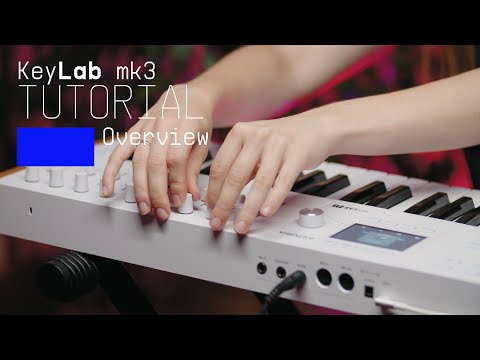
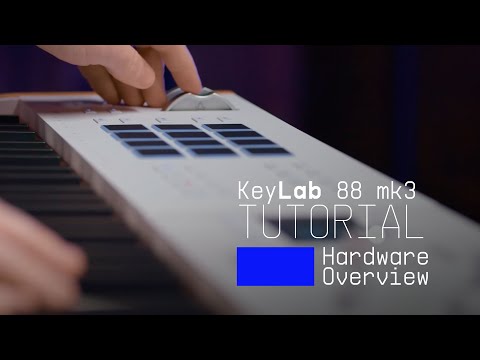
Join Lena as she takes you on an in-depth tour of KeyLab mk3, Arturia's flagship MIDI controller. Discover its smart features, workflow highlights and some inspiring sounds that are included as standard.
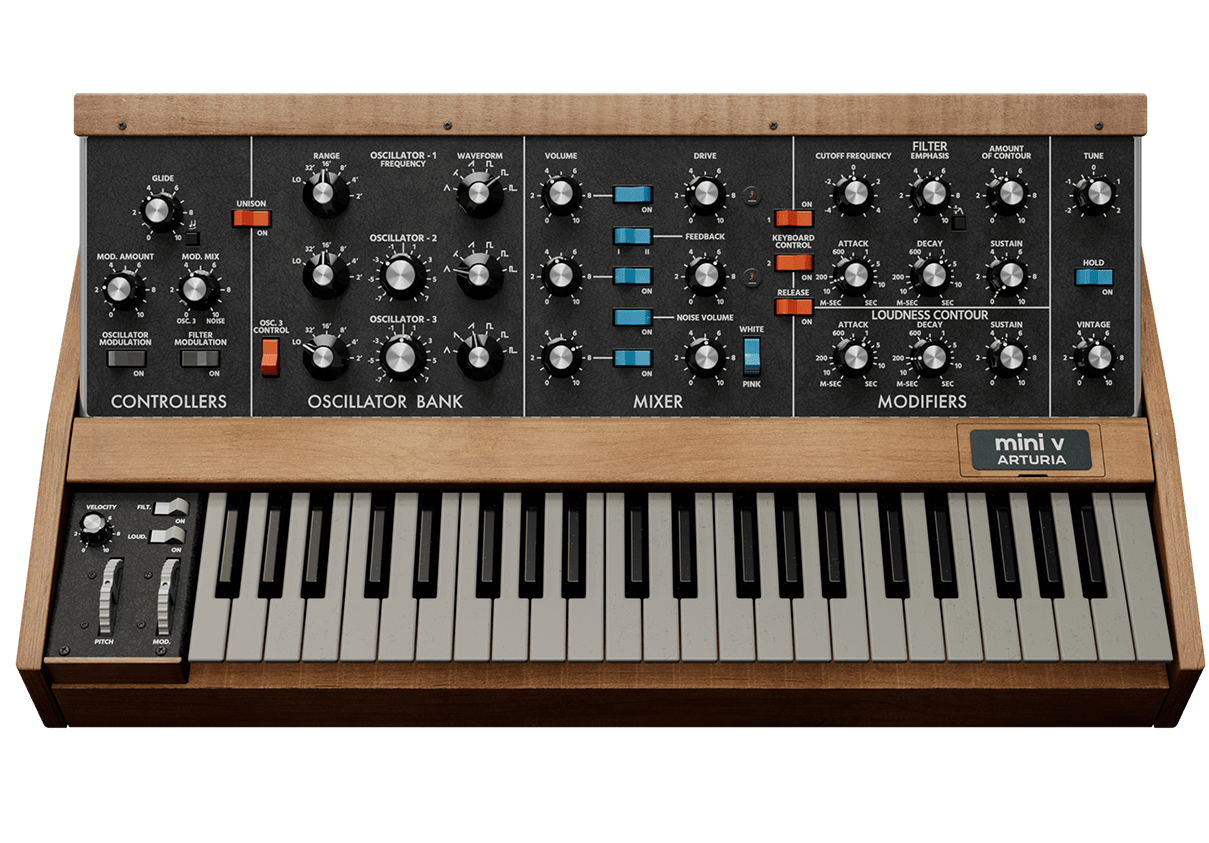
Le monosynthé reconnaissable entre mille est de retour. Le Mini V ravive la magie de l’instrument qui a mis des sons de basses et de lead cultes entre les mains des musiciens. Ramené à la vie grâce une modélisation de nouvelle génération, il vous permet d’ajouter des sons de synthés envoutants, plein de détails voluptueux, avec un drive dynamique.
Découvrir Mini V →
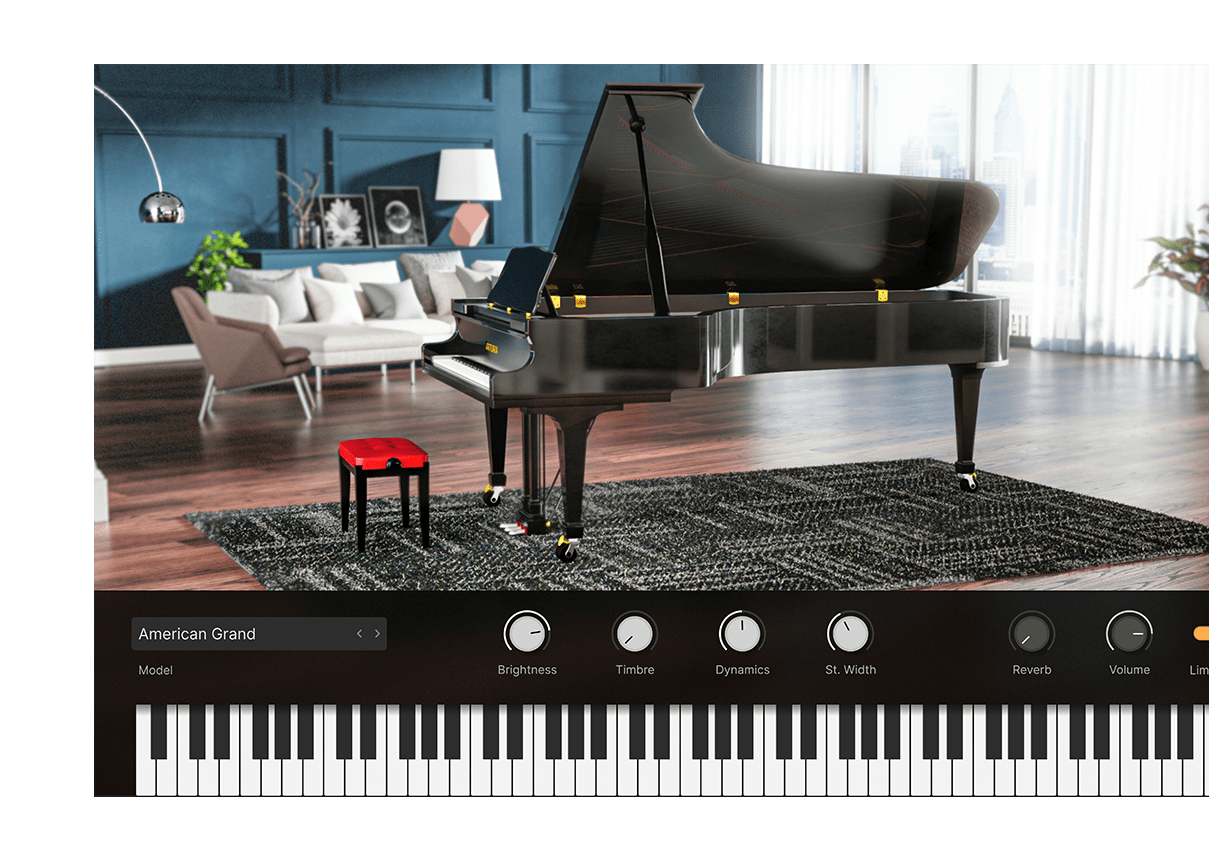
Découvrez la meilleure collection de pianos destinés à la production, des somptueux modèles de concert allemands jusqu’aux instruments contemporains en verre et en métal. Tous prennent vie grâce à la modélisation physique dynamique et à un contrôle sonore inédit – le tout réuni dans un seul et unique instrument.
Découvrir Piano V →
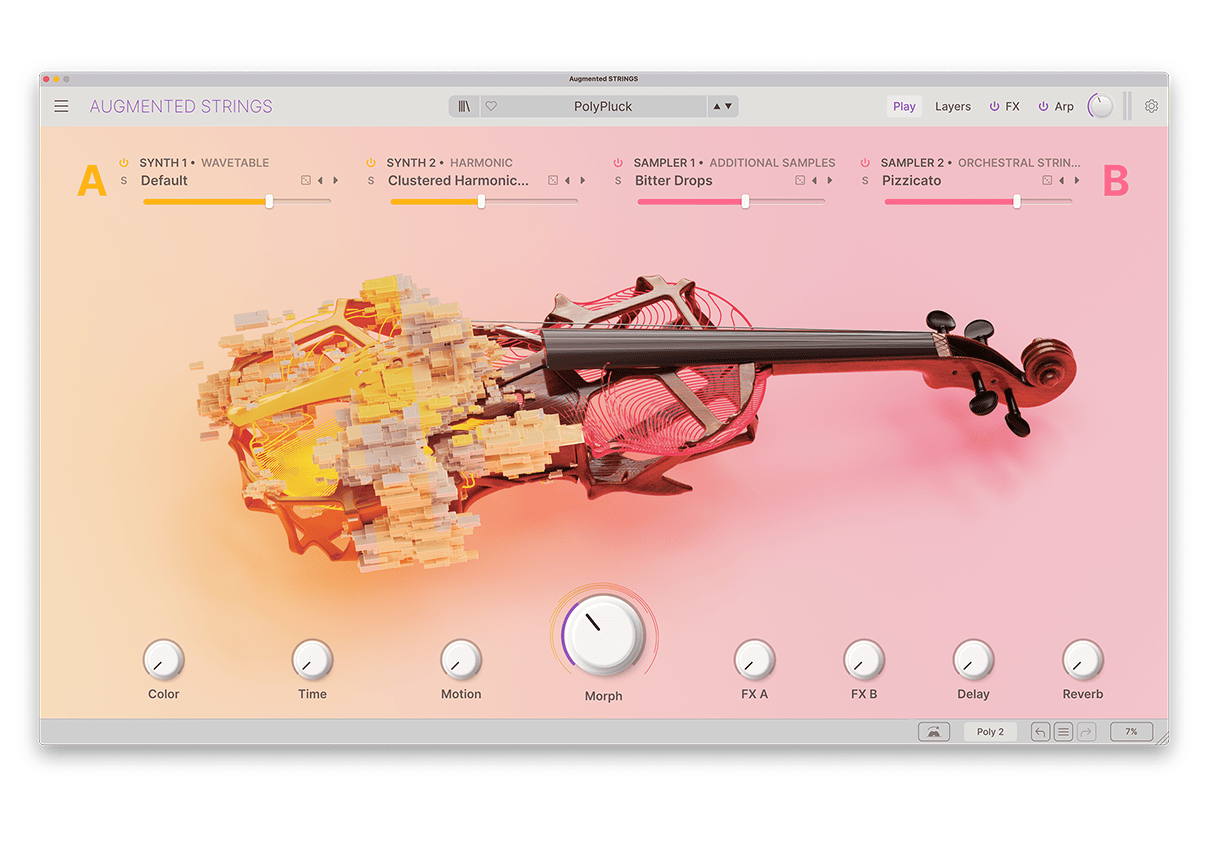
Augmented STRINGS associe des échantillons de cordes riches à une synthèse de pointe, faisant de lui un instrument virtuel accessible et inspirant. Ses sons de cordes authentiques, abstraits et évocateurs comblent tous les besoins des artistes d’aujourd’hui.
Découvrir Augmented STRINGS →
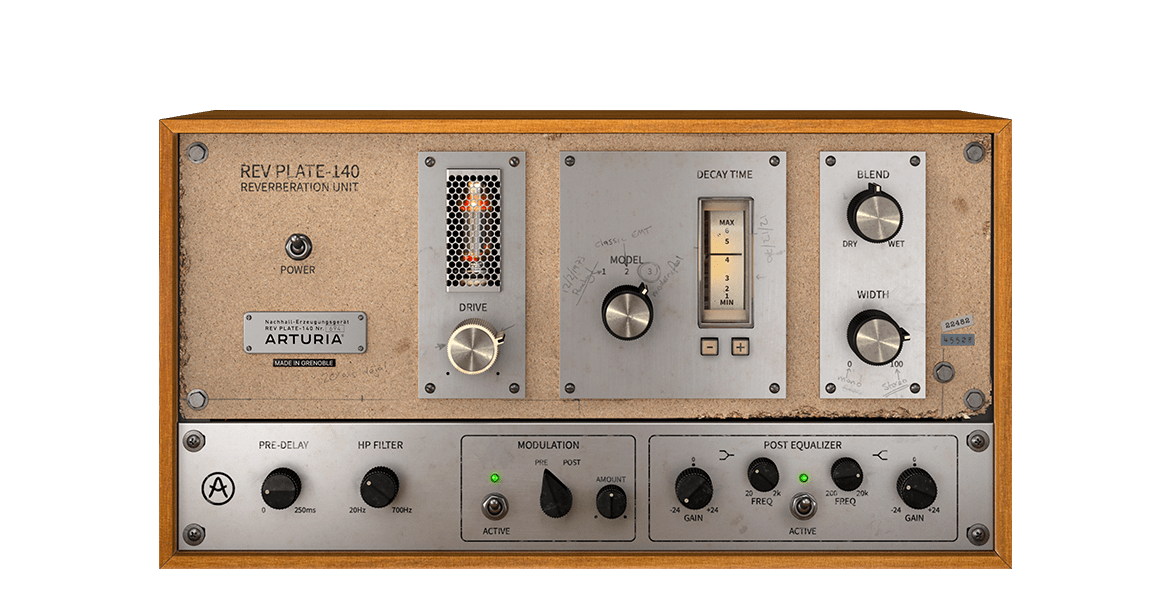
Le modèle original des années 1960 pesait plus de quatre personnes et coûtait plus cher qu’une maison. Mais vous pouvez aujourd’hui utiliser une recréation fidèle de cette réverbe légendaire sans vous ruiner ni vous abîmer le dos.
Découvrir Rev PLATE-140 →
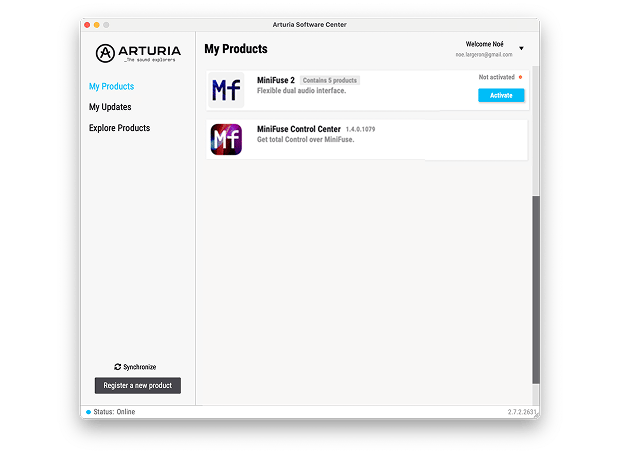
Pour installer vos logiciels Arturia supplémentaires, utilisez l'Arturia Software Center :
(Votre KeyLab 88 mk3 doit être enregistré pour apparaître dans l'Arturia Software Center. Si ce n'est pas encore fait,vous pouvez le faire ici.)
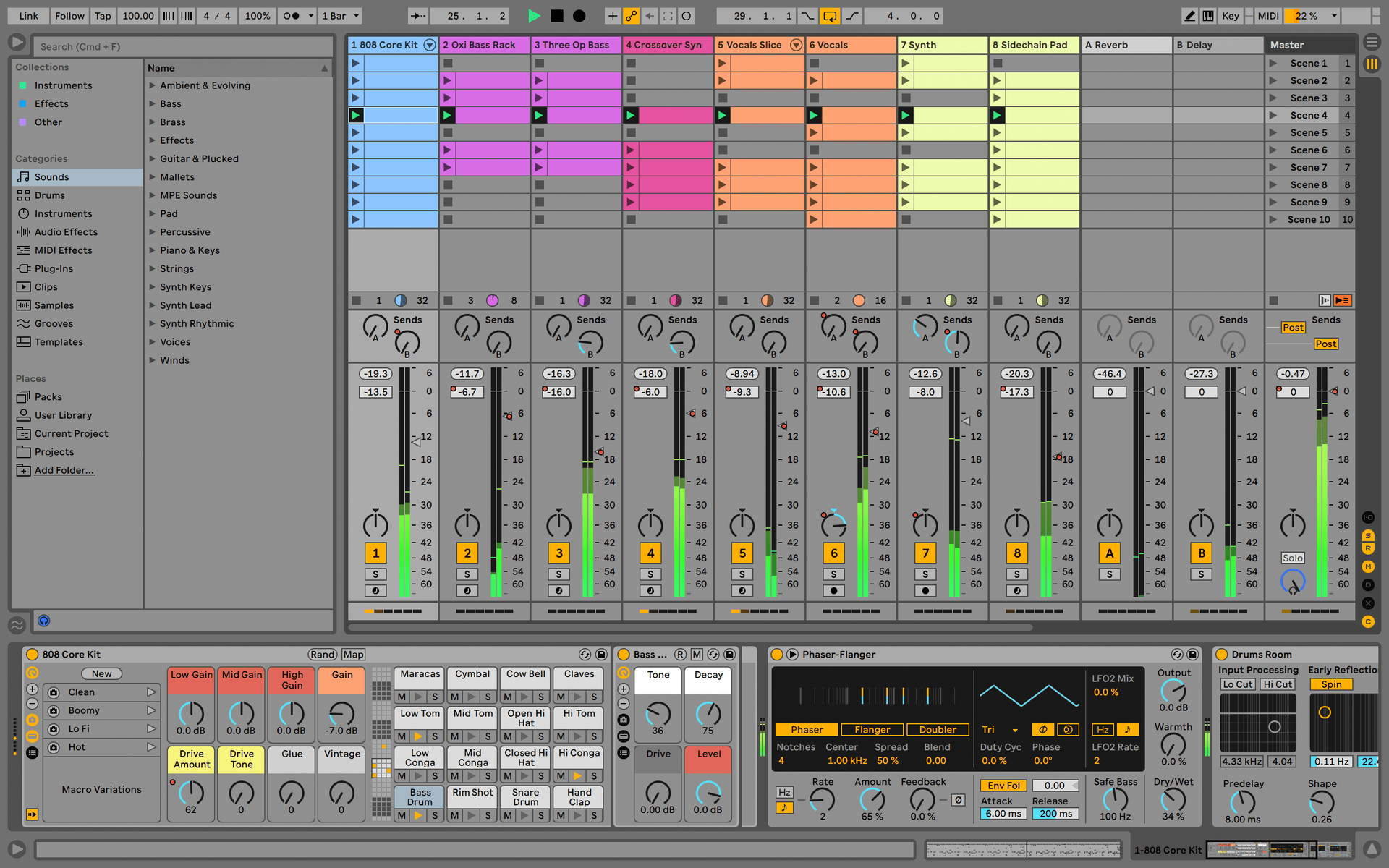
Ableton Live Lite 12
One of the most popular music production, recording and performing platforms in the world, Ableton Live Lite lets you create, mix, and export your tracks.
How to install
Komplete Select
Choose between 3 different bundles. Craft with iconic synths, sampled sounds, and effects from Komplete 15 Select - a hand-picked production toolkit.
How to install
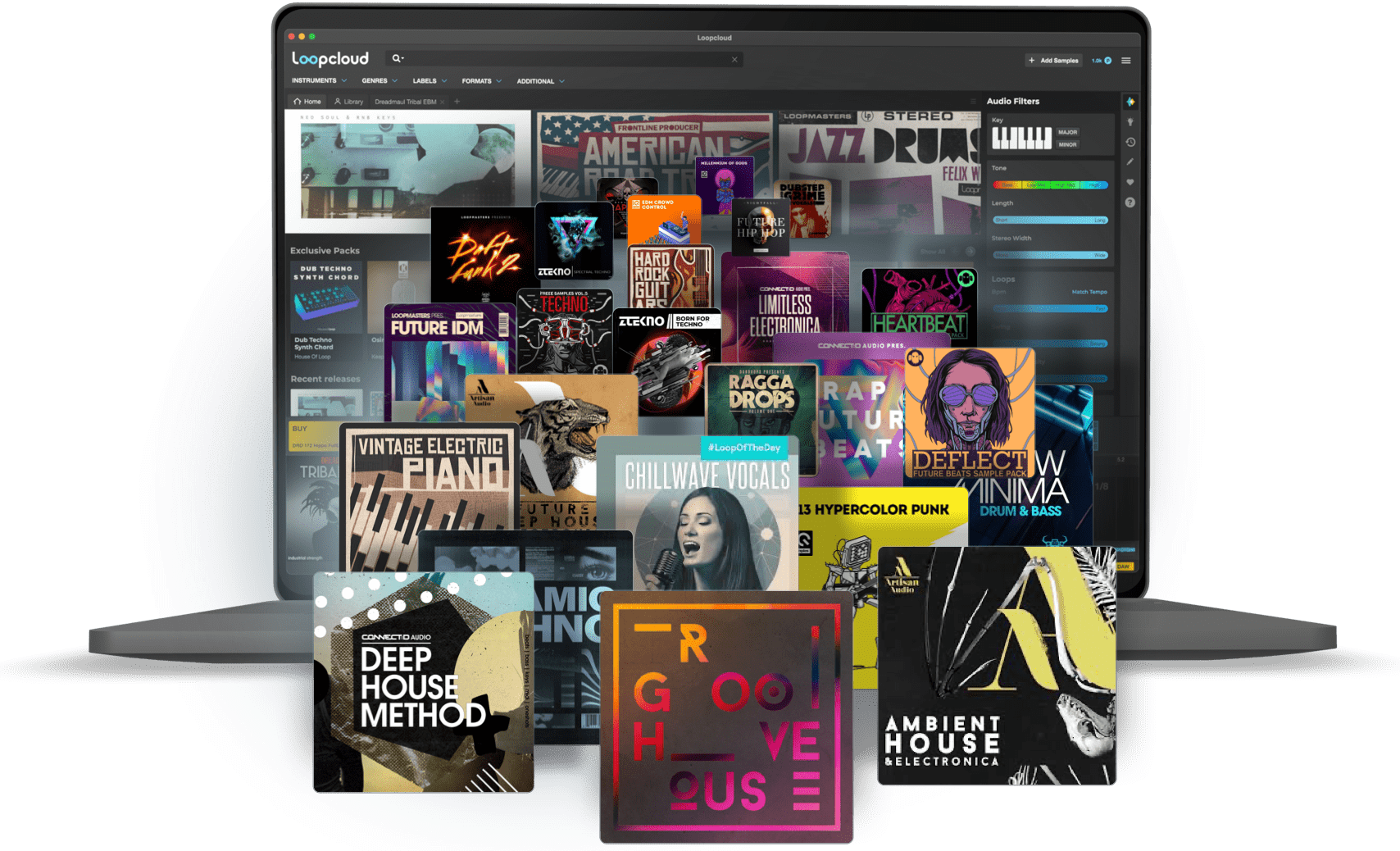
Loopcloud
A 2-month subscription to Loopcloud gives you millions of hi-def royalty-free samples, from lo-fi drum loops to punchy vocal one-shots, and add them to your personal collection for life. Beat-making essentials.
How to install
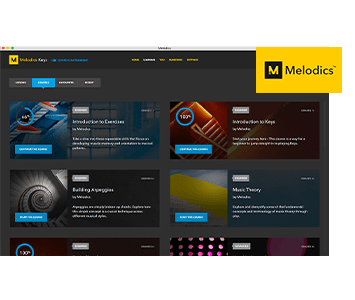
Melodics
If you're new to keyboards, music theory or DAW production, get started with a subscription to Melodics. The app gives you lessons, tips and tricks to suit your style, so you can improve your skills while you make music.
How to install
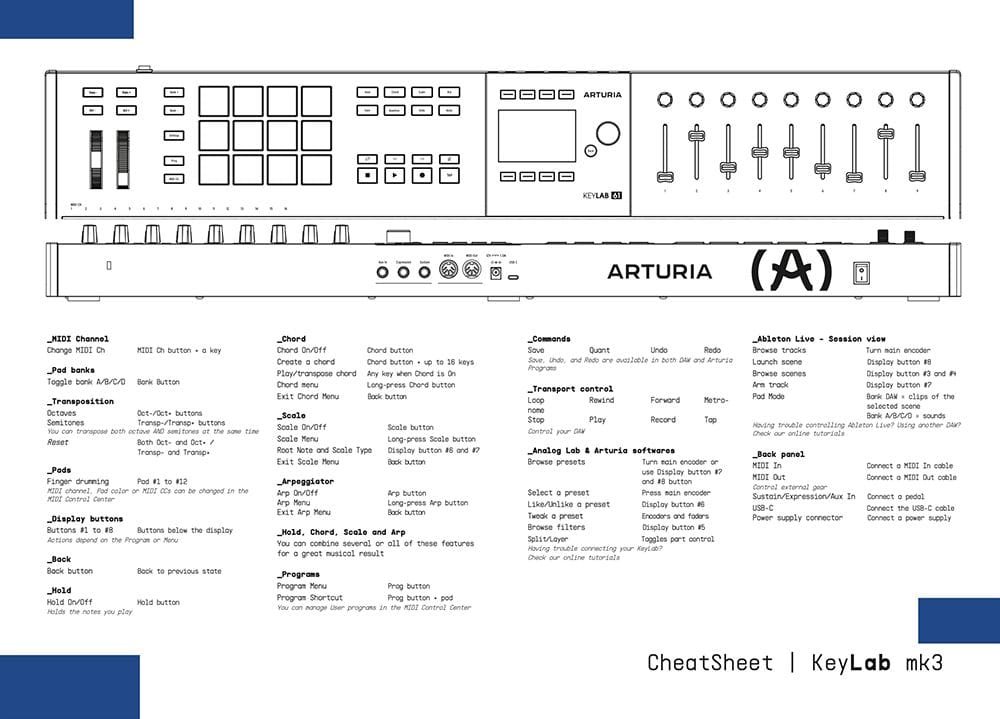
Download our cheatsheets for an overview of KeyLab 88 mk3's controls:
To learn even more, you can find the manuals on KeyLab 88 mk3's Resources page:
 mainstage
 Cubase
 Logic
Logic Ableton
 FL Studio
 Bitwig
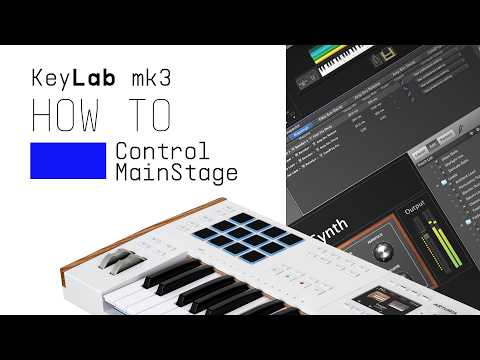
If you cannot control your Digital Audio Workstation directly from KeyLab 88 mk3 - explore our custom controller mappings.
Go to custom controller mappings for KeyLab 88 mk3 →
Allez plus loin en créant des assignations MIDI personnalisées adaptées à vos besoins grâce au MIDI Control Center :
0:00 / 0:00