ARTURIA

ja

Get started
with KeyLab 88 mk3

Get your KeyLab 88 mk3 up and running and kick start your musical journey.

Set up
KeyLab 88 mk3

I'm new to Arturia products
I'm an Arturia customer
I just need the latest firmware
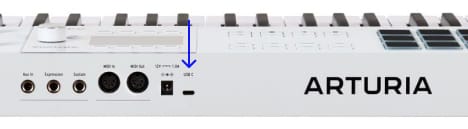
  1. Connect KeyLab 88 mk3 to your computer, from the interface’s USB port.
  2. Download and install Analog Lab.

  3. Launch the software and follow the instructions inside Analog Lab to set up your KeyLab 88 mk3.

なぜAnalog Labなのか?

Analog Lab manages both your KeyLab 88 mk3 and your sound content.

  • Keep your KeyLab 88 mk3 up-to-date
  • サウンドの管理とディープなエディット
  • Integrate KeyLab 88 mk3 into your Studio
  • Access 2000+ vintage and modern sounds from our award-winning V Collection.

Analog Labの詳細はこちら →

If you’re looking for specific and custom MIDI mappings, you can find them here →

If you're experiencing issues with the installation process, let us help you →

Get more from your KeyLab 88 mk3
free software, tutorials & more

Discover a suite of pro-grade software that provides everything you need to start making audio content out-of-the-box.

Learn more
with our KeyLab 88 mk3 tutorials

Start your creative journey with confidence. Explore essential features, tips and tricks on how to design your own sounds, other music production hacks and much more.

Tutorials playlist

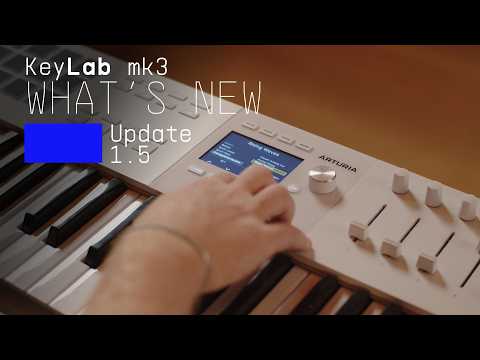
1. KeyLab mk3 - Overview
Join Lena as she takes you on an in-depth tour of KeyLab mk3, Arturia's flagship MIDI controller. Discover its smart features, workflow highlights and some inspiring sounds that are included as standard.
16min58
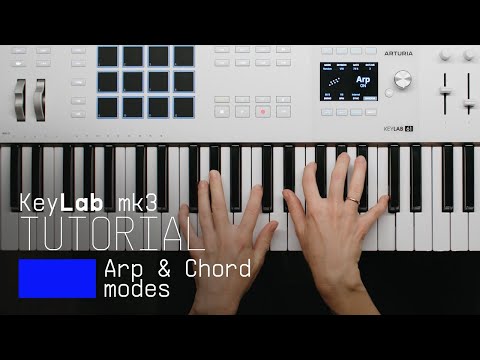
2. How to Control Arp and Chord Mode
Follow Lena to learn how to use the creative features of the KeyLab MK3 to effortlessly create interesting melodies and harmonies.
11min55
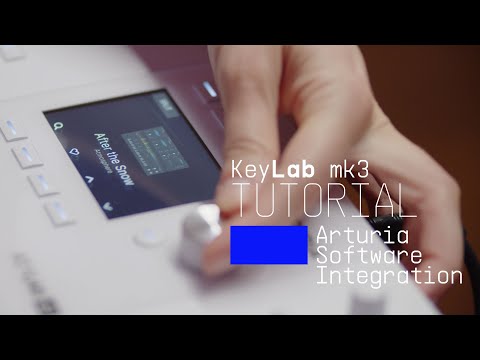
3. Arturia Software Integration
Lena explores the seamless integration between KeyLab mk3 and Arturia's Analog Lab & V Collection. Experience its intuitive pre-mapped controls alongside a library of award-winning synth and keyboard sounds.
12min50
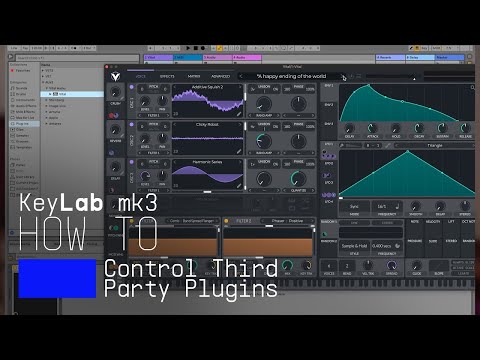
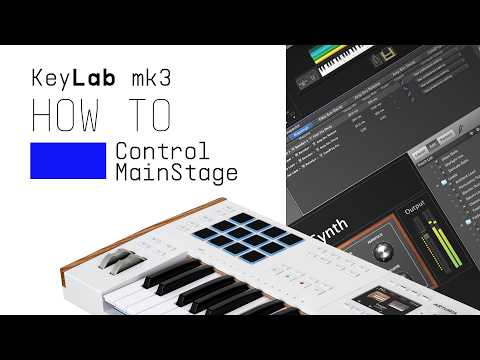
4. How to Control Third Party Plugins
Discover how to map your favorite VST plugin to the controls of KeyLab mk3. Lena offers a simple guide to third party plugin configuration for Ableton, FL Studio, Cubase and Logic Pro, so you can make the most of KeyLab mk3's powerful controls in any environment!
4min48
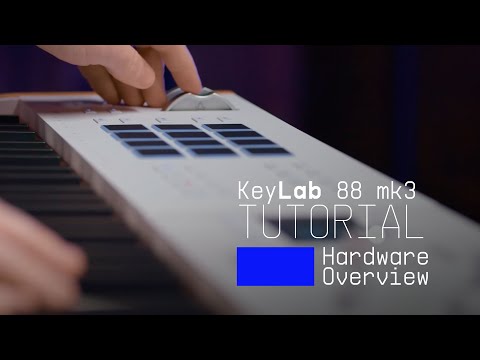
5. KeyLab 88 mk3 - Overview
Join Matt Paul as he explores the powerful features, intuitive workflow, and expressive control of the KeyLab 88 mk3, Arturia’s latest premium MIDI controller. With an exemplary hammer-action keyboard, versatile pads and seamless DAW integration, discover why the KeyLab 88 mk3 is the ultimate keyboard for modern composers and producers.
16min30

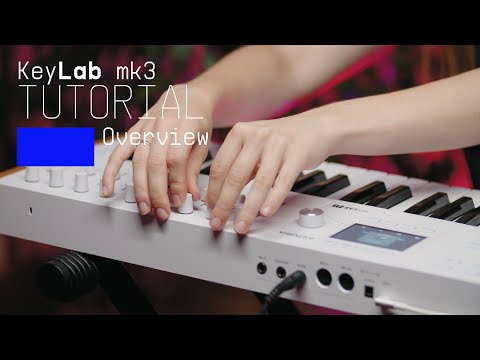
KeyLab mk3 - Overview

Join Lena as she takes you on an in-depth tour of KeyLab mk3, Arturia's flagship MIDI controller. Discover its smart features, workflow highlights and some inspiring sounds that are included as standard.

Install
additional Arturia software

KeyLab 88 mk3 comes with incredible and powerful Arturia software included for free.

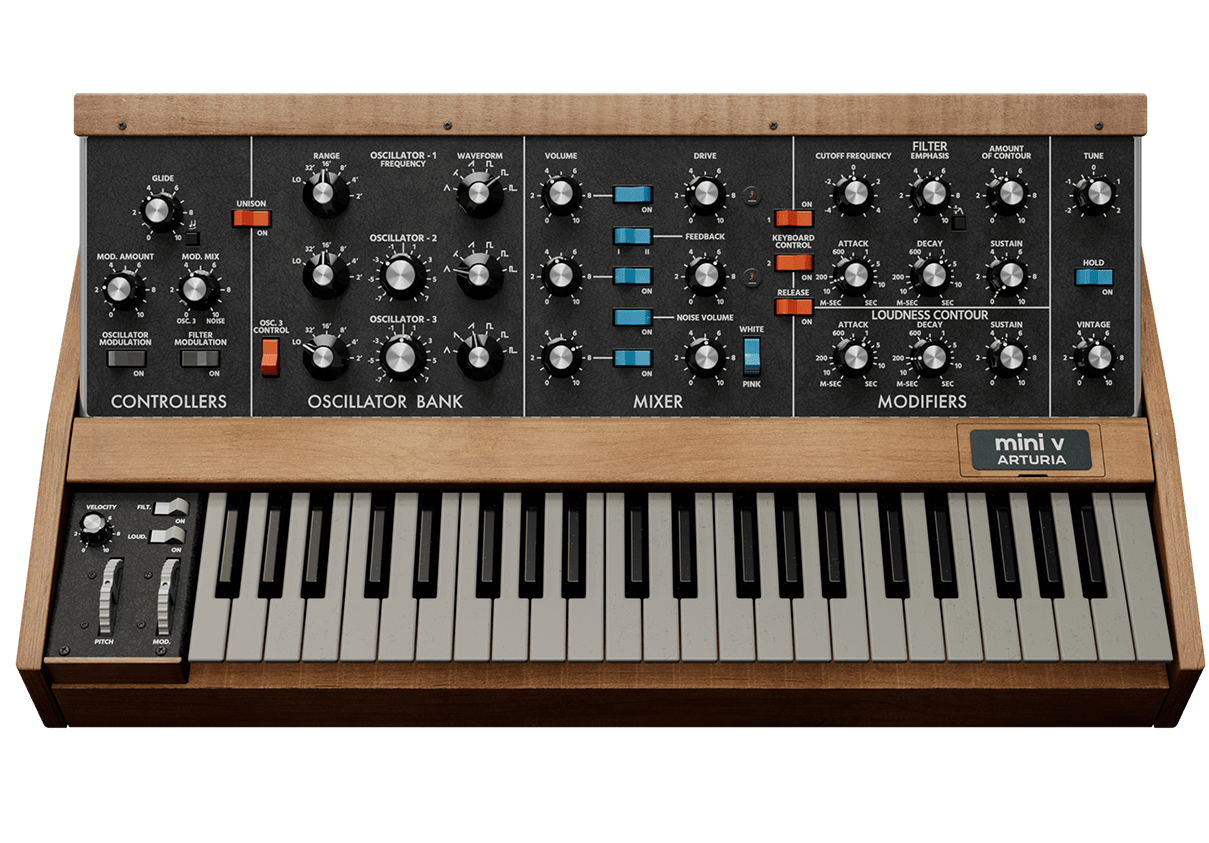
_Mini V

The most recognizable monosynth on the planet, reincarnated. Mini V captures the magic of the instrument that put iconic lead and bass sounds into the hands of musicians. Brought to life with next generation modeling, add compelling synth sounds to any track with luscious detail and dynamic drive.

Discover Mini V

_Piano V

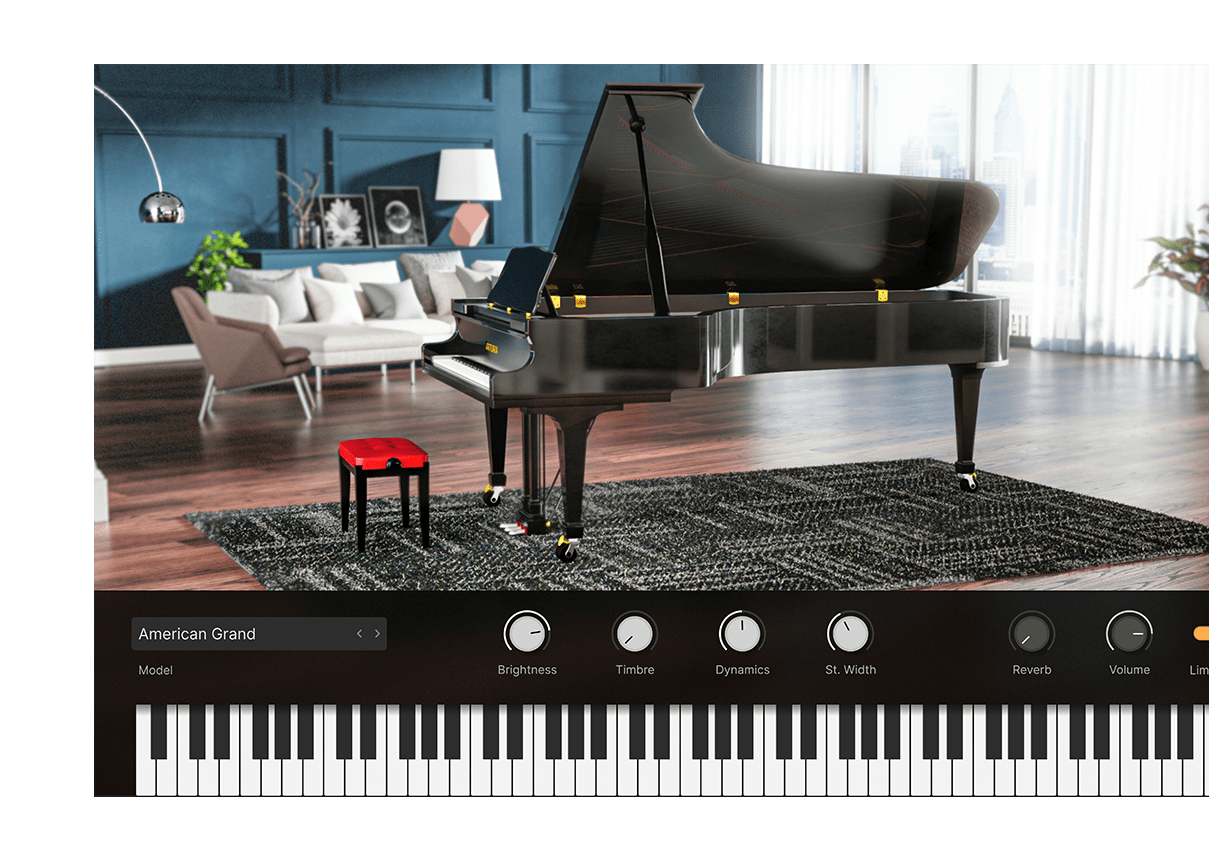
豪華なドイツ製コンサートグランドから、モダンな金属製フレーム、さらにはガラス製フレームといった通常では考えられない設計まで、現代の音楽制作にマッチした至高のピアノの数々をフィジカルモデリングで再現し、かつてないトーンコントロール機能も注入。すべて、このインストゥルメント1つで可能です。

Discover Piano V

_Augmented STRINGS

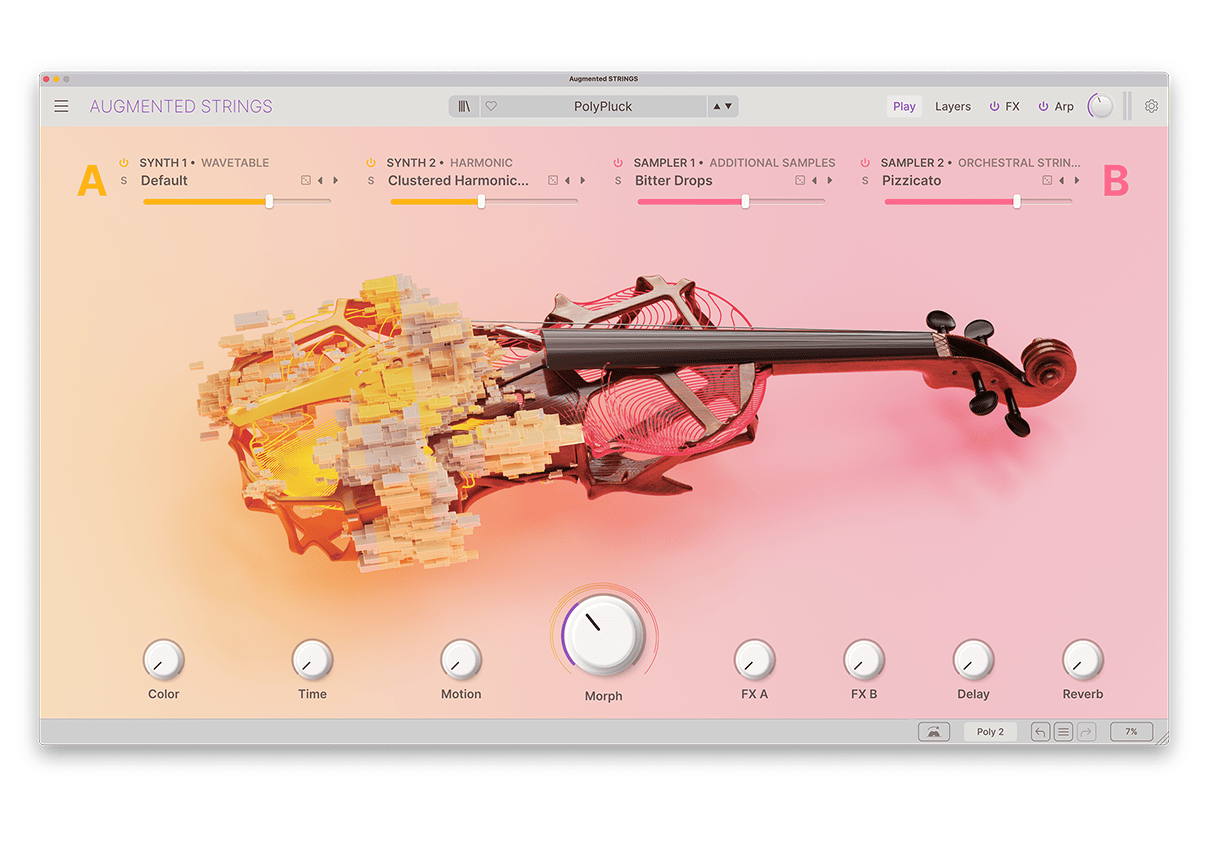
Augmented STRINGSは、リッチなストリングスのサンプルと最先端のシンセシスを融合した、使いやすく刺激的なソフトウェアインストゥルメントで、リアルなものや抽象的なもの、そして刺激的なストリングスサウンドを幅広い内蔵しています。

Discover Augmented STRINGS

_Rev PLATE-140

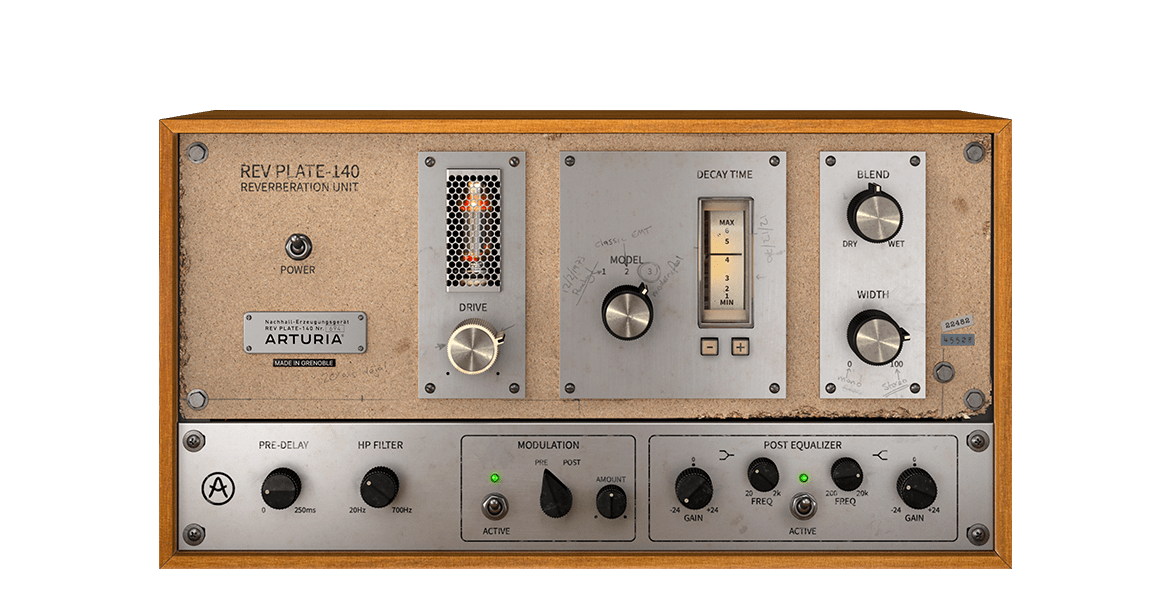
60年代のオリジナル機は、4人分の体重よりも重く、家一軒よりも高価でしたが、今ではリバーブ界の歴史的名機とされ、当時は革新的な存在だった実機を忠実に再現したプラグインを、お手頃な価格で簡単にお使いいただけます。

Discover Rev PLATE-140

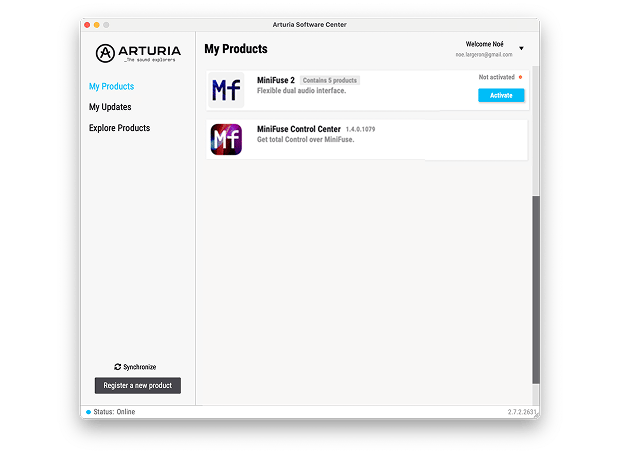
To install your additional Arturia software, use the Arturia Software Center:

  1. Arturia Software Centerをダウンロードし、インストールします。 (If you already use the Software Center, skip to step 2.)
  2. Open the Arturia Software Center and look for your KeyLab 88 mk3.

    (Your KeyLab 88 mk3 must be registered in order to show up in the Arturia Software Center. If you have not done it yet, you can do so here.)

  3. Click on Activate, then click on the KeyLab 88 mk3 title to reveal the included software and install them individually or all at once.
If you're experiencing issues with the installation process, let us help you →

Download
included software from our partners

Alongside Arturia Software, we provide a selection of industry-standard plugins and software from our partners to accelerate your music production journey.

Music production and recording software
to create, mix and export your tracks

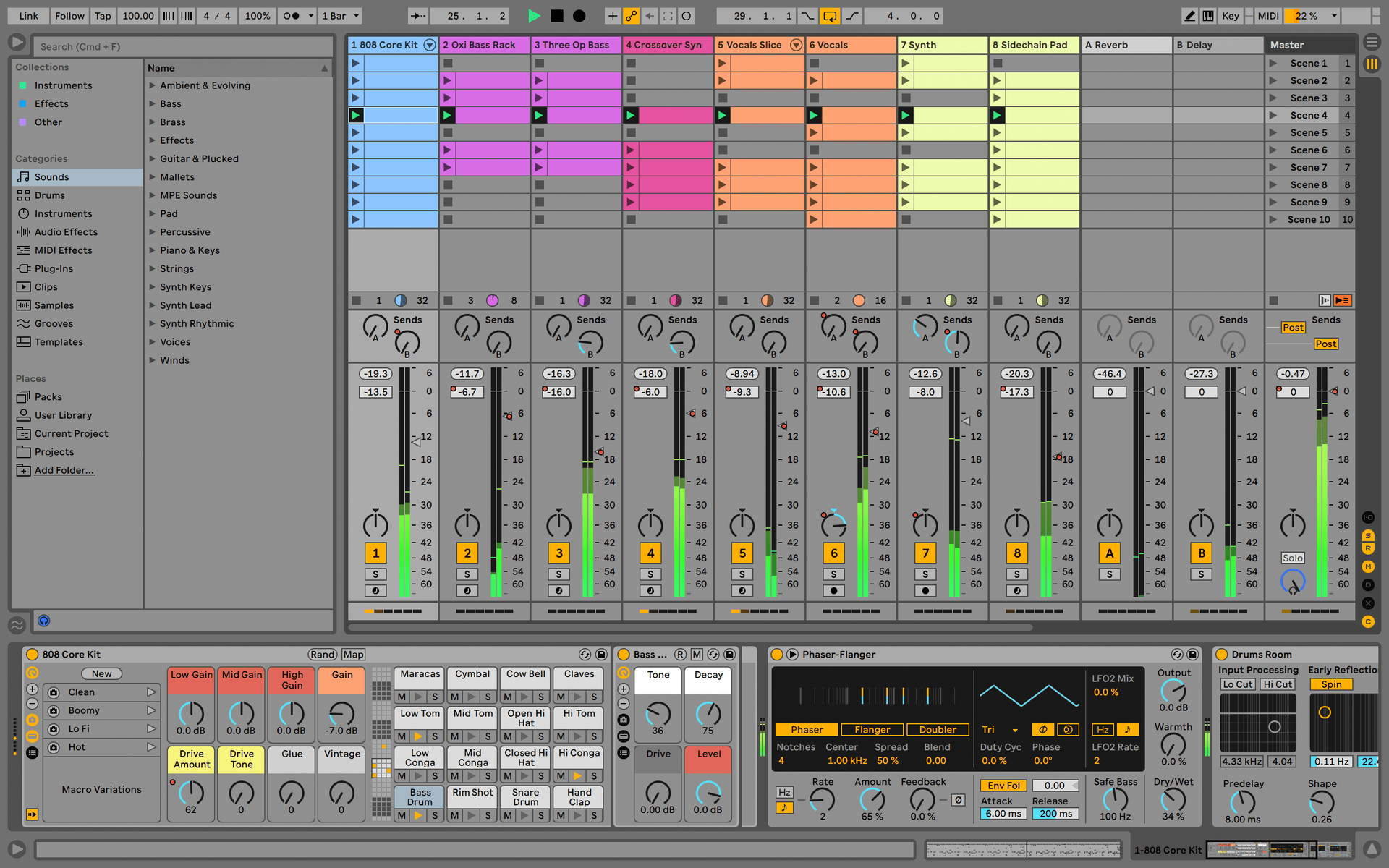
Ableton Live Lite 12

One of the most popular music production, recording and performing platforms in the world, Ableton Live Lite lets you create, mix, and export your tracks.

How to install

Even more software instruments
for deep and rich piano sounds

Komplete Select

Choose between 3 different bundles. Craft with iconic synths, sampled sounds, and effects from Komplete 15 Select - a hand-picked production toolkit.

How to install
Even more inspiration
from samples to music theory

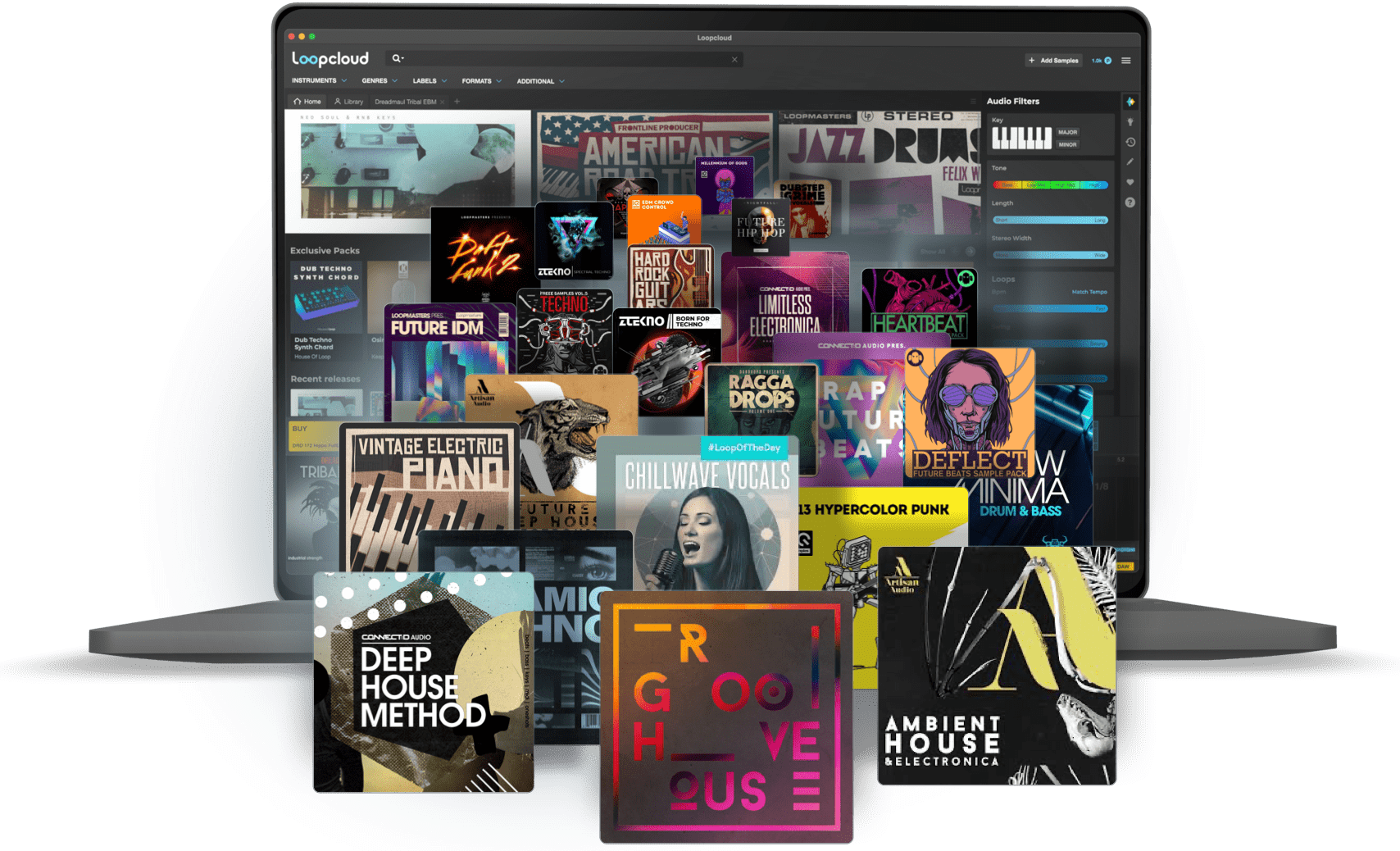
Loopcloud

A 2-month subscription to Loopcloud gives you millions of hi-def royalty-free samples, from lo-fi drum loops to punchy vocal one-shots, and add them to your personal collection for life. Beat-making essentials.

How to install
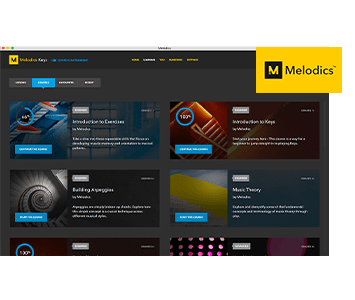
Melodics

If you're new to keyboards, music theory or DAW production, get started with a subscription to Melodics. The app gives you lessons, tips and tricks to suit your style, so you can improve your skills while you make music.

How to install

Find more information
with our manuals and cheatsheet

Download our cheatsheets for an overview of KeyLab 88 mk3's controls:

To learn even more, you can find the manuals on KeyLab 88 mk3's Resources page:
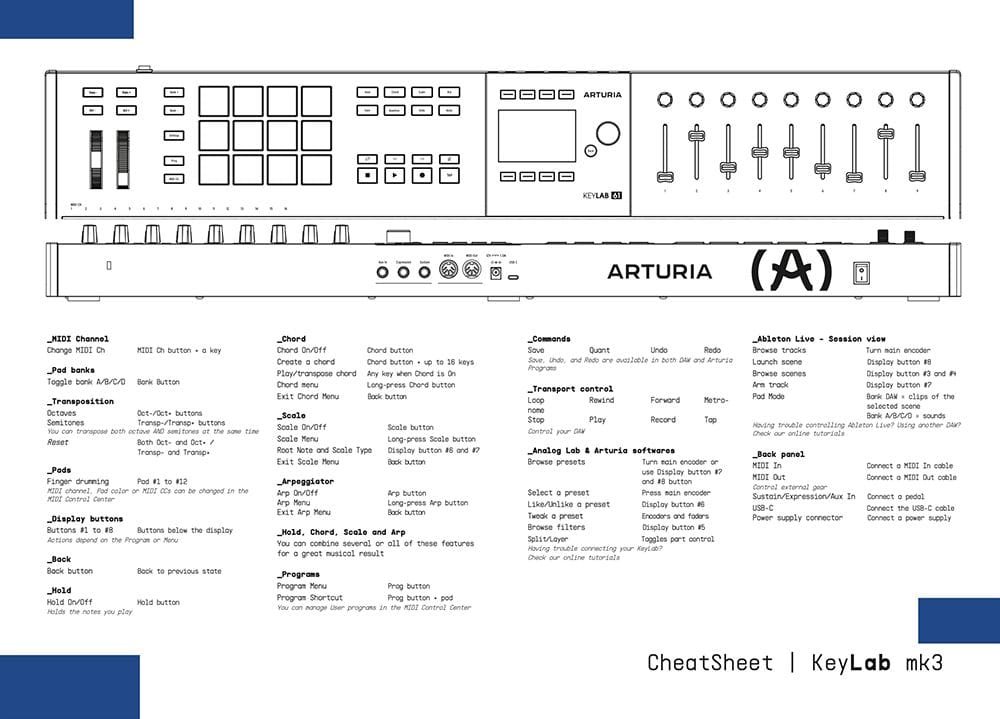
Read our manuals for KeyLab 88 mk3 →

Integrate
KeyLab 88 mk3 into your setup

KeyLab 88 mk3 integrates seamlessly with all major Digital Audio Workstations right out of the box, including automatically mapped controls to play, pause, record, and trigger loops.

Logic
FL Studio
Cubase
Ableton
Bitwig

If you cannot control your Digital Audio Workstation directly from KeyLab 88 mk3 - explore our custom controller mappings.

Go to custom controller mappings for KeyLab 88 mk3 →

You can also dive deeper and create custom MIDI mappings for your specific needs with our MIDI Control Center:

Get MIDI Control Center and learn more →