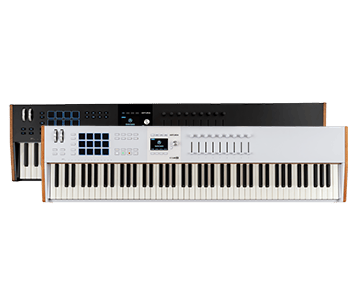
KeyLab 88 mk3
ユニバーサル MIDI コントローラー
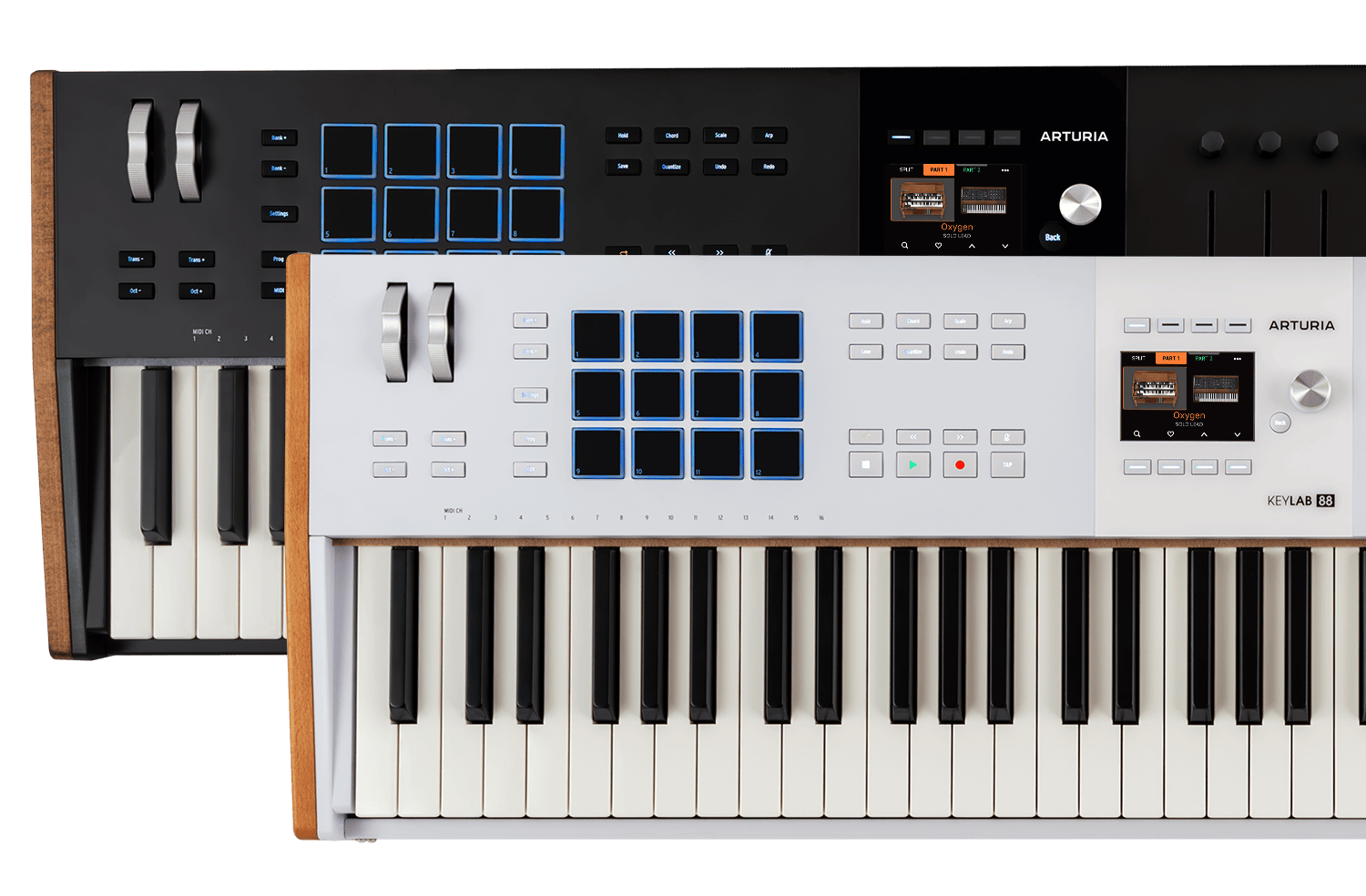
KeyLab 88 mk3
チュートリアル
制作環境の核となるArturiaのキーボード・コントローラー。そのポテンシャルを最大限に引き出すためのヒントやテクニック、各種機能をご紹介します。KeyLab 88 mk3のすべてを網羅したガイドツアーで、その高い操作性と表現力を体感してください。
チュートリアル | KeyLab mk3 - Overview
Join Lena as she takes you on an in-depth tour of KeyLab mk3, Arturia's flagship MIDI controller. Discover its smart features, workflow highlights and some inspiring sounds that are included as standard.
チュートリアル | How to Control Arp and Chord Mode
Follow Lena to learn how to use the creative features of the KeyLab MK3 to effortlessly create interesting melodies and harmonies.
チュートリアル | Arturia Software Integration
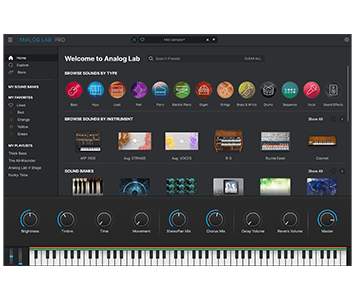
Lena explores the seamless integration between KeyLab mk3 and Arturia's Analog Lab & V Collection. Experience its intuitive pre-mapped controls alongside a library of award-winning synth and keyboard sounds.
チュートリアル | How to Control Third Party Plugins
Discover how to map your favorite VST plugin to the controls of KeyLab mk3. Lena offers a simple guide to third party plugin configuration for Ableton, FL Studio, Cubase and Logic Pro, so you can make the most of KeyLab mk3's powerful controls in any environment!
チュートリアル | KeyLab 88 mk3 - Overview
Join Matt Paul as he explores the powerful features, intuitive workflow, and expressive control of the KeyLab 88 mk3, Arturia’s latest premium MIDI controller. With an exemplary hammer-action keyboard, versatile pads and seamless DAW integration, discover why the KeyLab 88 mk3 is the ultimate keyboard for modern composers and producers.
チュートリアル | What's new | Update 1.5
KeyLab 88 mk3
ハウトゥ
チュートリアル | KeyLab mk3 | How to Control Mainstage
Follow Matt as he walks through the full KeyLab mk3 integration with Apple MainStage. Learn how to install the script, connect your controller, navigate sets and presets, control transport, adjust focused devices with knobs and faders, manage master output from Fader 9 and deep edit Arturia plugins directly from the keyboard.