Get more from your KeyLab 88 mk3
free software, tutorials & more
Descubre una colección de software profesional con todo lo necesario para empezar a crear contenido sonoro al instante.




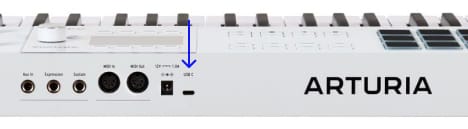
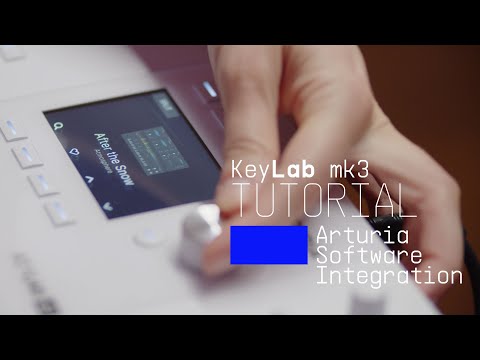
Analog Lab gestiona tanto tu KeyLab 88 mk3 como tu contenido sonoro.
Más información sobre Analog Lab →
Si buscas asignaciones MIDI concretas y personalizadas, puedes encontrarlas aquí →
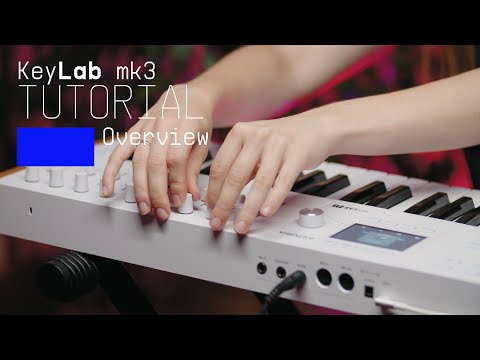
Join Lena as she takes you on an in-depth tour of KeyLab mk3, Arturia's flagship MIDI controller. Discover its smart features, workflow highlights and some inspiring sounds that are included as standard.
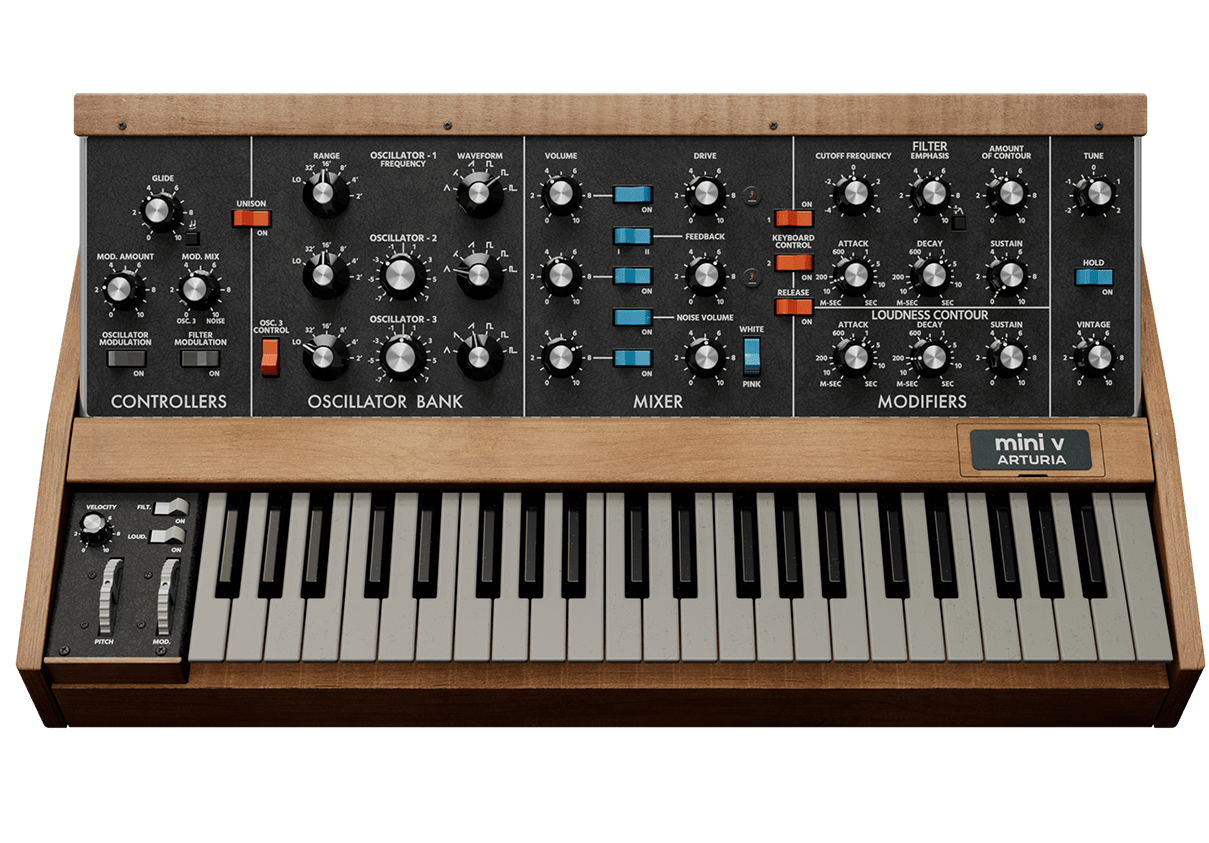
El sintetizador monofónico más reconocible del mundo, reencarnado: el Mini V encierra la magia del instrumento que puso sonidos de lead y bajo inconfundibles en manos de todo tipo de músicos. Ha cobrado vida con modelado de nueva generación para que añadas sonidos de sintetizador irresistibles a cualquier tema, con un impresionante detalle y energía a raudales.
Descubre Mini V →
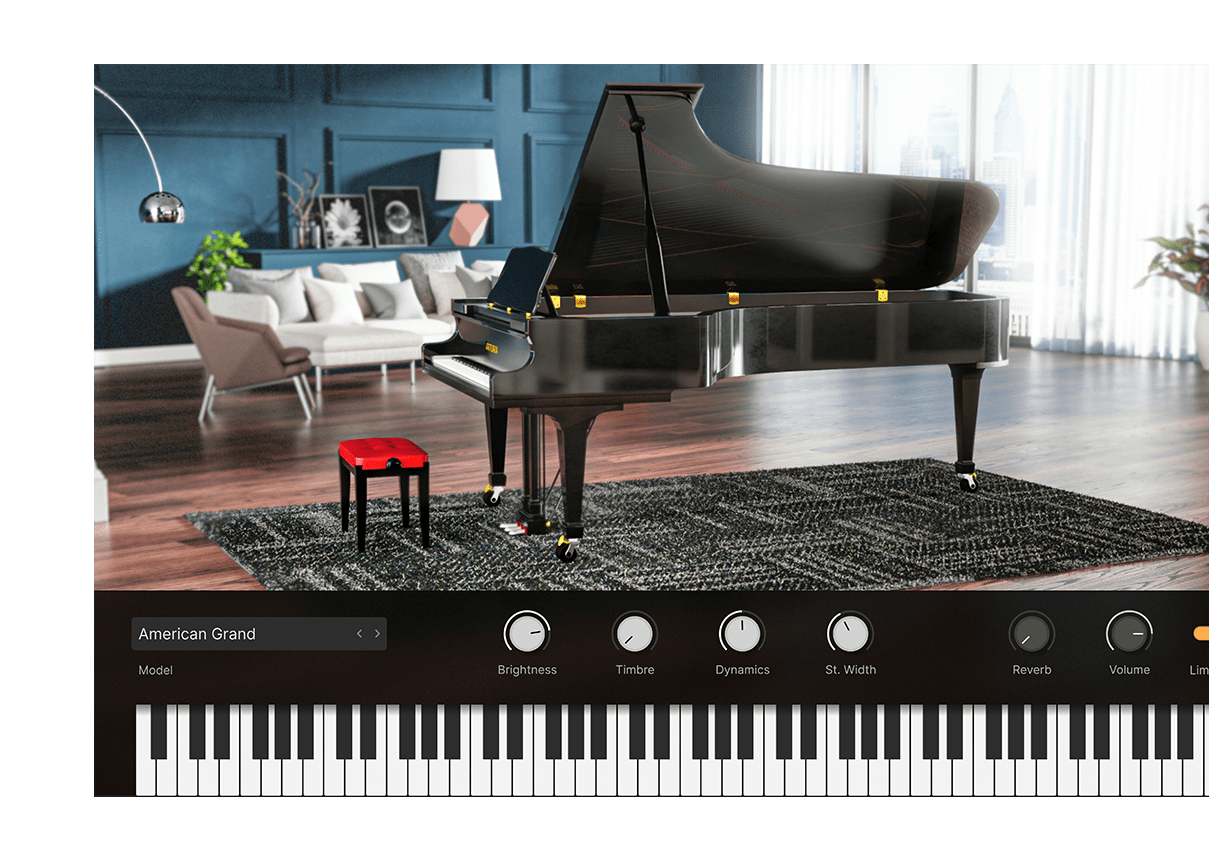
Descubre el mejor repertorio de pianos listos para producción, desde magníficos pianos alemanes de gran cola de concierto hasta diseños contemporáneos con estructuras de metal y cristal. Cobran vida gracias al modelado físico y están dotados de un control tonal nunca visto, y todo en un único instrumento.
Descubre Piano V →
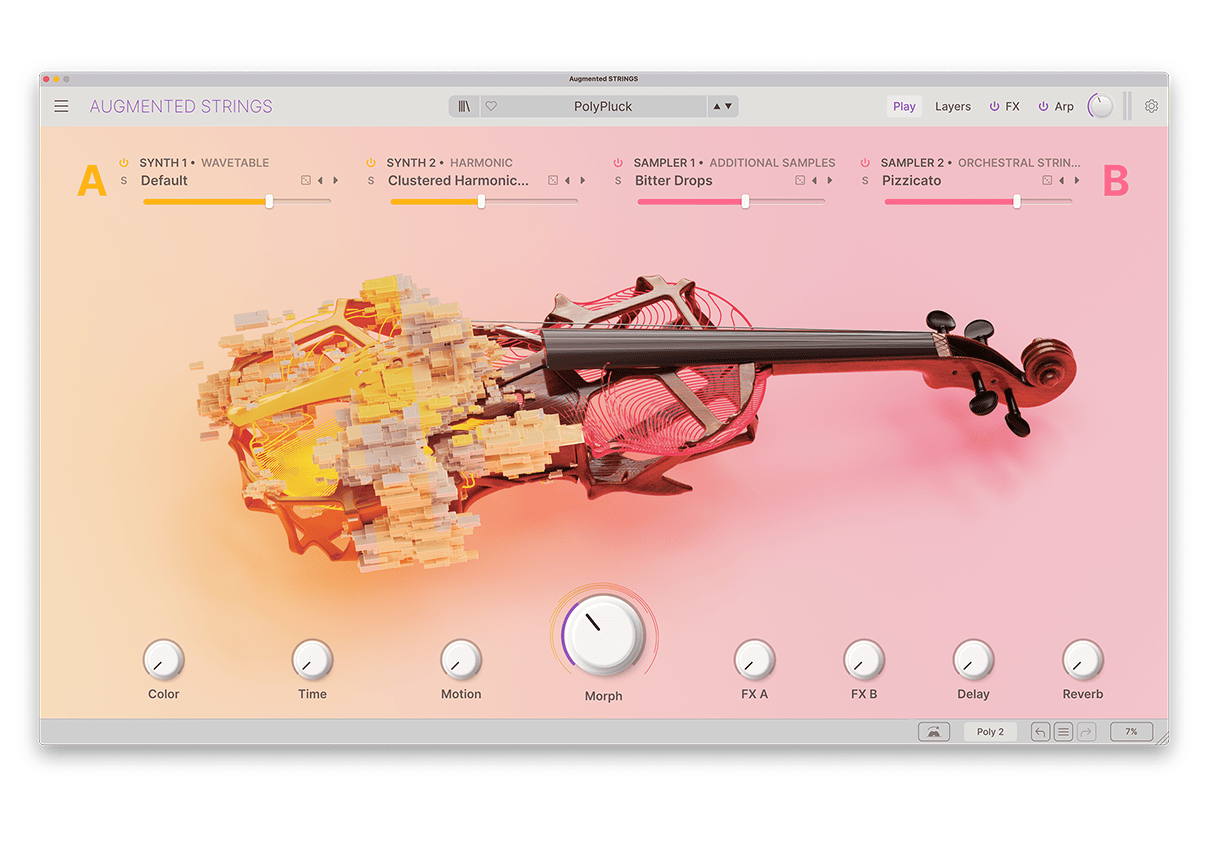
Augmented STRINGS combina sofisticadas cuerdas sampleadas con síntesis de última generación en un instrumento de software accesible e inspirador, que ofrece a los productores modernos acceso inmediato a una amplia gama de sonidos de cuerdas auténticos, abstractos y evocadores.
Descubre Augmented STRINGS →
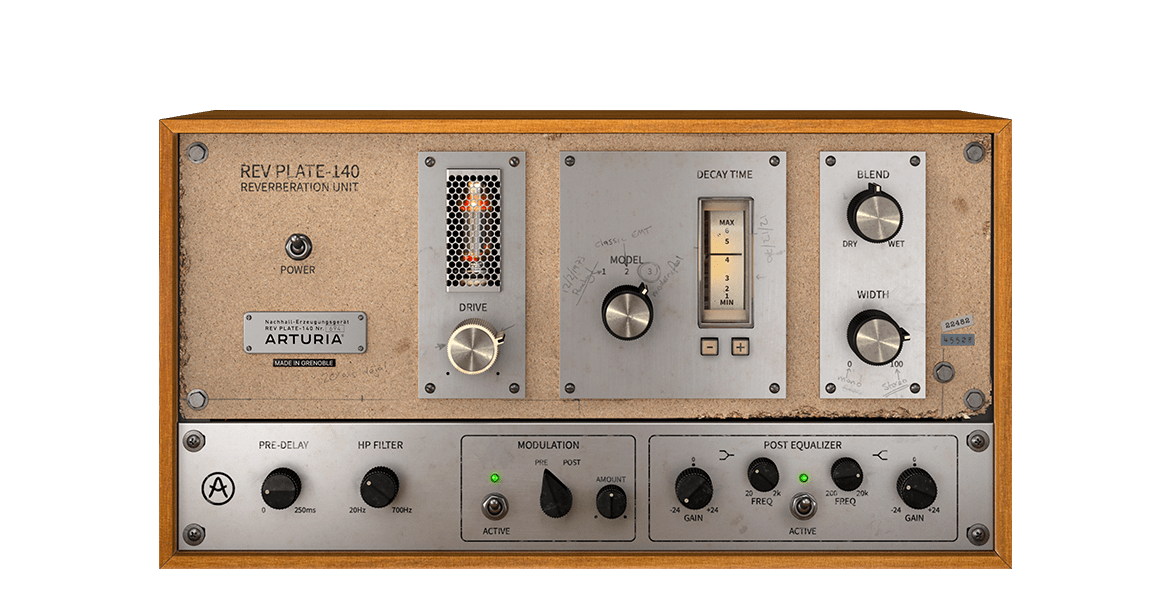
El equipo original de los años 60 pesaba más que 4 personas y costaba más que una casa, pero ahora puedes utilizar una recreación exacta de esta mítica y revolucionaria reverb sin quedarte en la ruina ni destrozarte la espalda.
Descubre Rev PLATE-140 →
Para instalar tu software adicional de Arturia, usa Arturia Software Center:
(Tu KeyLab 88 mk3 debe estar registrado para aparecer en Arturia Software Center. Si aún no lo has hecho,puedes hacerlo aquí.)
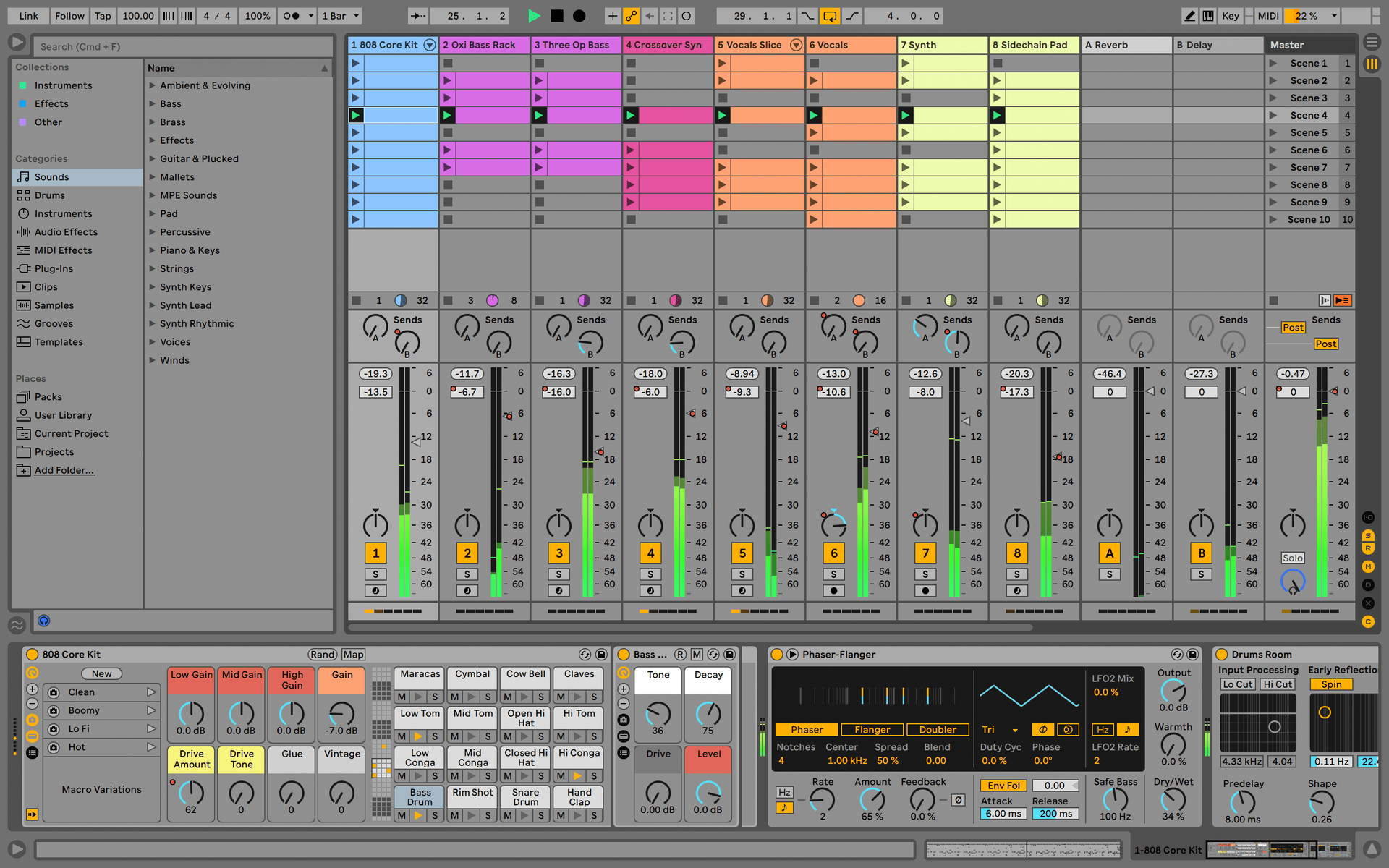
Ableton Live Lite 12
One of the most popular music production, recording and performing platforms in the world, Ableton Live Lite lets you create, mix, and export your tracks.
How to install
Komplete Select
Choose between 3 different bundles. Craft with iconic synths, sampled sounds, and effects from Komplete 15 Select - a hand-picked production toolkit.
How to install
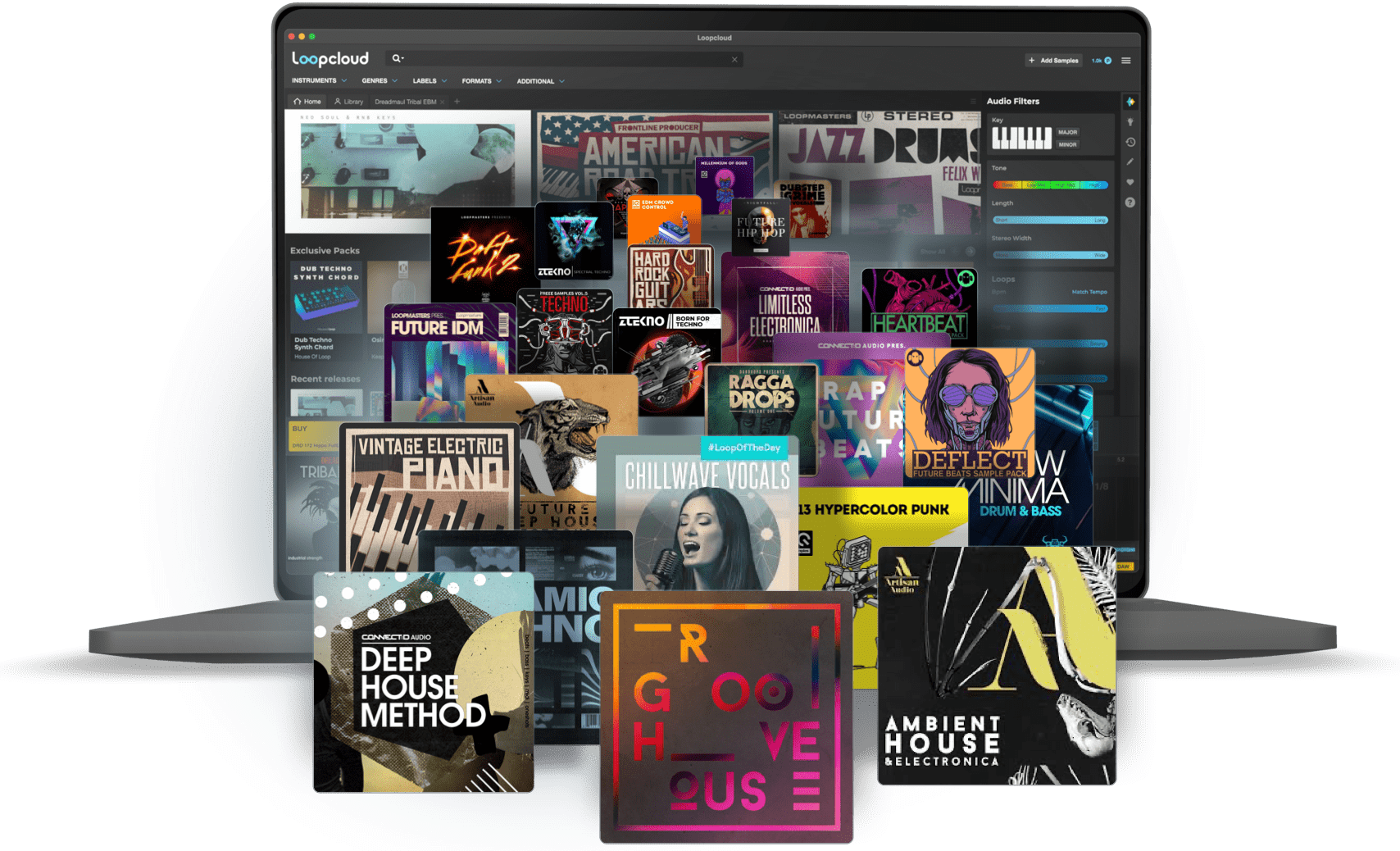
Loopcloud
A 2-month subscription to Loopcloud gives you millions of hi-def royalty-free samples, from lo-fi drum loops to punchy vocal one-shots, and add them to your personal collection for life. Beat-making essentials.
How to install
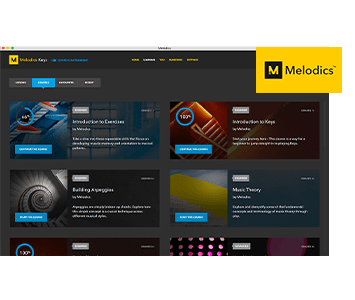
Melodics
If you're new to keyboards, music theory or DAW production, get started with a subscription to Melodics. The app gives you lessons, tips and tricks to suit your style, so you can improve your skills while you make music.
How to install
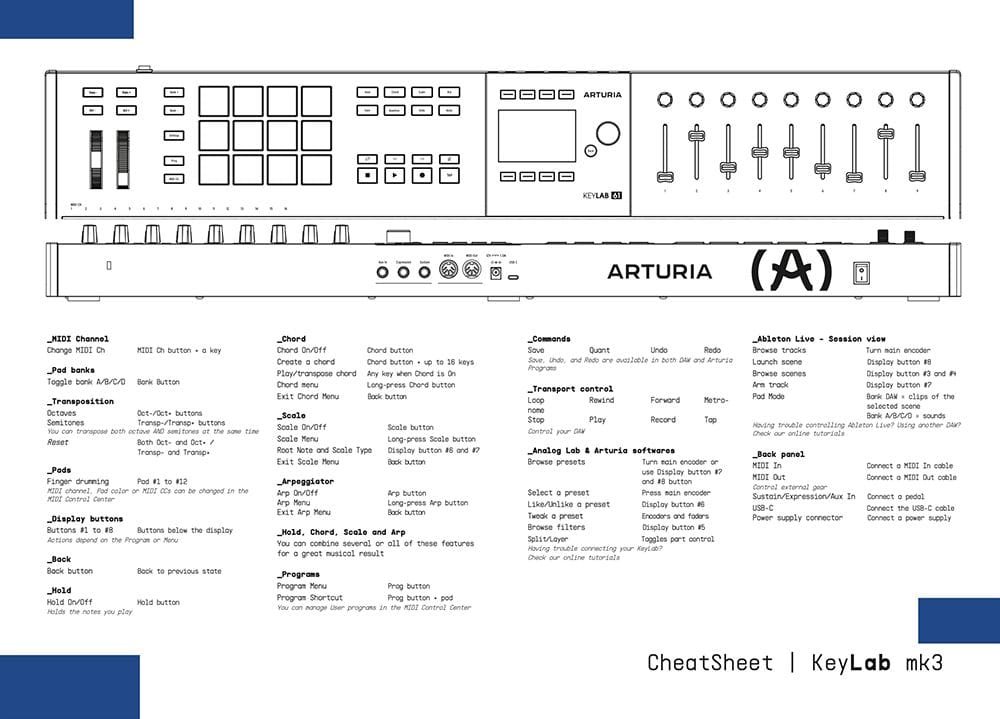
Download our cheatsheets for an overview of KeyLab 88 mk3's controls:
To learn even more, you can find the manuals on KeyLab 88 mk3's Resources page:
 mainstage
 Cubase
 Logic
Logic Ableton
 FL Studio
 Bitwig
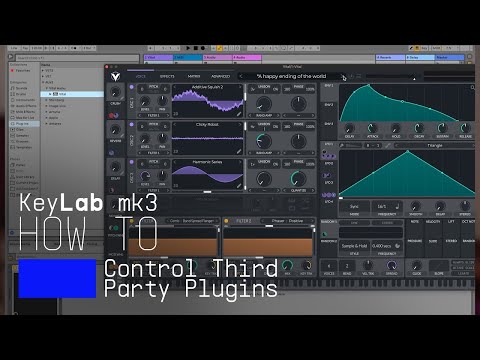
If you cannot control your Digital Audio Workstation directly from KeyLab 88 mk3 - explore our custom controller mappings.
Go to custom controller mappings for KeyLab 88 mk3 →
También puedes ir más allá y crear asignaciones MIDI personalizadas para adaptarlas a tus necesidades con MIDI Control Center:
0:00 / 0:00