セットアップ
AstroLab
Arturia製品を初めてお使いになる方
すでにArturiaアカウントをお持ちの方
- AstroLabの製品登録をして 次のソフトウェアの無料ライセンスをアクティベートします: Analog Lab Pro .
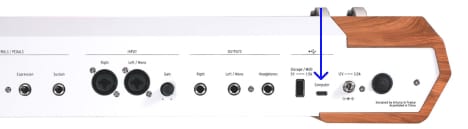
- AstroLabを to your computer using the USB port.
- Analog Labをダウンロードし、インストールしてください。
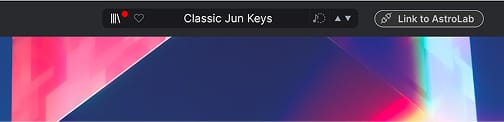
- Analog Labを開き、"Link to AstroLab" ボタンをクリックして AstroLabをAnalog Labに接続し、必要に応じて本体のファームウェアをアップデートします。
なぜAnalog Labなのか?
Analog Labは、AstroLab本体とサウンドコンテンツの両方を管理します。
- AstroLabを常に最新の状態に維持
- サウンドの管理とディープなエディット
- AstroLabをスタジオ環境へ統合
- 数々の賞に輝くV Collectionから、2000+種類のビンテージ&モダンサウンドにアクセス
インストール中に問題が発生した場合、サポートが必要な場合はこちら →
どこでも、制作フローをさらに快適に
AstroLab Connectとともに
どこへでも、AstroLabをリモートコントロール:
- 効率的なサウンド検索
- プレイリスト管理
- リモートで音色エディット
- サウンドストアから新しい音色を追加
すべて、コンピュータなしで実現。
こちらのQRコードからAstroLab Connectを入手できます



Learn more
with our AstroLab tutorials
創造性を確かな表現へ。AstroLabの可能性を最大限に引き出す必須機能から、スタジオの制作環境をそのままステージへ持ち込むためのヒントやコツまで、音楽制作とパフォーマンスをシームレスに結びつける、実践的なガイドをご紹介します。
チュートリアル・プレイリスト
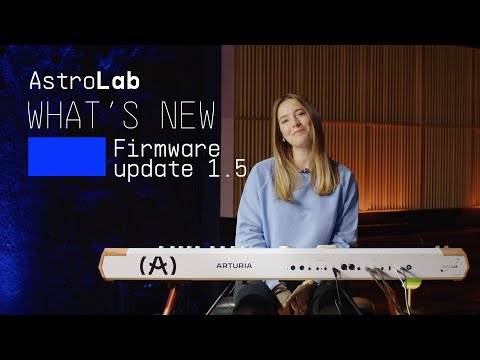
1. AstroLab - Update 1.5 | What's new
Join Kari as she introduces AstroLab 1.5, a powerful update that brings deeper creative control and smoother integration to your performance rig. Explore newly added instrument engines, seamless playlist transfer with Analog Lab, MIDI program change support and more!
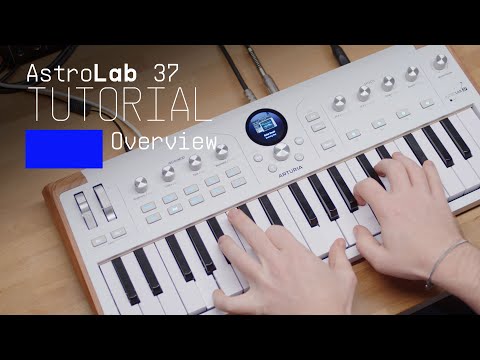
2. AstroLab 37 | Overview
Join Matt Paull for a full overview of AstroLab 37 - the compact stage keyboard with an unrivalled sound palette. From presets and macro shaping to multis, effects, and hands-on performance tools, discover how to get the most out of this creative synth and stage companion.
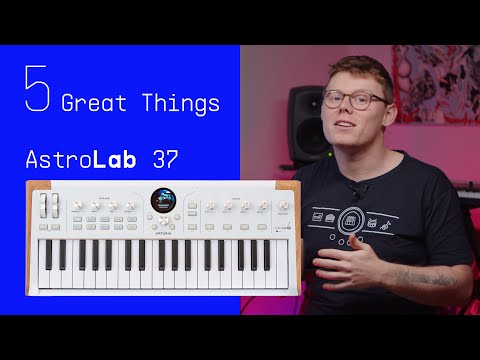
3. AstroLab 37 | 5 Great Things
Compact form, huge creative scope. Explore five standout features that make AstroLab 37 a powerful stage and studio companion - from its expansive sound world to performance-ready controls and a seamless ecosystem that keeps you in control of your sounds.
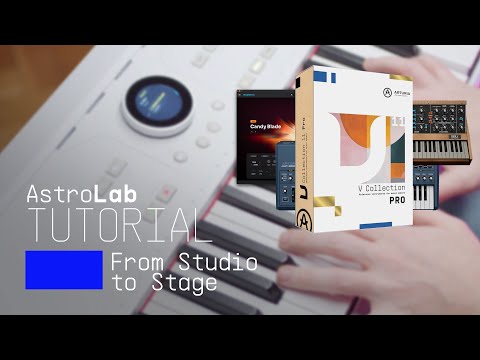
4. AstroLab | From Studio to Stage: Analog Lab & V Collection
Be guided by Matt Paul as he crafts a sound in Analog Lab with help from the V Collection and seamlessly saves it to AstroLab, showing how the integrated software architecture takes you from studio creation to hardware-ready performance in seconds.
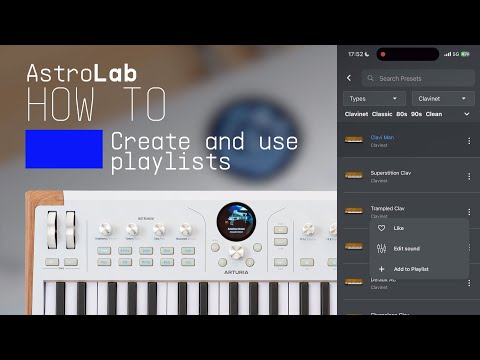
5. AstroLab | How to use playlists
Learn how to turn AstroLab into a rock-solid live set companion with Playlist mode. From building setlists with Playlists, Songs, and Presets to adding, re-ordering, and recalling your sounds on stage, discover how to keep every gig organized, stress-free, and ready to play across the AstroLab range.
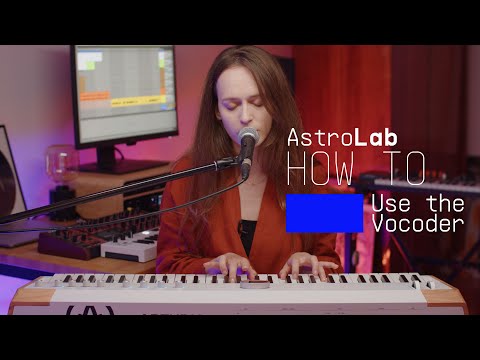
6. AstroLab - Use the vocoder
Join Lena as she guides you through the use of the vocoder feature on AstroLab. In this tutorial, you'll learn how to shape unique vocal effects and sounds step-by-step. Perfect for both beginners and experienced synth enthusiasts looking to expand their skills and have fun! 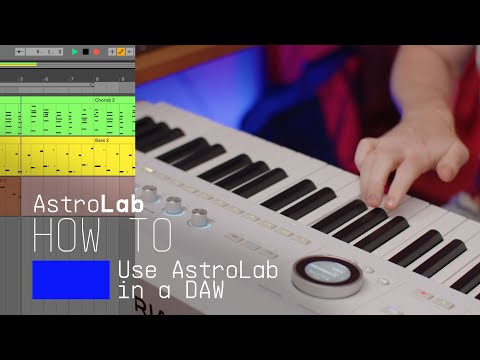
7. AstroLab - How to use AstroLab in a DAW
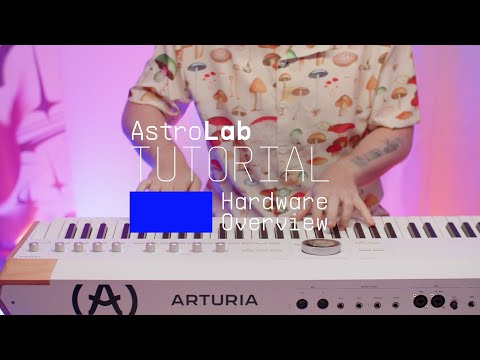
8. AstroLab - Overview
Discover AstroLab’s powerful performance features and unparalleled sound library with Matt Paul. Be introduced to AstroLab's main features and modulation capabilities as well as how to create multi-instruments and utlise its performance modes, alongside a host of preset and instrument examples.
9. AstroLab - Analog Lab Integration
In this tutorial, Matt Paul explores the powerful synergy between AstroLab and Analog Lab. Link the two to have all your sounds and settings mirrored, edit sounds in-depth and manage your library with ease.
10. AstroLab - Browsing
Follow Matt Paul as he covers everything you need to know about AstroLab’s browsing and navigation features. From swift preset discovery to playlist creation - AstroLab lets you access sounds with ease so you can focus on playing.
11. AstroLab - Connect App
Follow Matt Paul as he introduces AstroLab connect, a key component of AstroLab’s ecosystem. Remotely browse, select and manage sounds and discover new sounds in the sound store - an effortless workflow for modern musicians.
12. Astrolab 2.0 Update | What is new
Join Matt Paull for a hands-on walkthrough of AstroLab 2.0, exploring the new Sound Edit workflow across instruments and Multi Presets. See how dedicated parameter pages bring deeper sound shaping directly to AstroLab’s controls, discover the new sampled instruments and take a closer look at the performance and workflow improvements introduced with the update.AstroLab - Update 1.5 | What's new
Join Kari as she introduces AstroLab 1.5, a powerful update that brings deeper creative control and smoother integration to your performance rig. Explore newly added instrument engines, seamless playlist transfer with Analog Lab, MIDI program change support and more!
機能や使用法などの詳細はこちら
マニュアル &チートシート
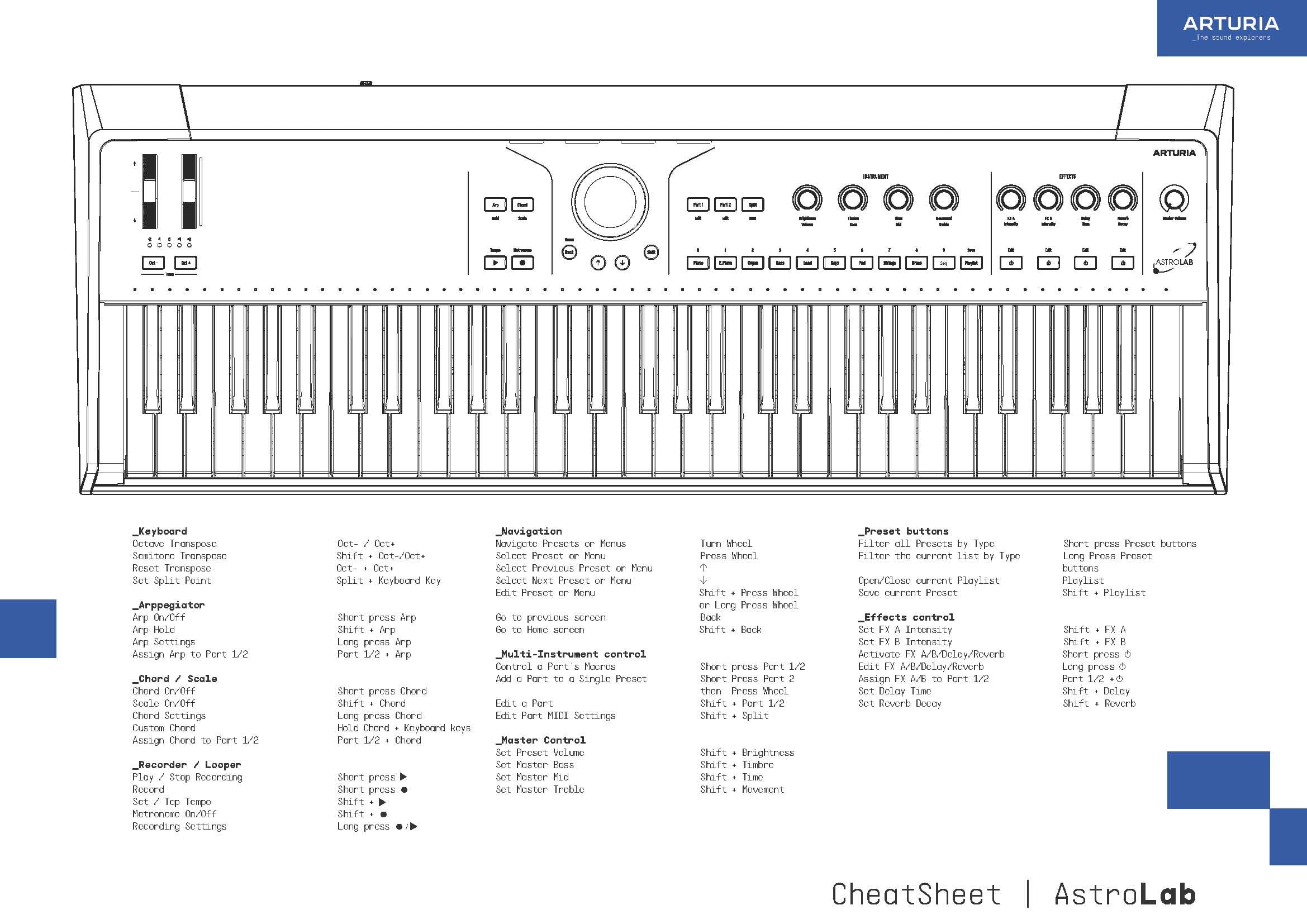
Download our cheatsheets for an overview of AstroLab's controls:
To learn even more, you can find the manuals on AstroLab's Resources page: