ARTURIA

ja

スタートガイド
with KeyLab Essential 88 mk3

Get your KeyLab Essential 88 mk3 up and running and kick start your musical journey.

セットアップ
KeyLab Essential 88 mk3

Arturia製品を初めてお使いになる方
すでにArturiaアカウントをお持ちの方
最新ファームウェアのみ入手したい場合
  1. KeyLab Essential 88 mk3 本体のUSBポートからコンピュータに接続します。
  2. Analog Labをダウンロードし、インストールしてください。

  3. Analog Labを開き、表示される指示に従ってKeyLab Essential 88 mk3のセットアップを始めてください。

なぜAnalog Labなのか?

Analog Labは、KeyLab Essential 88 mk3本体とサウンドコンテンツの両方を管理します。

  • KeyLab Essential 88 mk3を常に最新の状態に維持
  • サウンドの管理とディープなエディット
  • KeyLab Essential 88 mk3をスタジオ環境へ統合
  • 数々の賞に輝くV Collectionから、2000+種類のビンテージ&モダンサウンドにアクセス

Analog Labの詳細はこちら →

特定のカスタムMIDIマッピングをお探しの場合は、こちらから入手できます →

インストール中に問題が発生した場合、サポートが必要な場合はこちら →

Get more from your KeyLab Essential 88 mk3
無料ソフトウェア&チュートリアル その他のコンテンツ

手にしたその日から、オーディオ・コンテンツの制作を始められるプロ仕様ソフトウェア・スイートをご体感ください。

さらに深く知る
with our KeyLab Essential 88 mk3 tutorials

自信を持って、創造の旅へ。基本機能の解説からサウンドデザインのヒント、音楽制作テクニックまで、豊富なコンテンツをご用意しています。

チュートリアル・プレイリスト

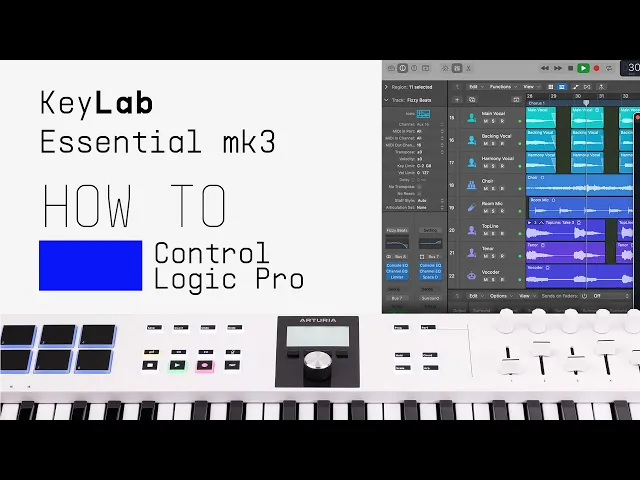
1. How to control Logic Pro
2. How to control FL Studio
3. How to control Cubase
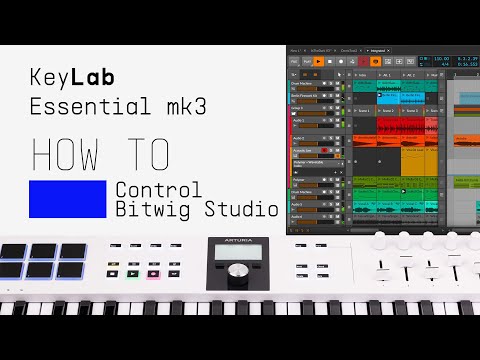
4. How to control Bitwig Studio
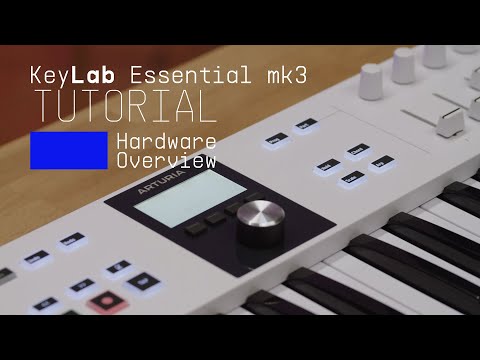
5. Overview
Keyboardist Matt Paull gives you a guided tour of the smart features, workflow highlights, and inspiring sounds that come with KeyLab Essential mk3, the next generation of universal MIDI controller.
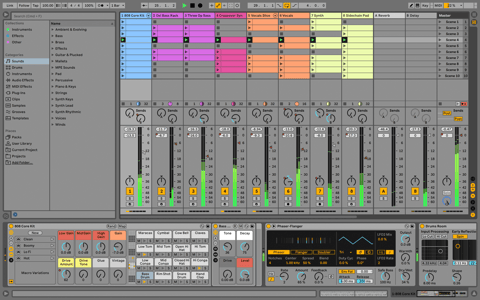
6. How to control Ableton Live
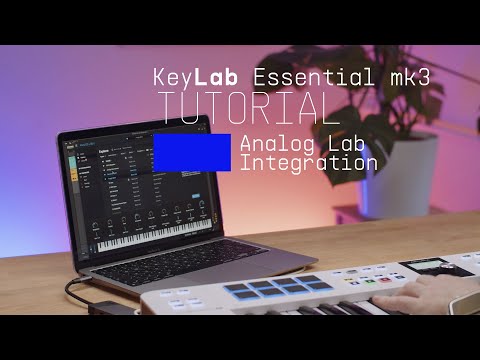
7. Analog Lab Integration
Matt explores the seamless link between KeyLab Essential mk3 and Analog Lab, our expansive library of award-winning synth & keyboard sounds. Easily control every aspect of this software with flexible pre-mapped controls.

How to control Logic Pro

ダウンロード
パートナー提供ソフトウェア

Arturiaソフトウェアに加え、音楽制作をさらに加速させる業界標準のプラグインやソフトウェアを、パートナー企業より厳選してお届けします。

楽曲の制作、ミックス、書き出しまで完結するDAWを

Ableton Live Lite 12

One of the most popular music production, recording and performing platforms in the world, Ableton Live Lite lets you create, mix, and export your tracks.

How to install

深みのある豊かなピアノ・サウンドを実現するインストゥルメントを

Komplete Select

Choose between 3 different bundles. Craft with iconic synths, sampled sounds, and effects from Komplete 15 Select - a hand-picked production toolkit.

How to install
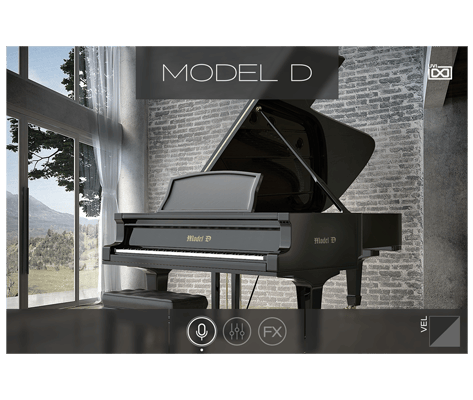
UVI Grand Piano Model D

The UVI Model D puts the sound of the famous Steinway Model D grand piano at your fingertips, sampled in exquisite detail and ready to play. Capture the sound of the most famous concert hall pianos in your own studio.

How to install
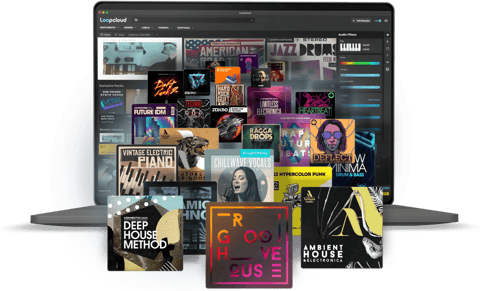
サンプルから音楽理論まで、さらなるインスピレーションを

Loopcloud

A 2-month subscription to Loopcloud gives you millions of hi-def royalty-free samples, from lo-fi drum loops to punchy vocal one-shots, and add them to your personal collection for life. Beat-making essentials.

How to install
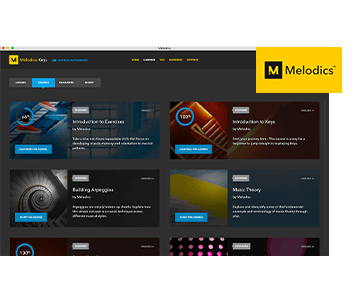
Melodics

If you're new to keyboards, music theory or DAW production, get started with a subscription to Melodics. The app gives you lessons, tips and tricks to suit your style, so you can improve your skills while you make music.

How to install

機能や使用法などの詳細はこちら
マニュアル &チートシート

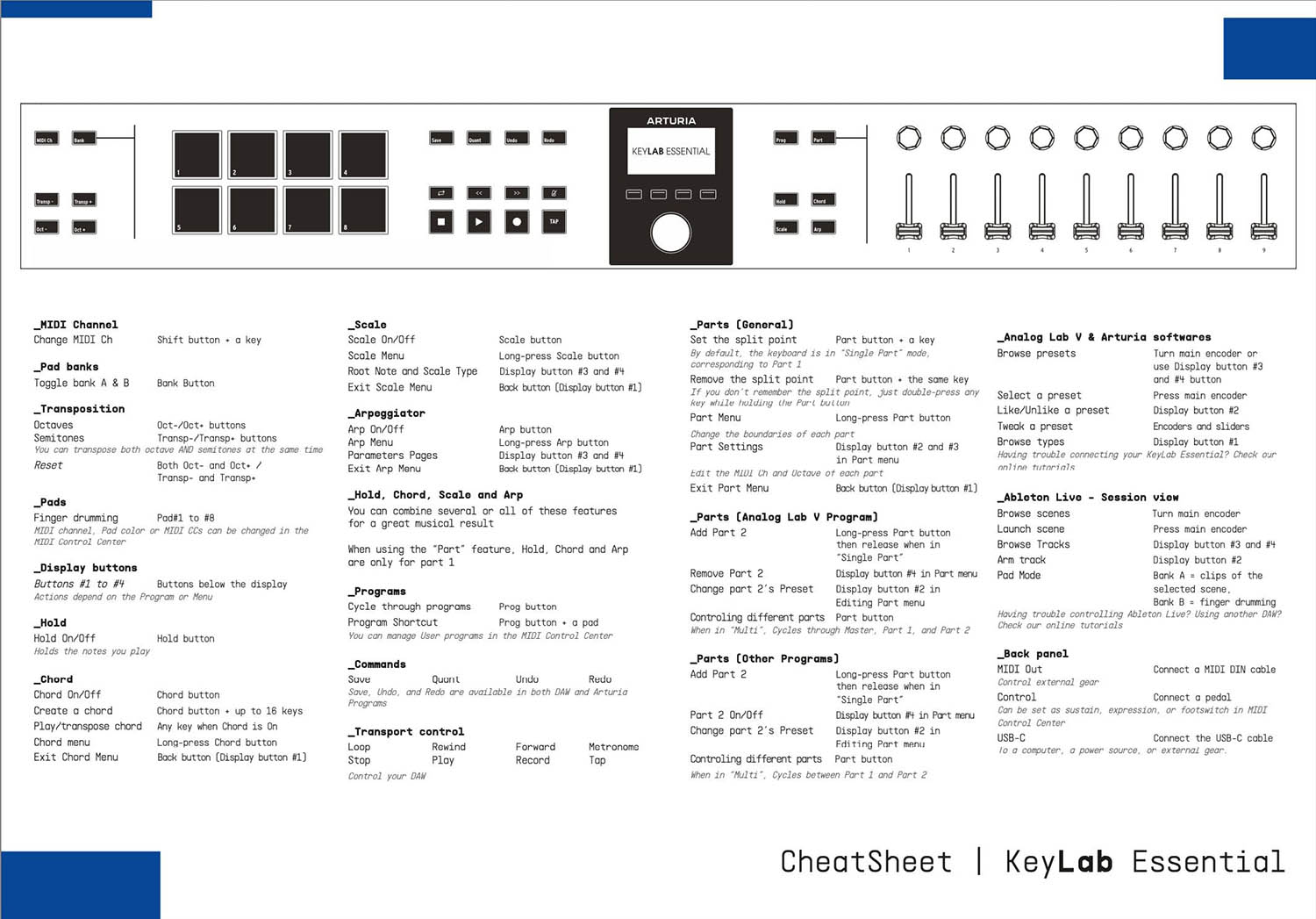
Download our cheatsheets for an overview of KeyLab Essential 88 mk3's controls:

To learn even more, you can find the manuals on KeyLab Essential 88 mk3's Resources page:
Read our manuals for KeyLab Essential 88 mk3 →

インテグレーション
KeyLab Essential 88 mk3 into your setup

KeyLab Essential 88 mk3 integrates seamlessly with all major Digital Audio Workstations right out of the box, including automatically mapped controls to play, pause, record, and trigger loops.

Logic
Cubase
FL Studio
Bitwig
Ableton

If you cannot control your Digital Audio Workstation directly from KeyLab Essential 88 mk3 - explore our custom controller mappings.

Go to custom controller mappings for KeyLab Essential 88 mk3 →

MIDI Control Centerを使えば、さらに高度な設定や用途に応じたカスタムMIDIマッピングも作成できます:

MIDI Control Centerの入手と詳細はこちら →

ご不明な点はありますか?
解決のヒントをご用意しています

さらにサポートが必要な場合