Get more from your MiniLab 3
free software, tutorials & more
手にしたその日から、オーディオ・コンテンツの制作を始められるプロ仕様ソフトウェア・スイートをご体感ください。





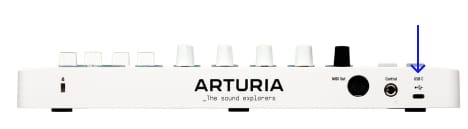
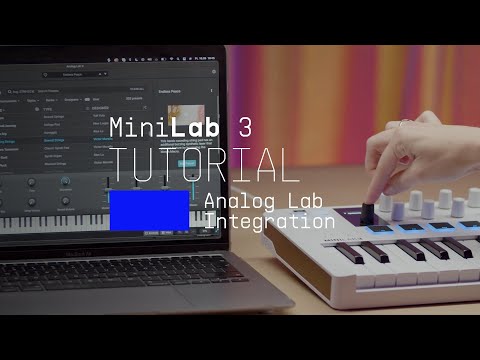
Analog Labは、MiniLab 3本体とサウンドコンテンツの両方を管理します。
特定のカスタムMIDIマッピングをお探しの場合は、こちらから入手できます →
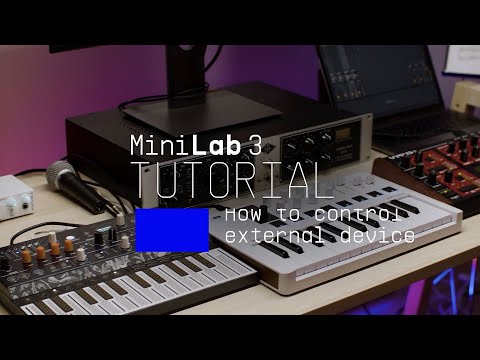
In this video Lena shows you how to control your external synthesizer with MiniLab 3, using its keyboard, faders, and knobs to control pitch and various parameters of your instrument's signal path, as well as exploring how to assign CC values with Midi Control Center.
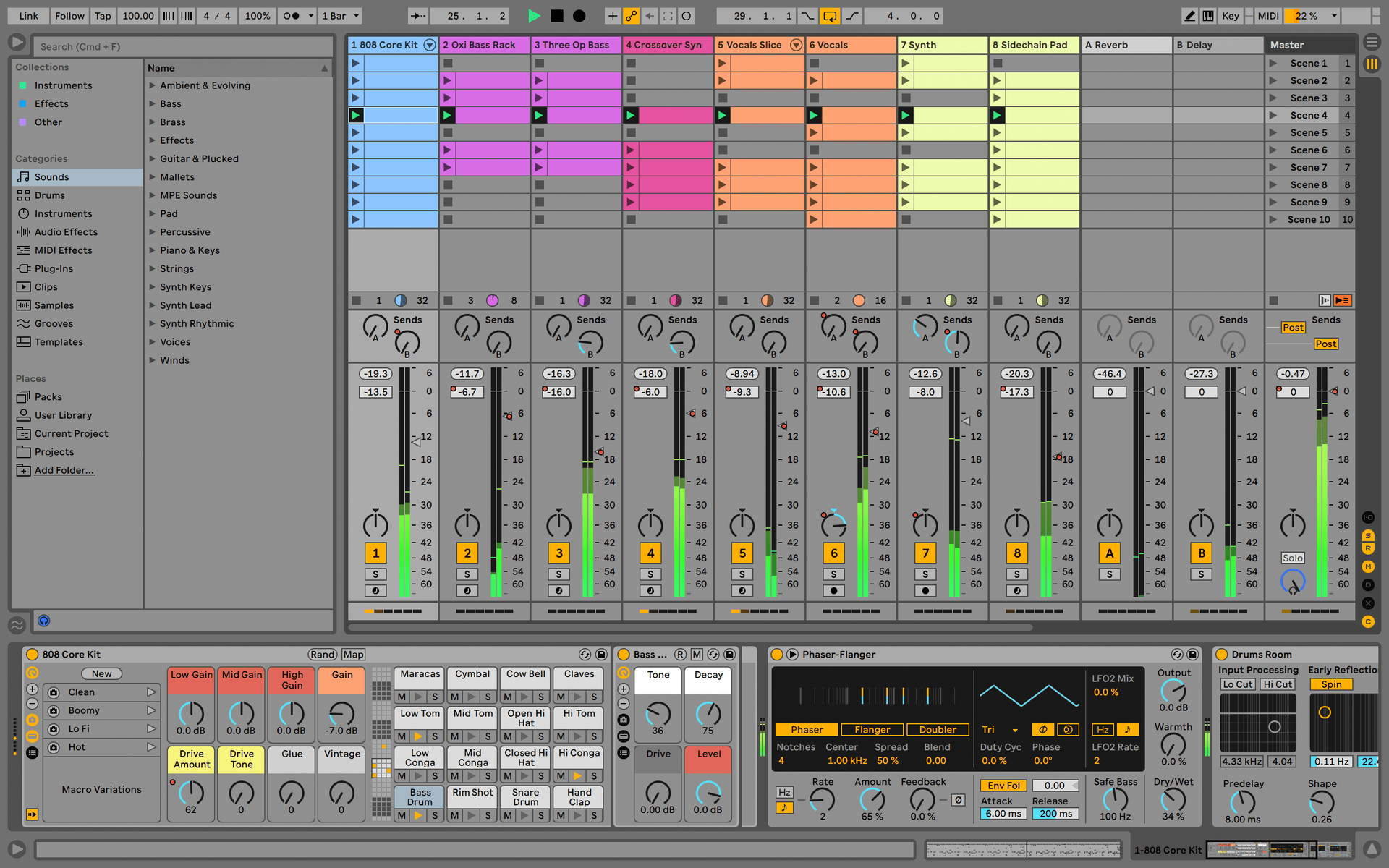
Ableton Live Lite 12
One of the most popular music production, recording and performing platforms in the world, Ableton Live Lite lets you create, mix, and export your tracks.
How to install
Komplete Select
Choose between 3 different bundles. Craft with iconic synths, sampled sounds, and effects from Komplete 15 Select - a hand-picked production toolkit.
How to install
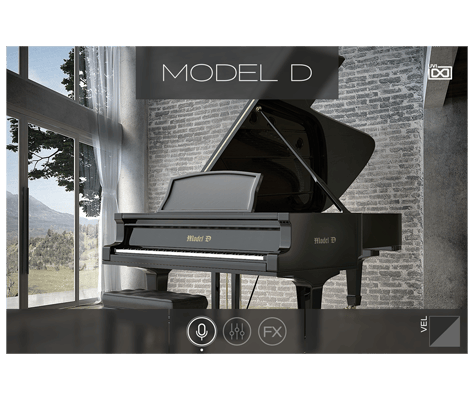
UVI Grand Piano Model D
The UVI Model D puts the sound of the famous Steinway Model D grand piano at your fingertips, sampled in exquisite detail and ready to play. Capture the sound of the most famous concert hall pianos in your own studio.
How to install
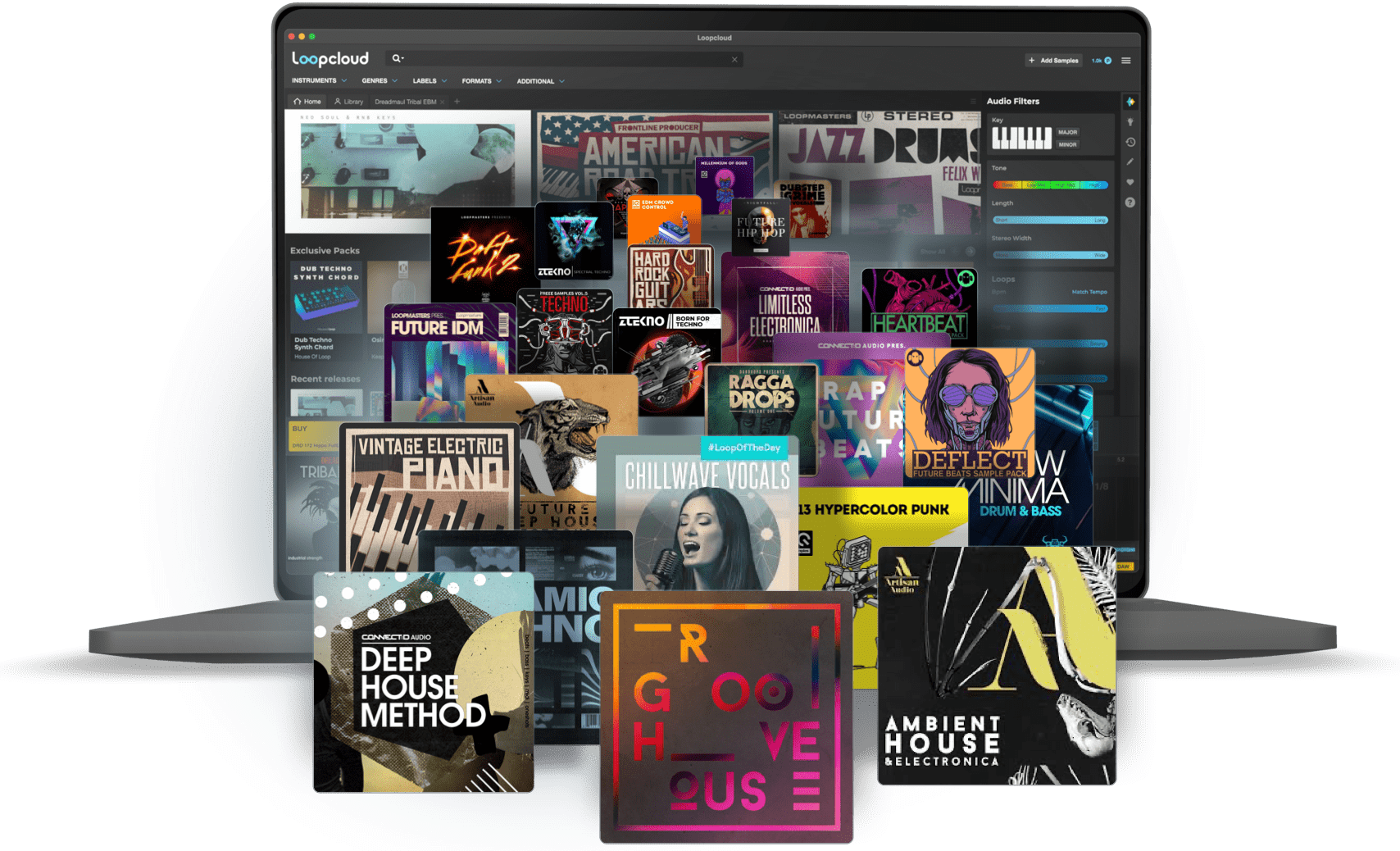
Loopcloud
A 2-month subscription to Loopcloud gives you millions of hi-def royalty-free samples, from lo-fi drum loops to punchy vocal one-shots, and add them to your personal collection for life. Beat-making essentials.
How to install
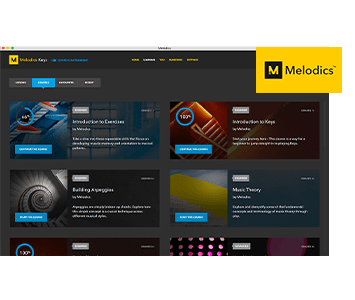
Melodics
If you're new to keyboards, music theory or DAW production, get started with a subscription to Melodics. The app gives you lessons, tips and tricks to suit your style, so you can improve your skills while you make music.
How to install
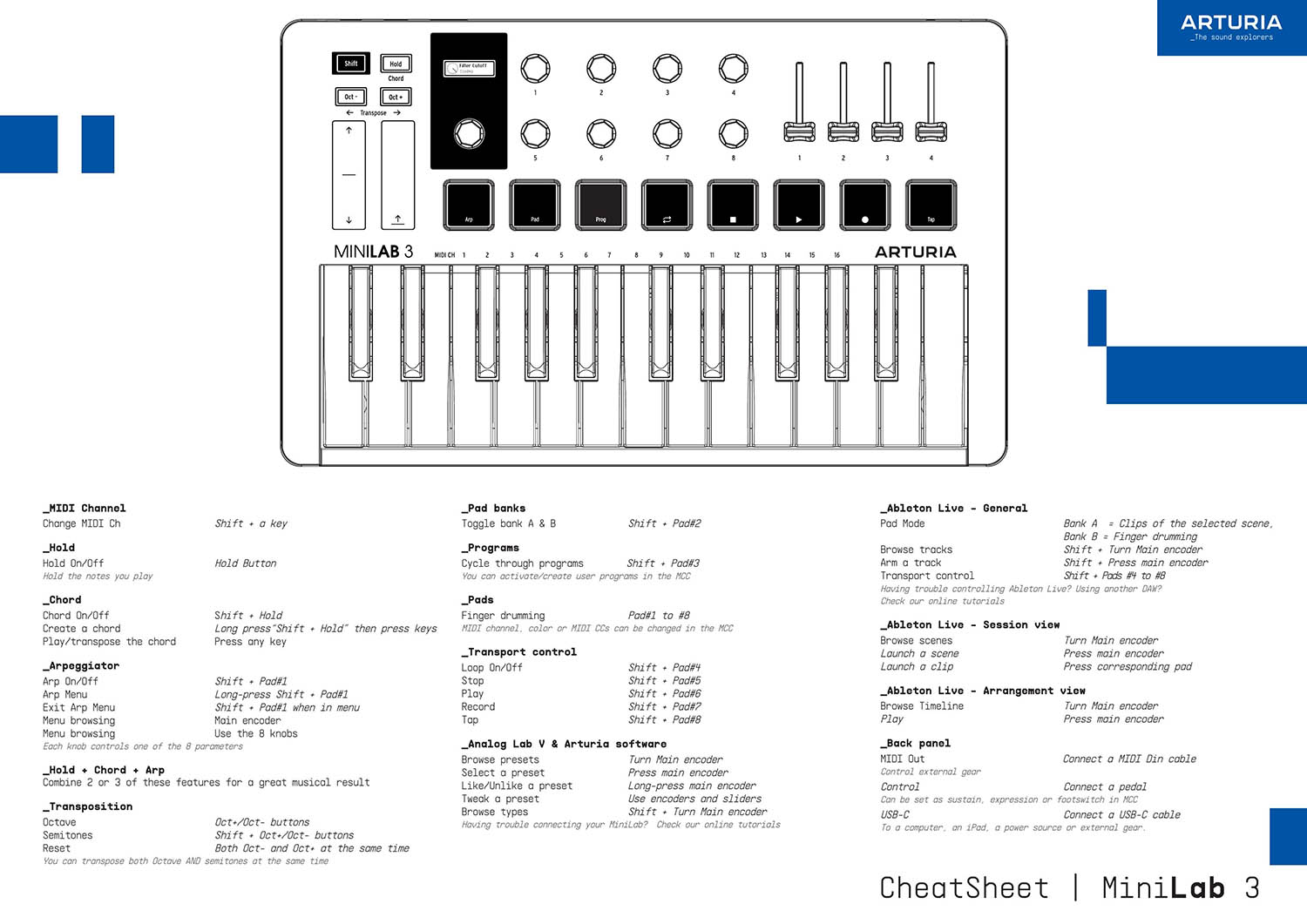
Download our cheatsheets for an overview of MiniLab 3's controls:
To learn even more, you can find the manuals on MiniLab 3's Resources page:
 Bitwig
 FL Studio
 Cubase
 Reason
 Logic
Logic Ableton
If you cannot control your Digital Audio Workstation directly from MiniLab 3 - explore our custom controller mappings.
Go to custom controller mappings for MiniLab 3 →
MIDI Control Centerを使えば、さらに高度な設定や用途に応じたカスタムMIDIマッピングも作成できます:

0:00 / 0:00