Augmented PERSIA jetzt zum exklusiven Einführungspreis sichern→ Angebot anschauen
ARTURIA

de

Get started
with MiniFreak

Get your MiniFreak up and running and kick start your musical journey.

Set up
MiniFreak

  1. Registriere dein MiniFreak um deine enthaltene Lizenz freizuschalten für MiniFreak V Lizenz.

    Im Lieferumfang deines MiniFreak ist ein identisches VST-Pendant enthalten, das den gleichen markanten Hybrid-Sound inklusive emulierter Analogfilter bietet. Du kannst es in deiner DAW nutzen, das die gleichen Presets, egal ob Hardware oder Software verwenden, das VST-Instrument mit den Bedienelementen des MiniFreak synchronisieren und Firmware-Updates machen.

  2. Lade und installiere das Arturia Software Center.

  3. Log dich im Arturia Software Center ein, aktiviere und installiere den MiniFreak V auf deinem Computer.
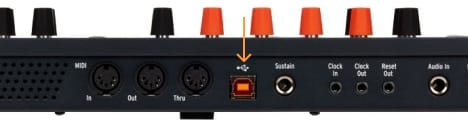
  4. Verbinde deinen MiniFreak per USB, schalte ihn ein und öffne dann den MiniFreak V, bei bestehender Internetverbindung. Falls du nicht die neueste Firmware besitzt, werden dir Anweisungen für den Update-Vorgang angezeigt.
Warum gibt es den MiniFreak V?

Der MiniFreak V ist das Software-Pendant zum MiniFreak. Er stellt sicher, dass dein Controller immer auf dem neuesten Stand ist.

Solltest du Probleme bei der Installation haben, wir helfen dir gerne weiter →

Learn more
with our MiniFreak tutorials

Start your creative journey with confidence. Explore essential features, tips and tricks on how to design your own sounds, other music production hacks and much more.

Tutorial-Playliste

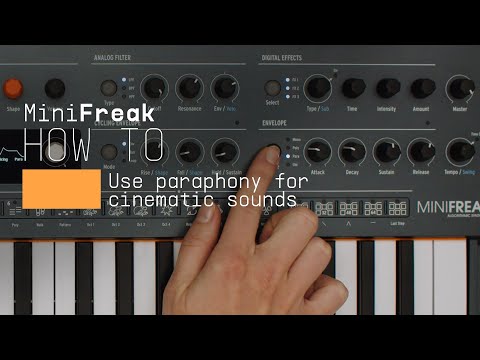
1. How To | Use paraphony for cinematic sounds
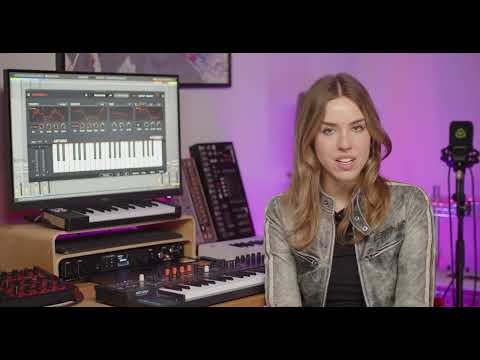
MiniFreak & MiniFreak V's voices can be extended to 12 with paraphony, letting you produce powerful, dense sounds. In this video, Lena shows you how to set yours up for truly cinematic musical soundscapes using more voices.
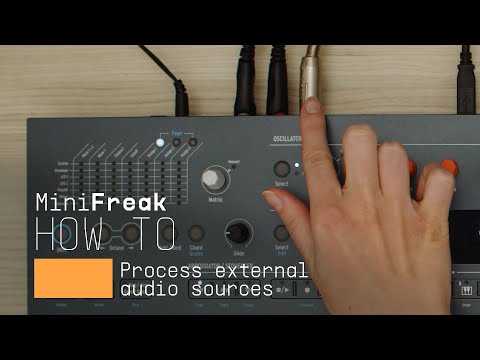
2. How To | Process external audio sources
External audio processing is one of MiniFreak & MiniFreak V's most creative talents - take advantage of its filters, distortions, and effects to breathe new life into your sounds and instruments.
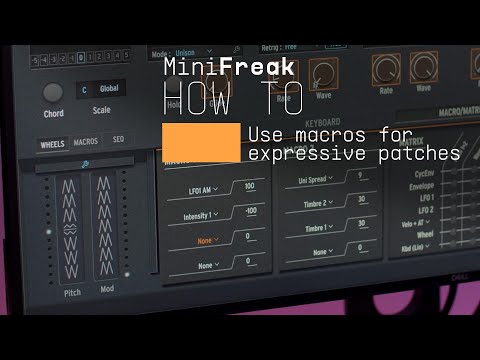
3. How To | Use macros for expressive patches
MiniFreak & MiniFreak V's customizable macros play a central role in the instrument's arsenal of performance tools. Explore how to use them to inject drastic changes to tone and rhythm for bringing your ideas to life.
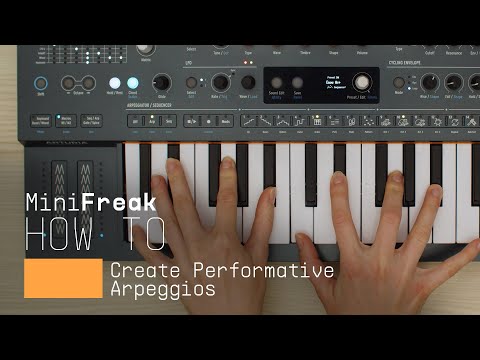
4. How To | Create Performative Arpeggios
In this video, Lena shows you how to create evolving generative melodies using a combination of MiniFreak & MiniFreak V's features, centering on the arpeggiator.
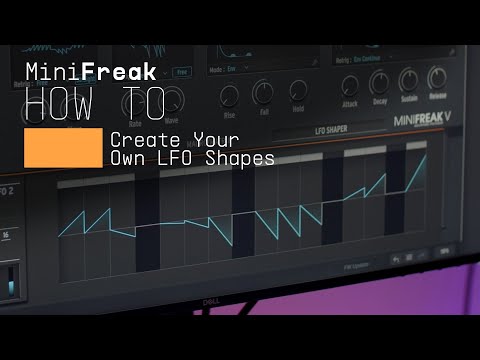
5. How To | Create Your Own LFO Shapes
Follow Lena to explore the LFO Shaper built into both MiniFreak and MiniFreak V, which allows you to create your own custom LFOs to radically shape, transform, and animate your sound design.
6. Update 4.0 | Vocoder
In this in-depth tutorial, we'll walk you through everything you need to know to harness the creative power of the MiniFreak's new vocoder capabilities. Discover how to set it up, explore its unique parameters, and start transforming your voice, drums, and other audio sources into incredible new textures. Whether you're aiming for classic robot vocals or groundbreaking sound design, Update 4.0 opens up a universe of sonic possibilities for your Freak.
7. Track Breakdown | MiniFreak FW 3.0 - Culprate
Discover how MiniFreak's new granular engines add some incredible sonic energy to a production by Culprate. Yetundey breaks down some of the key sounds used in the track and shows us the power and range of the new engines!
4min33
8. MiniFreak Update 3.0 | What's new
Yetundey walks you through the killer new features of firmware 3.0 for the MiniFreak, unlocking the full potential of granular synthesis. With 8 new engines, granular-focused samples, an expanded factory bank, and more, this update takes your Freak to the next level of sonic exploration.
12min51
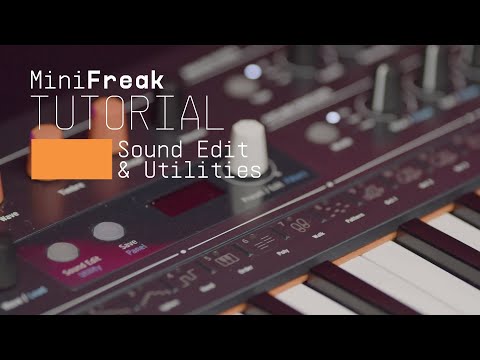
9. Utilities
Matt taps into MiniFreaks settings and configurations, guiding you through how to customize its creative features to suit your own workflow, from preset management to Scale quantization.
9min42
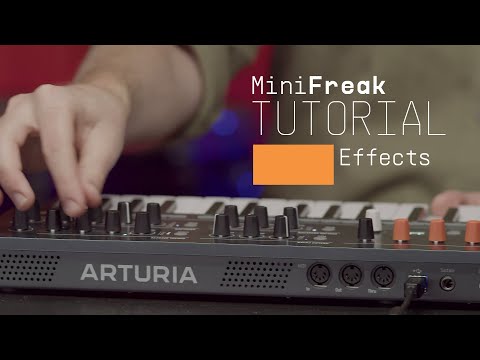
10. Effects
In this tutorial, Matt walks you through MiniFreak's 3 FX slots and explores the ways it can embellish, color, or totally destroy your sound - in perfect mix-ready stereo, of course.
19min06
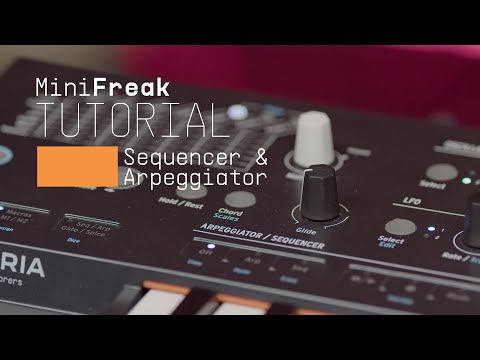
11. Sequencer & Arpeggiator
Matt Pike expores how MiniFreak blurs the lines between sequencing & arpeggiation, making it easier than ever to craft wildly creative melodies, chord movements, and ever-evolving ideas that you can tweak in real-time.
14min35
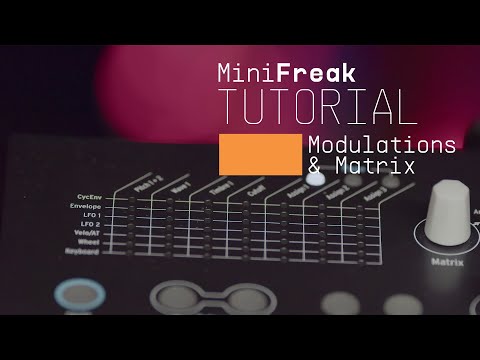
12. Modulation Matrix
In this video, Matt Pike gives you a full tutorial on MiniFreak's complex but accessible modulation matrix, exploring its polyphonic envelope generators, 2 LFOs per voice, and creative flexibility with assignable modulation destinations.
20min50
13. Oscillators & Filters
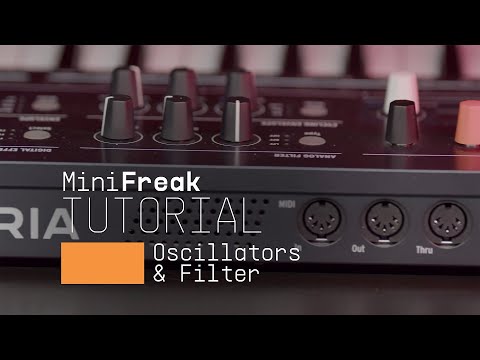
In this tutorial video, Matt Pike goes in-depth on MiniFreak's dual digital engines and analog filters. Explore how to stack oscillator modes, how to process Engine 1 with Engine 2, and how the digital & analog combo can produce oustanding sonic results.
27min01
14. Overview
Matt Pike gives you the lowdown on the 6-voice hybrid synthesizer that's out to break all the rules. In this tutorial, check out MiniFreak's features, hidden talents, and wild sounds.
16min31

How To | Use paraphony for cinematic sounds

MiniFreak & MiniFreak V's voices can be extended to 12 with paraphony, letting you produce powerful, dense sounds. In this video, Lena shows you how to set yours up for truly cinematic musical soundscapes using more voices.

Find more information
with our manuals

To learn even more, you can find the manuals on MiniFreak's Resources page:

Read our manuals for MiniFreak →