Configuración
MiniFreak
- Registra tu MiniFreak para desbloquear tu licencia del MiniFreak V.
Registering a MiniFreak 49 also unlocks extra MiniFreak V features.
Con tu MiniFreak se incluye un un equivlante VST idéntico, que ofrece el mismo sonido híbrido con filtros analógicos modelados. Puedes usarlo en tu DAW, usar el los mismos presets en formato físico o virtual, sincronizarlo con los controles del MiniFreak y acceder a actualizaciones de firmware.
- Download & install MiniFreak V.
This also installs Arturia Software Center, where you’ll manage your licences and updates. Más información
Already have MiniFreak V installed?
Update it to the latest version in Arturia Software Center, then skip to step 3. - Conecta tu MiniFreak por USB, enciéndelo y abre el MiniFreak V, making sure you’re online. If you don’t have the latest firmware, you’ll see instructions on how to update.
Learn more
with our MiniFreak tutorials
Accelerate your creative journey with confidence. Explore essential features, tips and tricks on how to design your own sounds.
Lista de reproducción de tutoriales
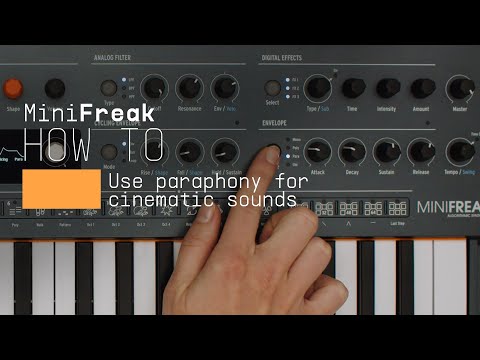
How To | Use paraphony for cinematic sounds
MiniFreak & MiniFreak V's voices can be extended to 12 with paraphony, letting you produce powerful, dense sounds. In this video, Lena shows you how to set yours up for truly cinematic musical soundscapes using more voices.
Más información
en nuestros manuales
To learn even more, you can find the manuals on MiniFreak's Resources page: