ARTURIA

de

Get started
with KeyStep mk2

Get your KeyStep mk2 up and running and kick start your musical journey.

Set up
KeyStep mk2

Ein wichtiges Update ist verfügbar:

Achte darauf, dass du → dein KeyStep 37 mk2 aktualisierst, um die neuesten Stabilitätsverbesserungen und Leistungsoptimierungen zu erhalten.
  1. Das KeyStep mk2 an deinen Computer anschliessen.
  2. Lade und installiere das Arturia Software Center. (Falls du das Software Center bereits nutzt, fahre direkt mit Schritt 3 fort)

  3. Starte das Arturia Software Center und folge den Anweisungen, um dein KeyStep mk2 einzurichten und um deine kostenlose Lizenz für Analog Lab Intro zu aktivieren.

Die Vorteile des Arturia Software Centers

Das Arturia Software Center ist deine zentrale Schnittstelle, um die KeyStep mk2-Firmware auf dem aktuellen Stand zu halten und deine Arturia Software-Instrumente zu installieren, zu aktivieren und zu verwalten.

Mehr über das Arturia Software Center erfahren →

Get more from your KeyStep mk2
free software, tutorials & more

Discover a suite of pro-grade software that provides everything you need to start making audio content out-of-the-box.

Learn more
with our KeyStep mk2 tutorials

Start your creative journey with confidence. Explore essential features, tips and tricks on how to design your own sounds, other music production hacks and much more.

Tutorials playlist

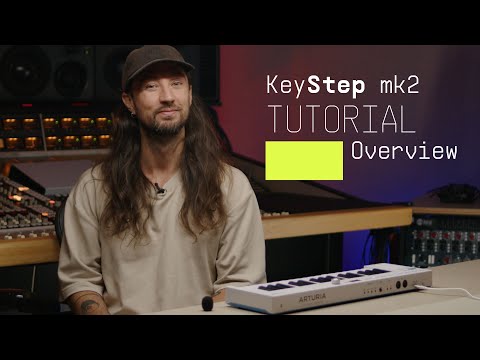
1. Overview | KeyStep mk2
Join Brendan for an introductory tour of KeyStep mk2. Discover its core features from advanced sequencing and generative sound creation to OLED control and deep CV/MIDI/USB-C connectivity - a centrepiece for hybrid setups and keeping your ideas evolving.
11min25
2. How to Mutate | KeyStep mk2
Join Matt Paull for a focused look at KeyStep Mk2’s Mutate feature - a creative tool for transforming sequences and arpeggios into evolving musical ideas. Learn how to shape variations, lock everything to scale, record automation, and push your patterns into new directions for fast, inspired compositions.
5min14
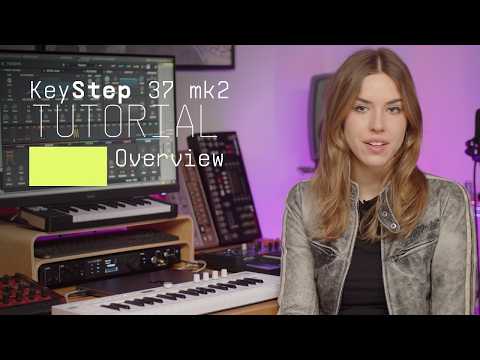
3. Overview | KeyStep 37 mk2
Join Leona for an overview of KeyStep 37 mk2 - the expanded compact controller and creative sequencer for hybrid setups. Learn its core features and deeper mutate control as well as what sets it apart from KeyStep mk2: 37 Slimkeys with aftertouch, expanded physical controls and RGB feedback for deeper control of parameters and generative features.
8min50
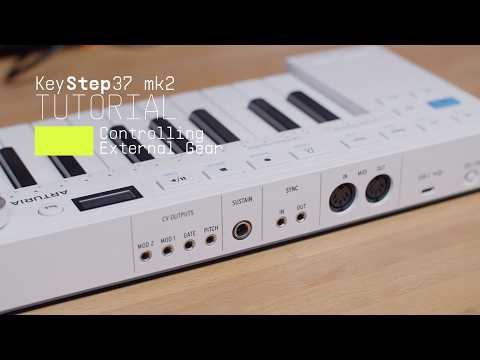
4. How to control external gear | KeyStep 37 mk2
Join Leona for a quick guide to controlling external gear with KeyStep 37 mk2. Learn how to connect and play software instruments via USB, sequence desktop synths over MIDI, and unlock deeper hands-on control of semi-modular hardware with CV, Gate, and assignable modulation outputs. From straightforward DAW integration to hybrid setups, see how KeyStep 37 mk2 adapts to every stage of your workflow.
5min56

Overview | KeyStep mk2

Join Brendan for an introductory tour of KeyStep mk2. Discover its core features from advanced sequencing and generative sound creation to OLED control and deep CV/MIDI/USB-C connectivity - a centrepiece for hybrid setups and keeping your ideas evolving.

Install
Analog Lab Intro

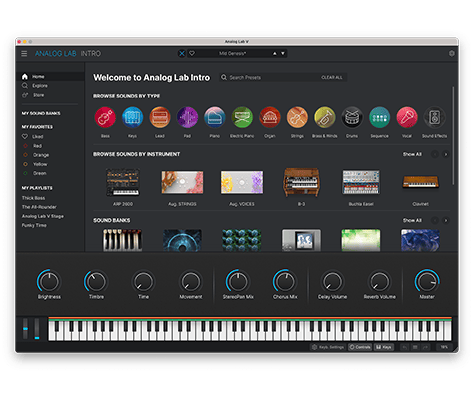
Analog Lab Intro allows you to play and tweak 500 instrument presets from our award-winning V Collection.

Learn more about Analog Lab Intro →

To install Analog Lab Intro, use the Arturia Software Center:

  1. Open the Arturia Software Center and look for your KeyStep mk2.

    (Your KeyStep mk2 must be registered in order to show up in the Arturia Software Center. To do so, close the Arturia Software Center, connect KeyStep mk2 to your computer & launch the Arturia Software Center again.)

  2. Click on KeyStep mk2 to reveal your software license and install Analog Lab Intro.

    (If you registered your KeyStep mk2 on our website, you have to click Activate first to reveal the download options.)

If you're experiencing issues with the installation process, let us help you →

Download
included software from our partners

Alongside Arturia Software, we provide a selection of industry-standard plugins and software from our partners to accelerate your music production journey.

Music production and recording software
to create, mix and export your tracks

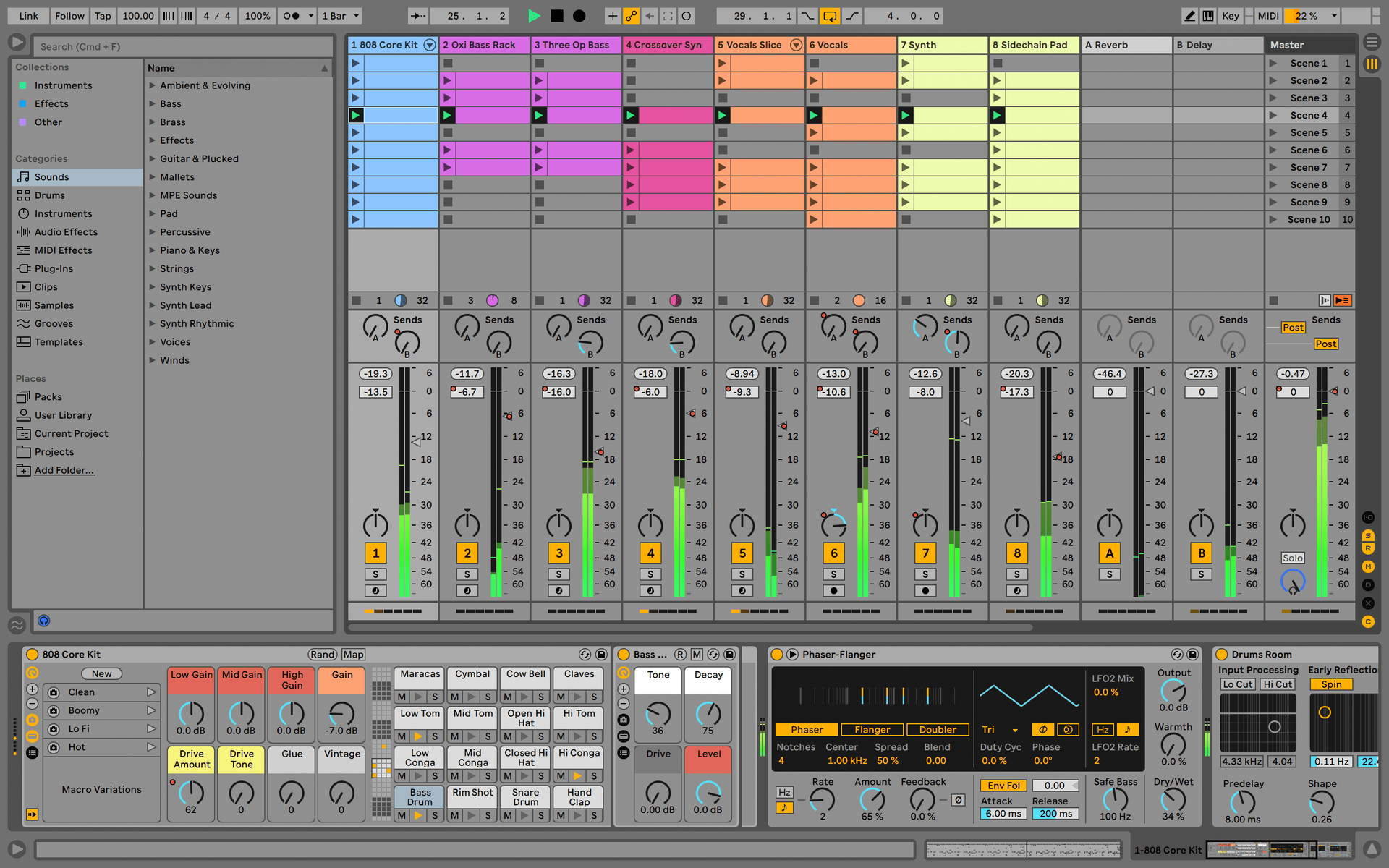
Ableton Live Lite 12

One of the most popular music production, recording and performing platforms in the world, Ableton Live Lite lets you create, mix, and export your tracks.

How to install

Find more information
with our manuals and cheatsheet

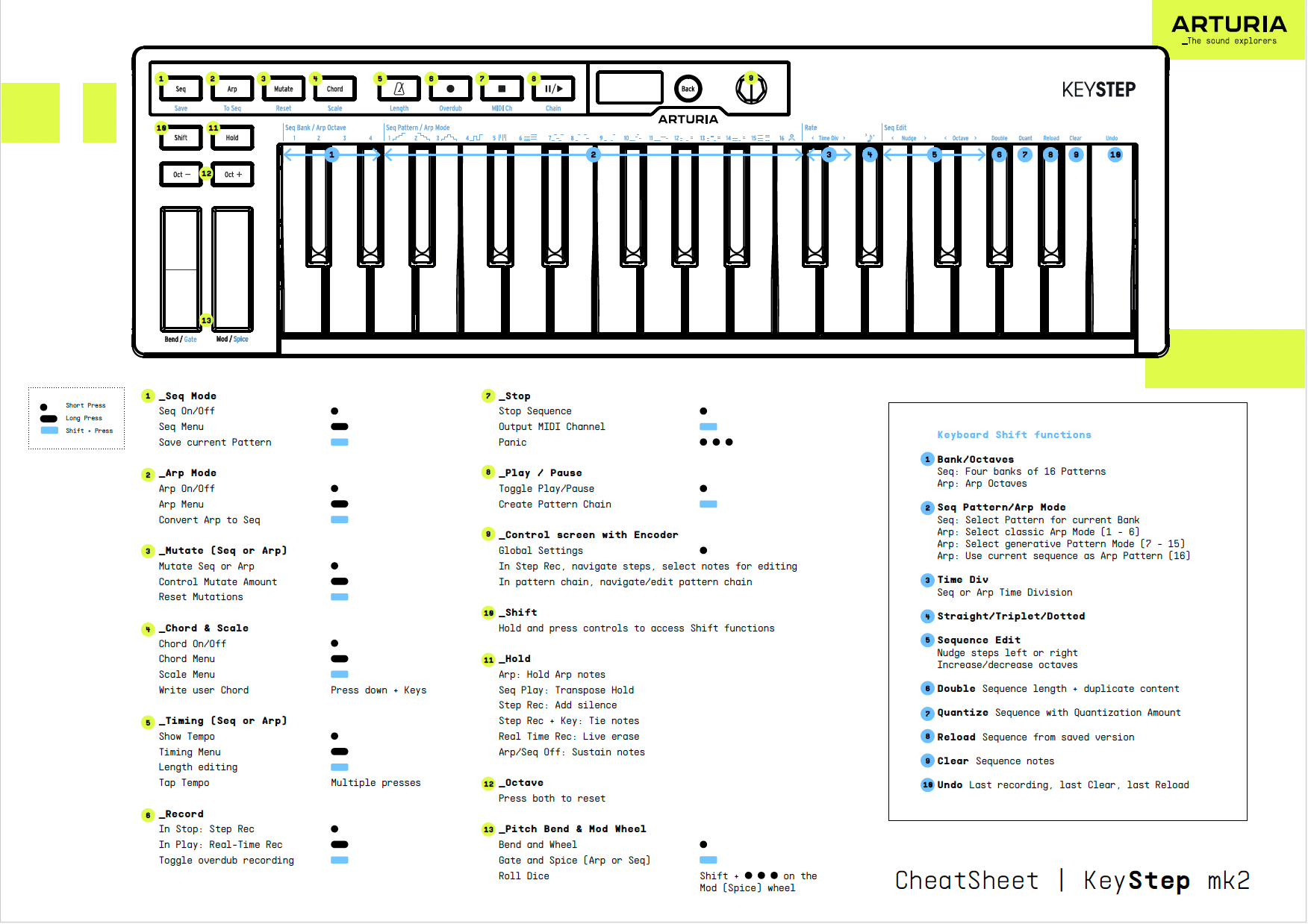
Download our cheatsheets for an overview of KeyStep mk2's controls:

To learn even more, you can find the manuals on KeyStep mk2's Resources page:
Read our manuals for KeyStep mk2 →

Customise
MIDI sync controls

Lege die globalen Einstellungen direkt im Gerät mit dem klickbaren Drehregler fest oder nutze das MIDI Control Center für eine vollständige Übersicht aller Parameter.

Hol dir das MIDI Control Center und erfahre mehr →