Augmented PERSIA:発売記念の特別価格で入手→ オファーを見る
ARTURIA

ja

Get started
with KeyStep mk2

Get your KeyStep mk2 up and running and kick start your musical journey.

Set up
KeyStep mk2

重要なアップデートがリリースされました:

安定性の向上と動作強化を最新の状態にしましょう。
  1. KeyStep mk2をお使いのコンピューターに接続します。
  2. Arturia Software Centerをダウンロードし、インストールします。 (すでにSoftware Centerをお使いの場合は、ステップ3へ進んでください)

  3. Arturia Software Centerを開き、案内に従って作業を進め KeyStep mk2の設定を行い、Analog Lab Introのフリーライセンスをアクティベートします。

Arturia Software Centerが必要な理由

Arturia Software Centerは、KeyStep mk2のファームウェアを最新の状態に保ち、Arturiaソフトウェア・インストゥルメントのインストールやアクティベーション、アップデートを一括管理できるスマートな統合プラットフォームです。

Arturia Software Centerの詳細はこちら →

Get more from your KeyStep mk2
free software, tutorials & more

Discover a suite of pro-grade software that provides everything you need to start making audio content out-of-the-box.

Learn more
with our KeyStep mk2 tutorials

Start your creative journey with confidence. Explore essential features, tips and tricks on how to design your own sounds, other music production hacks and much more.

チュートリアル・プレイリスト

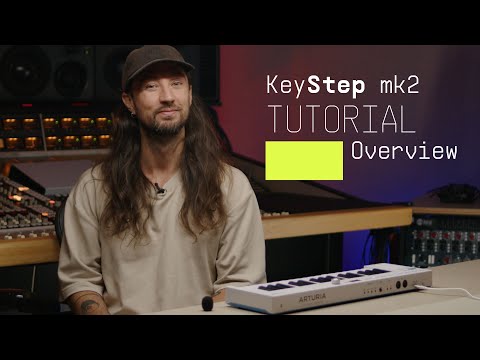
1. Overview | KeyStep mk2
Join Brendan for an introductory tour of KeyStep mk2. Discover its core features from advanced sequencing and generative sound creation to OLED control and deep CV/MIDI/USB-C connectivity - a centrepiece for hybrid setups and keeping your ideas evolving.
11min25
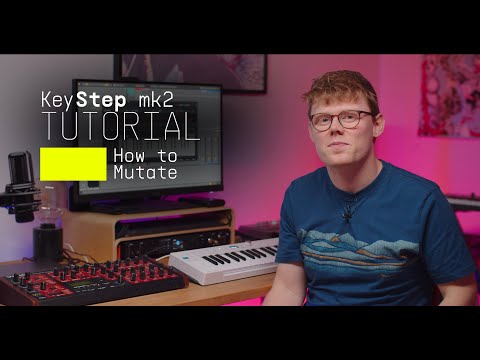
2. How to Mutate | KeyStep mk2
Join Matt Paull for a focused look at KeyStep Mk2’s Mutate feature - a creative tool for transforming sequences and arpeggios into evolving musical ideas. Learn how to shape variations, lock everything to scale, record automation, and push your patterns into new directions for fast, inspired compositions.
5min14
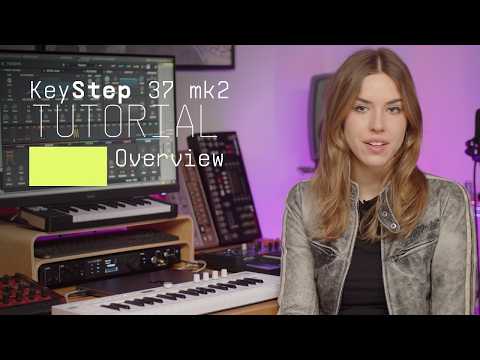
3. Overview | KeyStep 37 mk2
Join Leona for an overview of KeyStep 37 mk2 - the expanded compact controller and creative sequencer for hybrid setups. Learn its core features and deeper mutate control as well as what sets it apart from KeyStep mk2: 37 Slimkeys with aftertouch, expanded physical controls and RGB feedback for deeper control of parameters and generative features.
8min50
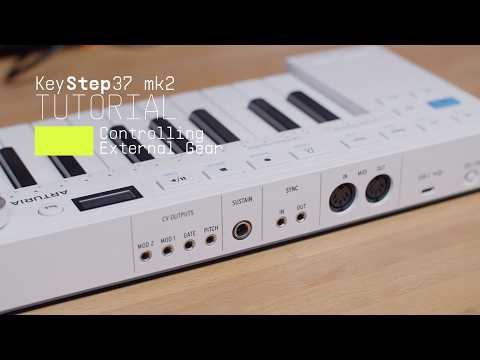
4. How to control external gear | KeyStep 37 mk2
Join Leona for a quick guide to controlling external gear with KeyStep 37 mk2. Learn how to connect and play software instruments via USB, sequence desktop synths over MIDI, and unlock deeper hands-on control of semi-modular hardware with CV, Gate, and assignable modulation outputs. From straightforward DAW integration to hybrid setups, see how KeyStep 37 mk2 adapts to every stage of your workflow.
5min56

Overview | KeyStep mk2

Join Brendan for an introductory tour of KeyStep mk2. Discover its core features from advanced sequencing and generative sound creation to OLED control and deep CV/MIDI/USB-C connectivity - a centrepiece for hybrid setups and keeping your ideas evolving.

Install
Analog Lab Intro

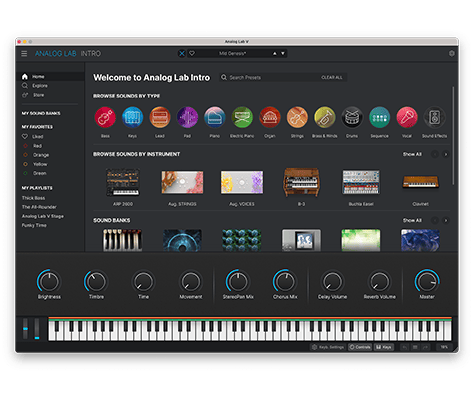
Analog Lab Introでは、V Collectionから厳選された500種類のプリセットを自在に演奏・エディットできます。

Analog Lab Introの詳細はこちら →

Analog Lab Introのインストールには、Arturia Software Centerを使用します:

  1. Open the Arturia Software Center and look for your KeyStep mk2.

    (Arturia Software CenterにKeyStep mk2を表示させるには、製品登録が必要です。一旦ASCを閉じ、KeyStep mk2をコンピューターに接続してから、再度ASCを起動してください。)

  2. KeyStep mk2をクリックして、ソフトウェア・ライセンスを表示し、 and install Analog Lab Intro.

    (ArturiaウェブサイトでKeyStep mk2を登録済みの場合は、「Activate」をクリックするとダウンロードオプションが表示されます。)
インストール中に問題が発生した場合、サポートが必要な場合はこちら →

Download
included software from our partners

Alongside Arturia Software, we provide a selection of industry-standard plugins and software from our partners to accelerate your music production journey.

楽曲の制作、ミックス、書き出しまで完結するDAWを

Ableton Live Lite 12

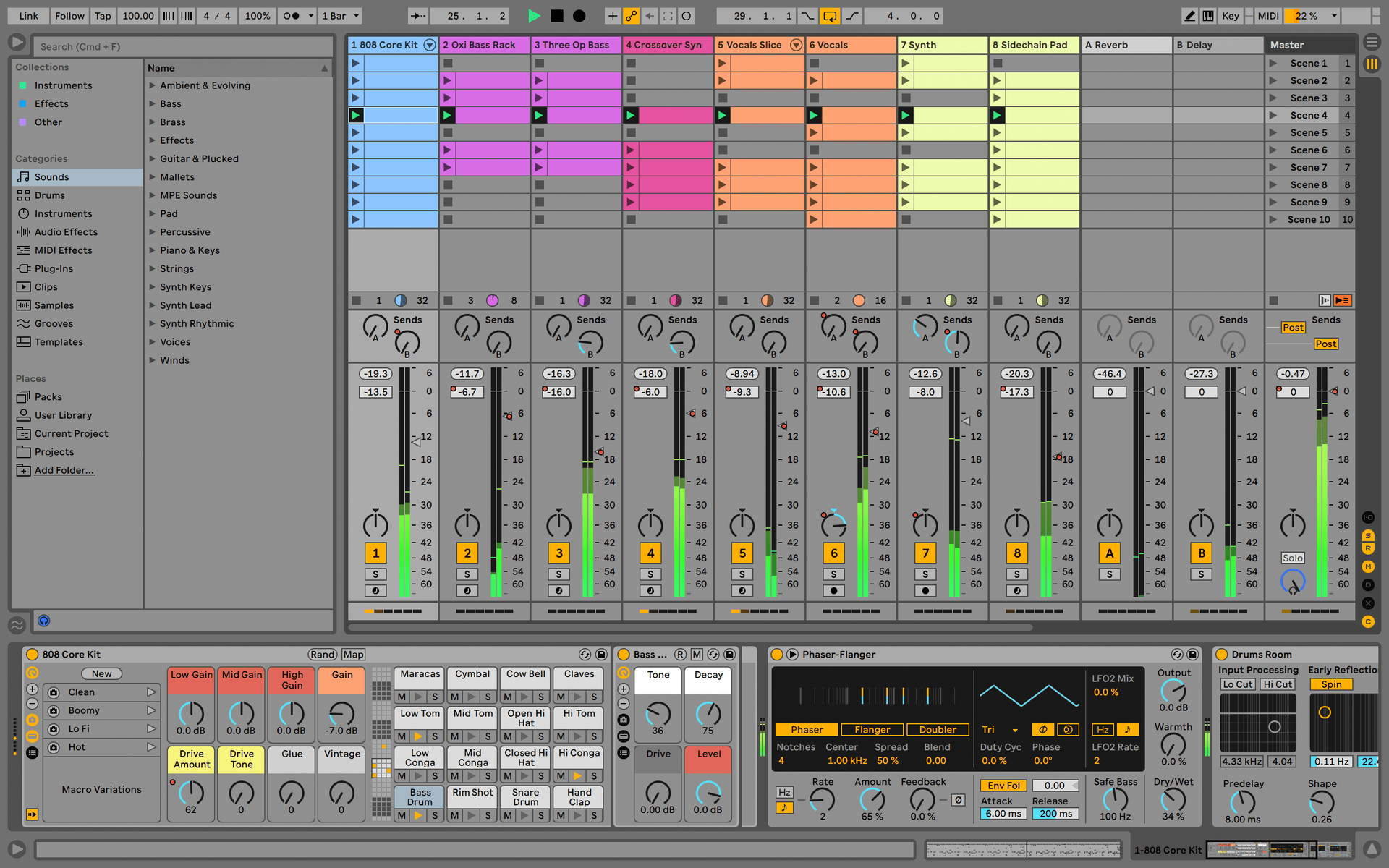
One of the most popular music production, recording and performing platforms in the world, Ableton Live Lite lets you create, mix, and export your tracks.

How to install

Find more information
with our manuals and cheatsheet

Download our cheatsheets for an overview of KeyStep mk2's controls:

To learn even more, you can find the manuals on KeyStep mk2's Resources page:
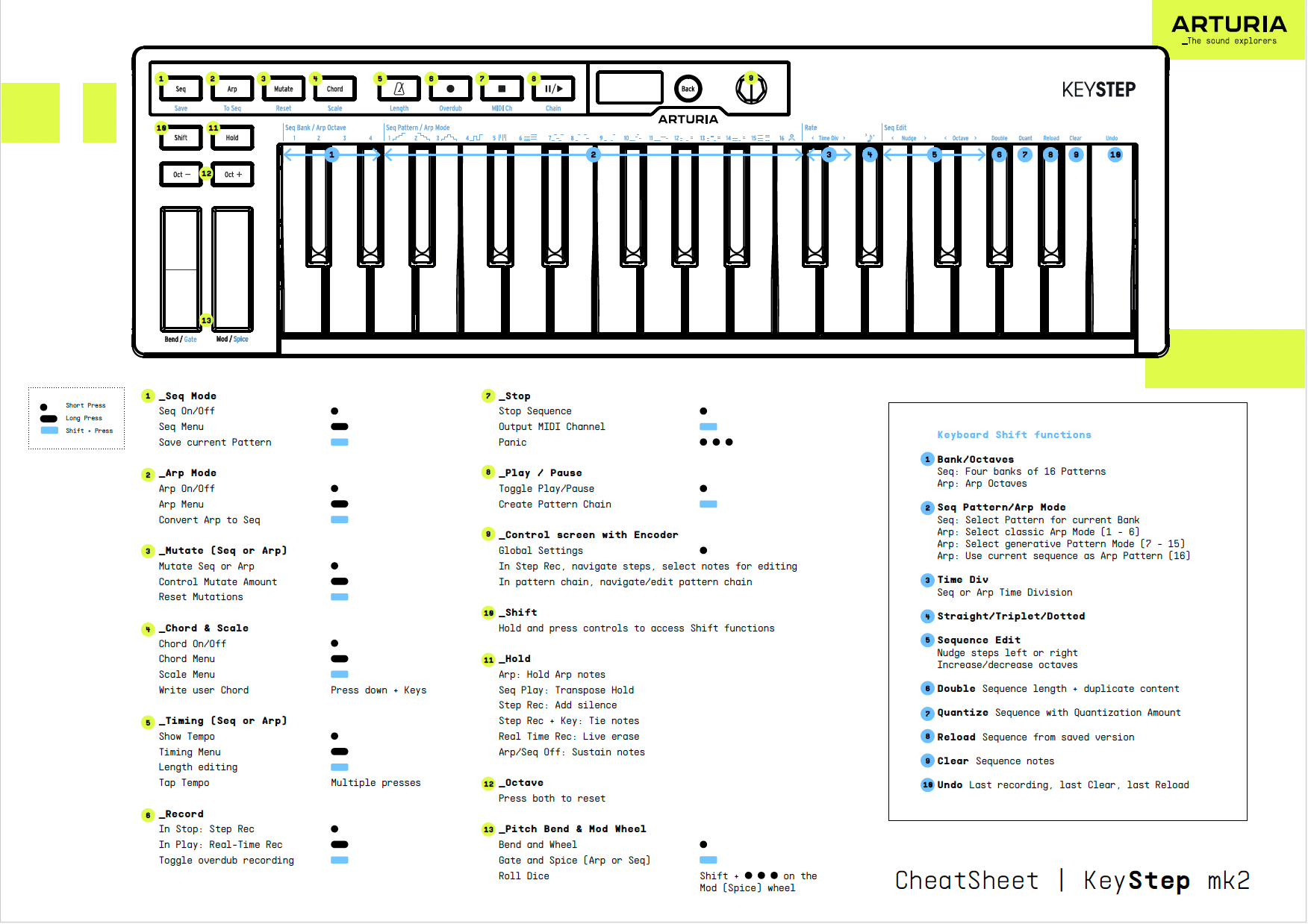
Read our manuals for KeyStep mk2 →

Customise
MIDI sync controls

グローバル設定は、本体のクリッカブルエンコーダーから直接、あるいはMIDI Control Centerに接続して一括でエディットできます。

MIDI Control Centerの入手と詳細はこちら →