Get more from your MiniFuse
free software, tutorials & more
Découvrez une suite logicielle professionnelle réunissant tout le nécessaire pour créer vos contenus audio dès la première utilisation.




Enregistrez votre MiniFusepour obtenir vos licences logicielles offertes.
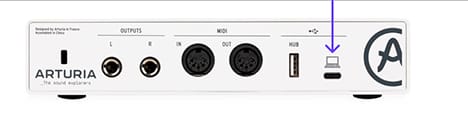
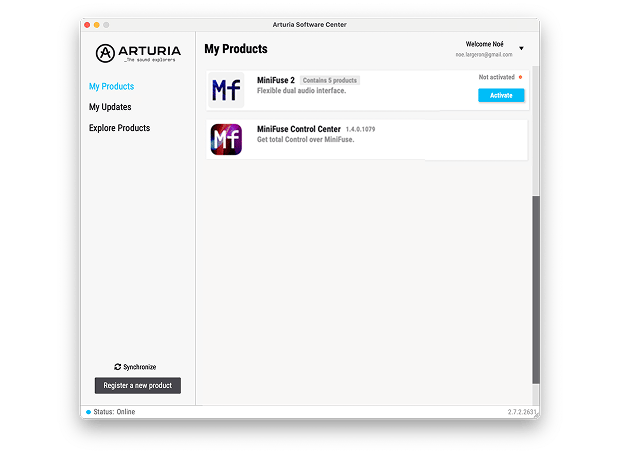
Le MiniFuse Control Center est l'utilitaire essentiel pour exploiter pleinement votre MiniFuse. Il offre un contrôle précis des paramètres et assure les mises à jour gratuites du firmware, pour que votre MiniFuse reste parfaitement configurée et toujours prête.
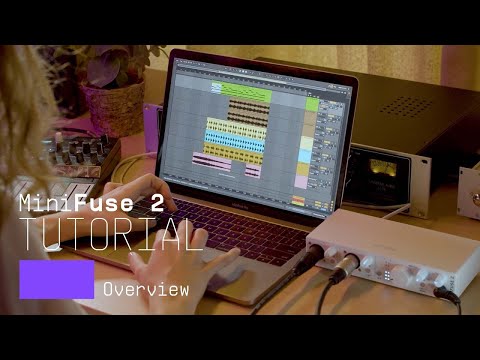
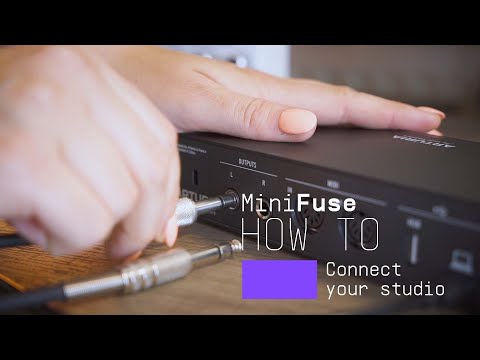
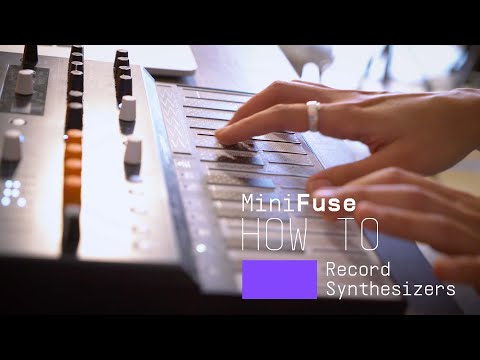
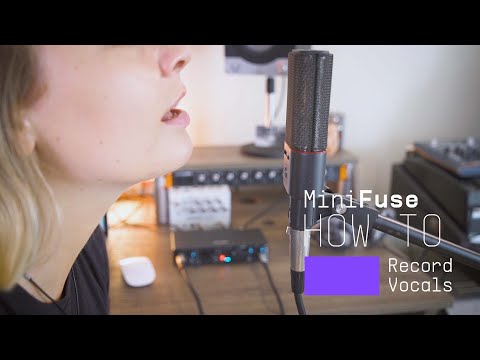
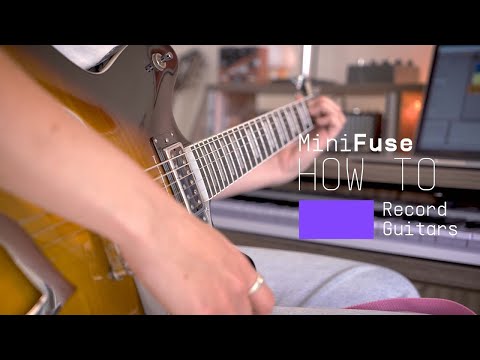
Introducing MiniFuse 2. In this tutorial, Lena gives you a guided tour of our evolved 2 in / 2 out interface, exploring its smart design, useful creative features, and guiding your first steps towards making your sound happen.
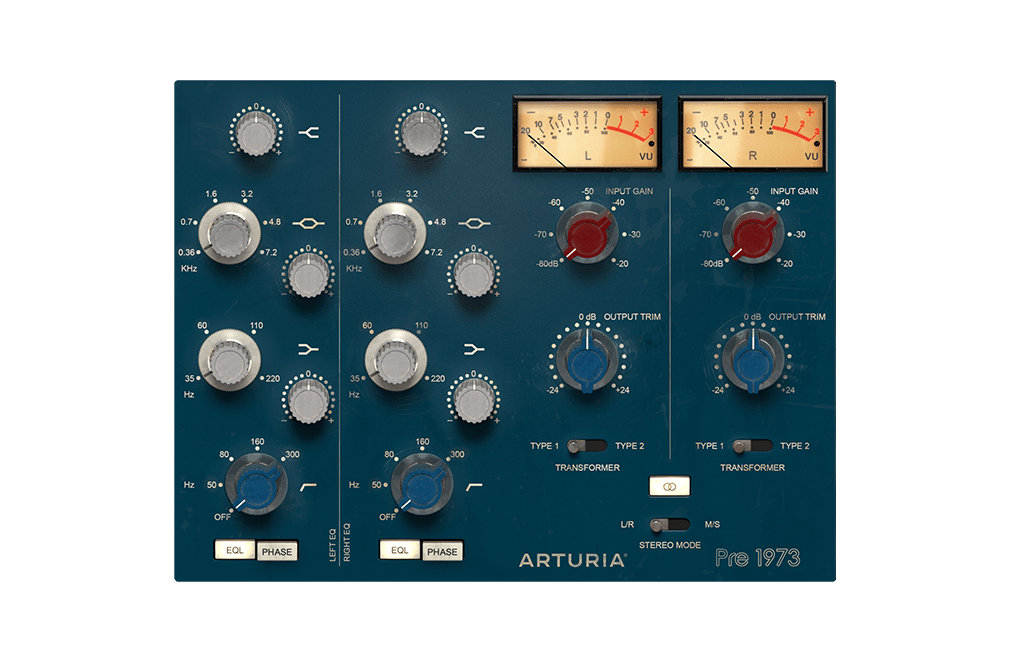
Le son définitif des plus grands studios de la planète, parfaitement recréé pour les réalisateurs artistiques modernes. Colorez votre son, saturez votre signal ou apportez une subtile touche vintage à vos prises. C’est la solution idéale pour rendre un signal numérique plus chaleureux.
Découvrir Pre 1973 →
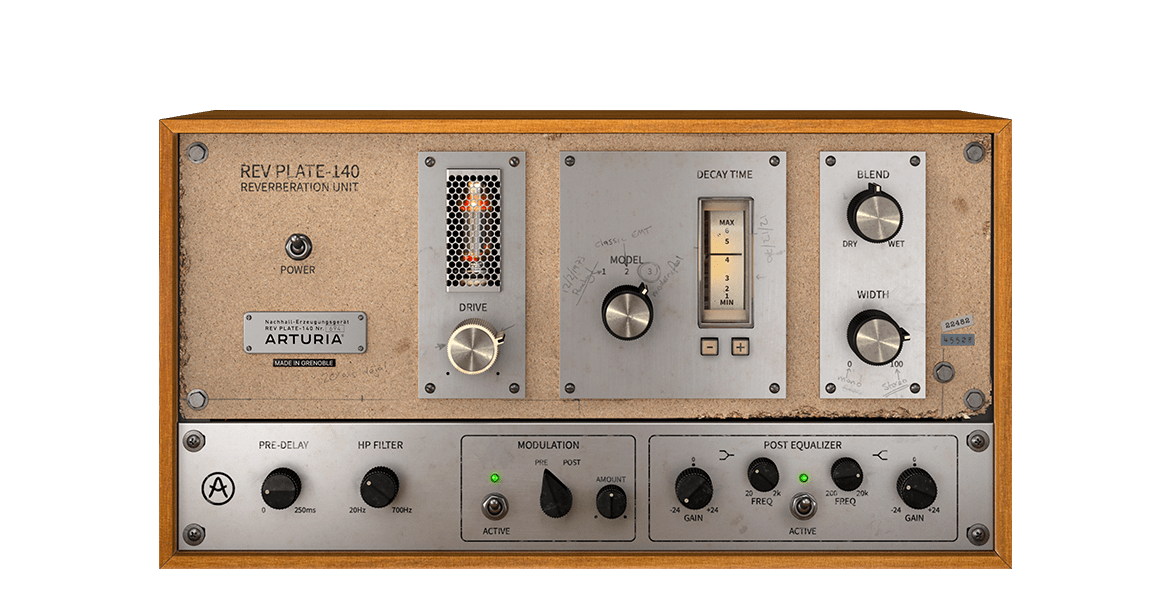
Le modèle original des années 1960 pesait plus de quatre personnes et coûtait plus cher qu’une maison. Mais vous pouvez aujourd’hui utiliser une recréation fidèle de cette réverbe légendaire sans vous ruiner ni vous abîmer le dos.
Découvrir Rev PLATE-140 →
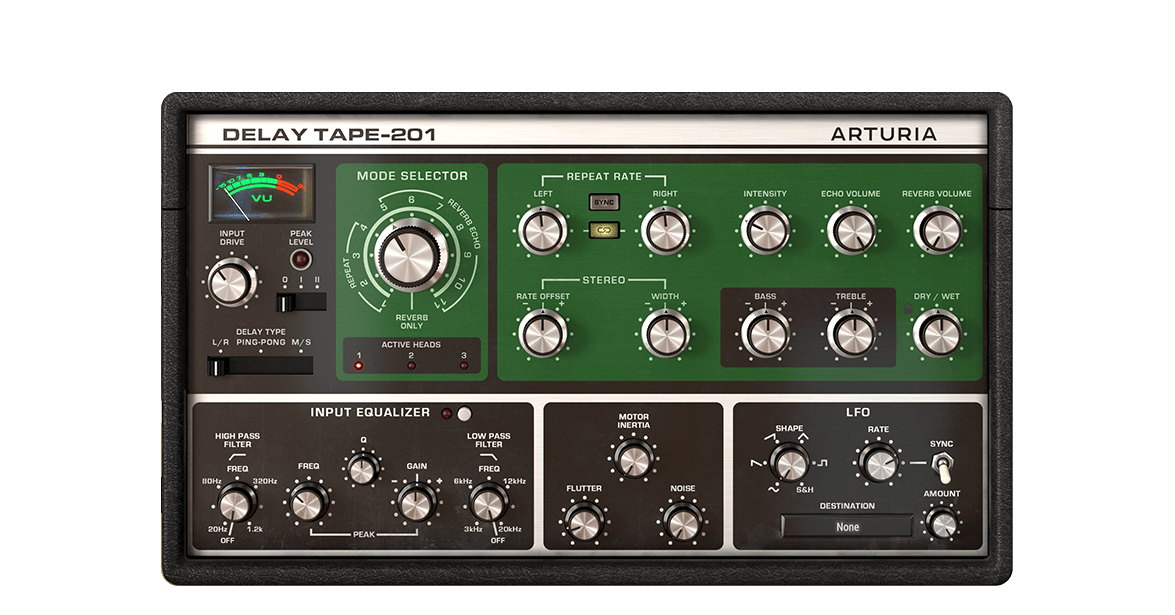
Avec le Delay TAPE-201 d’Arturia, vous retrouvez tout ce que vous aimez dans les delays à bande matériels vintage, mais avec la fiabilité et la polyvalence du logiciel. Un effet facile à utiliser, amusant et qui vous permet d’accéder enfin à ce delay réverbérant et spacieux dont vous avez toujours rêvé.
Découvrir Delay TAPE-201 →
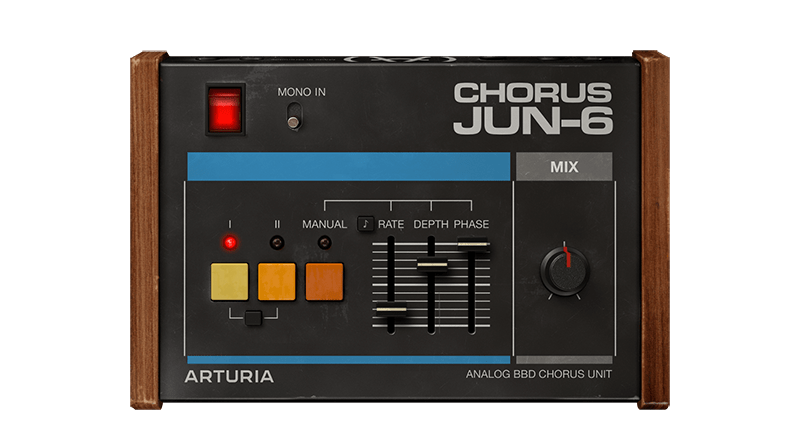
Le Chorus JUN-6 est basé sur le mythique effet stéréo que l’on trouve dans la série de synthétiseurs polyphoniques Juno des années 1980. Profitez de la chaleur d’un véritable circuit BBD analogique, avec ses trois modes authentiques, mais aussi de contrôles modernes pour moduler le son à votre guise.
Découvrir Chorus JUN-6 →
Pour installer vos logiciels Arturia supplémentaires, utilisez l'Arturia Software Center :
(Votre MiniFuse doit être enregistré pour apparaître dans l'Arturia Software Center. Si ce n'est pas encore fait,vous pouvez le faire ici.)
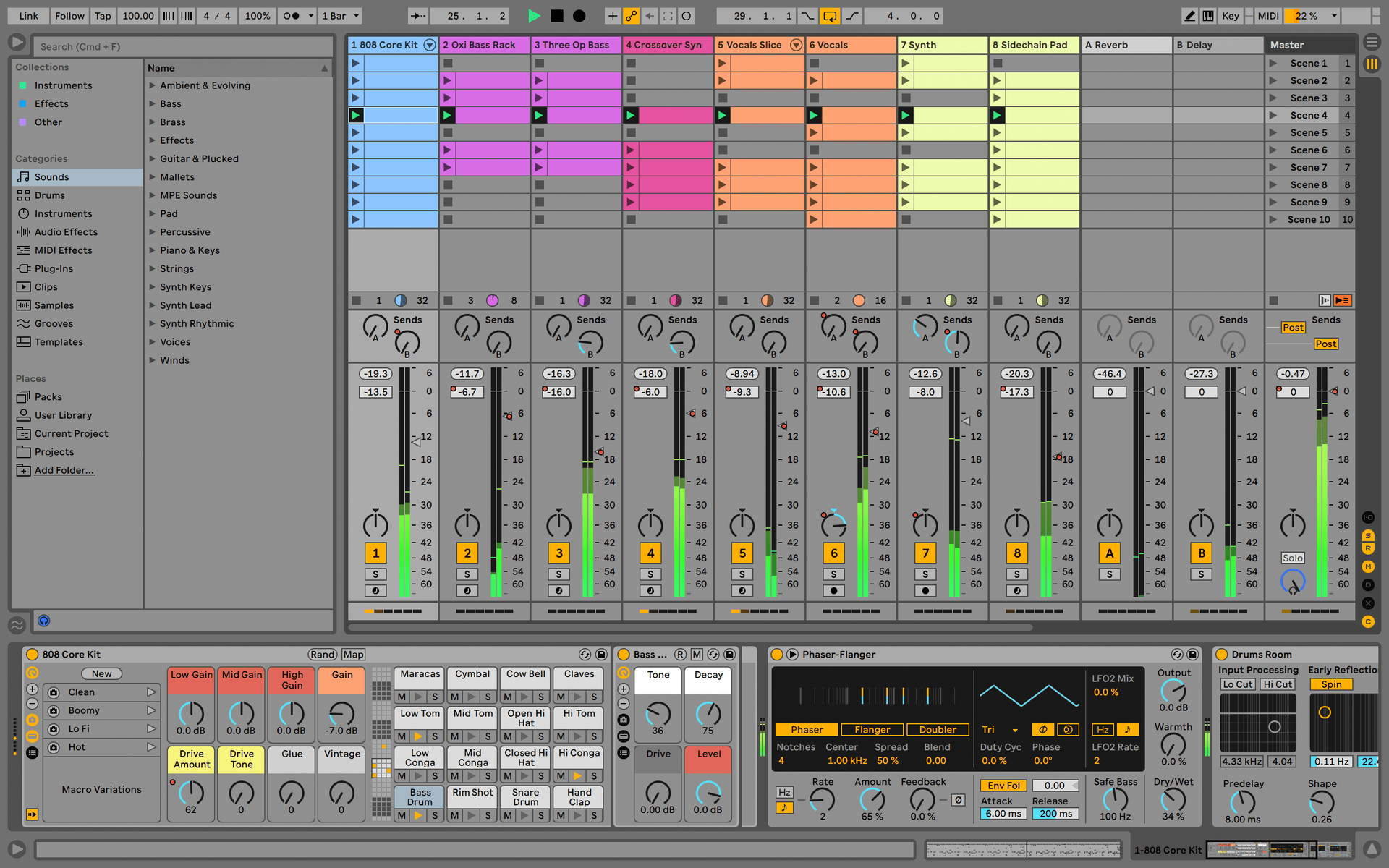
Ableton Live Lite 12
One of the most popular music production, recording and performing platforms in the world, Ableton Live Lite lets you create, mix, and export your tracks.
How to install
Guitar Rig
Choose between 3 different bundles. Craft with iconic synths, sampled sounds, and effects from Guitar Rig - a hand-picked production toolkit.
How to install
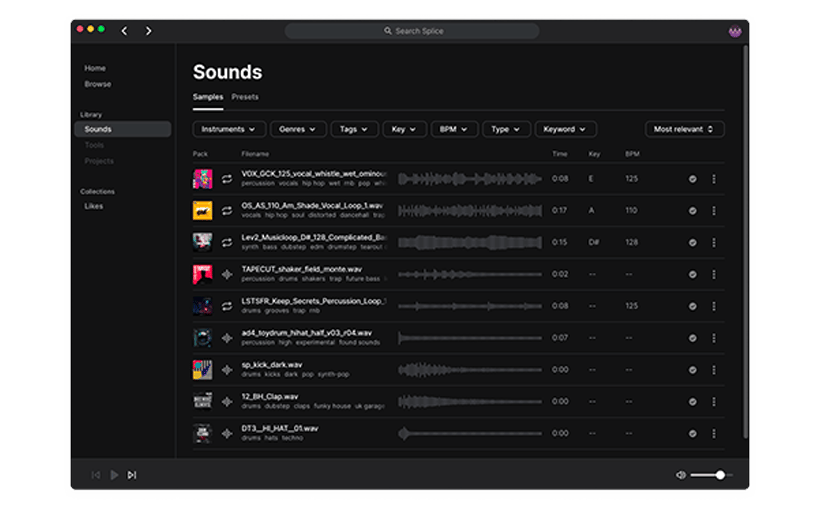
Splice Creator Plan
A 3-month free subscription let you access millions of hi-def royalty-free samples, from lo-fi drum loops to punchy vocal one-shots, as well as synth sounds, Splice Skills tutorials, and much more. What’s stopping you?
How to install
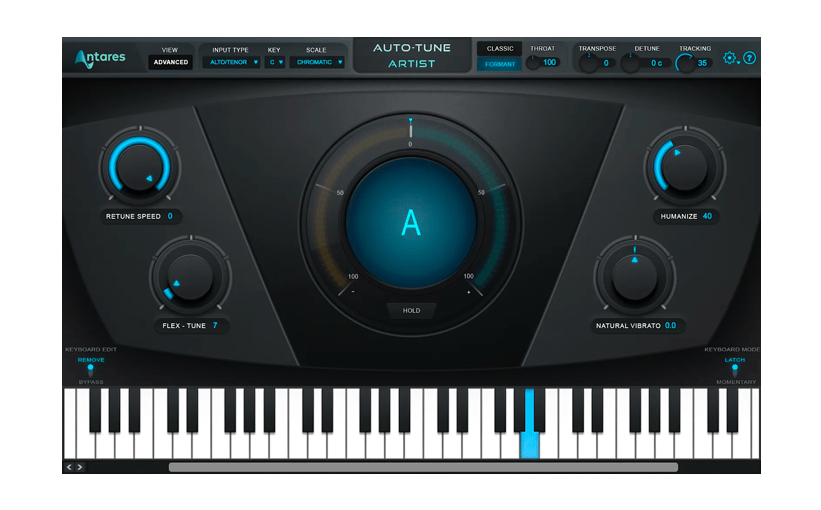
AutoTune® UNLIMITED
A 3-month free subscription to refine your vocal parts for perfect harmony or go full trap-style AutoTune® with a 3-month subscription to the industry’s favorite voice tuning plugin.
How to install
To learn even more, you can find the manuals on MiniFuse's Resources page:
0:00 / 0:00