Get more from your MiniFuse
free software, tutorials & more
Descubre una colección de software profesional con todo lo necesario para empezar a crear contenido sonoro al instante.




Registra tu MiniFusepara desbloquear las licencias de software incluidas.
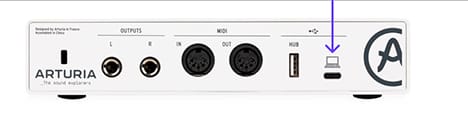
MiniFuse Control Center es la herramienta esencial para aprovechar todo el potencial de tu MiniFuse. Te permite controlar con precisión cada parámetro de tu dipositivo y garantiza actualizaciones de firmware gratuitas, manteniendo tu MiniFuse siempre lista para grabar.
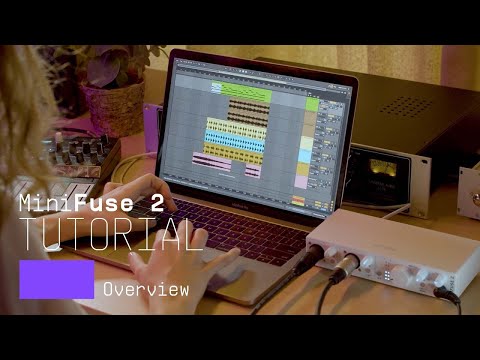
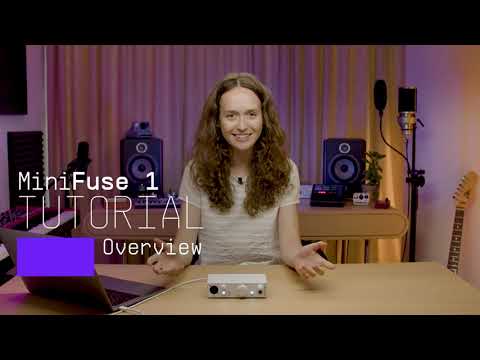
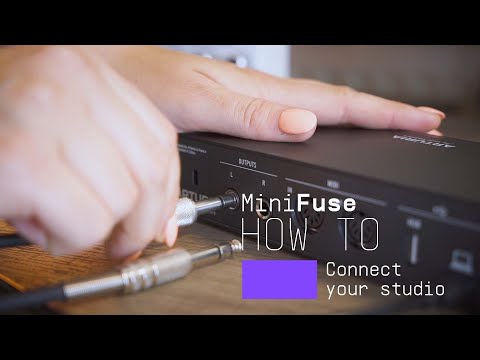
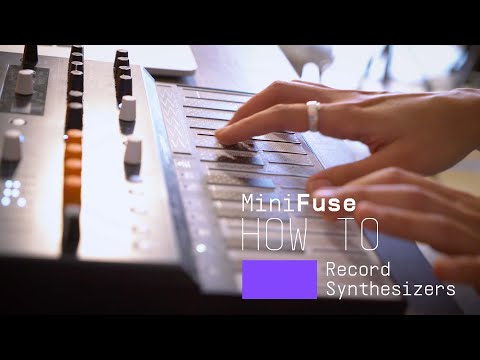
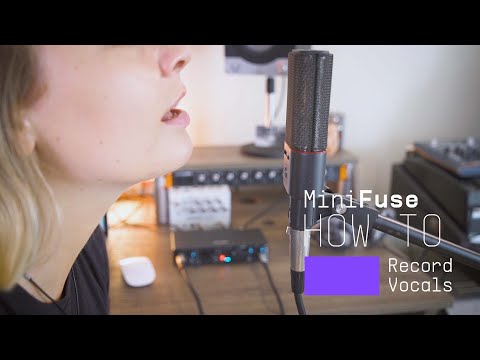
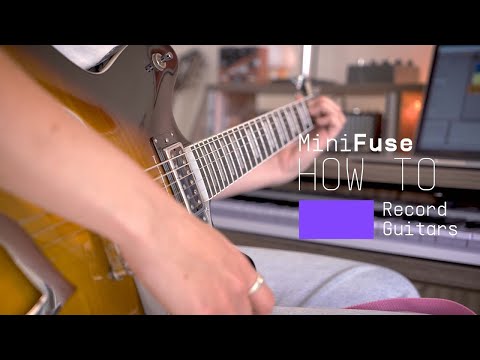
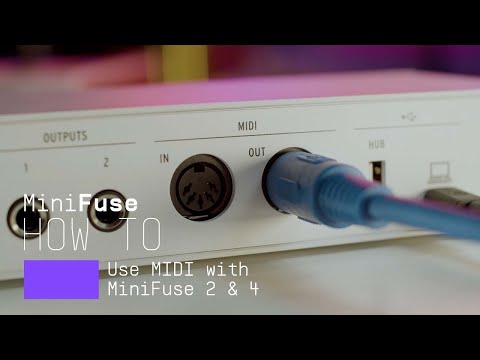
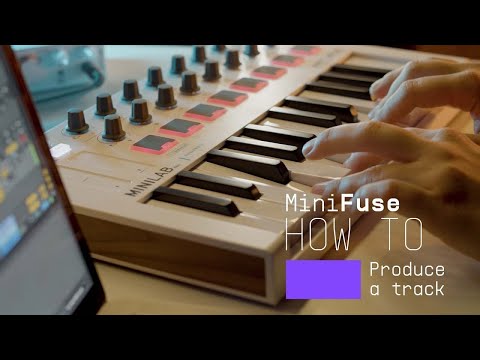
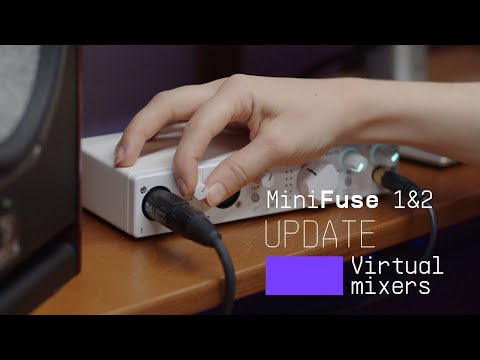
Introducing MiniFuse 2. In this tutorial, Lena gives you a guided tour of our evolved 2 in / 2 out interface, exploring its smart design, useful creative features, and guiding your first steps towards making your sound happen.
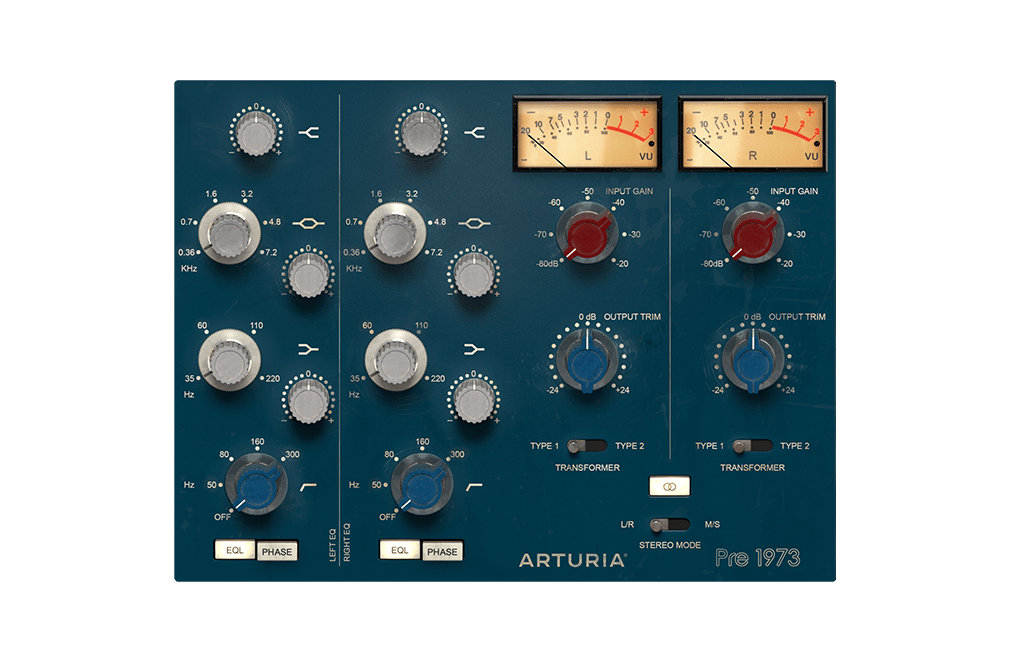
El sonido definitivo de los mejores estudios del mundo, recreado a la perfección para producciones modernas. Colorea el tono, satura la señal o dale a todo un sutil toque clásico. Es la forma perfecta de añadir calidez a una señal digital.
Descubre Pre 1973 →
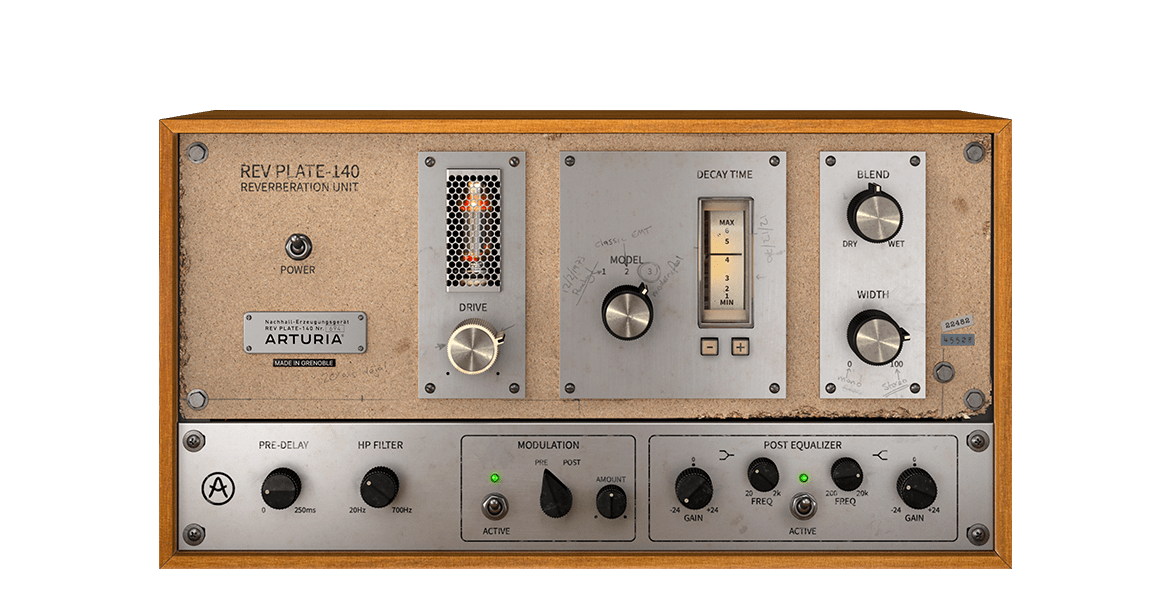
El equipo original de los años 60 pesaba más que 4 personas y costaba más que una casa, pero ahora puedes utilizar una recreación exacta de esta mítica y revolucionaria reverb sin quedarte en la ruina ni destrozarte la espalda.
Descubre Rev PLATE-140 →
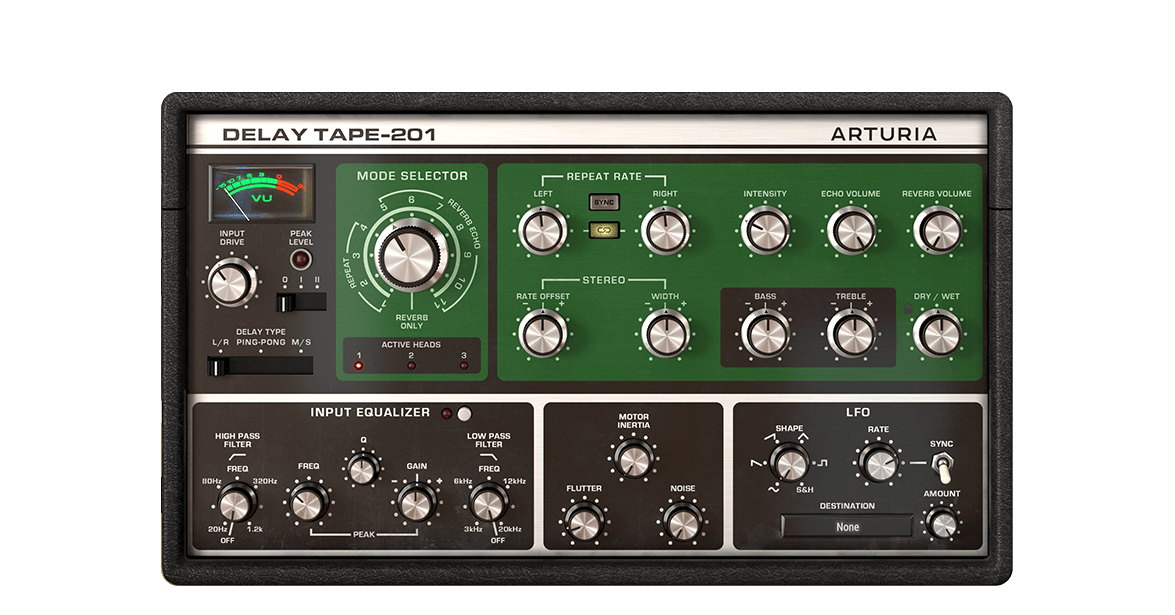
El Arturia Delay TAPE-201 te ofrece todo lo que te gusta del sonido de los delays antiguos de cinta, pero con la fiabilidad y versatilidad del software. Es fácil de usar y divertido de manipular, y te dará ese delay espacioso y reverberante que tanto deseas.
Descubre Delay TAPE-201 →
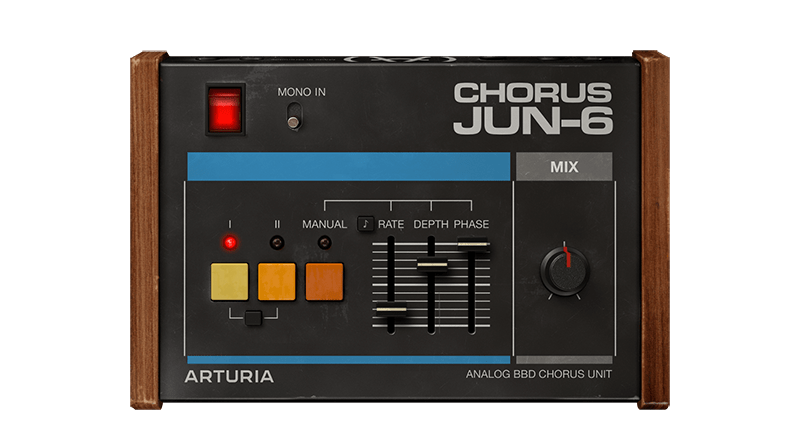
Chorus JUN-6 se basa en el emblemático efecto estéreo de los sintes polifónicos Juno de los años 80, y se completa con la fiel calidez analógica BBD, un auténtico diseño de 3 modos y controles modernos y flexibles para encontrar tu propio estilo de modulación.
Descubre Chorus JUN-6 →
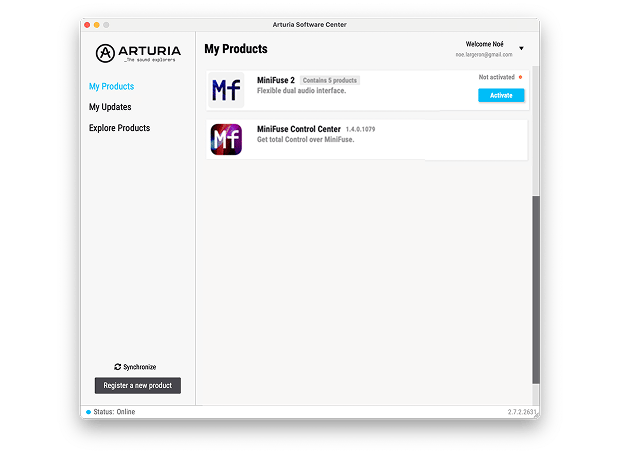
Para instalar tu software adicional de Arturia, usa Arturia Software Center:
(Tu MiniFuse debe estar registrado para aparecer en Arturia Software Center. Si aún no lo has hecho,puedes hacerlo aquí.)
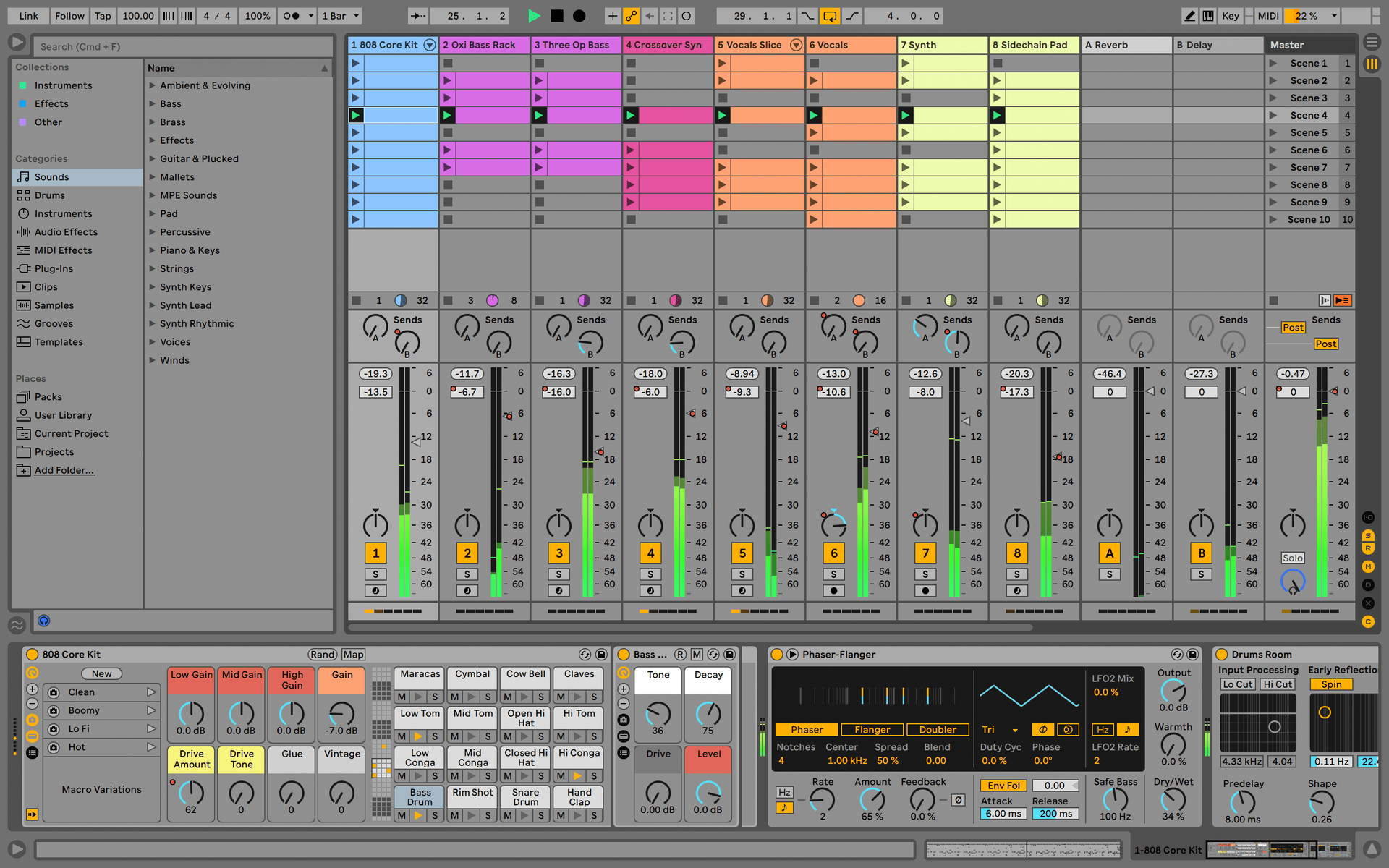
Ableton Live Lite 12
One of the most popular music production, recording and performing platforms in the world, Ableton Live Lite lets you create, mix, and export your tracks.
How to install
Guitar Rig
Choose between 3 different bundles. Craft with iconic synths, sampled sounds, and effects from Guitar Rig - a hand-picked production toolkit.
How to install
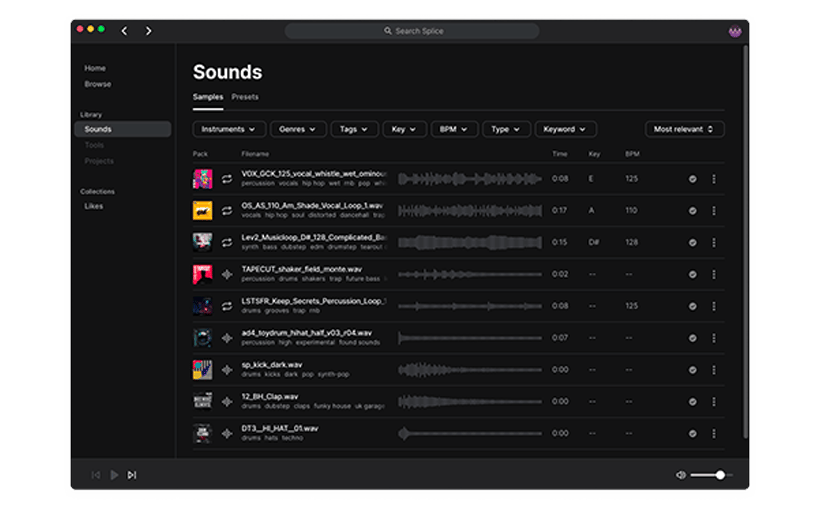
Splice Creator Plan
A 3-month free subscription let you access millions of hi-def royalty-free samples, from lo-fi drum loops to punchy vocal one-shots, as well as synth sounds, Splice Skills tutorials, and much more. What’s stopping you?
How to install
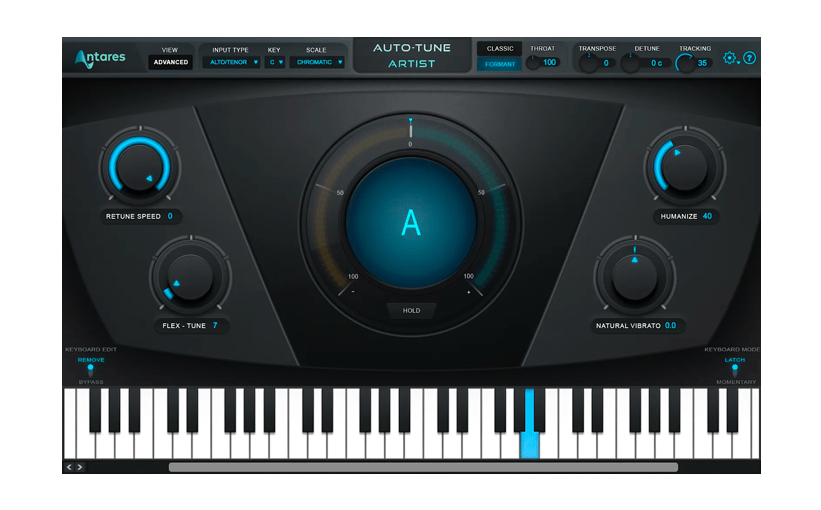
AutoTune® UNLIMITED
A 3-month free subscription to refine your vocal parts for perfect harmony or go full trap-style AutoTune® with a 3-month subscription to the industry’s favorite voice tuning plugin.
How to install
To learn even more, you can find the manuals on MiniFuse's Resources page:
0:00 / 0:00