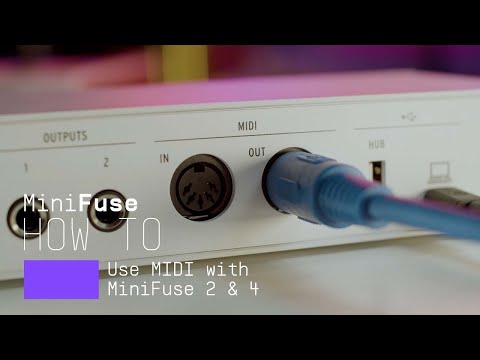
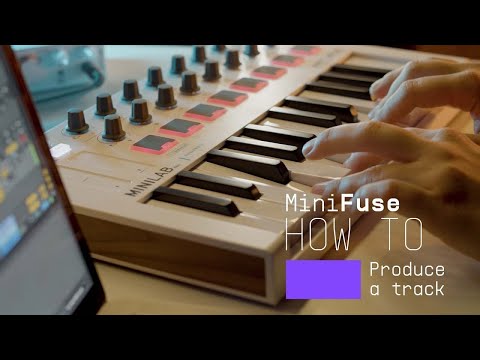
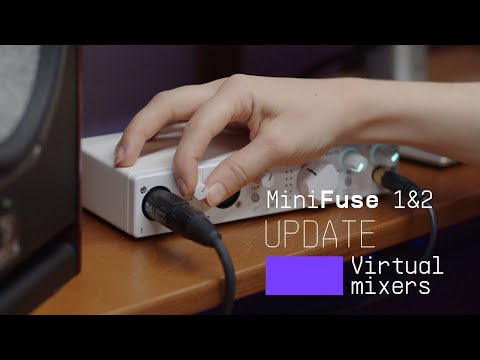
Get more from your MiniFuse
free software, tutorials & more
手にしたその日から、オーディオ・コンテンツの制作を始められるプロ仕様ソフトウェア・スイートをご体感ください。




MiniFuseの製品登録をして付属の無料ソフトウェア・ライセンスを入手します。
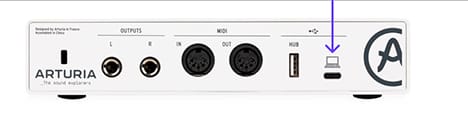
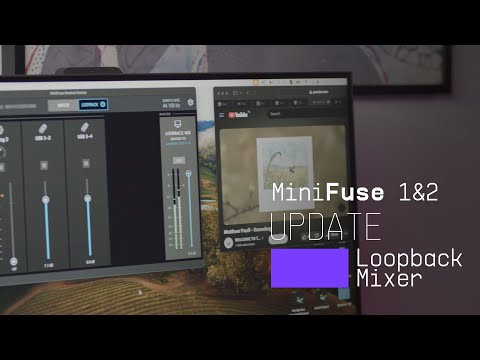
MiniFuse Control Centerは、MiniFuseのポテンシャルを最大限に引き出すために不可欠なユーティリティです。お使いの製品のパラメーターを詳細にコントロールできるほか、無料の定期ファームウェアアップデートを提供。お使いのMiniFuseを常に最適な状態に保ち、快適なレコーディングを実現します。
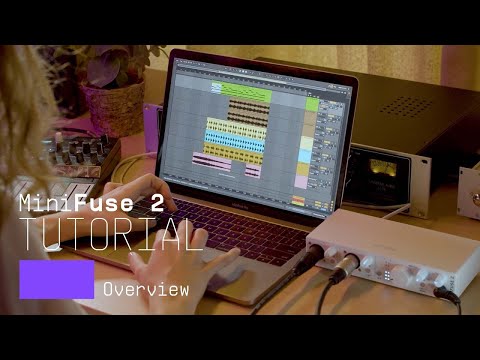
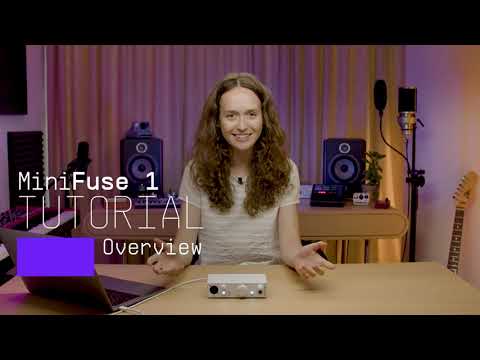
Introducing MiniFuse 2. In this tutorial, Lena gives you a guided tour of our evolved 2 in / 2 out interface, exploring its smart design, useful creative features, and guiding your first steps towards making your sound happen.
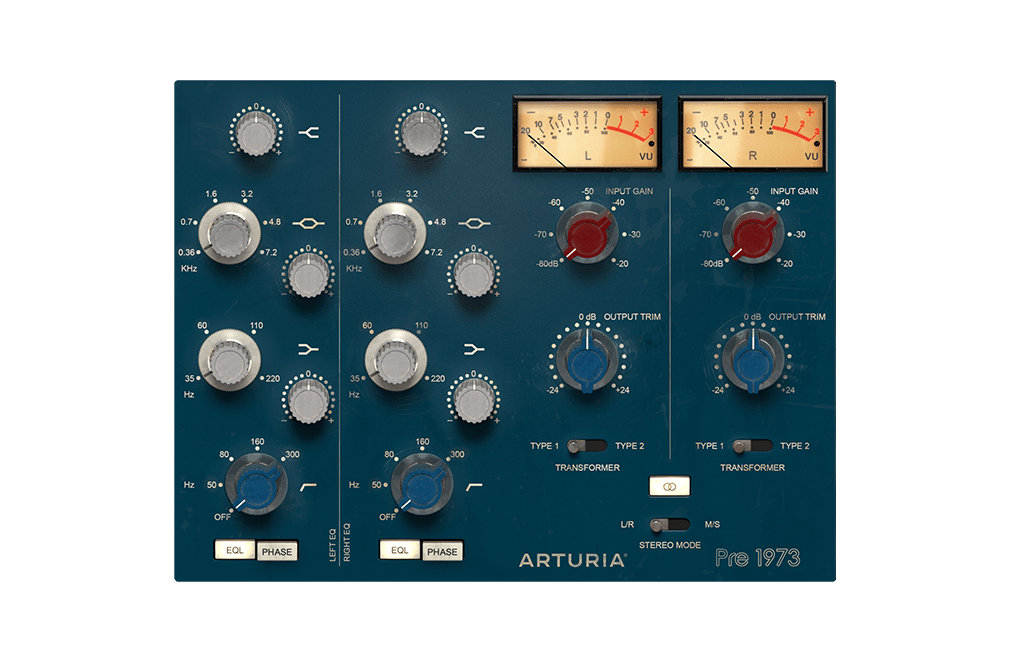
世界最高峰と称されるスタジオ並の高品質サウンドを現代の音楽プロデューサーのために完全再現。サウンドの色彩感だけでなく、サチュレーション具合をも調整し、さりげなくビンテージ・ライクなサウンドに仕上げることもできます。DAW上のあなたのサウンド・クオリティをさらに引き上げてくれるでしょう。
Pre 1973の魅力を探る →
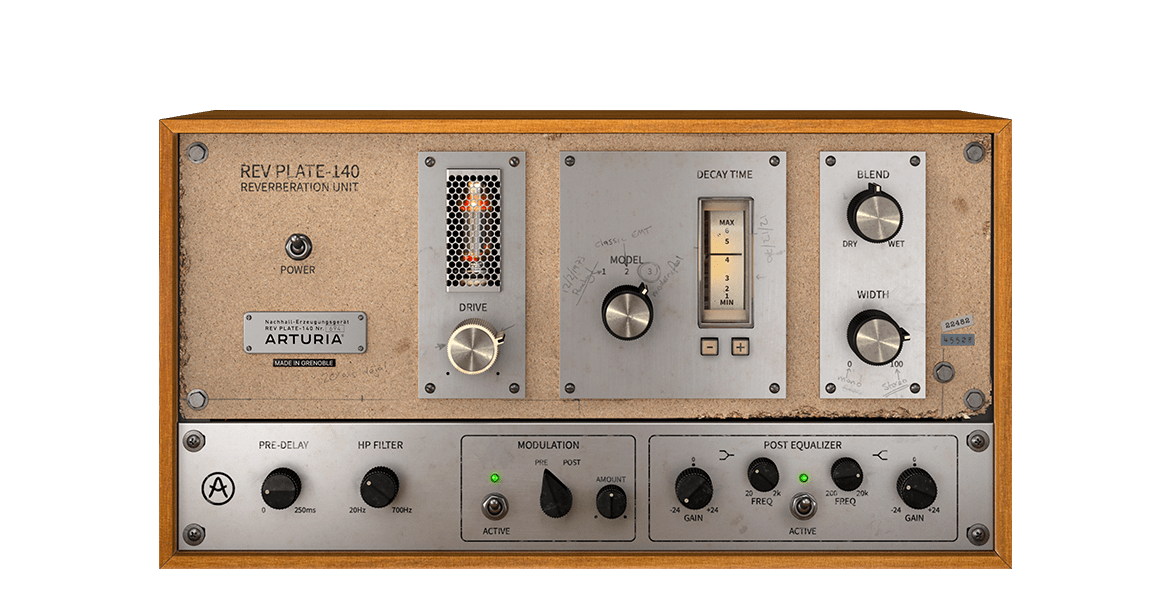
60年代のオリジナル機は、4人分の体重よりも重く、家一軒よりも高価でしたが、今ではリバーブ界の歴史的名機とされ、当時は革新的な存在だった実機を忠実に再現したプラグインを、お手頃な価格で簡単にお使いいただけます。
Rev PLATE-140の魅力を探る →
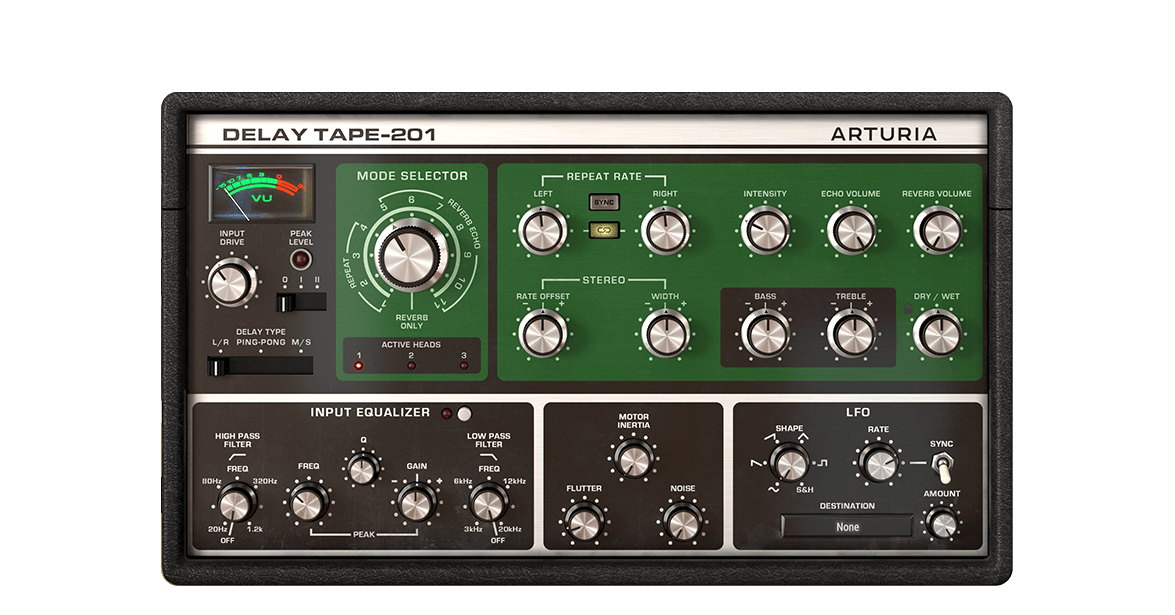
Arturia Delay TAPE-201は、ビンテージ・テープ・エコー特有のサウンドや質感を再現できるだけでなく、ソフトウェアとしての安定性や多くの機能も搭載しています。シンプル操作で快適なサウンド・メイキングを実現し、多くのミュージシャンが求める広がりのあるディレイを生み出します。
Delay TAPE-201の魅力を探る →
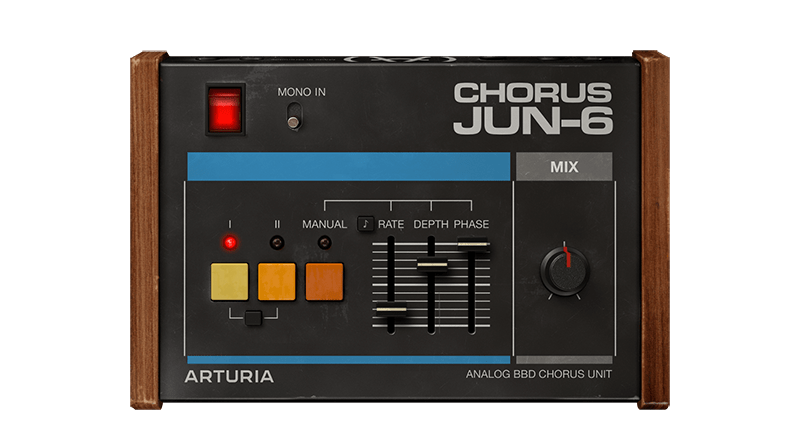
Chorus JUN-6は、80年代のJunoポリシンセに内蔵されていたアイコン的なステレオ・コーラスをベースにしたソフトウェア・エフェクトです。アナログのBBD回路特有のウォームなサウンドを忠実に再現し、実機同様の3モード・レイアウトを採用。そして実用的なパラメーターを追加し、自分だけのサウンドを作り出すことができます。
Chorus JUN-6の魅力を探る →
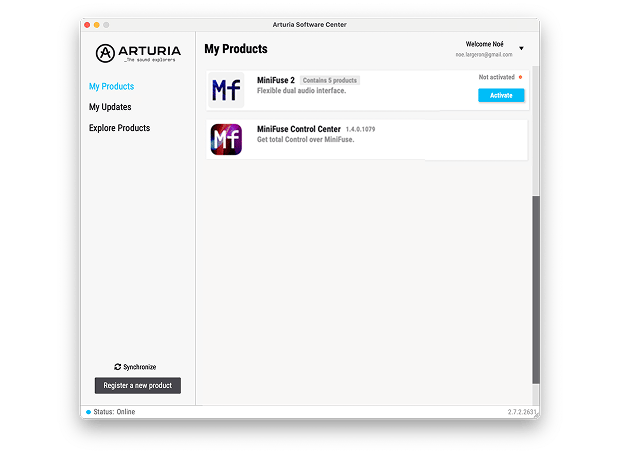
追加のArturiaソフトウェアをインストールするには、Arturia Software Centerを使用します:
(Arturia Software CenterにMiniFuseを表示させるには、製品登録が必要です。未登録の場合は、こちらから登録できます.)
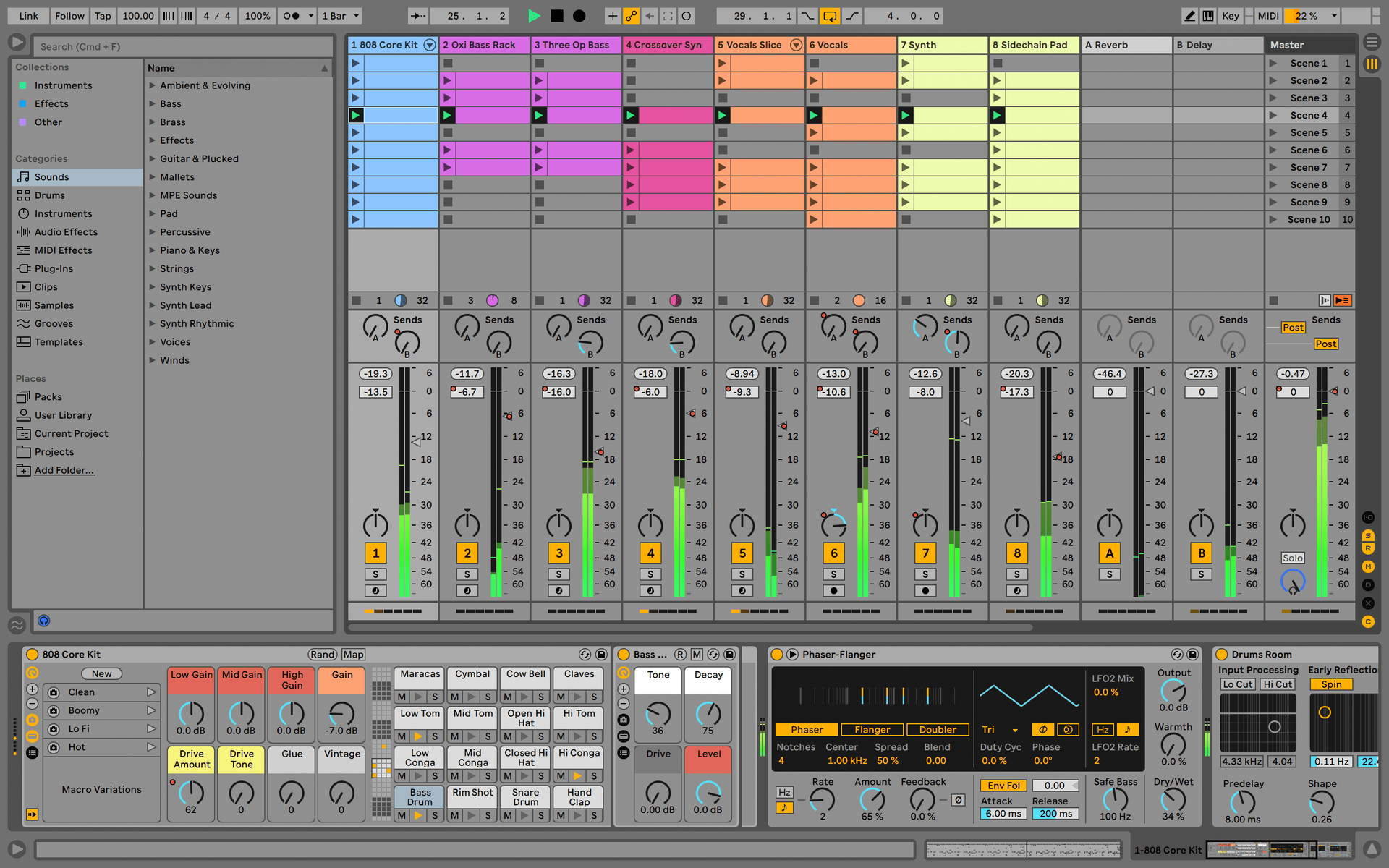
Ableton Live Lite 12
One of the most popular music production, recording and performing platforms in the world, Ableton Live Lite lets you create, mix, and export your tracks.
How to install
Guitar Rig
Choose between 3 different bundles. Craft with iconic synths, sampled sounds, and effects from Guitar Rig - a hand-picked production toolkit.
How to install
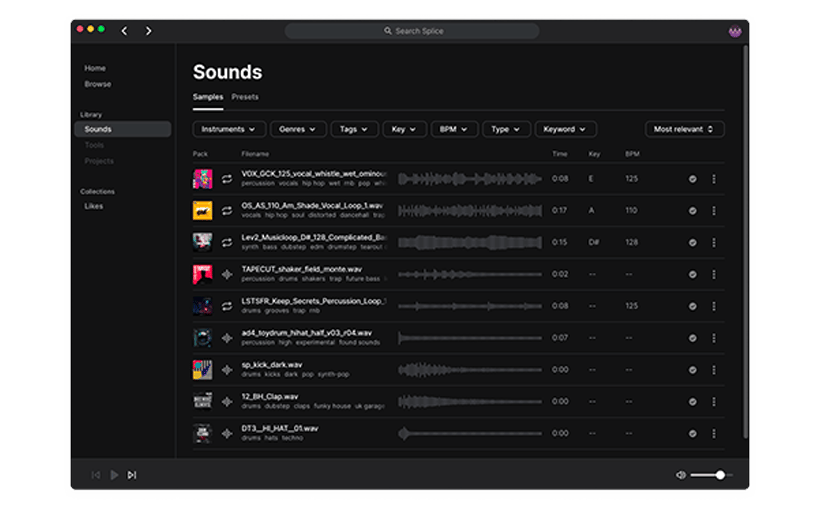
Splice Creator Plan
A 3-month free subscription let you access millions of hi-def royalty-free samples, from lo-fi drum loops to punchy vocal one-shots, as well as synth sounds, Splice Skills tutorials, and much more. What’s stopping you?
How to install
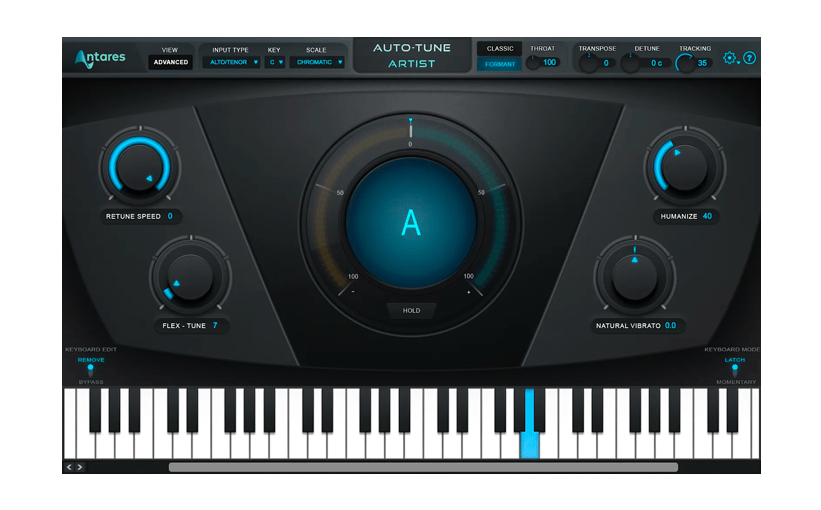
AutoTune® UNLIMITED
A 3-month free subscription to refine your vocal parts for perfect harmony or go full trap-style AutoTune® with a 3-month subscription to the industry’s favorite voice tuning plugin.
How to install
To learn even more, you can find the manuals on MiniFuse's Resources page:

0:00 / 0:00