
MiniFuse
firmware update 1.5
New virtual channels and mixer for MiniFuse 1 & 2
Have peace of mind when streaming, podcasting or sampling from the web with new “loopback” recording and mixing capabilities.
Capture multichannel audio
Record both your voice and game audio seamlessly for streaming, content creation and podcasting.
Sample from YouTube and More
Bring sounds from any website or application directly into your DAW for creative production.
Low-Latency Mixer
Experience real-time mixing without noticeable delay, ensuring your recordings and streams are perfectly synchronized.
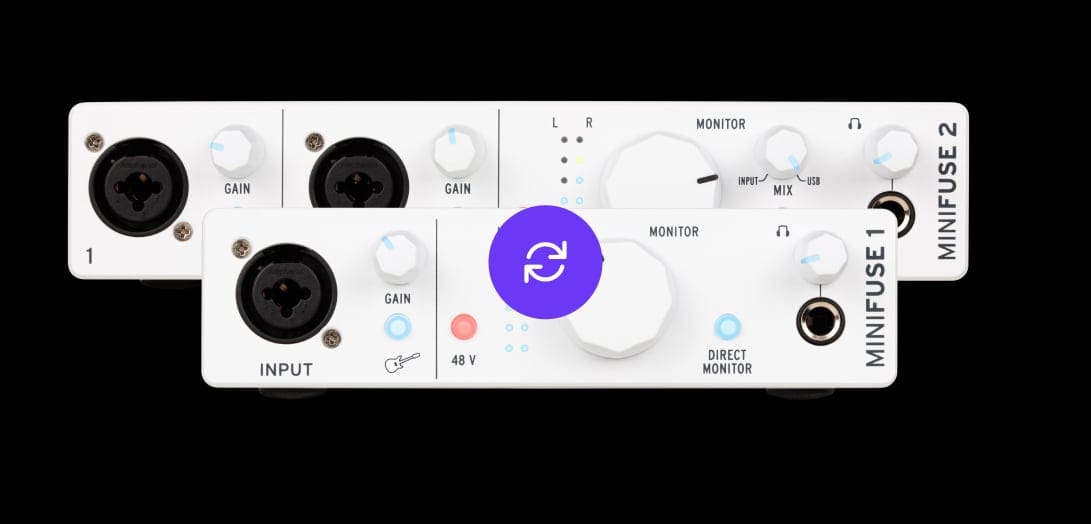
How to update your
MiniFuse firmware
ファームウェアのアップデートは、素早く簡単に行うことができます。
- If not already done, download and install the latest version of MiniFuse Control Center.
- Connect your MiniFuse to your computer.
- Launch MiniFuse Control Center.
- If MiniFuse Control Center is not up-to-date, a software update notification will be prompted.
- Do the software update, and let MiniFuse Control Center restart itself.
- Then, if MiniFuse firmware is not up-to-date, a firmware update notification will be prompted.
- 詳細な手順、または手動でのインストールについては、こちらをクリックしてください。