Get more from your MiniFuse
free software, tutorials & more
Discover a suite of pro-grade software that provides everything you need to start making audio content out-of-the-box.




Register your MiniFuseto unlock your included free Software licenses.
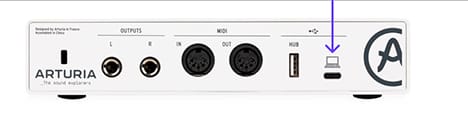
MiniFuse Control Center is the required utility software that unlocks the full capabilities of your MiniFuse. It allows detailed control over the parameters of your product and ensures regular free firmware updates, keeping your MiniFuse configured and always ready to record.
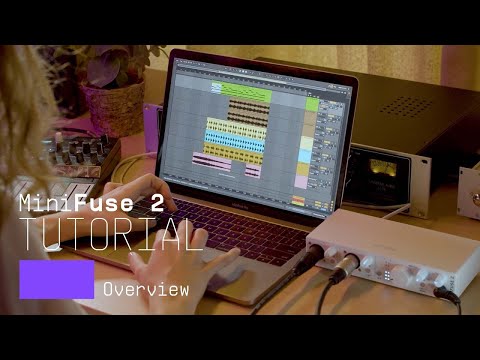
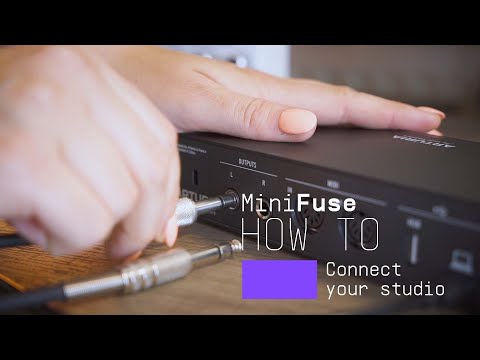
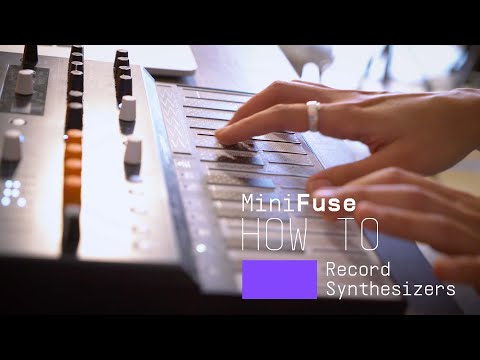
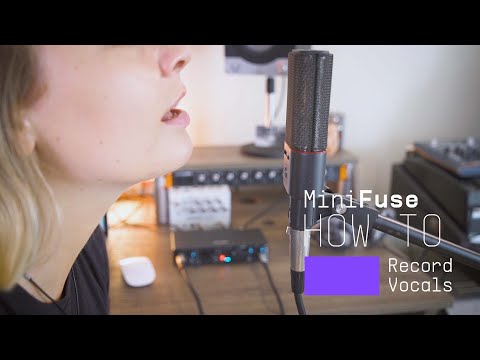
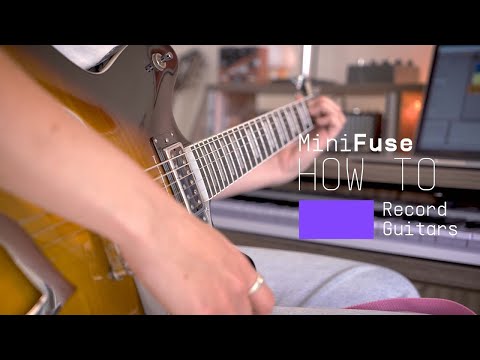
Introducing MiniFuse 2. In this tutorial, Lena gives you a guided tour of our evolved 2 in / 2 out interface, exploring its smart design, useful creative features, and guiding your first steps towards making your sound happen.
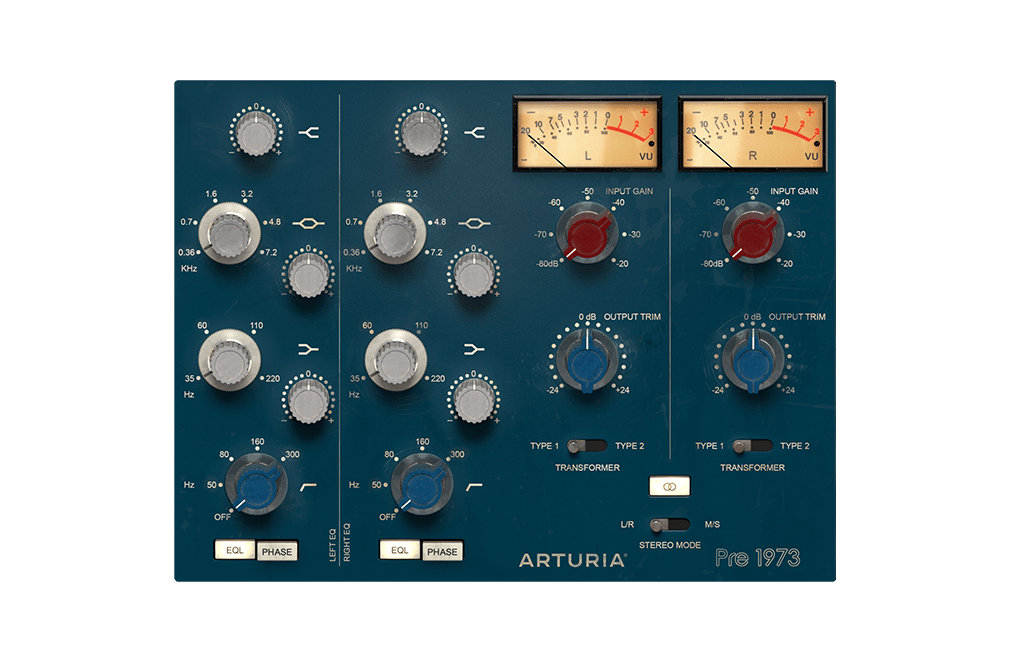
世界顶级工作室的明确音效,完美重现给现代制作人。调色您的音调,饱和您的信号,或为所有内容赋予微妙的复古提升。温暖数字信号的完美方式。
Discover Pre 1973 →
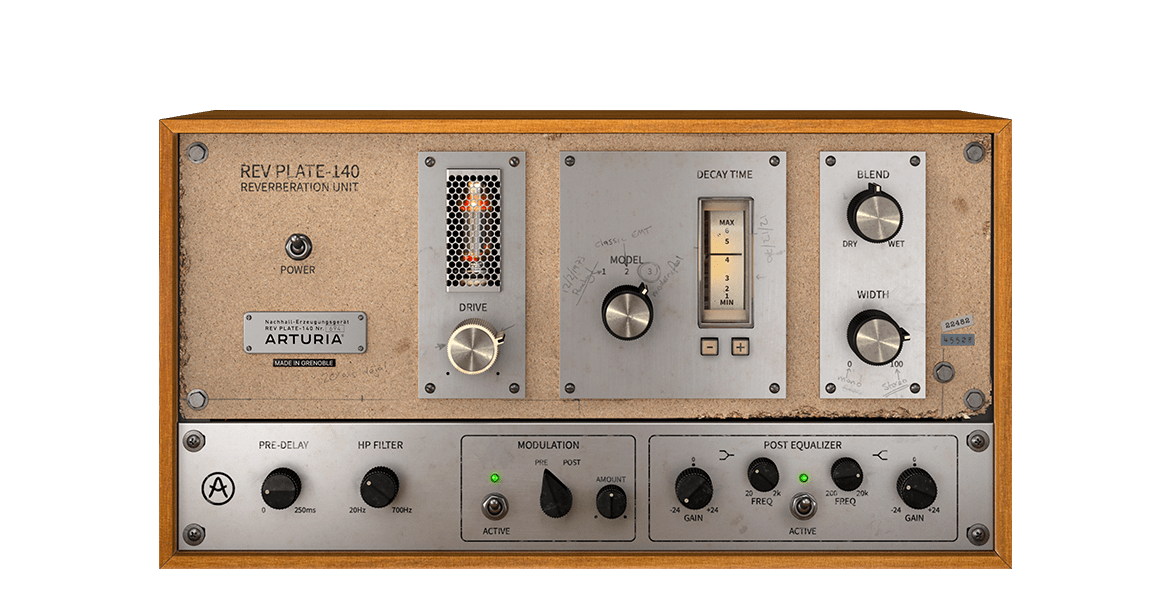
现实中的 60 年代原品比四个人加起来还重,成本比一栋房子还高。但现在您可以在指尖使用这台传奇的、改变游戏规则的混响的准确再现,而不会让您破产,或伤到您的背部。
Discover Rev PLATE-140 →
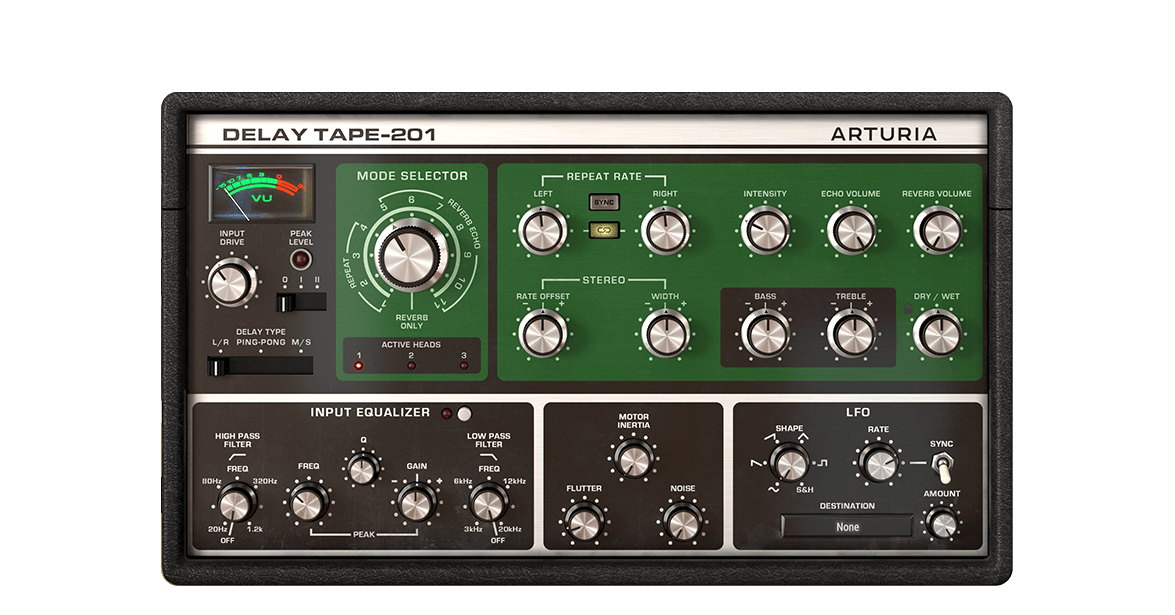
Arturia Delay TAPE-201为您提供了您喜爱的复古硬件磁带延迟音效,同时具备软件的可靠性和多功能性。简单易用,乐趣无穷,它将为您提供所渴望的宽敞、回响深远的延迟效果。
Discover Delay TAPE-201 →
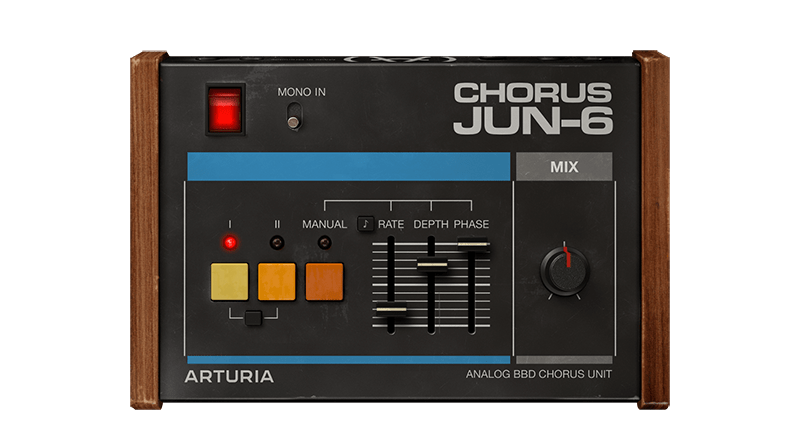
Chorus JUN-6 基于 80 年代 Juno 系列中的标志性立体声效果,配有忠实的 BBD 模拟温暖、真实的 3 模式布局和灵活的现代控制,以找到您自己的调制风格。
Discover Chorus JUN-6 →
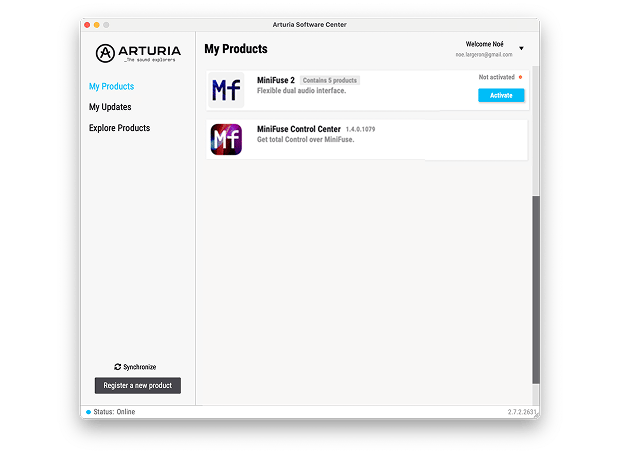
如需安装额外的 Arturia 软件,请通过 Arturia 软件中心操作:
(Your MiniFuse must be registered in order to show up in the Arturia Software Center. If you have not done it yet,you can do so here.)
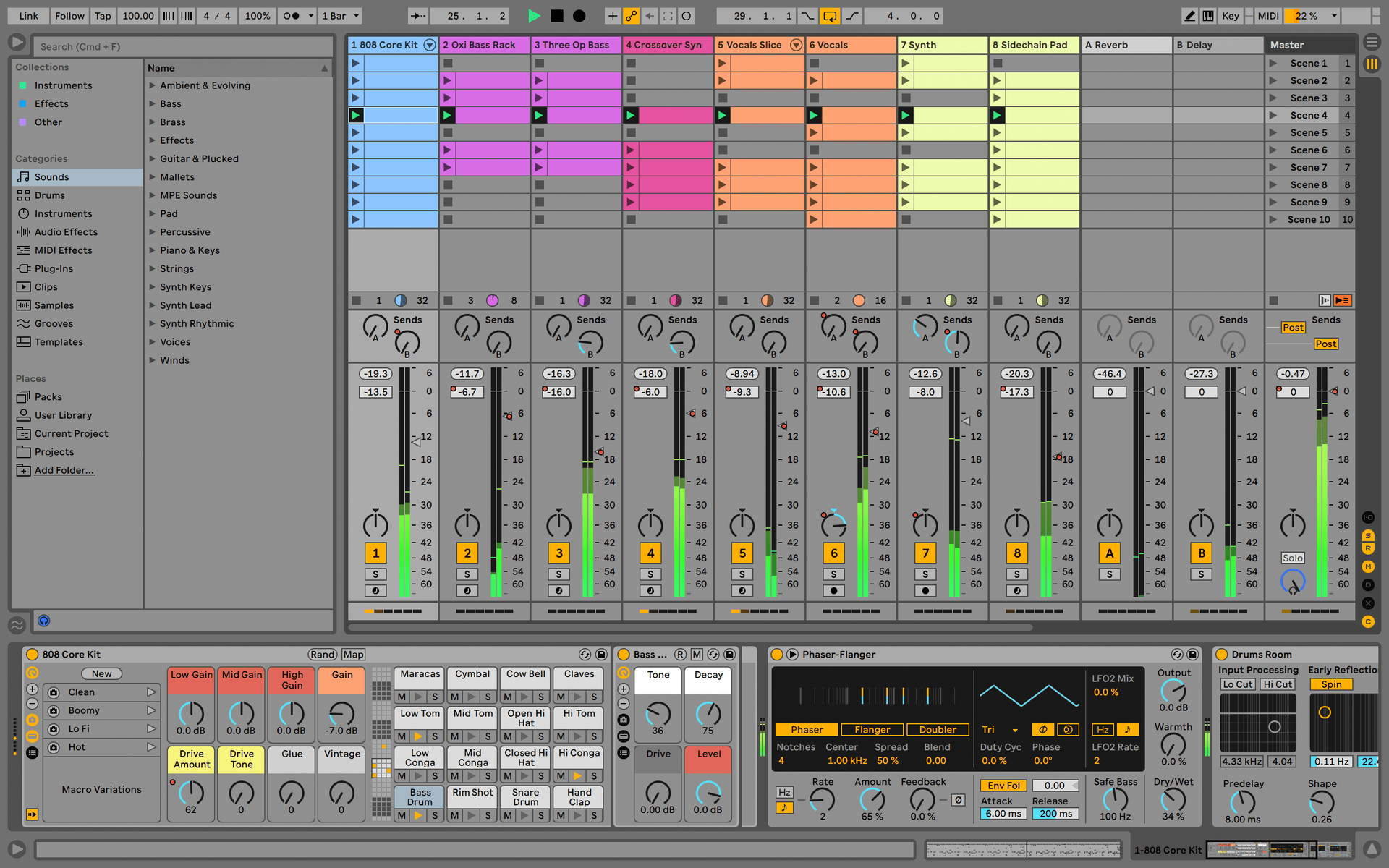
Ableton Live Lite 12
One of the most popular music production, recording and performing platforms in the world, Ableton Live Lite lets you create, mix, and export your tracks.
How to install
Guitar Rig
Choose between 3 different bundles. Craft with iconic synths, sampled sounds, and effects from Guitar Rig - a hand-picked production toolkit.
How to install
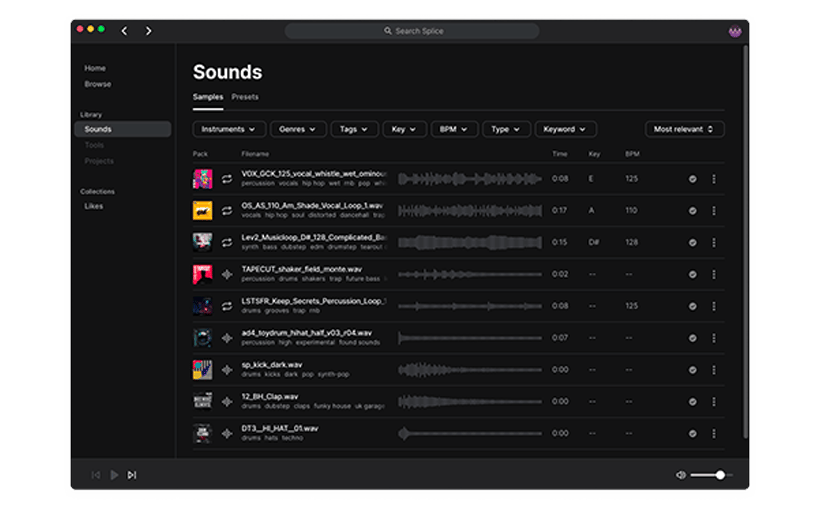
Splice Creator Plan
A 3-month free subscription let you access millions of hi-def royalty-free samples, from lo-fi drum loops to punchy vocal one-shots, as well as synth sounds, Splice Skills tutorials, and much more. What’s stopping you?
How to install
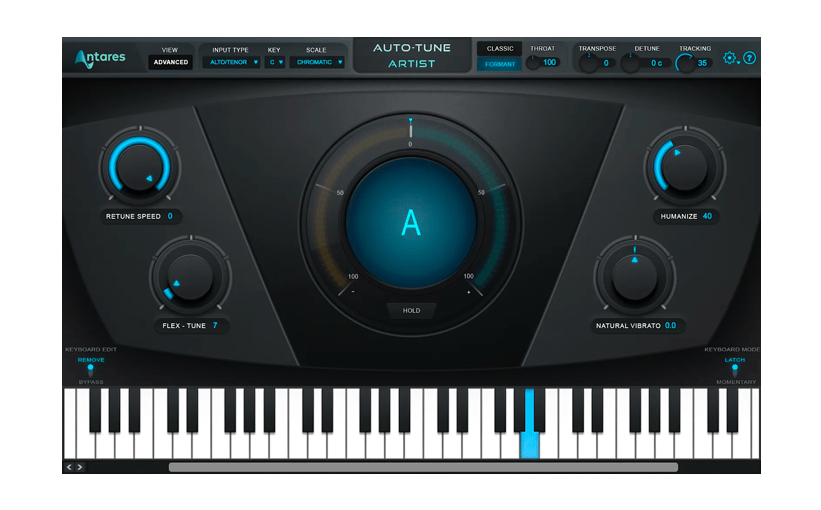
AutoTune® UNLIMITED
A 3-month free subscription to refine your vocal parts for perfect harmony or go full trap-style AutoTune® with a 3-month subscription to the industry’s favorite voice tuning plugin.
How to install
To learn even more, you can find the manuals on MiniFuse's Resources page:
0:00 / 0:00