Get more from your MiniFuse
free software, tutorials & more
Entdecke das Package mit professioneller Software, das dir alles bietet, was du für die Erstellung deiner Audio-Contents brauchst.




Registriere dein MiniFuse um deine enthaltenen Software-Lizenzen freizuschalten.
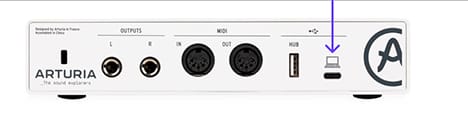
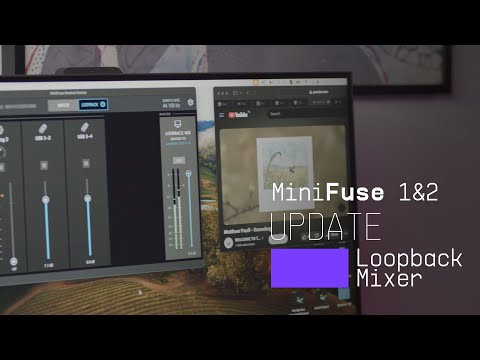
Das MiniFuse Control Center ist die zentrale Software, um das volle Potenzial deines MiniFuse auszuschöpfen. Hier steuerst du alle Funktionen deines Produkts präzise und erhältst kostenlose Firmware-Updates, damit dein MiniFuse perfekt konfiguriert und jederzeit bereit für die nächste Aufnahme ist.
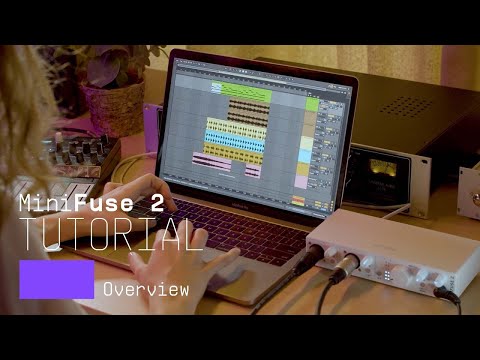
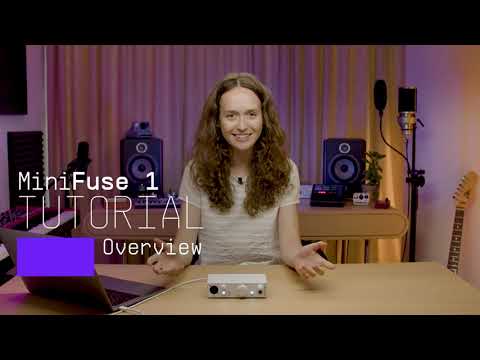
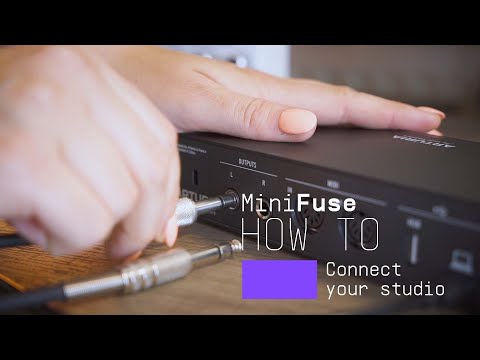
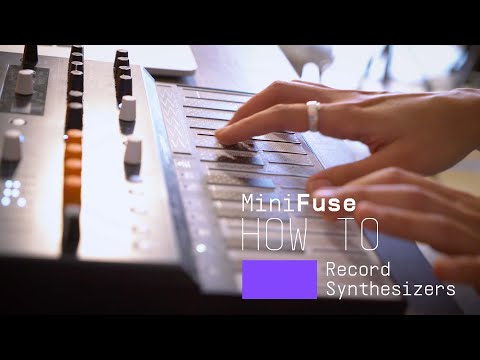
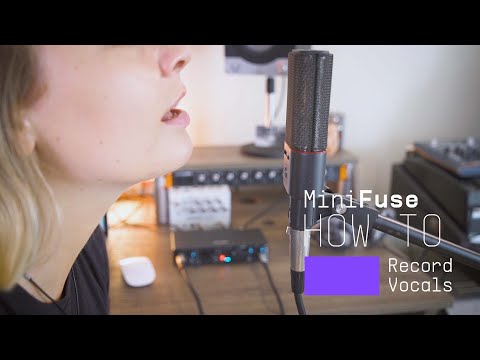
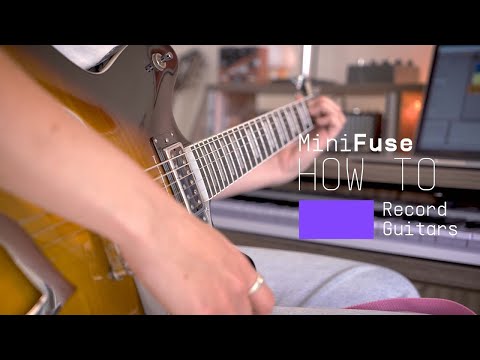
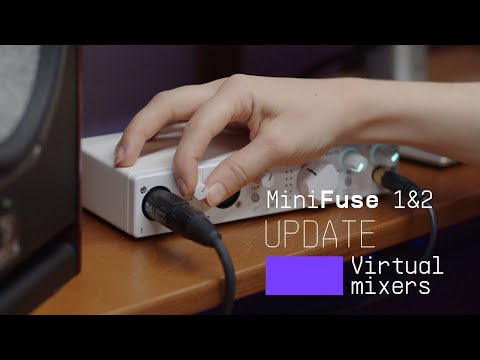
Introducing MiniFuse 2. In this tutorial, Lena gives you a guided tour of our evolved 2 in / 2 out interface, exploring its smart design, useful creative features, and guiding your first steps towards making your sound happen.
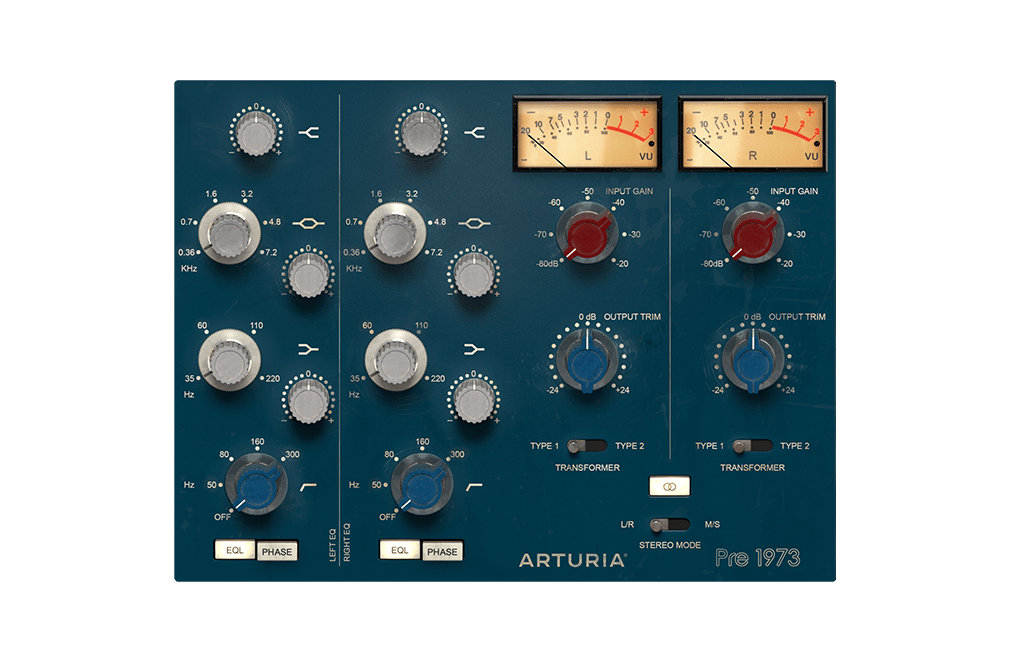
Der ultimative Sound der besten Studios der Welt, perfekt emuliert für den modernen Musikproduzenten. Färbe deinen Sound, sättige dein Audiosignal oder verleih allem einen subtilen Vintage-Touch. Der perfekte Weg, ein digitales Signal wärmer klingen zu lassen.
Entdecke Pre 1973 →
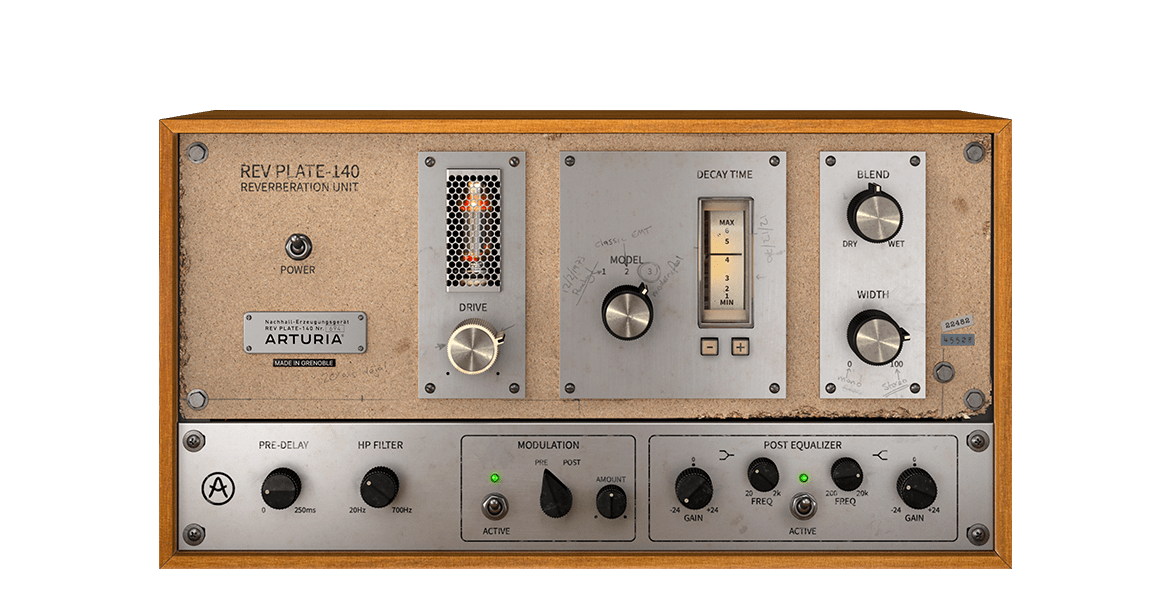
Die ursprüngliche 1960er-Einheit wog mehr als vier Personen und hat mehr als ein Haus gekostet. Aber jetzt kannst du eine exakte Emulation dieses legendären, bahnbrechenden Halleffekts nutzen, ohne dein Bankkonto zu sprengen oder dein Rückgrat zu brechen.
Entdecke Rev PLATE-140 →
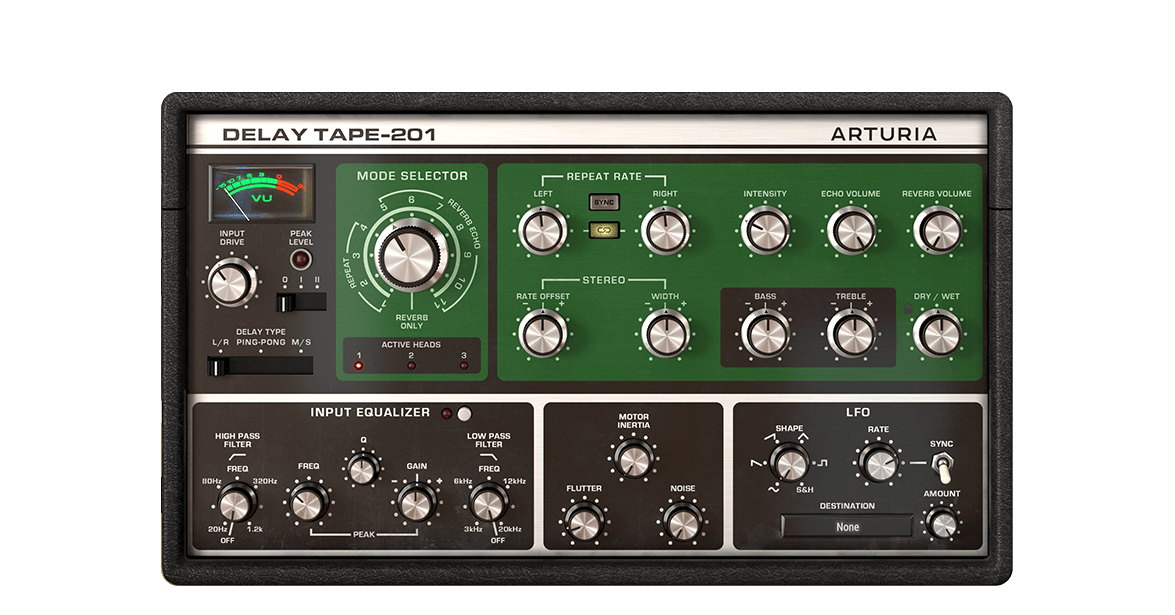
Das Arturia Delay TAPE-201 bietet alles, was den Sound von Vintage-Hardware-Tape-Delays so interessant macht – aber mit der Zuverlässigkeit und Flexibilität von Software. Einfache Bedienung und Spaß beim Einstellen – das räumliche und nachhallende Delay, das du schon immer haben wolltest.
Entdecke Delay TAPE-201 →
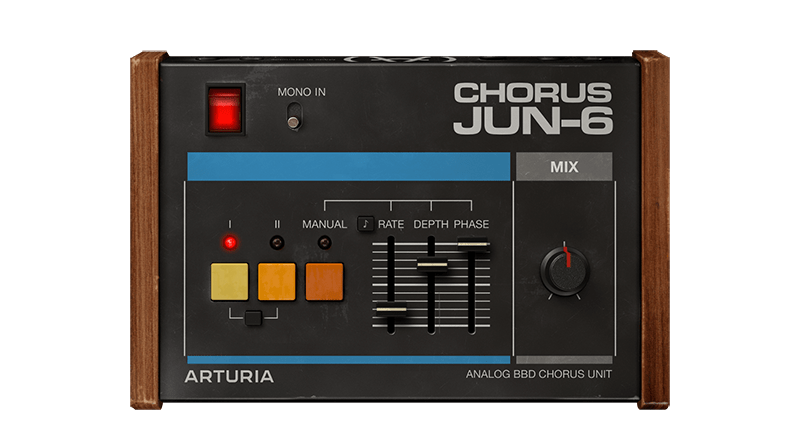
Der Chorus JUN-6 basiert auf dem legendären Stereoeffekt der Juno-Polysynth-Serie aus den 1980er Jahren, inklusive der originalgetreuen analogen BBD-Wärme, einem authentischen 3-Mode-Layout und flexiblen modernen Bedienelementen, um deinen ganz persönlichen Modulations-Sound zu finden.
Entdecke Chorus JUN-6 →
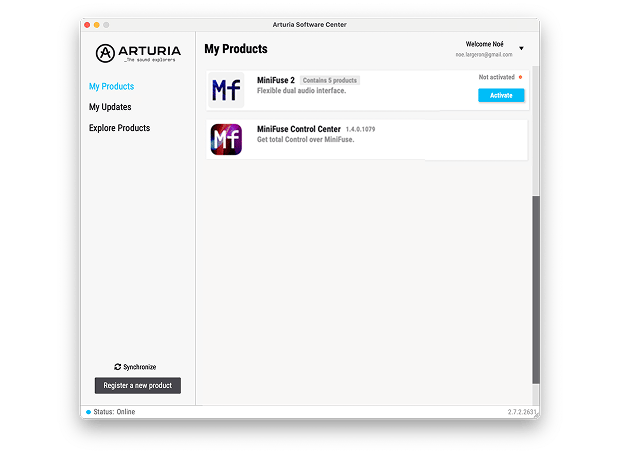
Um deine zusätzliche Arturia-Software zu installieren, nutze das Arturia Software Center:
(dein MiniFuse muss registriert sein, um im Arturia Software Center gelistet zu werden. Falls du das noch nicht getan hast,kannst du das hier machen.)
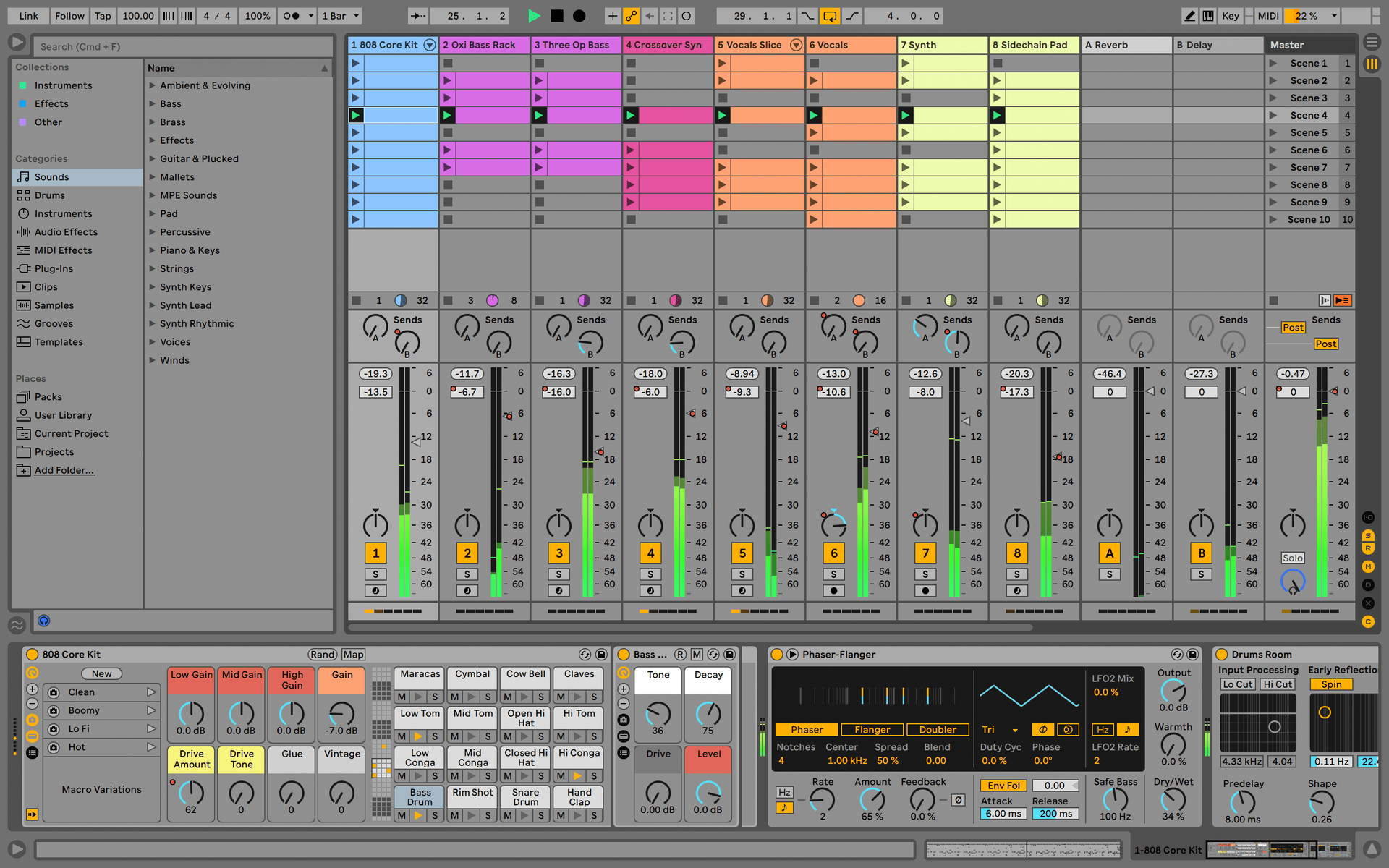
Ableton Live Lite 12
One of the most popular music production, recording and performing platforms in the world, Ableton Live Lite lets you create, mix, and export your tracks.
How to install
Guitar Rig
Choose between 3 different bundles. Craft with iconic synths, sampled sounds, and effects from Guitar Rig - a hand-picked production toolkit.
How to install
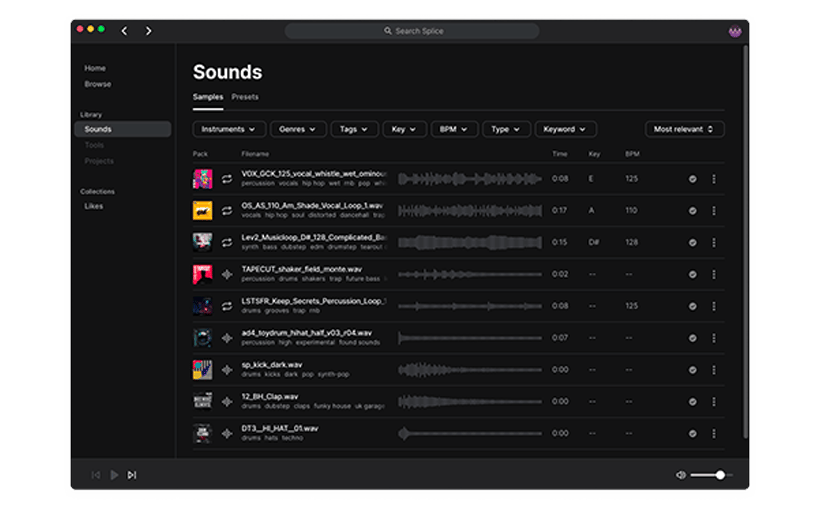
Splice Creator Plan
A 3-month free subscription let you access millions of hi-def royalty-free samples, from lo-fi drum loops to punchy vocal one-shots, as well as synth sounds, Splice Skills tutorials, and much more. What’s stopping you?
How to install
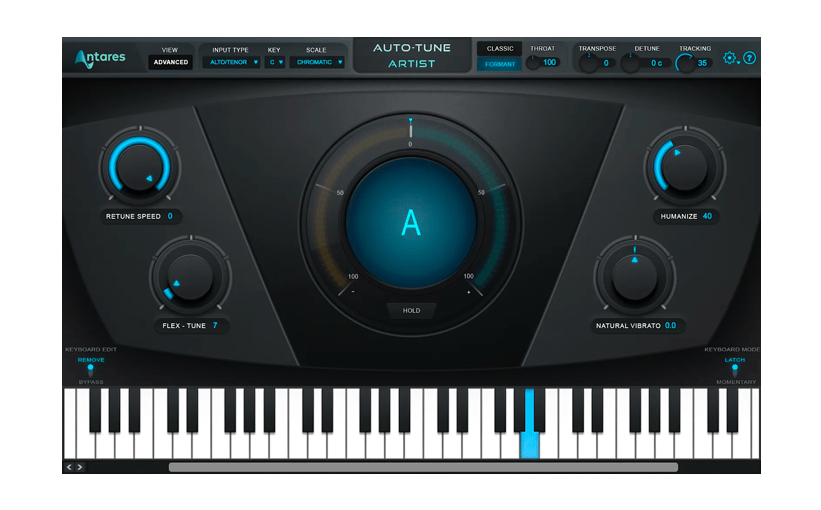
AutoTune® UNLIMITED
A 3-month free subscription to refine your vocal parts for perfect harmony or go full trap-style AutoTune® with a 3-month subscription to the industry’s favorite voice tuning plugin.
How to install
To learn even more, you can find the manuals on MiniFuse's Resources page:
0:00 / 0:00