ARTURIA

ja

Get started
with KeyLab Essential mk3

Get your KeyLab Essential mk3 up and running and kick start your musical journey.

Set up
KeyLab Essential mk3

Arturia製品を初めてお使いになる方
すでにArturiaアカウントをお持ちの方
最新ファームウェアのみ入手したい場合
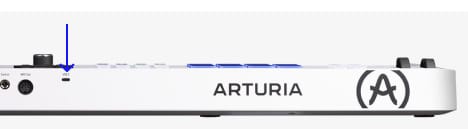
  1. KeyLab Essential mk3 本体のUSBポートからコンピュータに接続します。
  2. Analog Labをダウンロードし、インストールしてください。

  3. Analog Labを開き、表示される指示に従ってKeyLab Essential mk3のセットアップを始めてください。

なぜAnalog Labなのか?

Analog Labは、KeyLab Essential mk3本体とサウンドコンテンツの両方を管理します。

  • KeyLab Essential mk3を常に最新の状態に維持
  • サウンドの管理とディープなエディット
  • KeyLab Essential mk3をスタジオ環境へ統合
  • 数々の賞に輝くV Collectionから、2000+種類のビンテージ&モダンサウンドにアクセス

Analog Labの詳細はこちら →

特定のカスタムMIDIマッピングをお探しの場合は、こちらから入手できます →
インストール中に問題が発生した場合、サポートが必要な場合はこちら →

Get more from your KeyLab Essential mk3
free software, tutorials & more

Discover a suite of pro-grade software that provides everything you need to start making audio content out-of-the-box.

Learn more
with our KeyLab Essential mk3 tutorials

Start your creative journey with confidence. Explore essential features, tips and tricks on how to design your own sounds, other music production hacks and much more.

チュートリアル・プレイリスト

1. How to control Logic Pro
2. How to control FL Studio
3. How to control Cubase
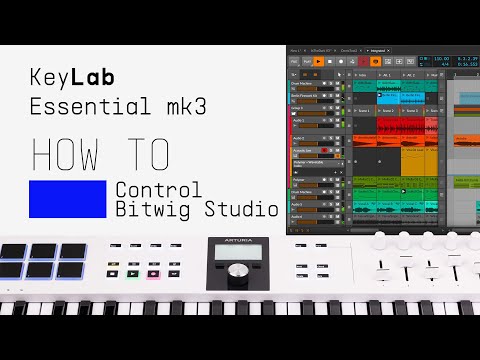
4. How to control Bitwig Studio
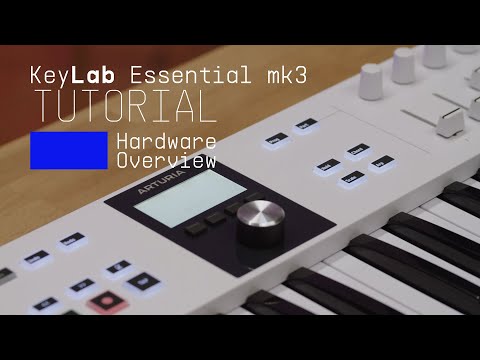
5. Overview
Keyboardist Matt Paull gives you a guided tour of the smart features, workflow highlights, and inspiring sounds that come with KeyLab Essential mk3, the next generation of universal MIDI controller.
6. How to control Ableton Live
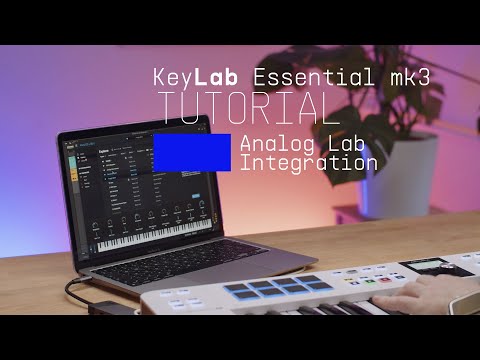
7. Analog Lab Integration
Matt explores the seamless link between KeyLab Essential mk3 and Analog Lab, our expansive library of award-winning synth & keyboard sounds. Easily control every aspect of this software with flexible pre-mapped controls.

How to control Logic Pro

ダウンロード
included software from our partners

Alongside Arturia Software, we provide a selection of industry-standard plugins and software from our partners to accelerate your music production journey.

楽曲の制作、ミックス、書き出しまで完結するDAWを

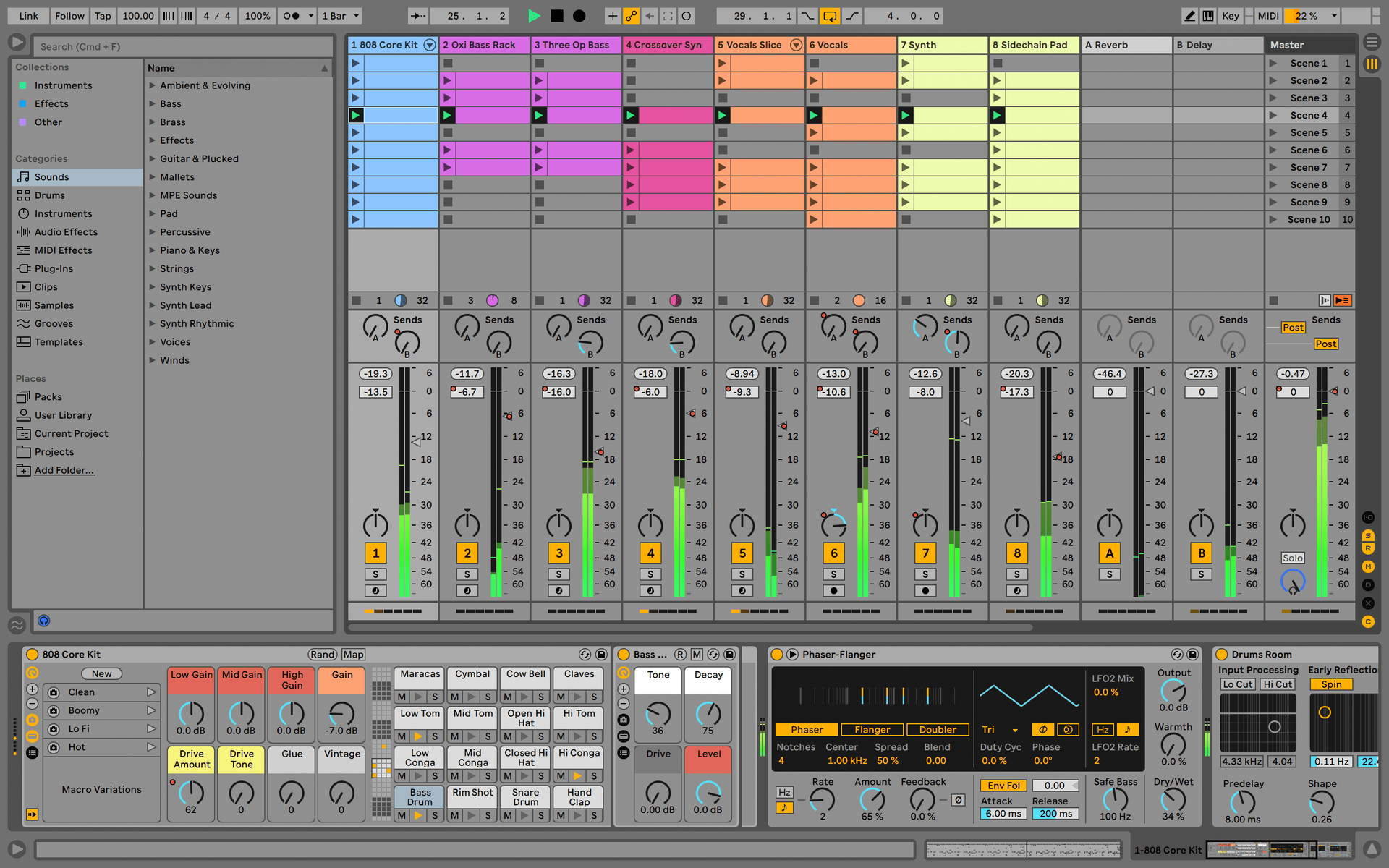
Ableton Live Lite 12

One of the most popular music production, recording and performing platforms in the world, Ableton Live Lite lets you create, mix, and export your tracks.

How to install

深みのある豊かなピアノ・サウンドを実現するインストゥルメントを

Komplete Select

Choose between 3 different bundles. Craft with iconic synths, sampled sounds, and effects from Komplete 15 Select - a hand-picked production toolkit.

How to install
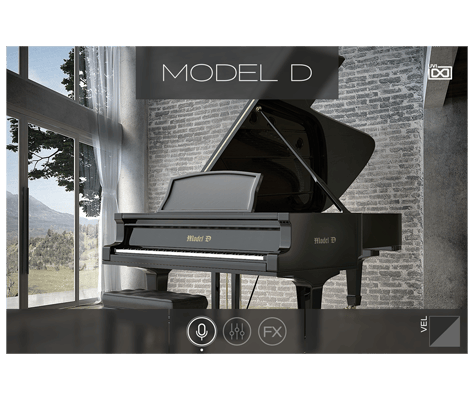
UVI Grand Piano Model D

The UVI Model D puts the sound of the famous Steinway Model D grand piano at your fingertips, sampled in exquisite detail and ready to play. Capture the sound of the most famous concert hall pianos in your own studio.

How to install
サンプルから音楽理論まで、さらなるインスピレーションを

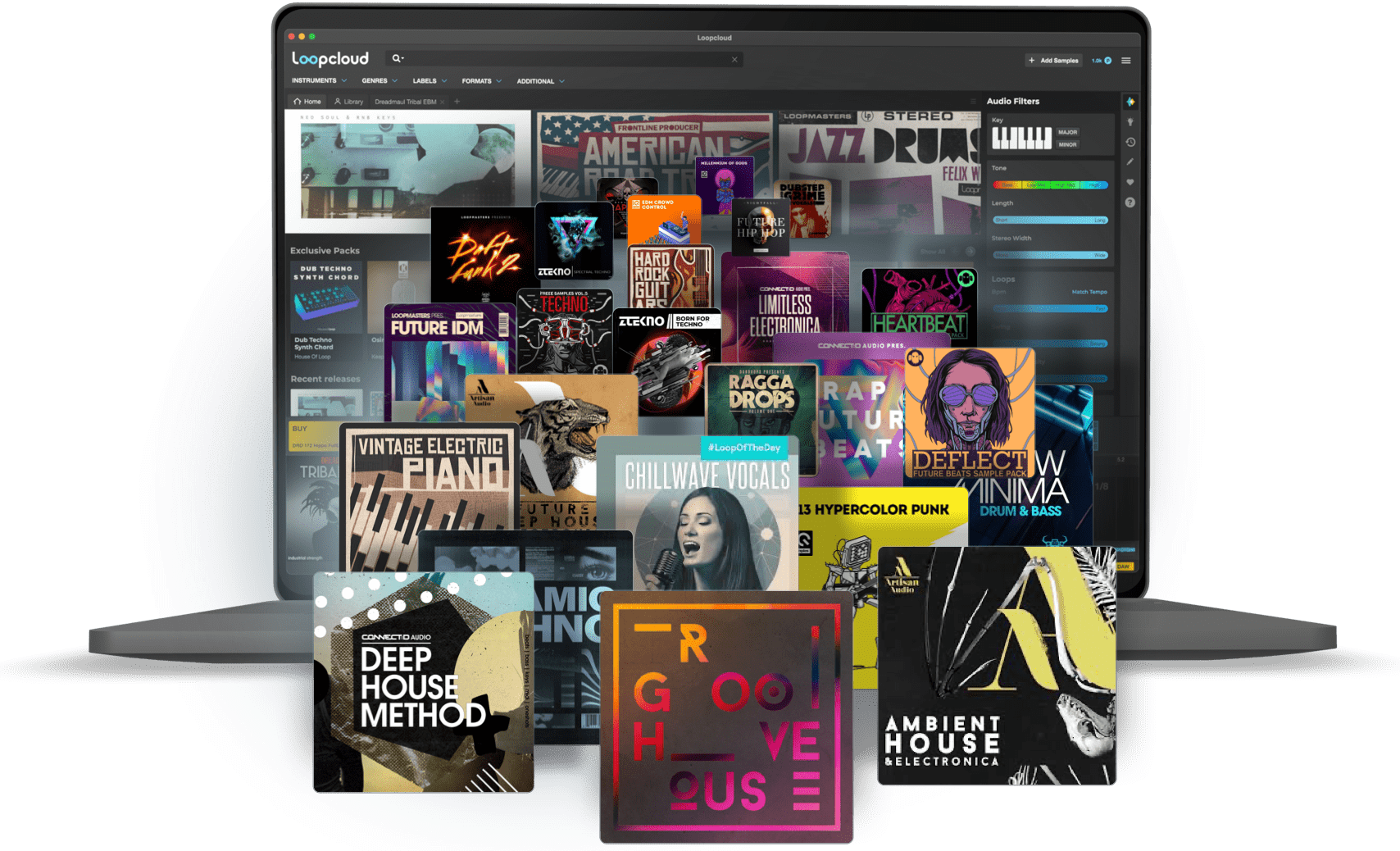
Loopcloud

A 2-month subscription to Loopcloud gives you millions of hi-def royalty-free samples, from lo-fi drum loops to punchy vocal one-shots, and add them to your personal collection for life. Beat-making essentials.

How to install
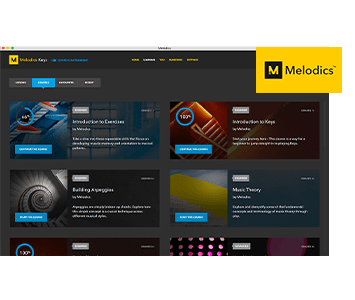
Melodics

If you're new to keyboards, music theory or DAW production, get started with a subscription to Melodics. The app gives you lessons, tips and tricks to suit your style, so you can improve your skills while you make music.

How to install

Find more information
with our manuals and cheatsheet

Download our cheatsheets for an overview of KeyLab Essential mk3's controls:

To learn even more, you can find the manuals on KeyLab Essential mk3's Resources page:
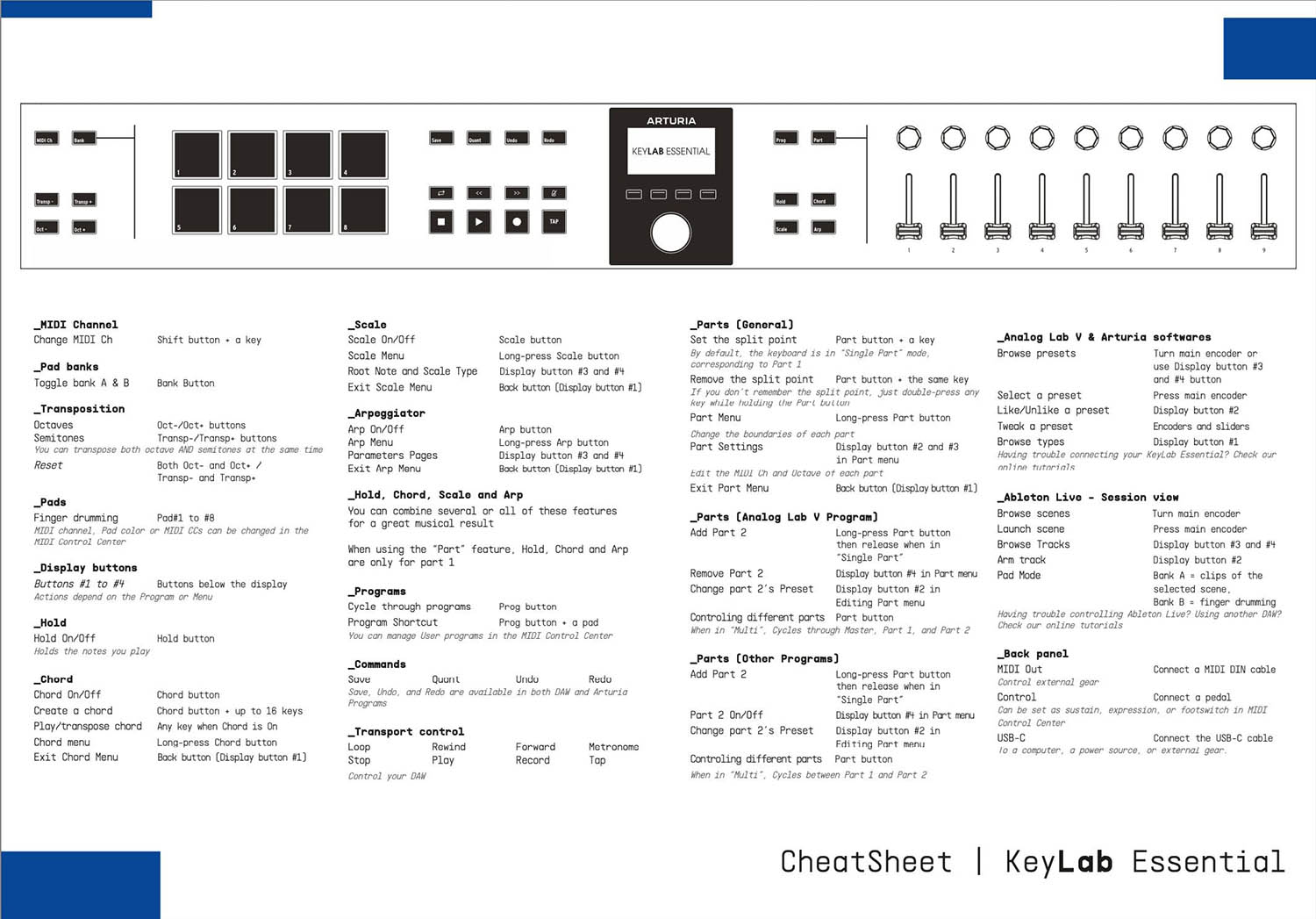
Read our manuals for KeyLab Essential mk3 →

Integrate
KeyLab Essential mk3 into your setup

KeyLab Essential mk3 integrates seamlessly with all major Digital Audio Workstations right out of the box, including automatically mapped controls to play, pause, record, and trigger loops.

Logic
Cubase
FL Studio
Bitwig
Ableton

If you cannot control your Digital Audio Workstation directly from KeyLab Essential mk3 - explore our custom controller mappings.

Go to custom controller mappings for KeyLab Essential mk3 →

You can also dive deeper and create custom MIDI mappings for your specific needs with our MIDI Control Center:

Get MIDI Control Center and learn more →