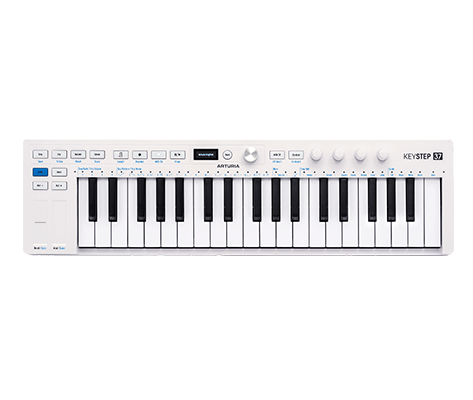
KeyStep mk2
コントローラー&シーケンサー
重要なアップデートがリリースされました:
安定性の向上と動作強化を最新の状態にしましょう。
KeyStep mk2
チュートリアル
Arturiaのコントローラーを使いこなすためのヒントやテクニック、機能を余すところなくご紹介します。このガイドツアーを通じて、KeyStep mk2で知っておくべきすべてを見ていきましょう。
チュートリアル | Overview | KeyStep mk2
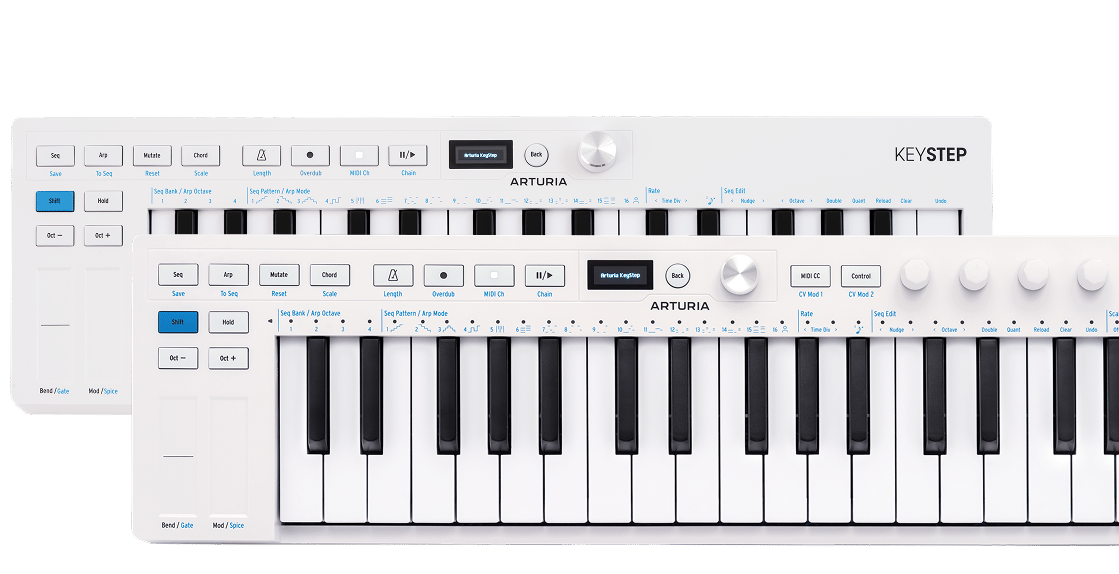
Join Brendan for an introductory tour of KeyStep mk2. Discover its core features from advanced sequencing and generative sound creation to OLED control and deep CV/MIDI/USB-C connectivity - a centrepiece for hybrid setups and keeping your ideas evolving.
チュートリアル | Overview | KeyStep 37 mk2
Join Leona for an overview of KeyStep 37 mk2 - the expanded compact controller and creative sequencer for hybrid setups. Learn its core features and deeper mutate control as well as what sets it apart from KeyStep mk2: 37 Slimkeys with aftertouch, expanded physical controls and RGB feedback for deeper control of parameters and generative features.
KeyStep mk2
ハウトゥ
チュートリアル | How to Mutate | KeyStep mk2
Join Matt Paull for a focused look at KeyStep Mk2’s Mutate feature - a creative tool for transforming sequences and arpeggios into evolving musical ideas. Learn how to shape variations, lock everything to scale, record automation, and push your patterns into new directions for fast, inspired compositions.
チュートリアル | How to control external gear | KeyStep 37 mk2
Join Leona for a quick guide to controlling external gear with KeyStep 37 mk2. Learn how to connect and play software instruments via USB, sequence desktop synths over MIDI, and unlock deeper hands-on control of semi-modular hardware with CV, Gate, and assignable modulation outputs. From straightforward DAW integration to hybrid setups, see how KeyStep 37 mk2 adapts to every stage of your workflow.