Get started
with MicroLab mk3
Get your MicroLab mk3 up and running and kick start your musical journey.
Set up
MicroLab mk3
Arturia製品を初めてお使いになる方
すでにArturiaアカウントをお持ちの方
最新ファームウェアのみ入手したい場合
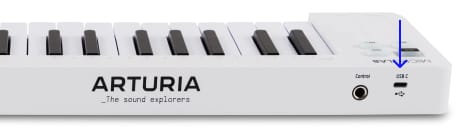
- MicroLab mk3を 本体のUSBポートからコンピュータに接続します。

- Analog Labをダウンロードし、インストールしてください。
- Analog Labを開き、表示される指示に従ってMicroLab mk3のセットアップを始めてください。
なぜAnalog Labなのか?
Analog Labは、MicroLab mk3本体とサウンドコンテンツの両方を管理します。
- MicroLab mk3を常に最新の状態に維持
- サウンドの管理とディープなエディット
- MicroLab mk3をスタジオ環境へ統合
- 数々の賞に輝くV Collectionから、500種類のビンテージ&モダンサウンドにアクセス
インストール中に問題が発生した場合、サポートが必要な場合はこちら →
Learn more
with our MicroLab mk3 tutorials
Start your creative journey with confidence. Explore essential features, tips and tricks on how to design your own sounds, other music production hacks and much more.
チュートリアル・プレイリスト
1. Tutorials | MicroLab mk3 - Overview
Rose introduces you to our ultimate compact controller for music makers on the move, the MicroLab mk3. In this video, she walks you through its upgraded features, smart design, and the creative possibilities packed into its portable form.Tutorials | MicroLab mk3 - Overview
Rose introduces you to our ultimate compact controller for music makers on the move, the MicroLab mk3. In this video, she walks you through its upgraded features, smart design, and the creative possibilities packed into its portable form.
ダウンロード
included software from our partners
Alongside Arturia Software, we provide a selection of industry-standard plugins and software from our partners to accelerate your music production journey.
楽曲の制作、ミックス、書き出しまで完結するDAWを
。

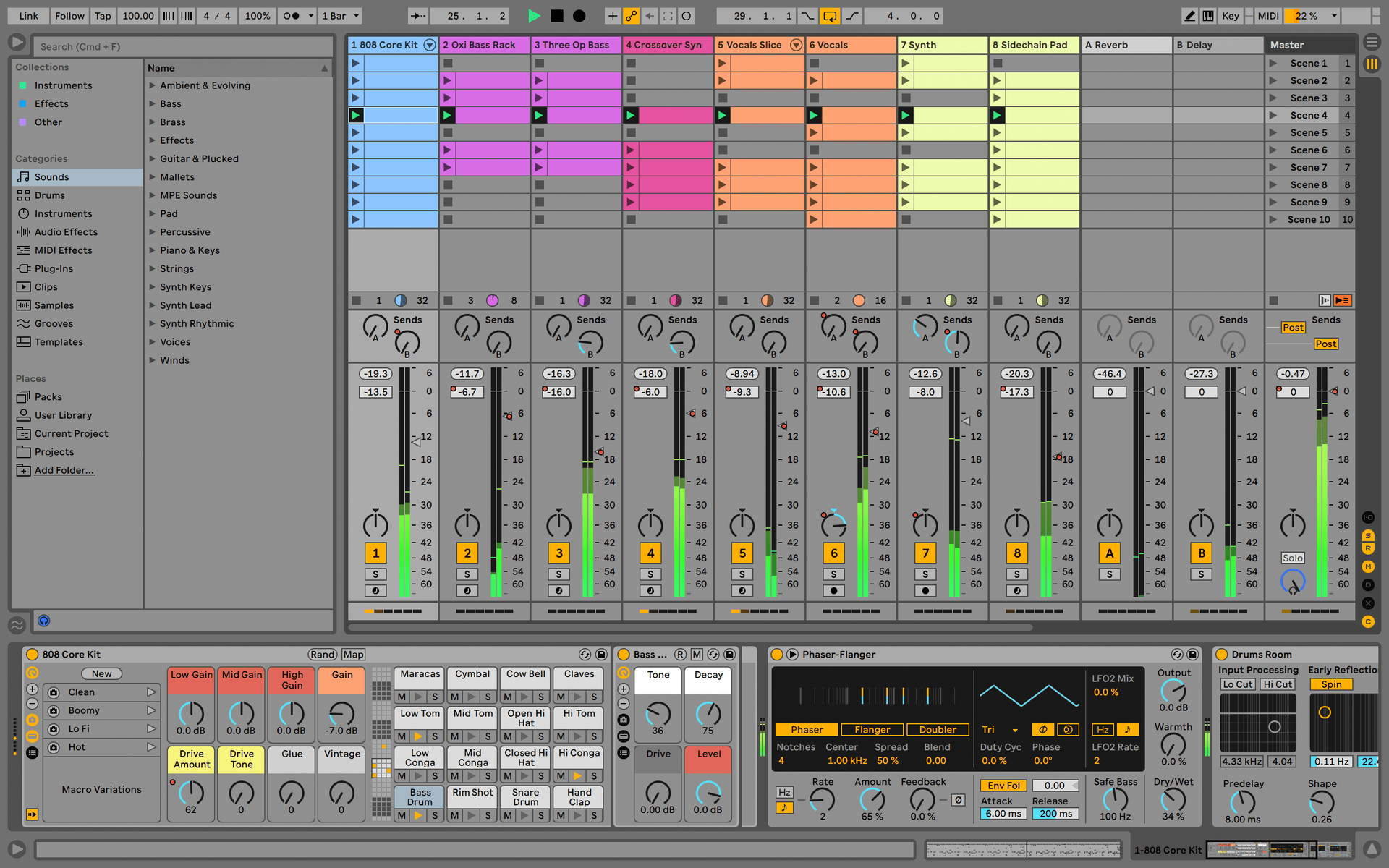
Ableton Live Lite 12
One of the most popular music production, recording and performing platforms in the world, Ableton Live Lite lets you create, mix, and export your tracks.
How to install
Find more information
with our manuals
To learn even more, you can find the manuals on MicroLab mk3's Resources page: