







触れて感じる
魅力
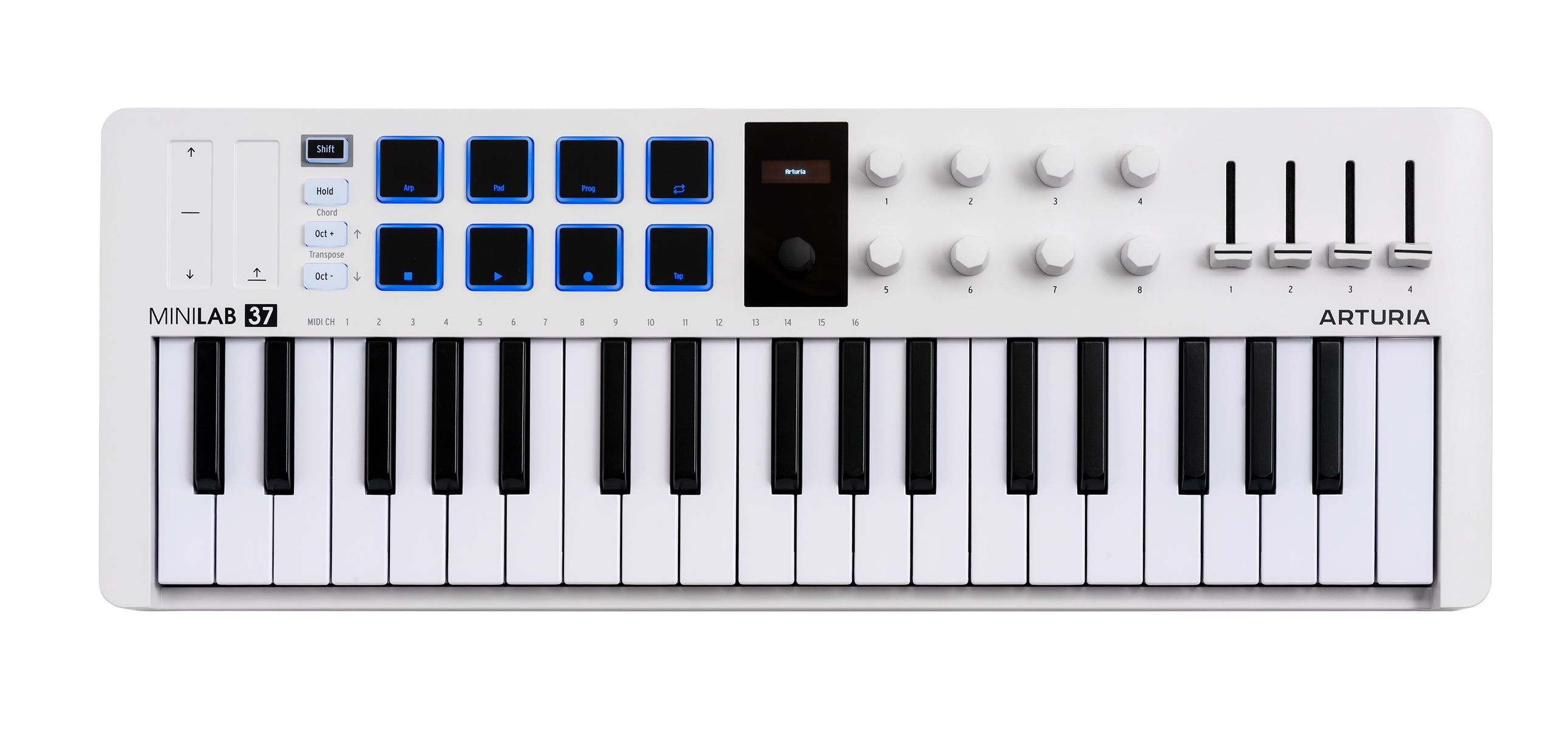
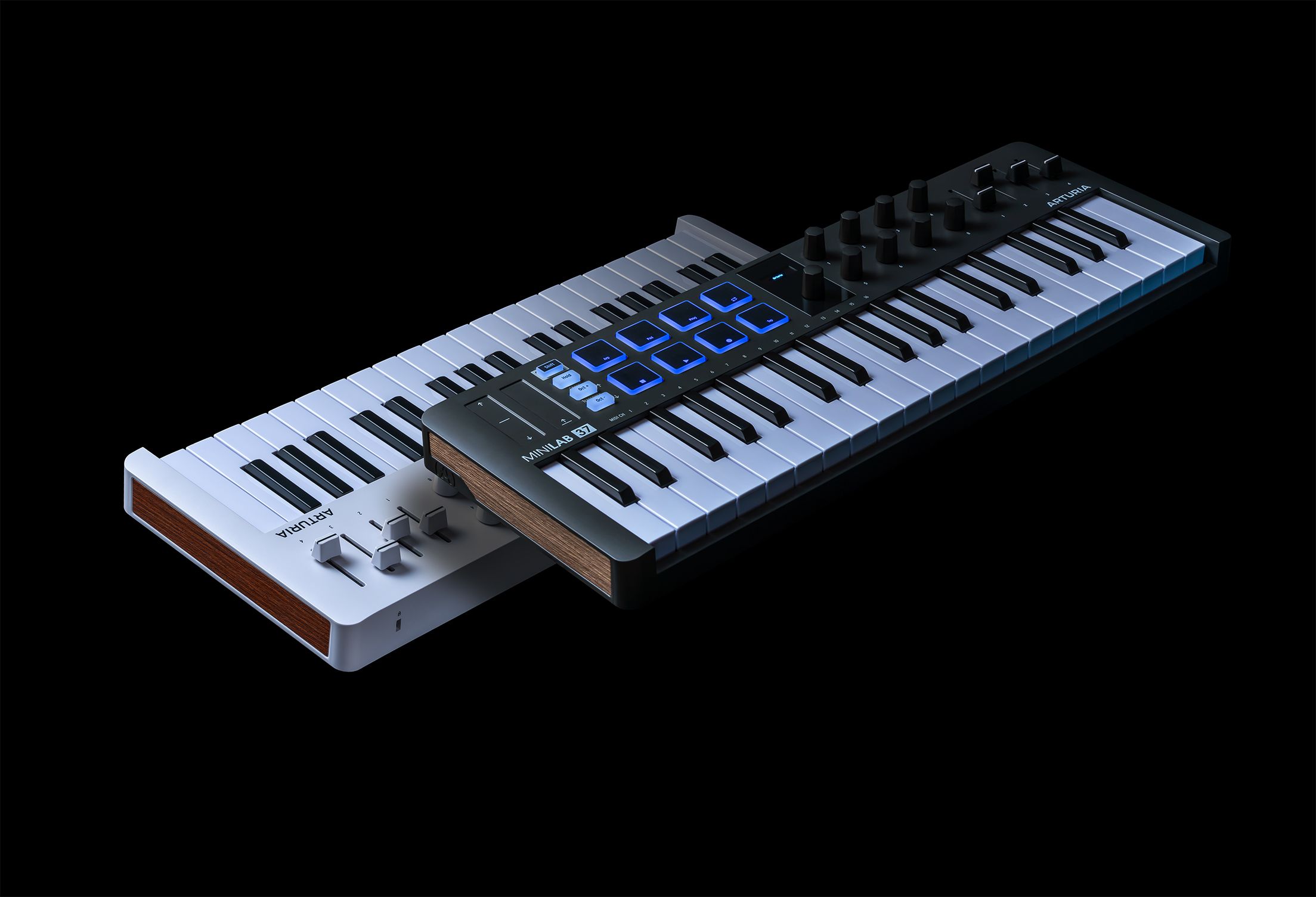
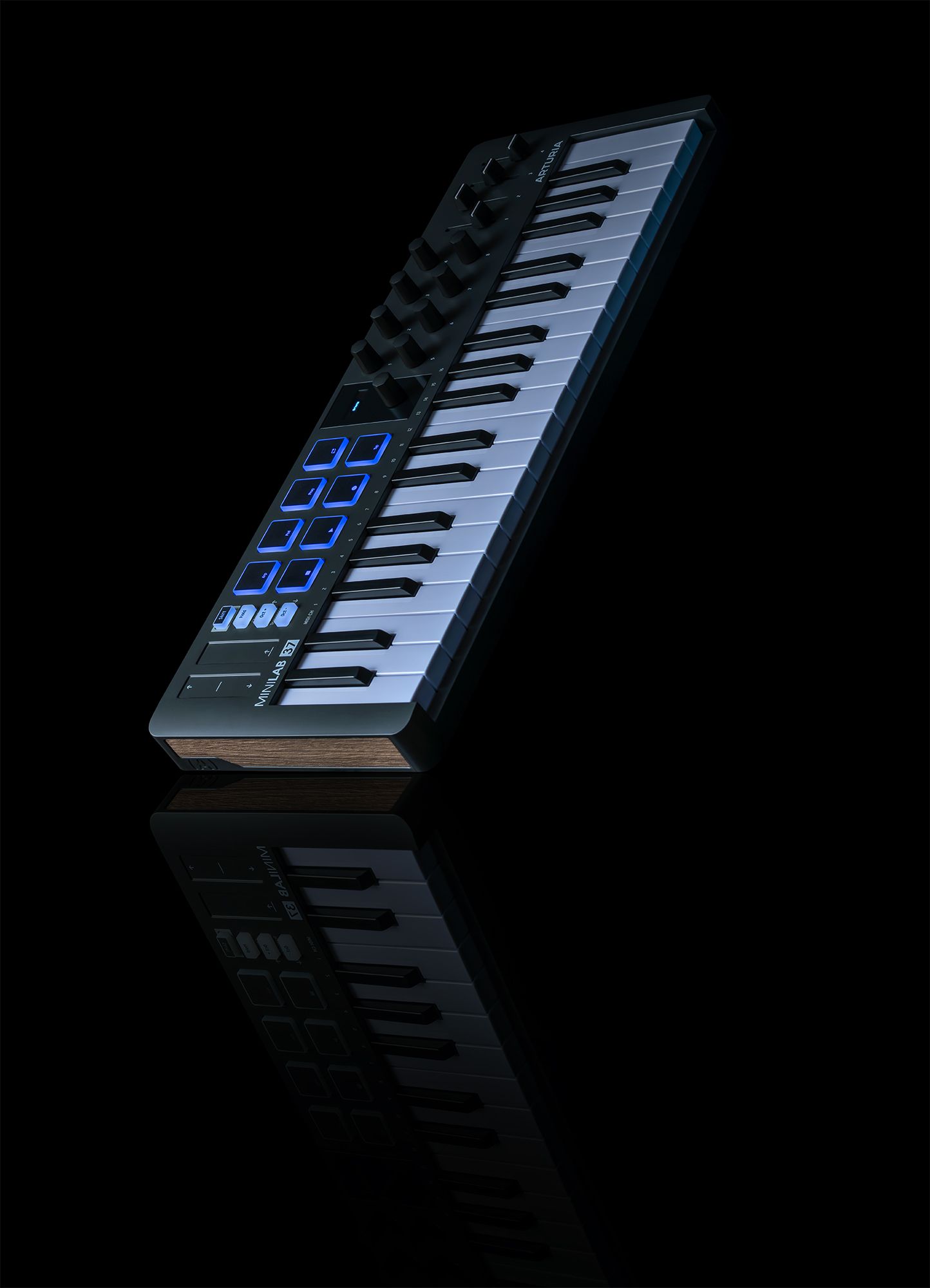
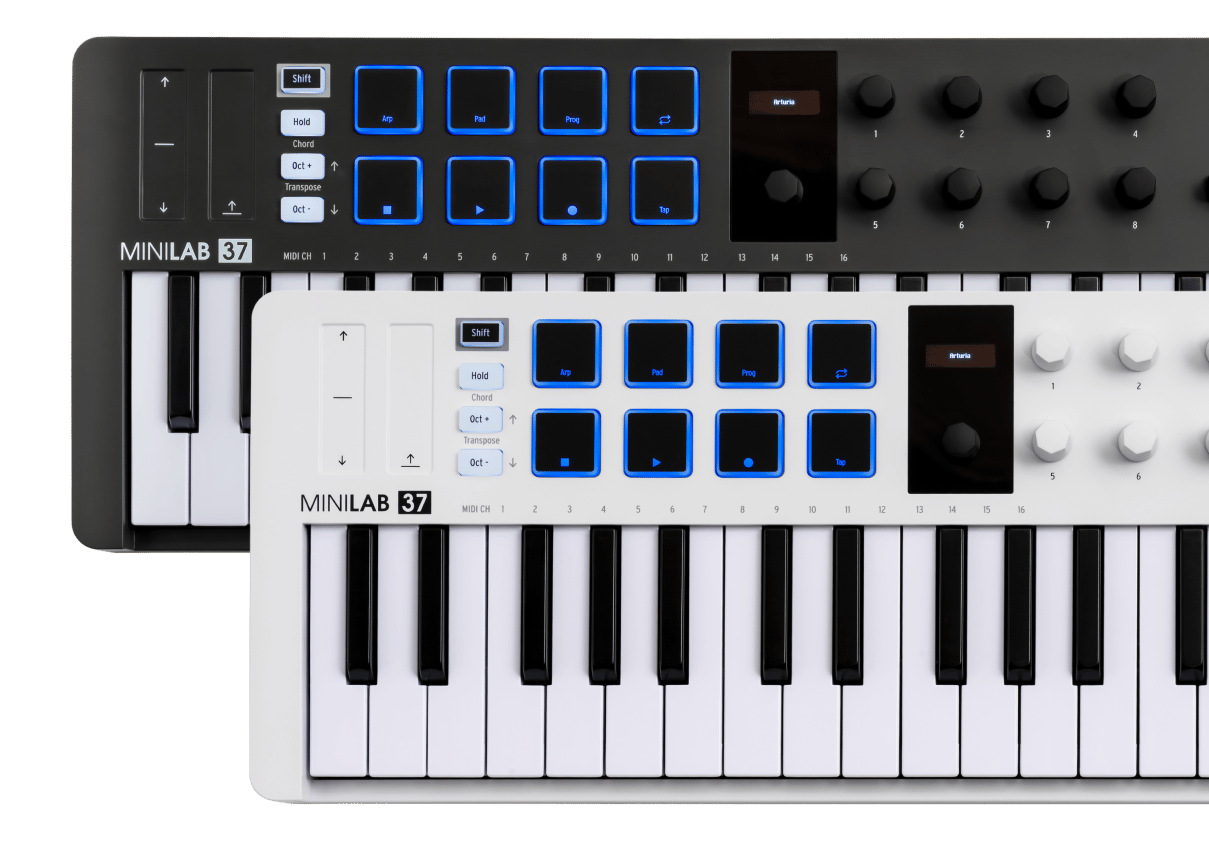
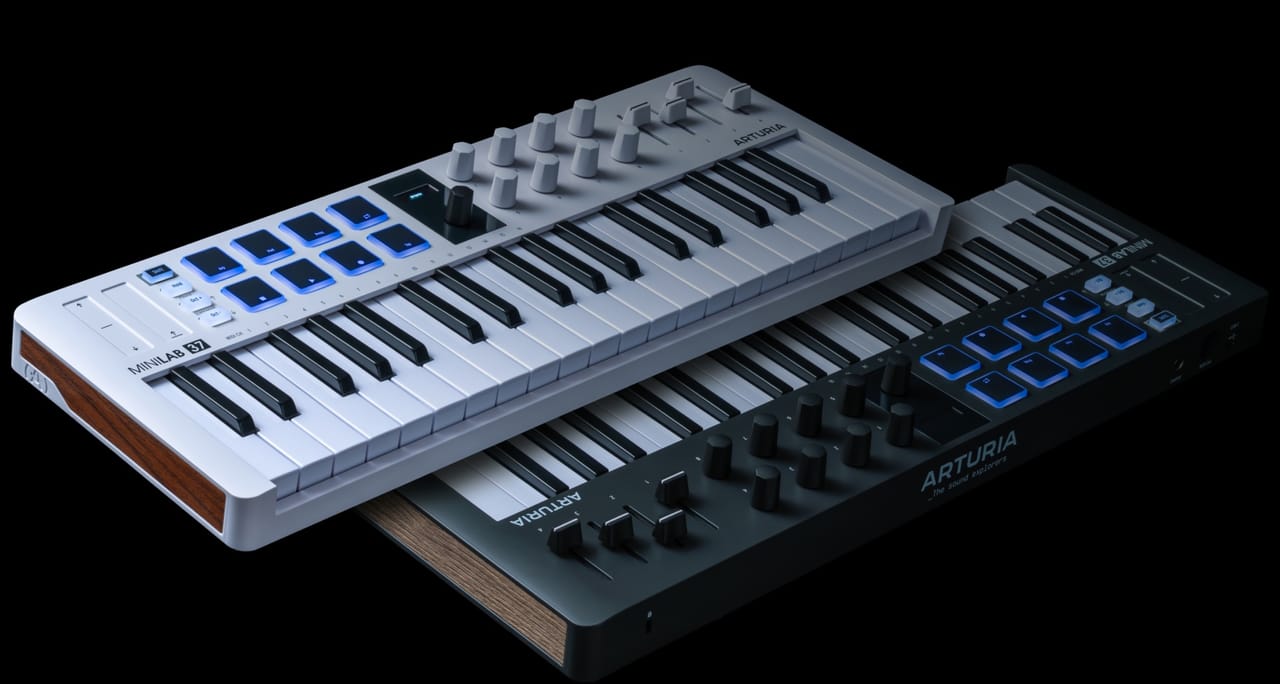
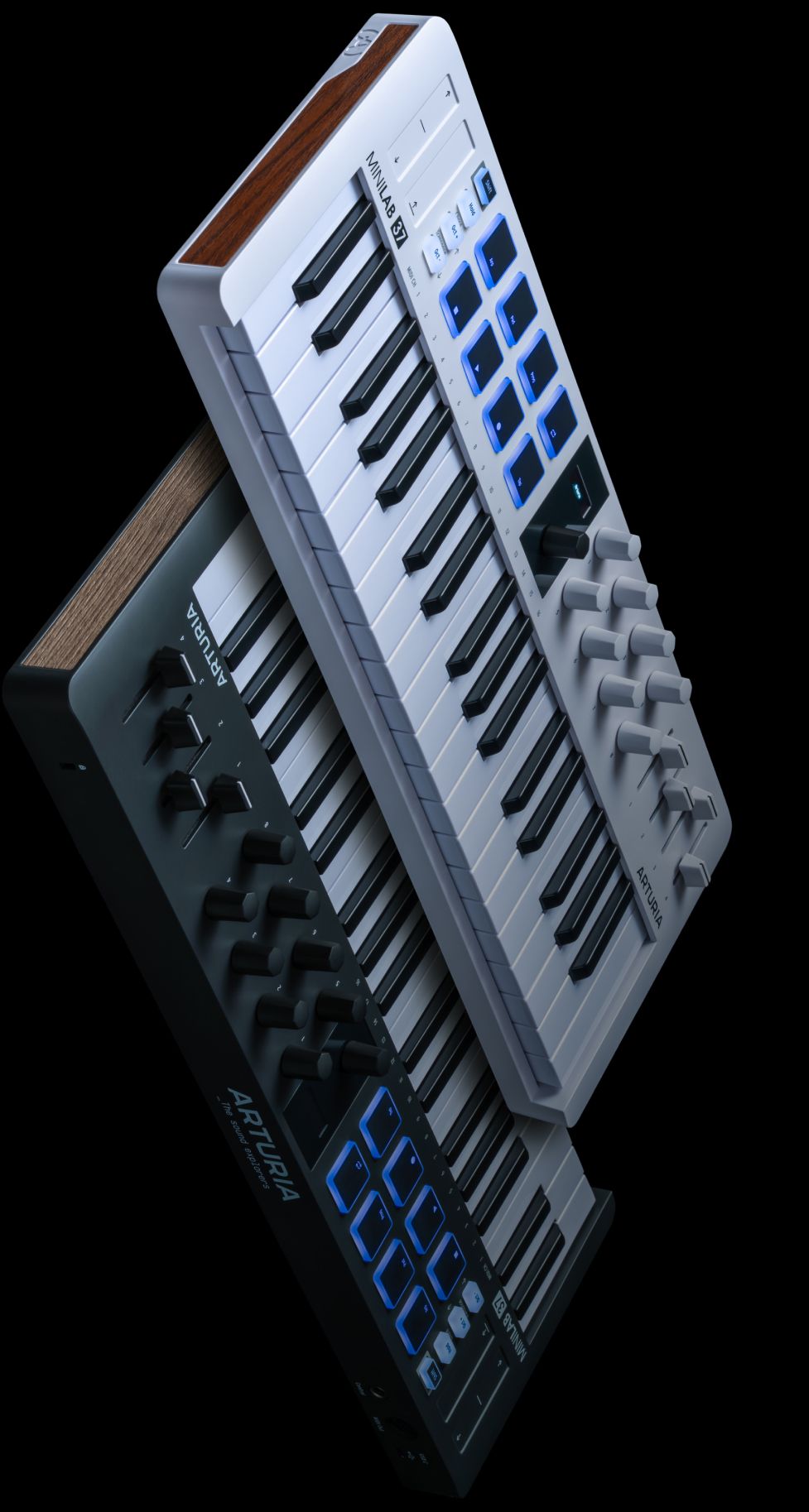
Explore the layout, features, and hidden talents of MiniLab 37 in detail, from its quality slim keyboard to its easy-to-use creative commands.
Overview
MiniLab 37
1
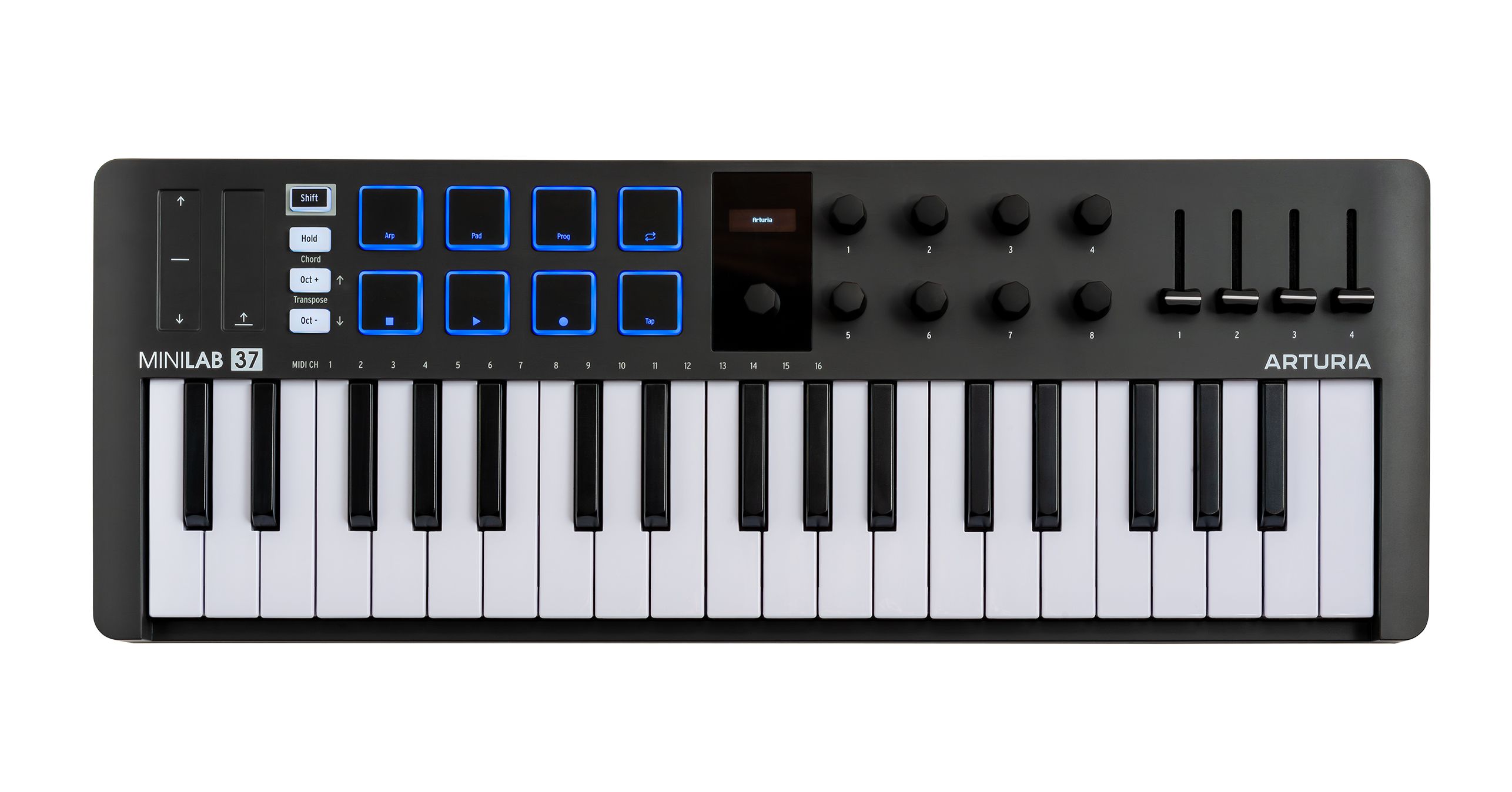
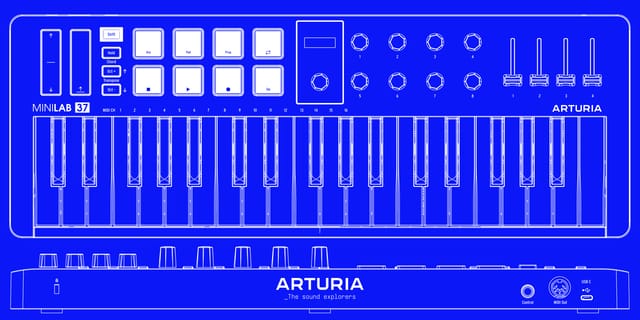
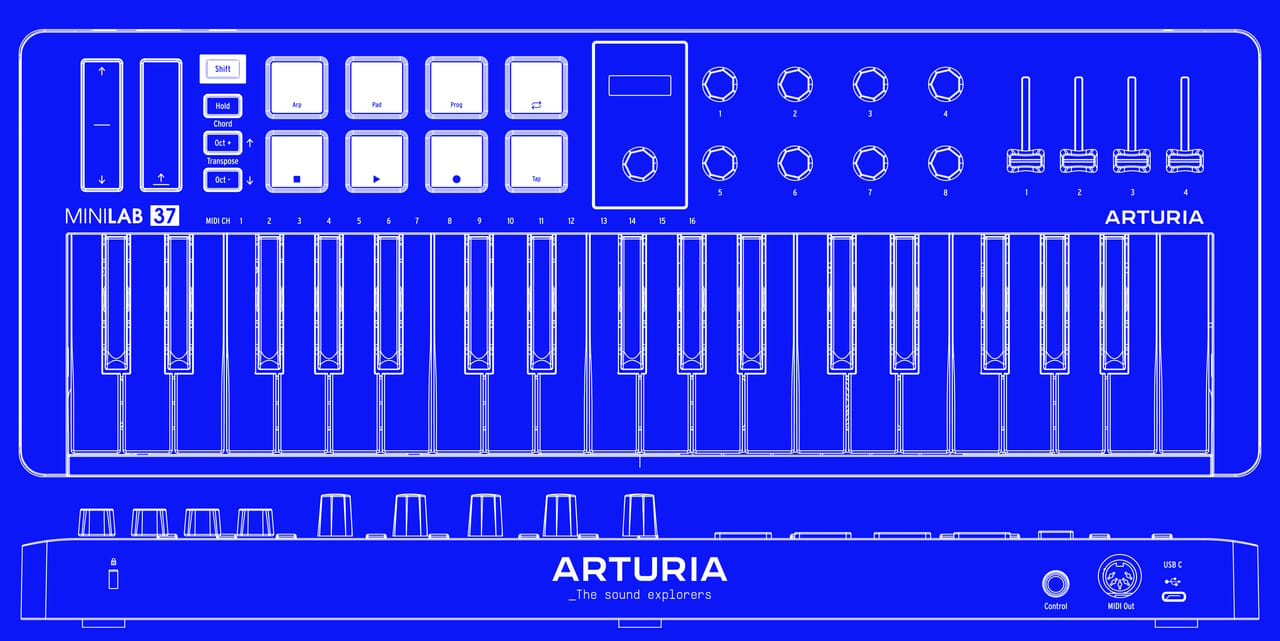
x8つの多機能エンコーダー
カスタマイズも可能なプリアサインのエンコーダーで音作りやDAWのコントロールを。
2
x4つの多機能フェーダー
スムーズな動きのアサイナブルフェーダーでトラックのレベルやエフェクトなどをクイックにコントロール
3
マルチカラーのベロシティ&プレッシャー対応パッド
Two banks of 8 ultra-responsive RGB pads for finger drumming, clip launching, performing and DAW control.
4
37 Velocity-sensitive Slim-keys
An expanded 37-note slim-key keybed for fuller chords, wider melodies and two-handed playing in a compact format.
5
ミニディスプレイ&ブラウザコントロール
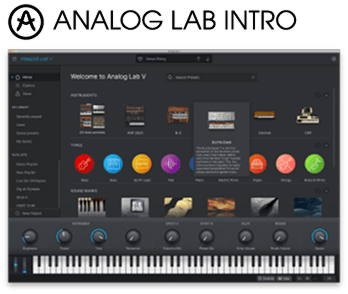
クリッカブルなブラウザノブでプリセットやセッティングをサーチ&ナビゲート。わかりやすいビジュアルフィードバックでAnalog LabやDAWとディープに統合できます。
6
ピッチベンド&モジュレーションタッチストリップ
Accurate touch-sensitive strips for adding expression, movement and performance gestures.
7
オクターブボタン
Shift the keyboard position up and down by octaves or semitones for quick access to a wider playing range.
8
ホールド&コードモード
Use Hold mode to sustain notes hands-free, or Chord mode to create rich chords with a single key.
9
アルペジエイター
Turn any selection of notes into a moving melody that locks in with your project tempo.
10
Shiftボタン
Access deeper functions, select MIDI channels, manage presets and unlock extended control across Arturia software and major DAWs.
11
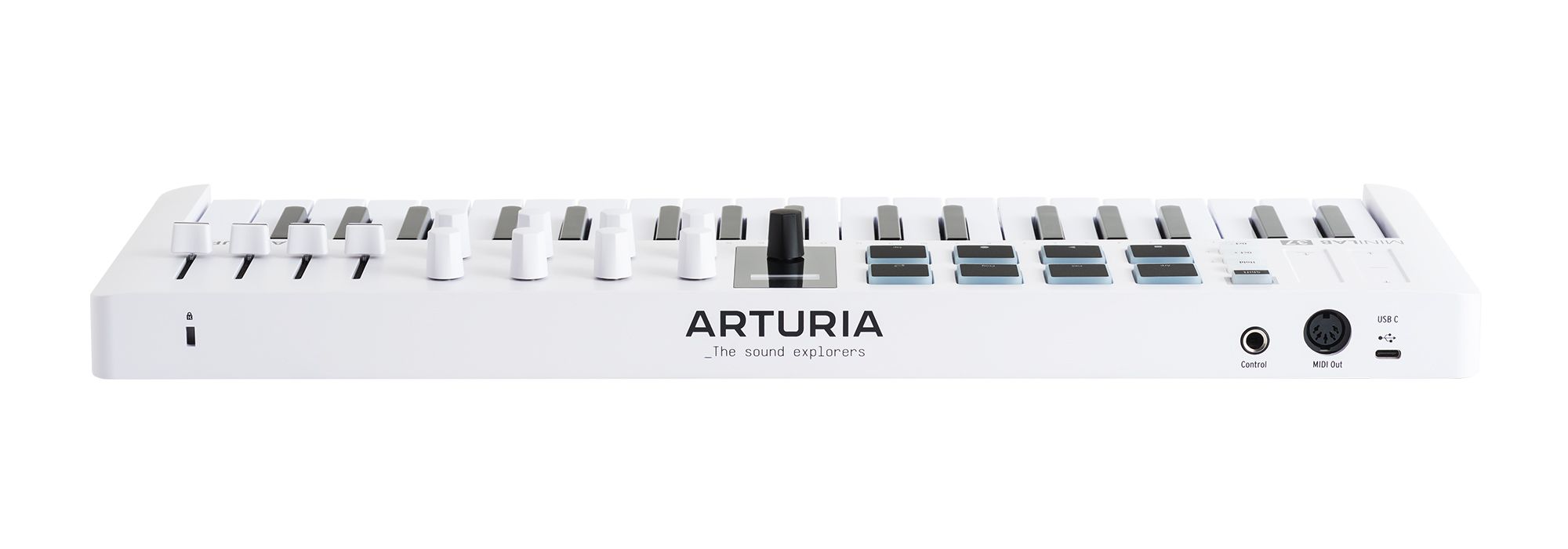
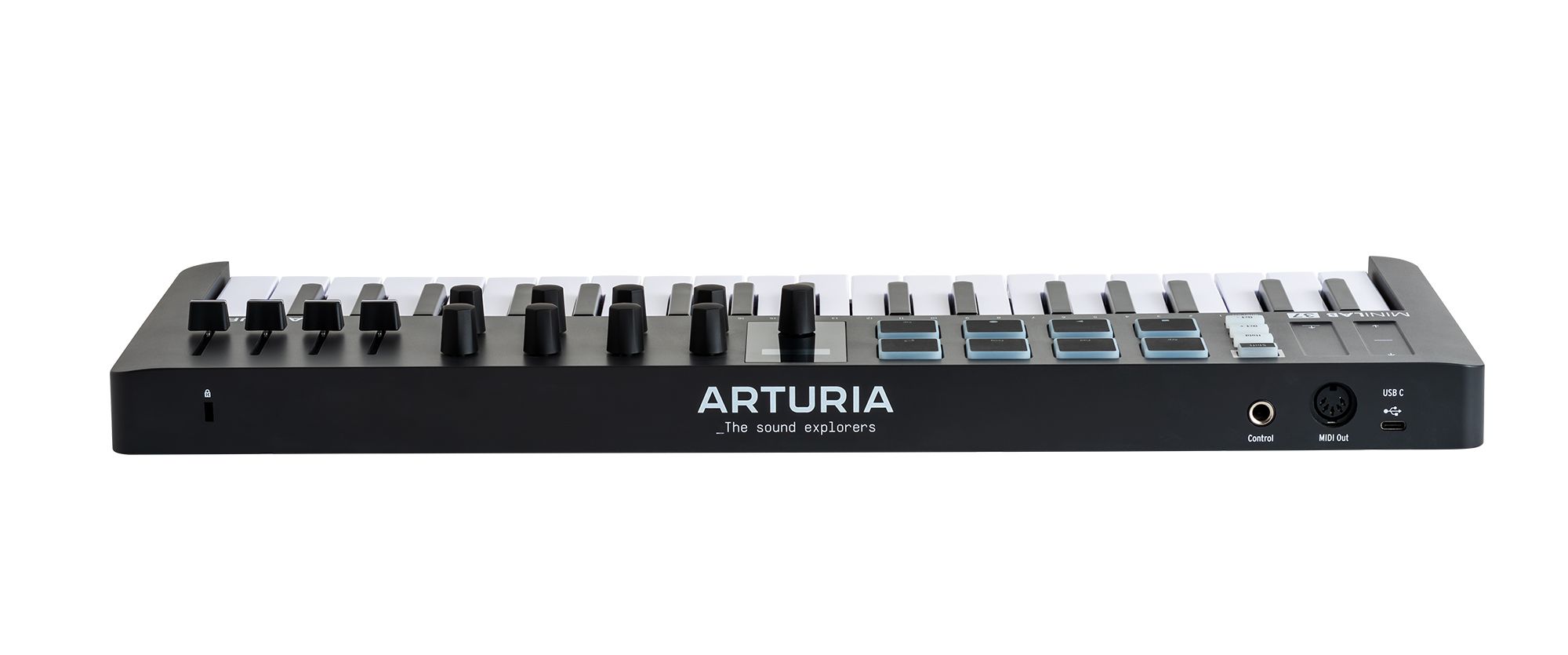
USB-Cポート
Universal USB-C connectivity, bus-powered and class-compliant for a simple plug-and-play setup.
12
コントロールインプット端子
Connect a sustain pedal, expression pedal or footswitch for added control while playing.
13
MIDIアウトt
Send MIDI notes and information to external instruments and hardware via 5-pin DIN connection.
Overview
MiniLab 37
1
x8つの多機能エンコーダー
カスタマイズも可能なプリアサインのエンコーダーで音作りやDAWのコントロールを。
2
x4つの多機能フェーダー
スムーズな動きのアサイナブルフェーダーでトラックのレベルやエフェクトなどをクイックにコントロール
3
マルチカラーのベロシティ&プレッシャー対応パッド
Two banks of 8 ultra-responsive RGB pads for finger drumming, clip launching, performing and DAW control.
4
37 Velocity-sensitive Slim-keys
An expanded 37-note slim-key keybed for fuller chords, wider melodies and two-handed playing in a compact format.
5
ミニディスプレイ&ブラウザコントロール
クリッカブルなブラウザノブでプリセットやセッティングをサーチ&ナビゲート。わかりやすいビジュアルフィードバックでAnalog LabやDAWとディープに統合できます。
6
ピッチベンド&モジュレーションタッチストリップ
Accurate touch-sensitive strips for adding expression, movement and performance gestures.
7
オクターブボタン
Shift the keyboard position up and down by octaves or semitones for quick access to a wider playing range.
8
ホールド&コードモード
Use Hold mode to sustain notes hands-free, or Chord mode to create rich chords with a single key.
9
アルペジエイター
Turn any selection of notes into a moving melody that locks in with your project tempo.
10
Shiftボタン
Access deeper functions, select MIDI channels, manage presets and unlock extended control across Arturia software and major DAWs.
11
USB-Cポート
Universal USB-C connectivity, bus-powered and class-compliant for a simple plug-and-play setup.
12
コントロールインプット端子
Connect a sustain pedal, expression pedal or footswitch for added control while playing.
13
MIDIアウトt
Send MIDI notes and information to external instruments and hardware via 5-pin DIN connection.
Overview
MiniLab 37
1
x8つの多機能エンコーダー
カスタマイズも可能なプリアサインのエンコーダーで音作りやDAWのコントロールを。
2
x4つの多機能フェーダー
スムーズな動きのアサイナブルフェーダーでトラックのレベルやエフェクトなどをクイックにコントロール
3
マルチカラーのベロシティ&プレッシャー対応パッド
Two banks of 8 ultra-responsive RGB pads for finger drumming, clip launching, performing and DAW control.
4
37 Velocity-sensitive Slim-keys
An expanded 37-note slim-key keybed for fuller chords, wider melodies and two-handed playing in a compact format.
5
ミニディスプレイ&ブラウザコントロール
クリッカブルなブラウザノブでプリセットやセッティングをサーチ&ナビゲート。わかりやすいビジュアルフィードバックでAnalog LabやDAWとディープに統合できます。
6
ピッチベンド&モジュレーションタッチストリップ
Accurate touch-sensitive strips for adding expression, movement and performance gestures.
7
オクターブボタン
Shift the keyboard position up and down by octaves or semitones for quick access to a wider playing range.
8
ホールド&コードモード
Use Hold mode to sustain notes hands-free, or Chord mode to create rich chords with a single key.
9
アルペジエイター
Turn any selection of notes into a moving melody that locks in with your project tempo.
10
Shiftボタン
Access deeper functions, select MIDI channels, manage presets and unlock extended control across Arturia software and major DAWs.
11
USB-Cポート
Universal USB-C connectivity, bus-powered and class-compliant for a simple plug-and-play setup.
12
コントロールインプット端子
Connect a sustain pedal, expression pedal or footswitch for added control while playing.
13
MIDIアウトt
Send MIDI notes and information to external instruments and hardware via 5-pin DIN connection.
1
2
3
4
5
6
7
8
9
10
11
12
13