Get more from your MiniFuse
free software, tutorials & more
Discover a suite of pro-grade software that provides everything you need to start making audio content out-of-the-box.




Register your MiniFuseto unlock your included free Software licenses.
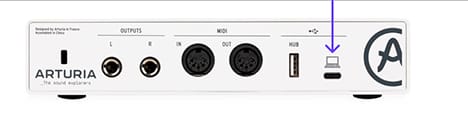
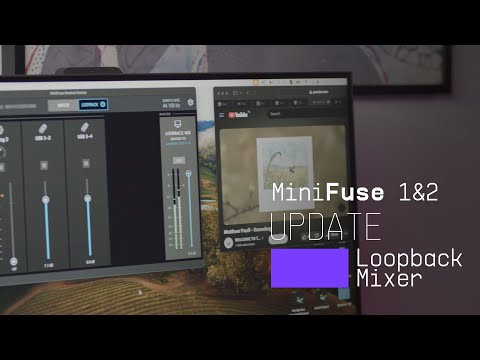
MiniFuse Control Center is the required utility software that unlocks the full capabilities of your MiniFuse. It allows detailed control over the parameters of your product and ensures regular free firmware updates, keeping your MiniFuse configured and always ready to record.
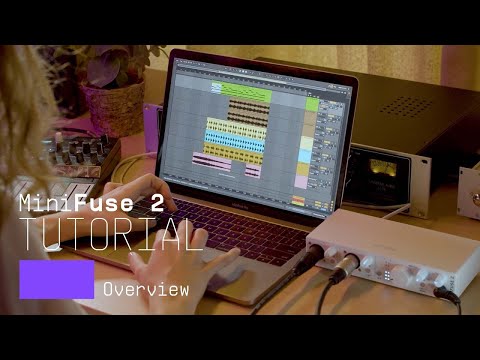
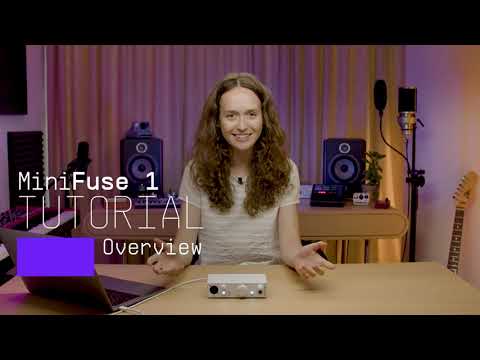
Introducing MiniFuse 2. In this tutorial, Lena gives you a guided tour of our evolved 2 in / 2 out interface, exploring its smart design, useful creative features, and guiding your first steps towards making your sound happen.
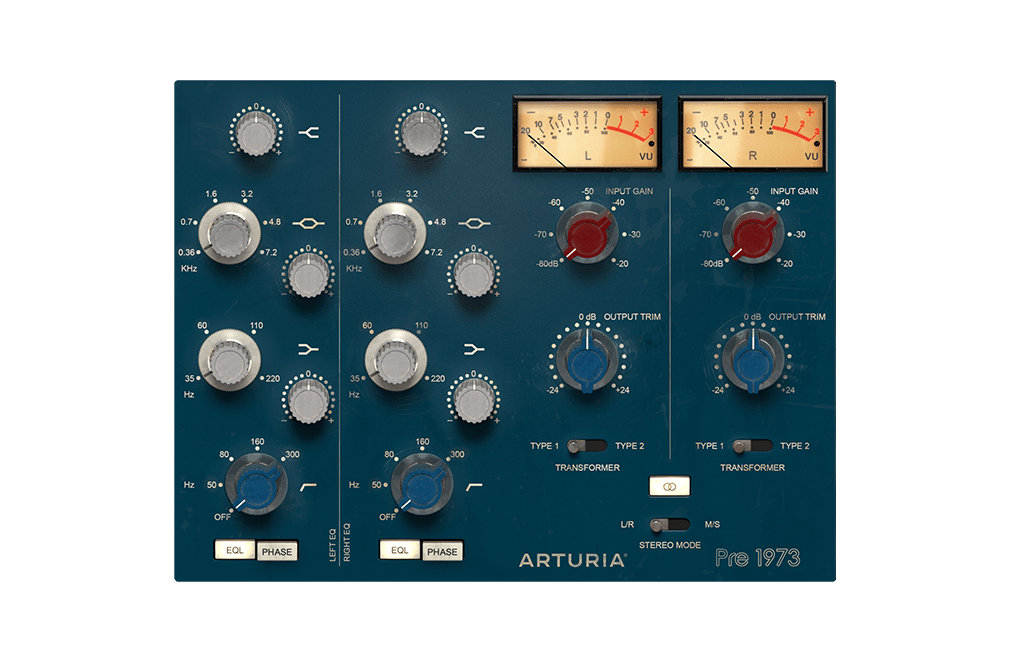
The definitive sound of the world's best studios, perfectly recreated for the modern producer. Color your tone, saturate your signal, or give everything a subtle, vintage lift. The perfect way to warm up a digital signal.
Discover Pre 1973 →
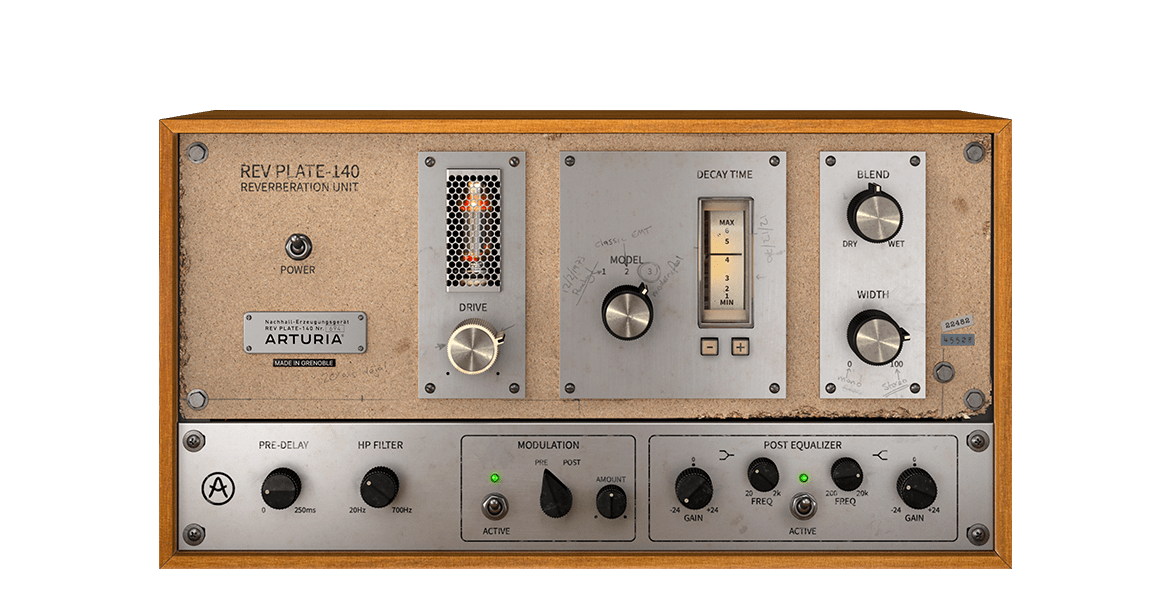
The original 60s unit weighed more than 4 people, and cost more than a house, but now you can use an accurate recreation of this legendary, game-changing reverb without breaking the bank, or breaking your back.
Discover Rev PLATE-140 →
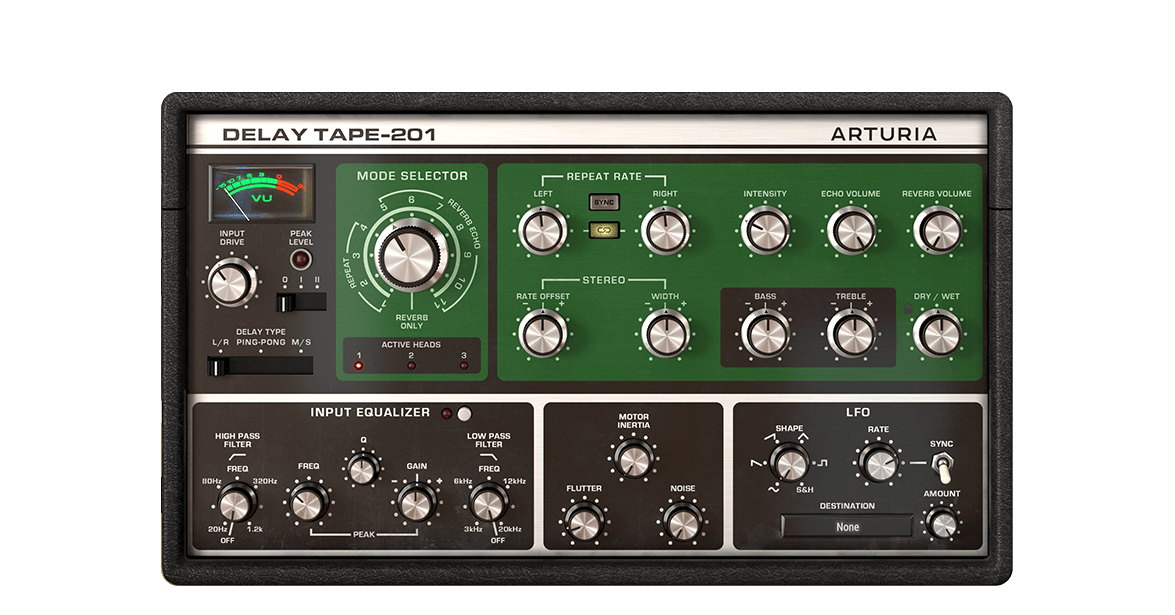
The Arturia Delay TAPE-201 gives you everything you love about the sound of vintage hardware tape delays, but with the reliability and versatility of software. Simple to use, fun to tweak, this will give you that spacious, reverberating delay you crave.
Discover Delay TAPE-201 →
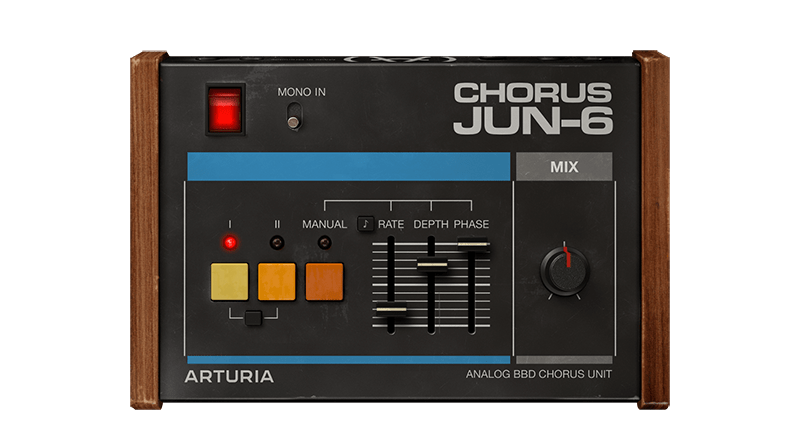
Chorus JUN-6 is based on the iconic stereo effect found in the Juno polysynth series from the ‘80s, complete with faithful BBD analog warmth, an authentic 3-mode layout, and flexible modern controls to find your own modulation flavor.
Discover Chorus JUN-6 →
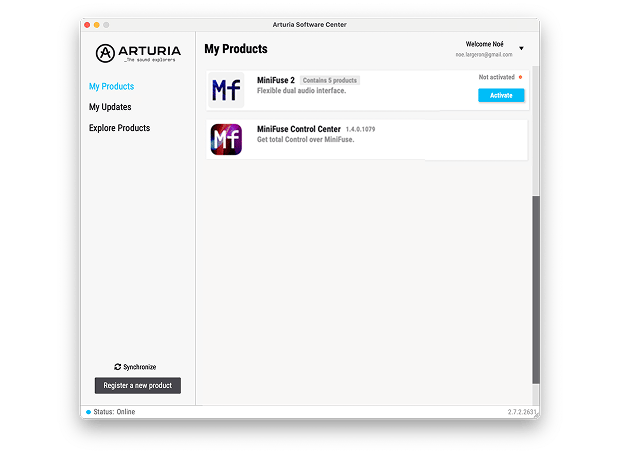
To install your additional Arturia software, use the Arturia Software Center:
(Your MiniFuse must be registered in order to show up in the Arturia Software Center. If you have not done it yet,you can do so here.)
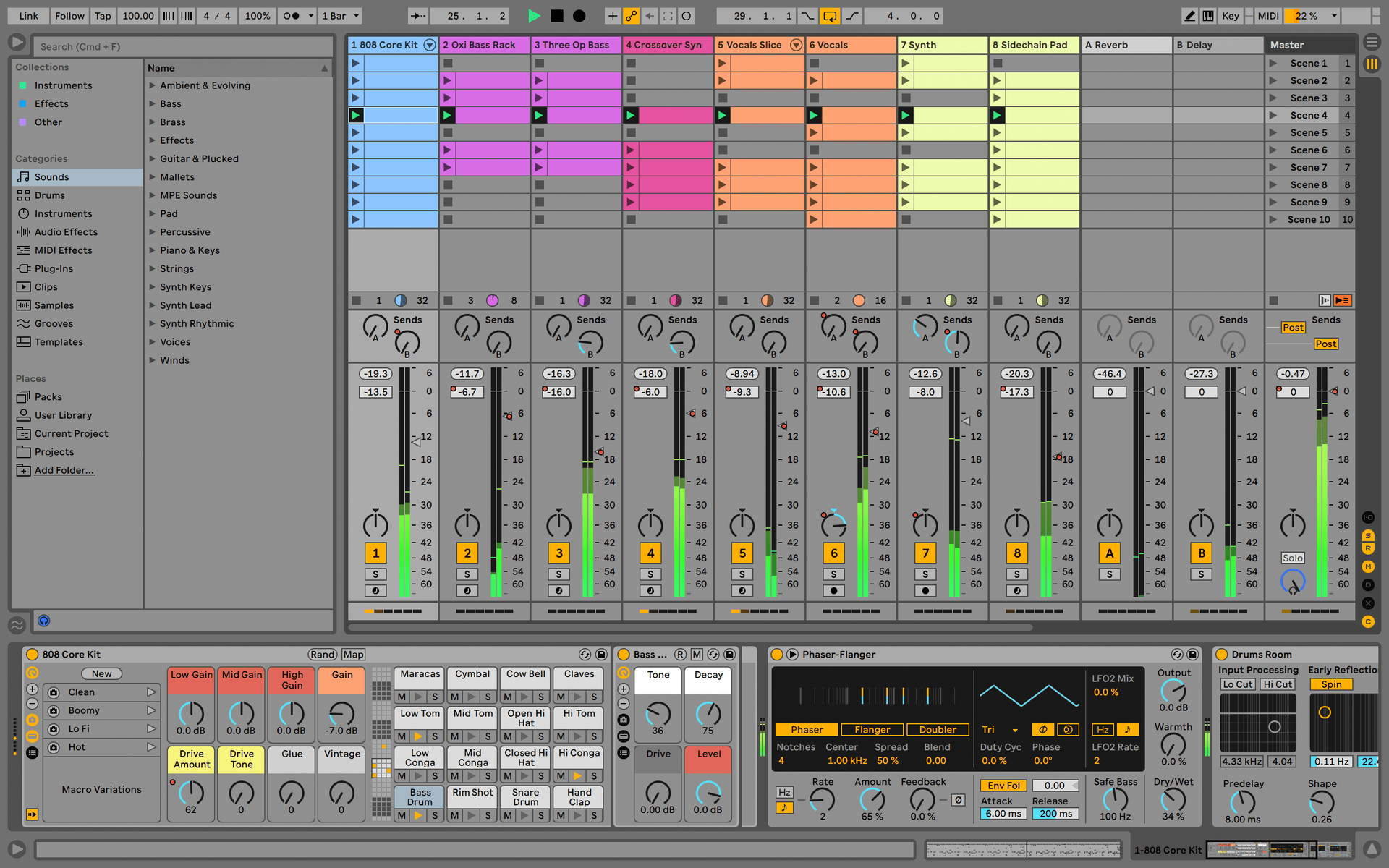
Ableton Live Lite 12
One of the most popular music production, recording and performing platforms in the world, Ableton Live Lite lets you create, mix, and export your tracks.
How to install
Guitar Rig
Choose between 3 different bundles. Craft with iconic synths, sampled sounds, and effects from Guitar Rig - a hand-picked production toolkit.
How to install
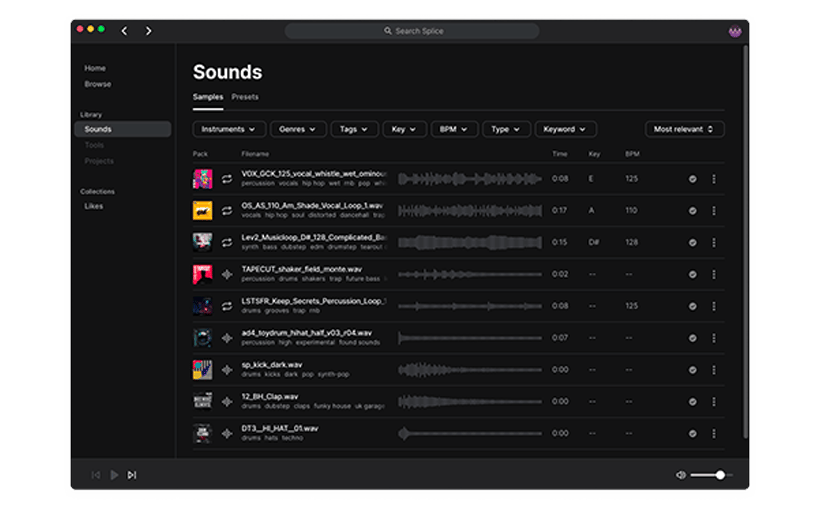
Splice Creator Plan
A 3-month free subscription let you access millions of hi-def royalty-free samples, from lo-fi drum loops to punchy vocal one-shots, as well as synth sounds, Splice Skills tutorials, and much more. What’s stopping you?
How to install
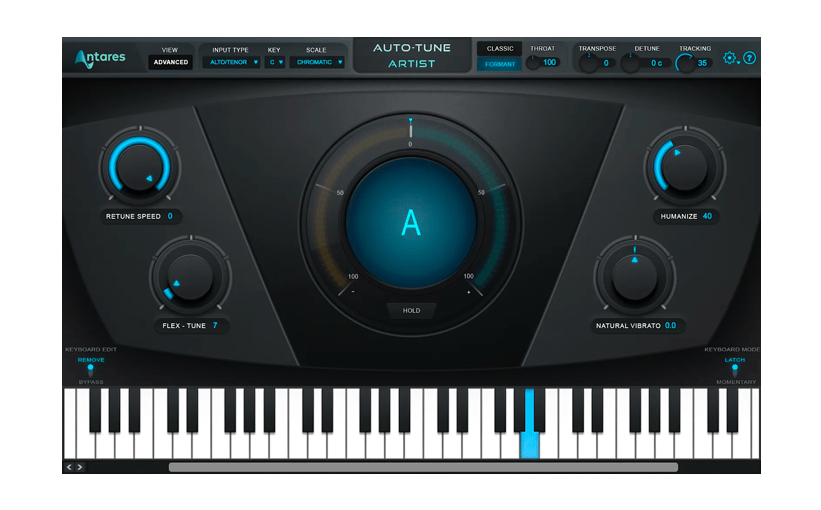
AutoTune® UNLIMITED
A 3-month free subscription to refine your vocal parts for perfect harmony or go full trap-style AutoTune® with a 3-month subscription to the industry’s favorite voice tuning plugin.
How to install
To learn even more, you can find the manuals on MiniFuse's Resources page:
0:00 / 0:00