
MiniFreak
update
MiniFreak keeps delivering new sounds, features, and performance improvements through regular updates.
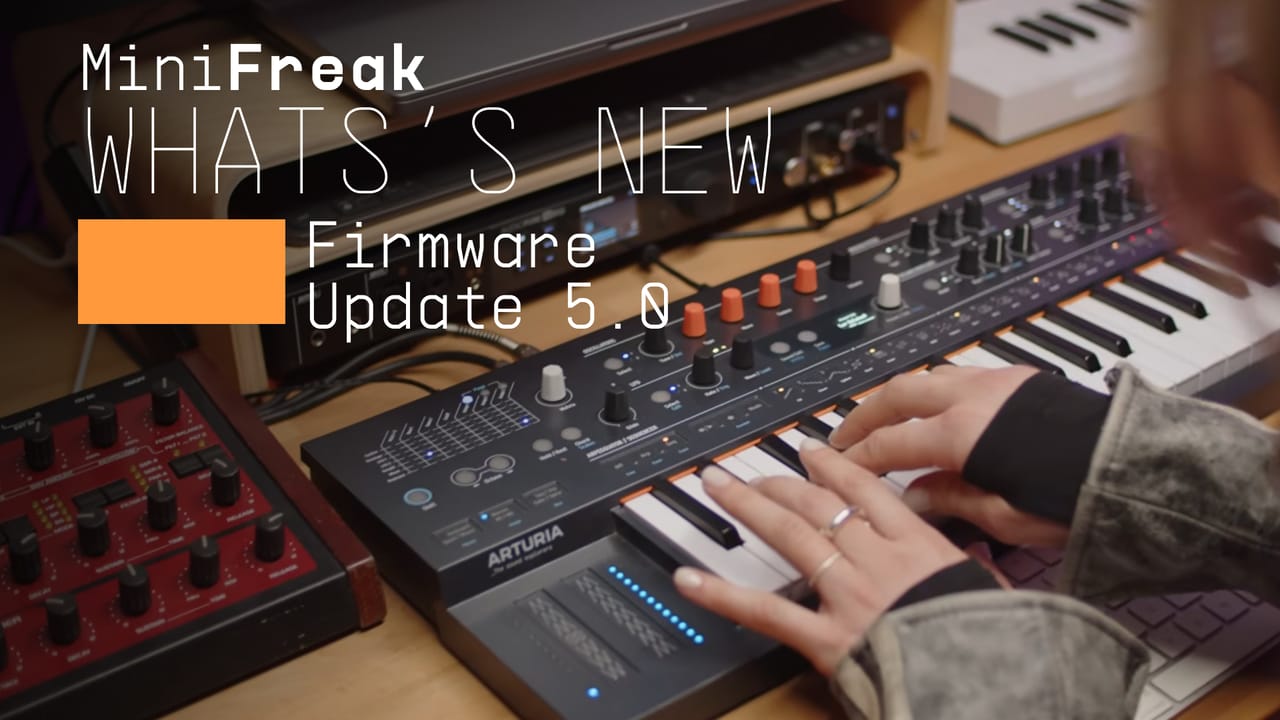
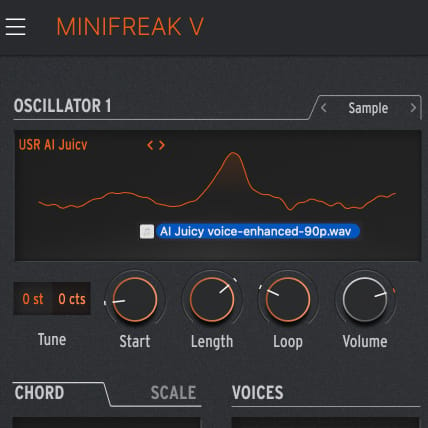
User sample import
Import your own WAV, AIFF and FLAC samples and reshape them with MiniFreak’s sample-based engines, including granular processing, for unexpected textures and custom sound design. 12-bit / 32 kHz, up to 6 seconds.

User wavetables
Import mono wavetables from your favorite libraries, including Pigments, and twist them on the fly with the Wavetable engine. 24-bit, 512 points for wide compatibility.
New factory presets
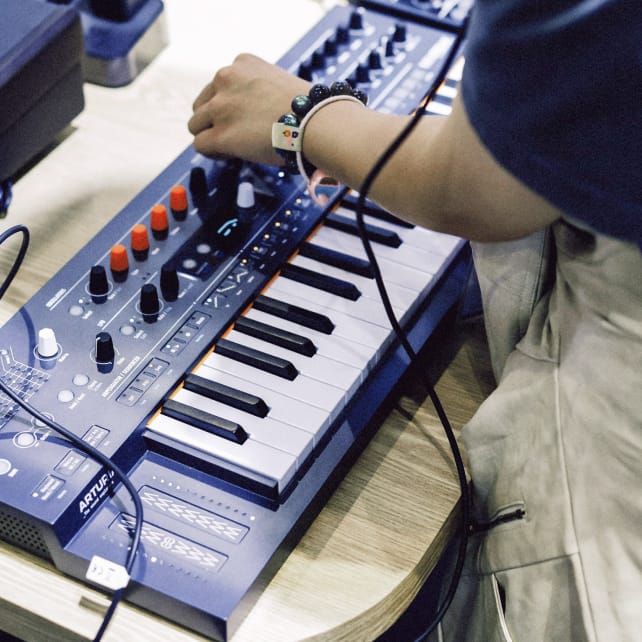
23 brand new presets bringing exclusive new sample and wavetable content, for you to explore with your favorite Freak engines.
What’s included?
in version 4.0
Version 4.0 added new Vocoder FX for transforming external inputs or MiniFreak’s own sounds, with two dedicated modes for classic voices, spectral textures, and more experimental tones.
This free update also introduced 15 new vocoder sounds plus 12 factory presets showcasing robotic character, retro vocoded color, and futuristic resonant soundscapes.
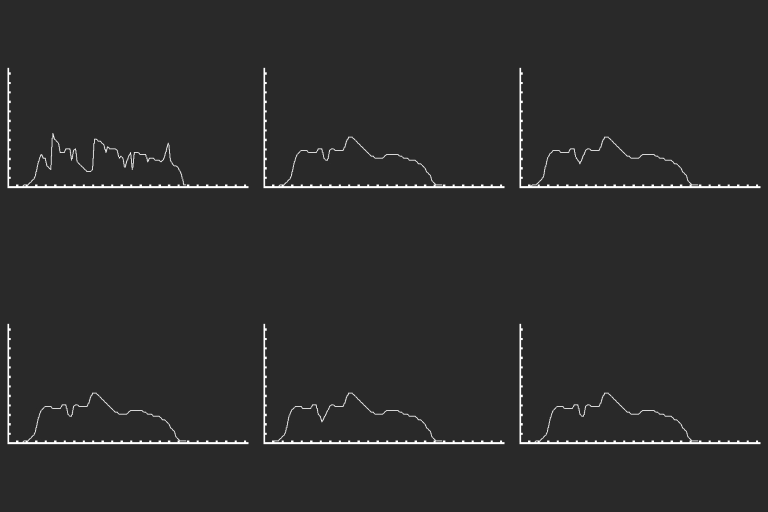
Ext In Vocoder
Plug in a mic or any external source and transform it using MiniFreak’s synth engine - perfect for classic vocoder voices, spectral textures, and glitched tones.
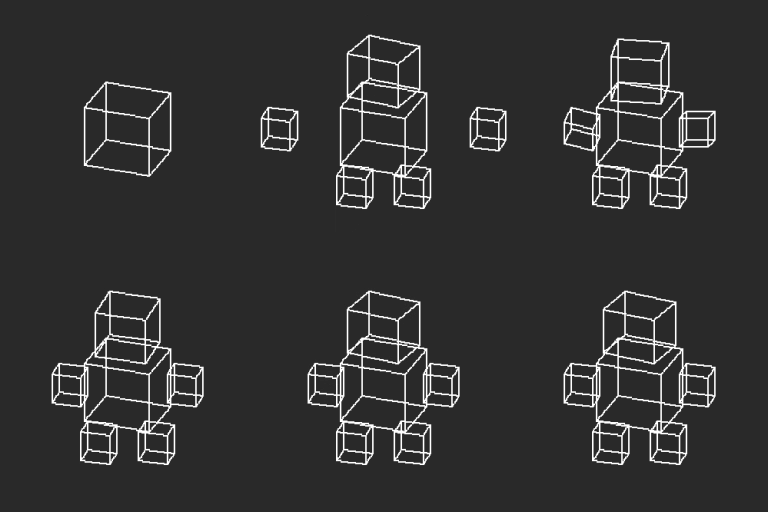
Self Vocoder
No mic needed - use the vocoder directly on MiniFreak’s internal sounds. Add spectral filtering and modulation to your synth patches, or design creative textures with a single key press.
New factory presets
12 factory presets showcase the new vocoder FX, blending classic robotic voices, retro vocoded textures, and futuristic resonant soundscapes.
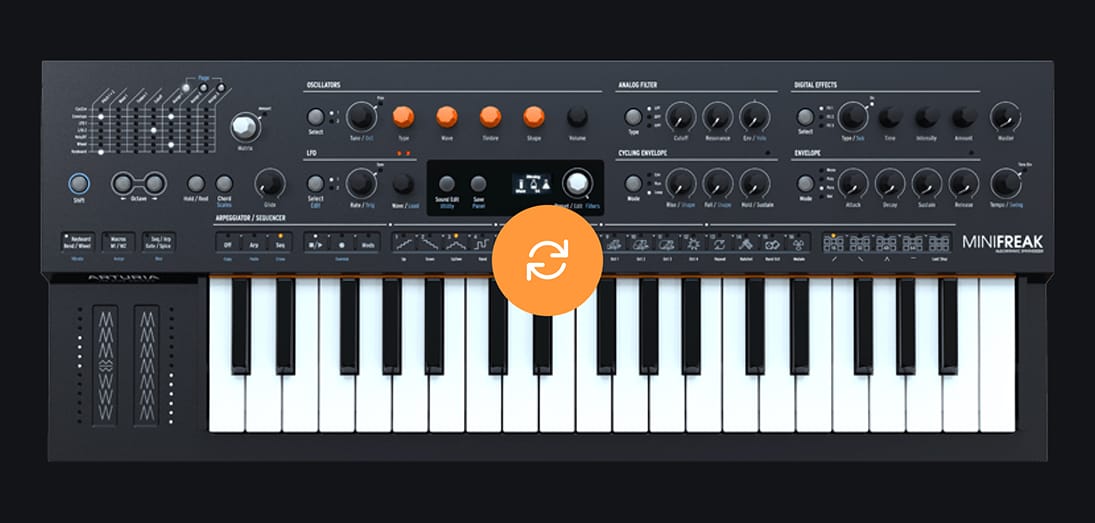
How to update your
MiniFreak firmware
Updating your firmware is free, quick and simple.
Download and install MiniFreak V and it will guide you through all necessary steps to update your firmware.
For detailed instructions, click here.