





A Hands-on
Experience
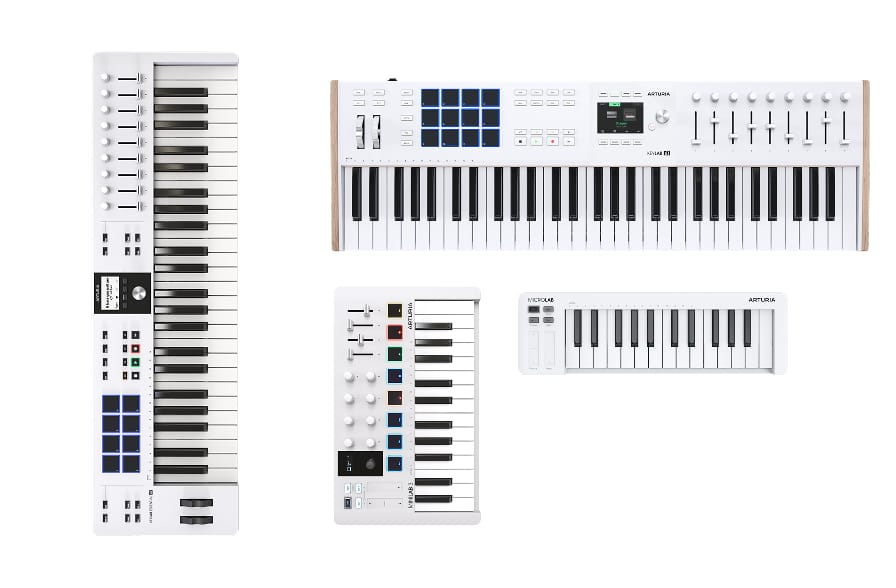
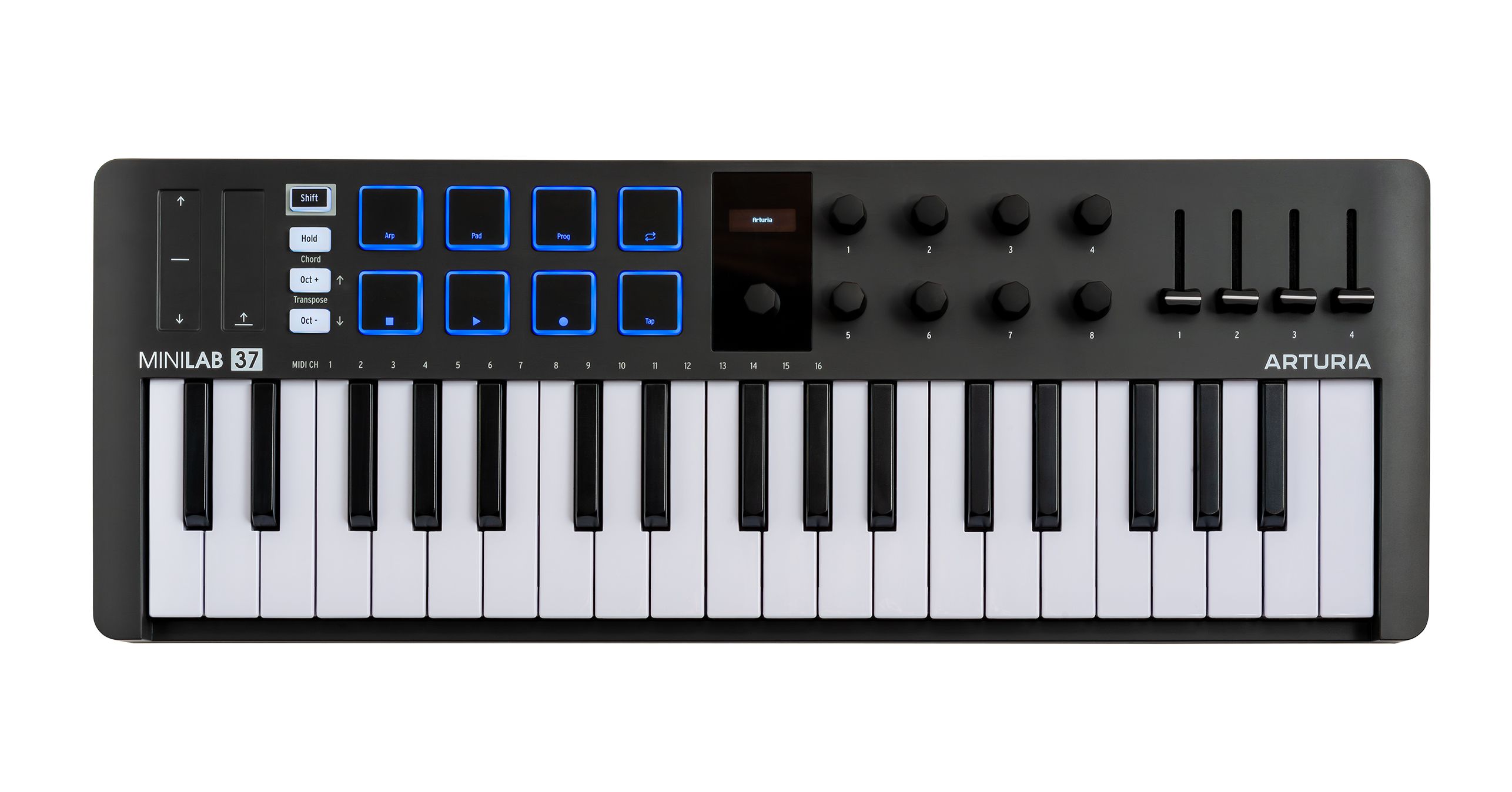
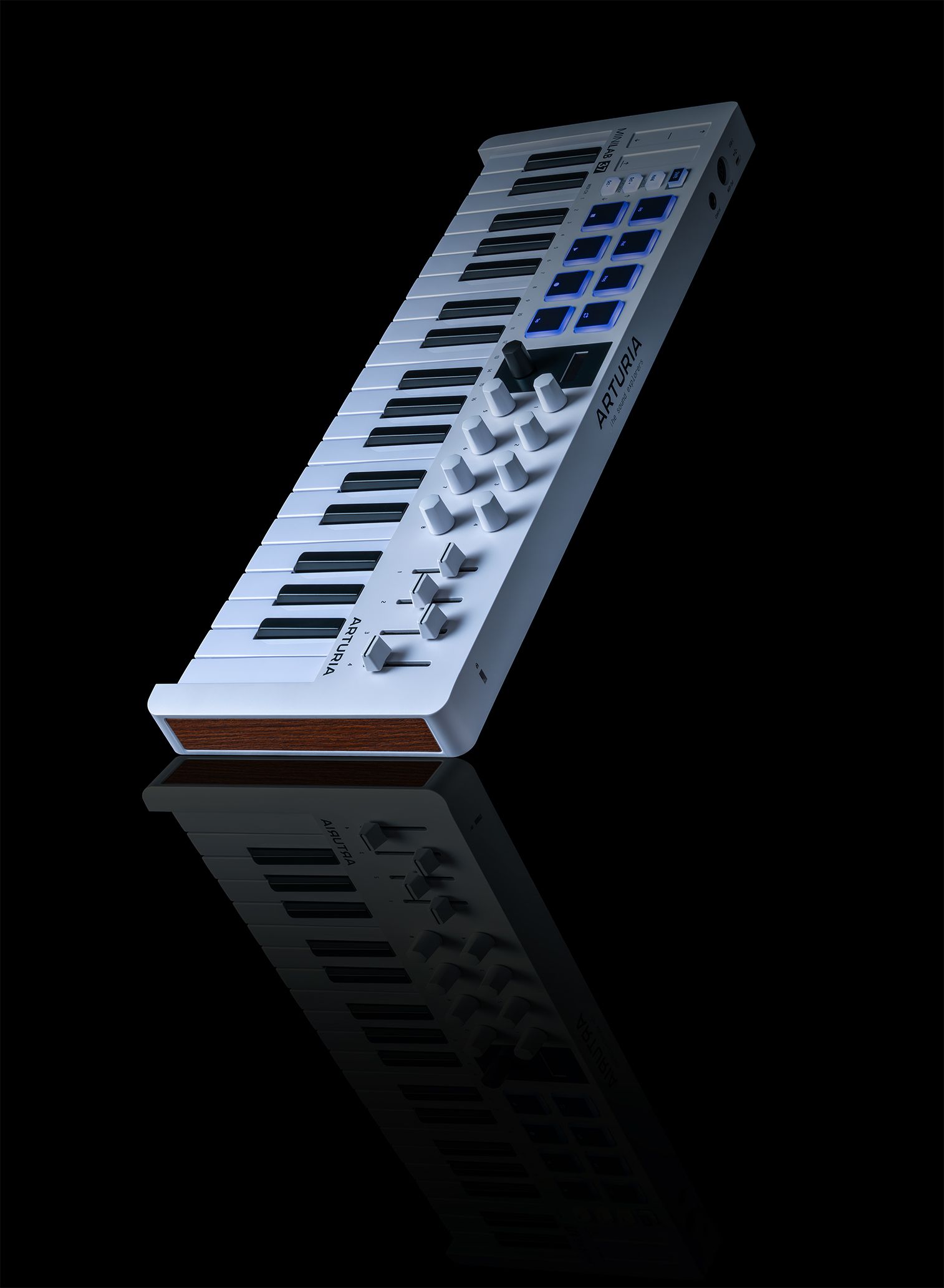
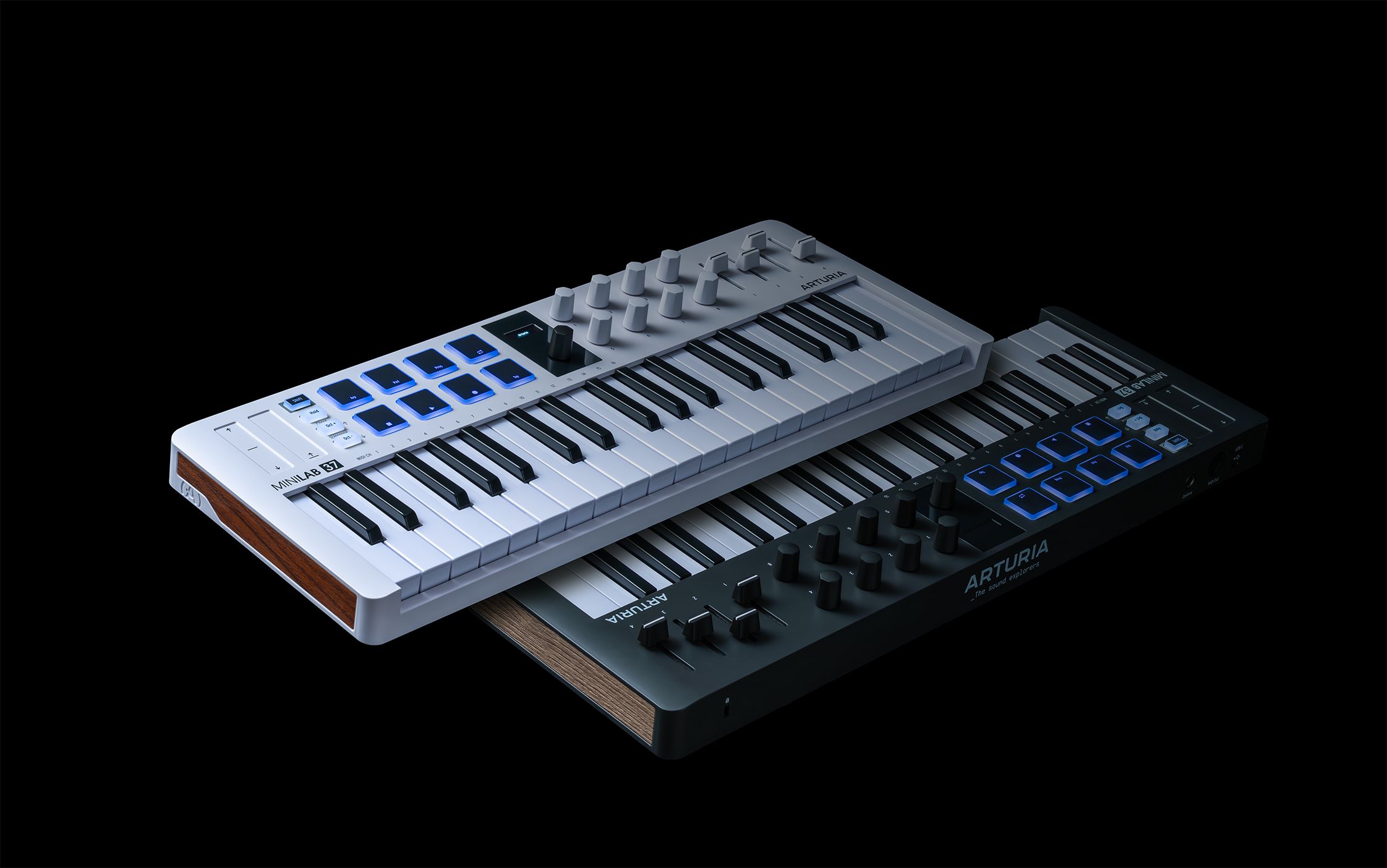
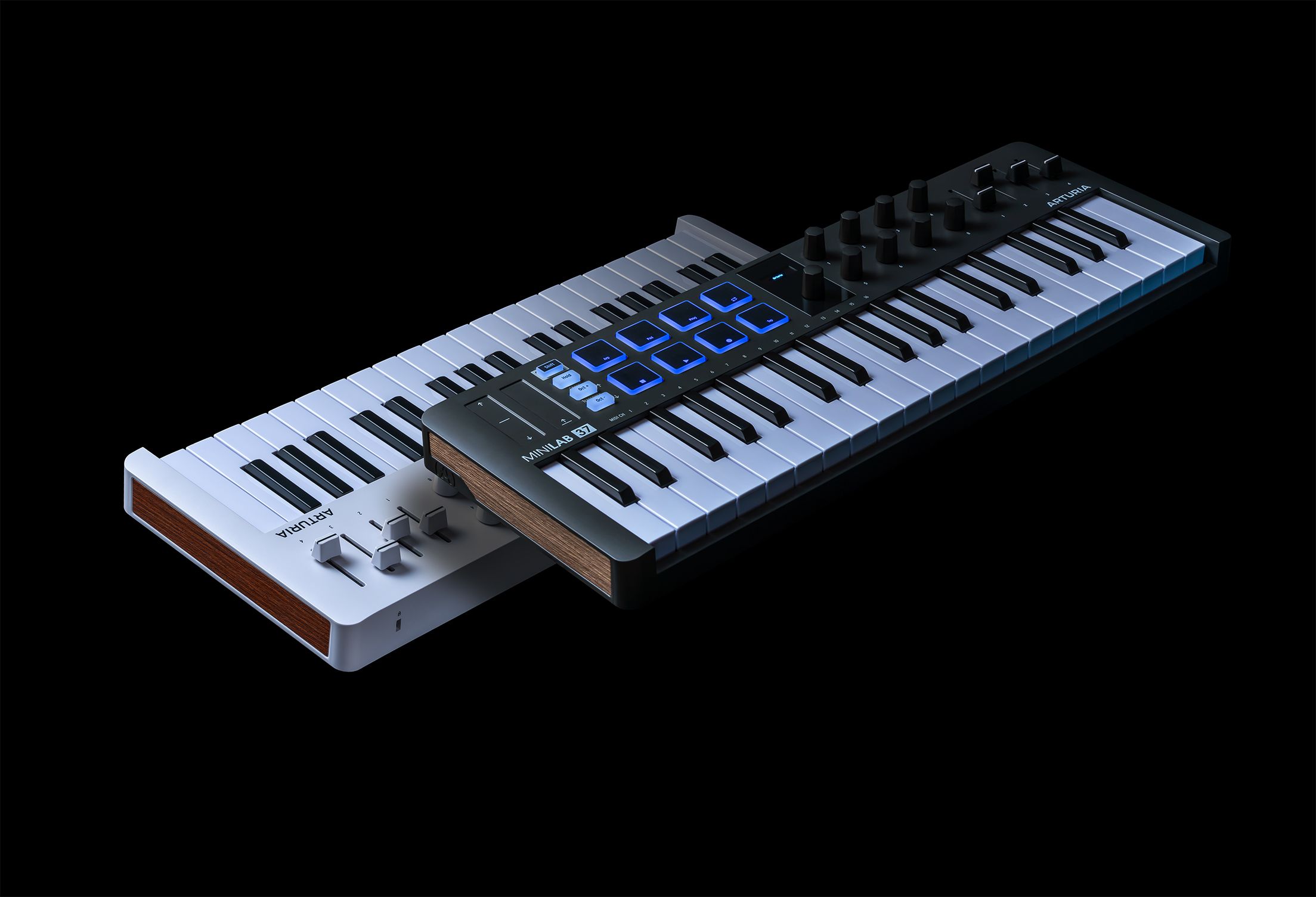
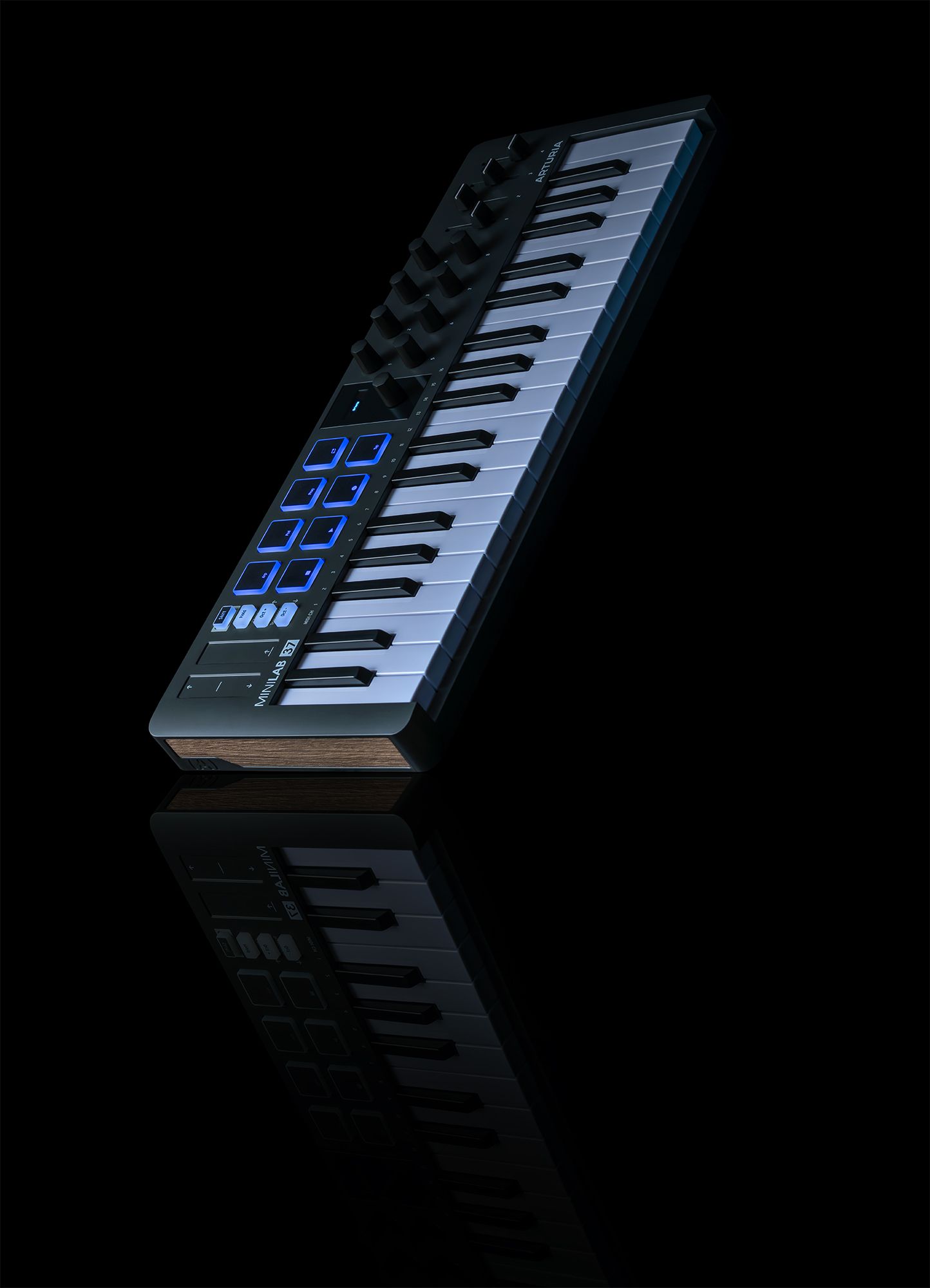
Explore the layout, features, and hidden talents of MiniLab 37 in detail, from its quality slim keyboard to its easy-to-use creative commands.
Overview
MiniLab 37
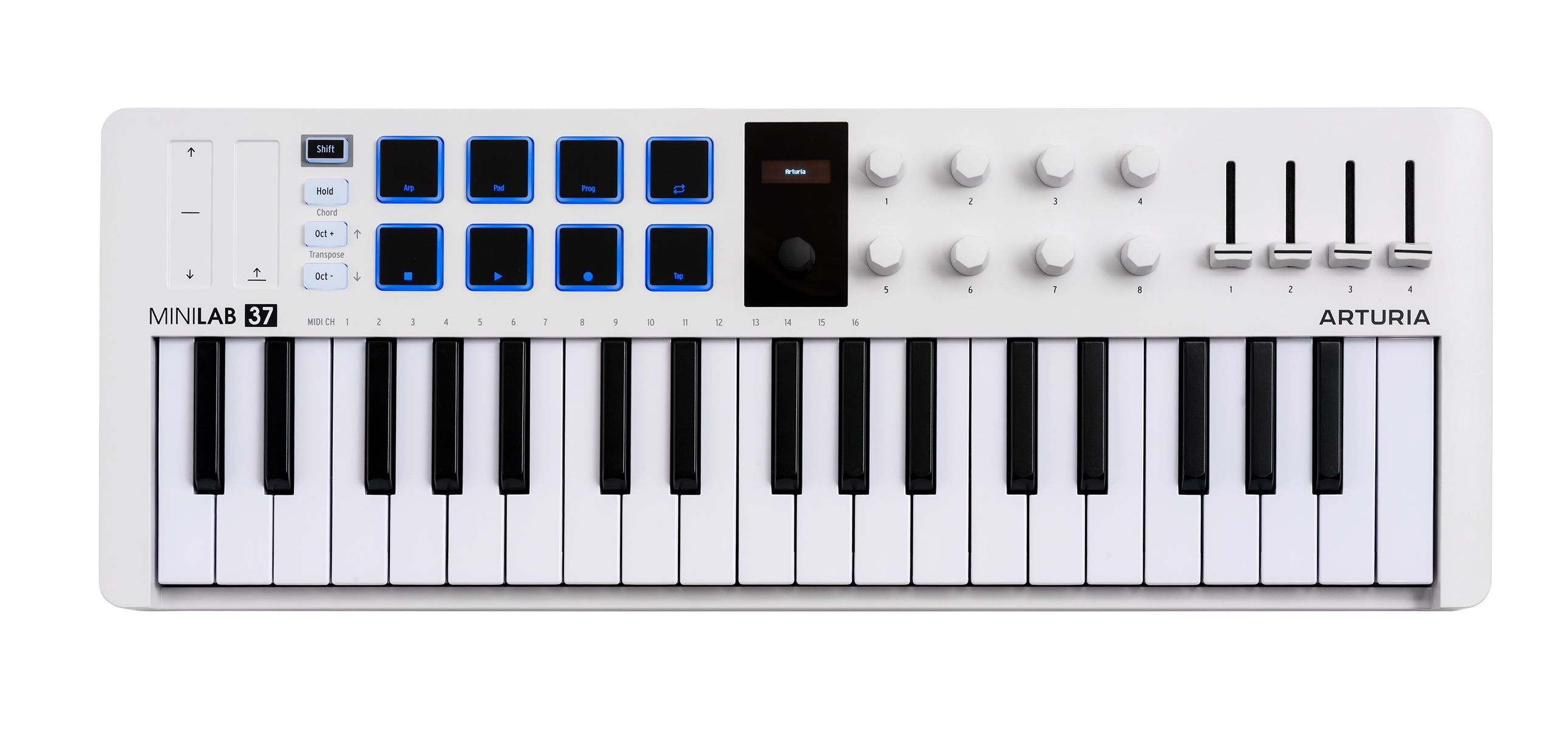
1
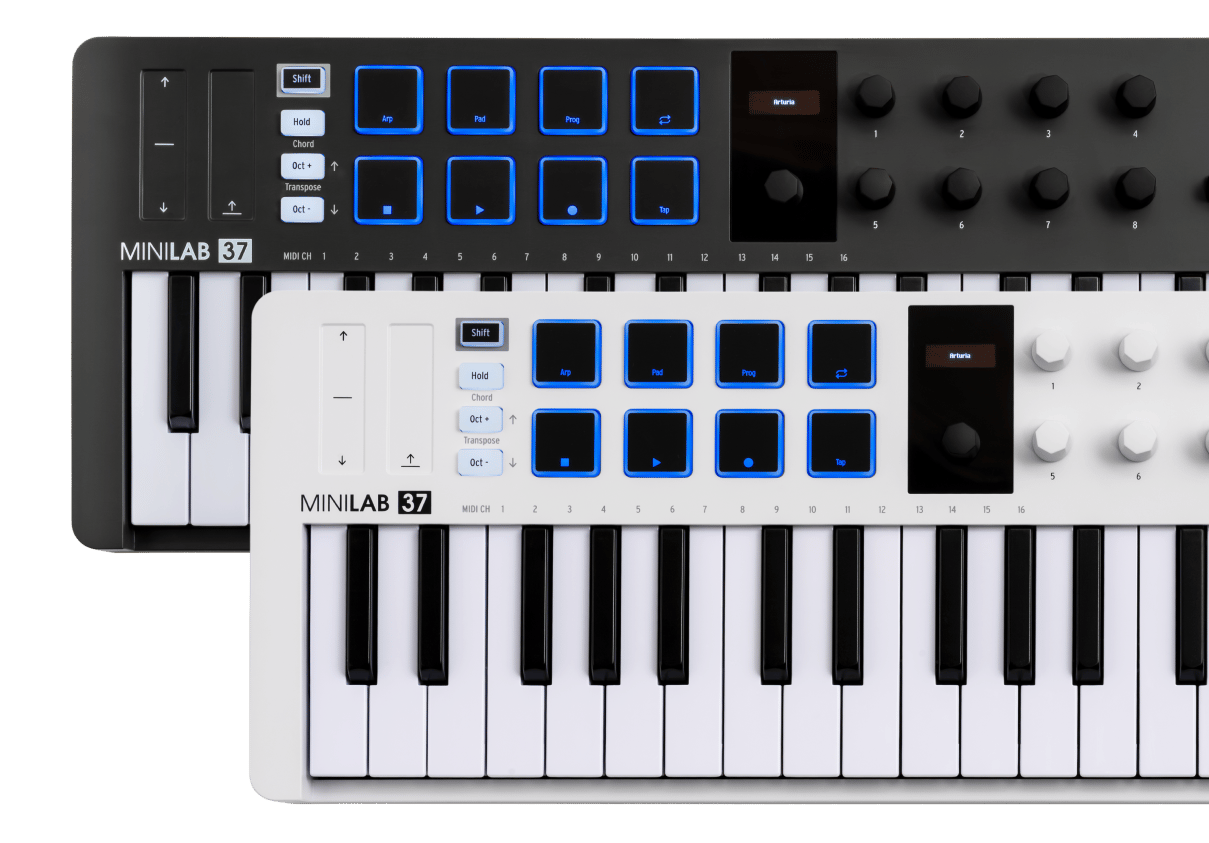
x8 Multi-Function Encoders
Pre-assigned or customizable for tweaking your sounds and your DAW project
2
x4 Multi-Function Faders
Smooth pre-mapped, assignable faders for quick control over levels, FX, and more
3
Multi-color Velocity & Pressure-Sensitive Pads
Two banks of 8 ultra-responsive RGB pads for finger drumming, clip launching, performing and DAW control.
4
37 Velocity-sensitive Slim-keys
An expanded 37-note slim-key keybed for fuller chords, wider melodies and two-handed playing in a compact format.
5
Mini Display & Browser Control
Explore presets and settings with the clickable Browser knob, and enjoy instant visual feedback and deeper integration with Analog Lab & your DAW
6
Pitch Bend and Modulation touch strips
Accurate touch-sensitive strips for adding expression, movement and performance gestures.
7
Octave Buttons
Shift the keyboard position up and down by octaves or semitones for quick access to a wider playing range.
8
Hold & Chord Mode
Use Hold mode to sustain notes hands-free, or Chord mode to create rich chords with a single key.
9
Arpeggiator
Turn any selection of notes into a moving melody that locks in with your project tempo.
10
Shift Button
Access deeper functions, select MIDI channels, manage presets and unlock extended control across Arturia software and major DAWs.
11
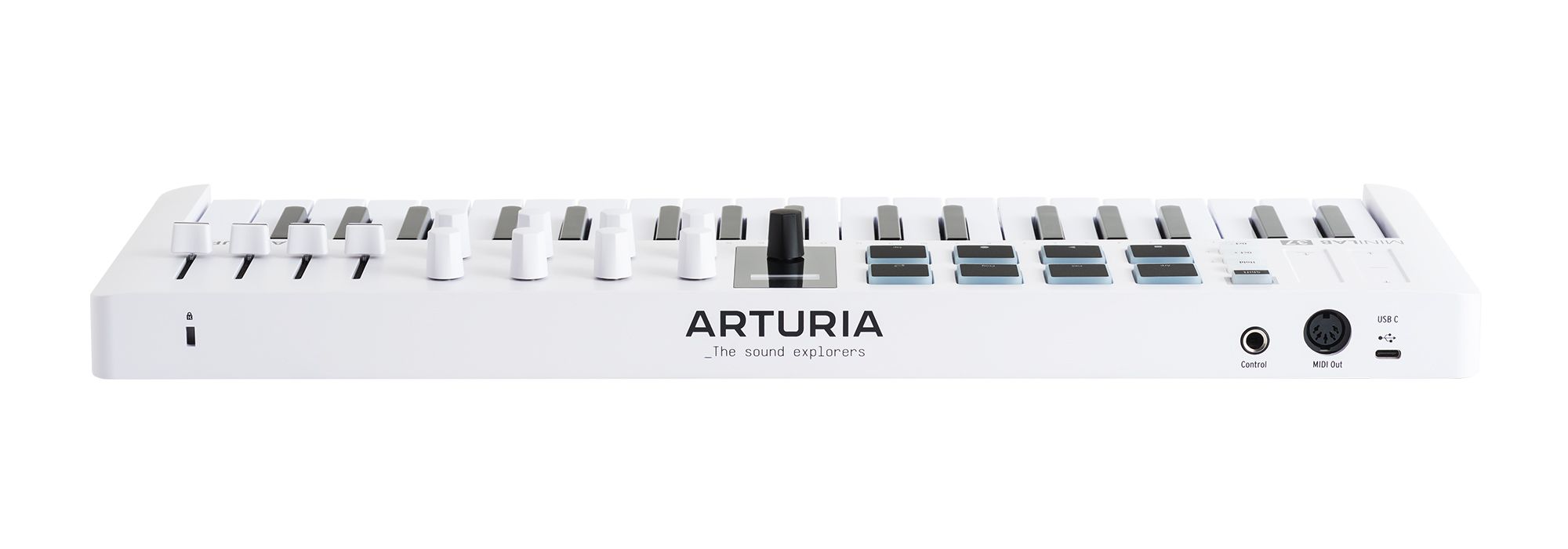
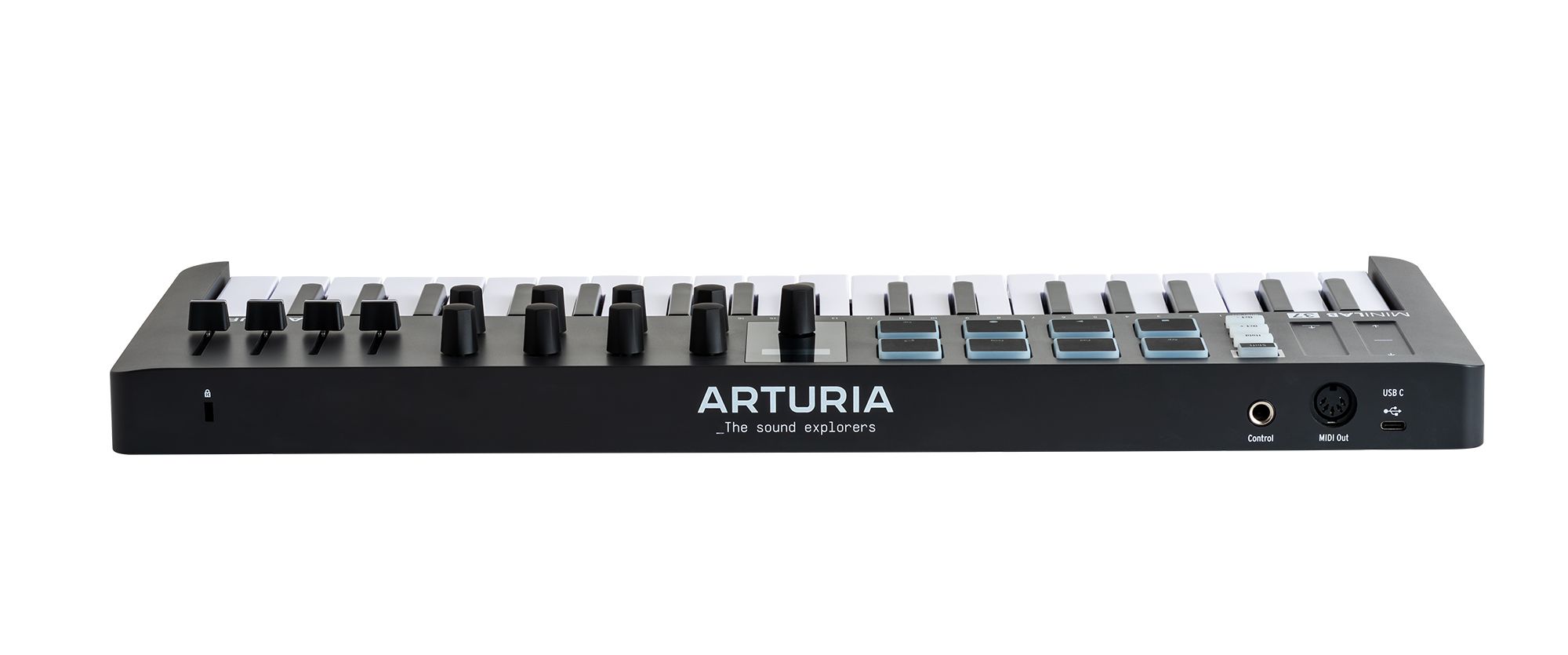
USB-C Port
Universal USB-C connectivity, bus-powered and class-compliant for a simple plug-and-play setup.
12
Control Input
Connect a sustain pedal, expression pedal or footswitch for added control while playing.
13
MIDI Out
Send MIDI notes and information to external instruments and hardware via 5-pin DIN connection.
Overview
MiniLab 37
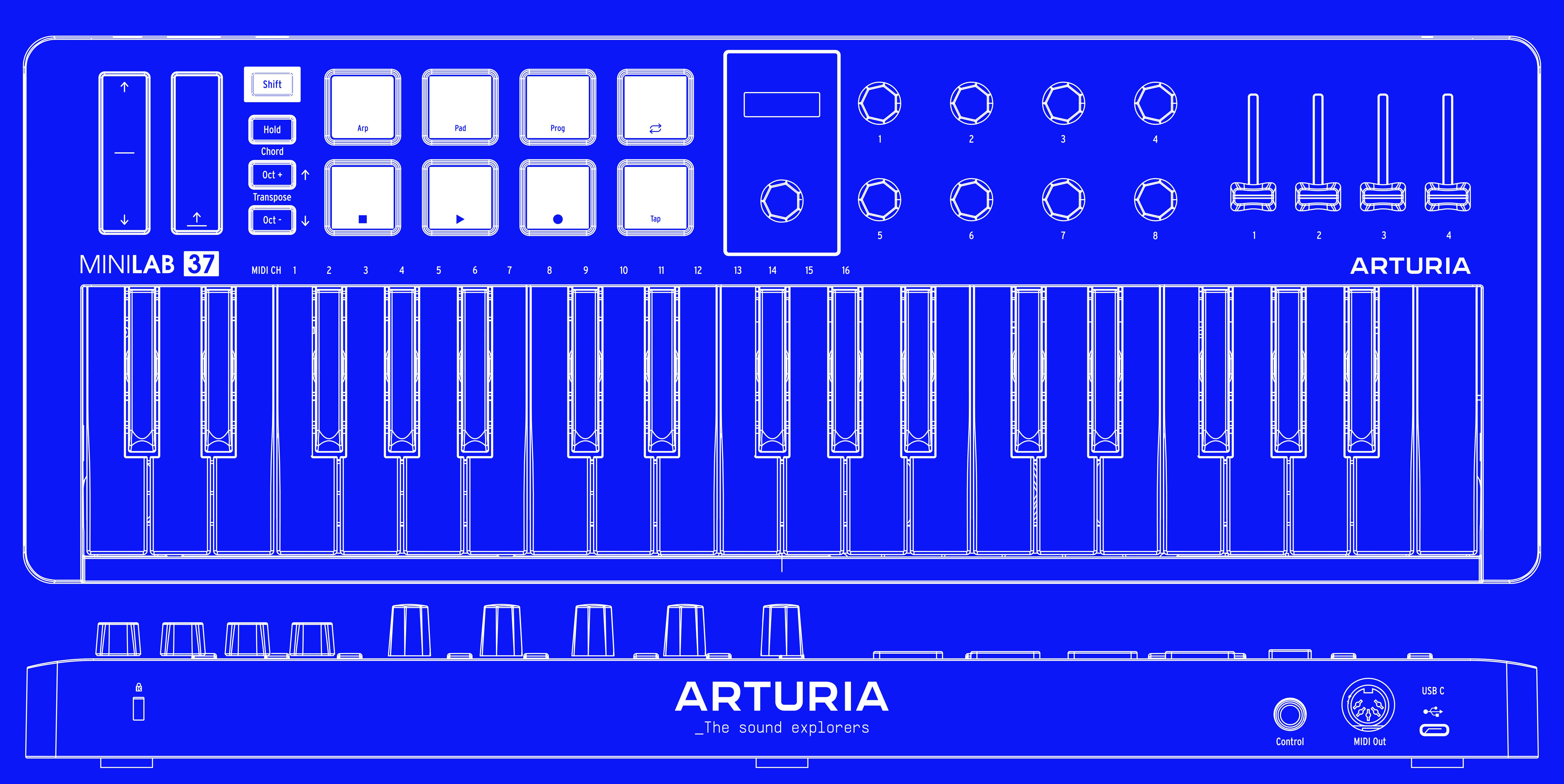
1
x8 Multi-Function Encoders
Pre-assigned or customizable for tweaking your sounds and your DAW project
2
x4 Multi-Function Faders
Smooth pre-mapped, assignable faders for quick control over levels, FX, and more
3
Multi-color Velocity & Pressure-Sensitive Pads
Two banks of 8 ultra-responsive RGB pads for finger drumming, clip launching, performing and DAW control.
4
37 Velocity-sensitive Slim-keys
An expanded 37-note slim-key keybed for fuller chords, wider melodies and two-handed playing in a compact format.
5
Mini Display & Browser Control
Explore presets and settings with the clickable Browser knob, and enjoy instant visual feedback and deeper integration with Analog Lab & your DAW
6
Pitch Bend and Modulation touch strips
Accurate touch-sensitive strips for adding expression, movement and performance gestures.
7
Octave Buttons
Shift the keyboard position up and down by octaves or semitones for quick access to a wider playing range.
8
Hold & Chord Mode
Use Hold mode to sustain notes hands-free, or Chord mode to create rich chords with a single key.
9
Arpeggiator
Turn any selection of notes into a moving melody that locks in with your project tempo.
10
Shift Button
Access deeper functions, select MIDI channels, manage presets and unlock extended control across Arturia software and major DAWs.
11
USB-C Port
Universal USB-C connectivity, bus-powered and class-compliant for a simple plug-and-play setup.
12
Control Input
Connect a sustain pedal, expression pedal or footswitch for added control while playing.
13
MIDI Out
Send MIDI notes and information to external instruments and hardware via 5-pin DIN connection.
Overview
MiniLab 37
1
x8 Multi-Function Encoders
Pre-assigned or customizable for tweaking your sounds and your DAW project
2
x4 Multi-Function Faders
Smooth pre-mapped, assignable faders for quick control over levels, FX, and more
3
Multi-color Velocity & Pressure-Sensitive Pads
Two banks of 8 ultra-responsive RGB pads for finger drumming, clip launching, performing and DAW control.
4
37 Velocity-sensitive Slim-keys
An expanded 37-note slim-key keybed for fuller chords, wider melodies and two-handed playing in a compact format.
5
Mini Display & Browser Control
Explore presets and settings with the clickable Browser knob, and enjoy instant visual feedback and deeper integration with Analog Lab & your DAW
6
Pitch Bend and Modulation touch strips
Accurate touch-sensitive strips for adding expression, movement and performance gestures.
7
Octave Buttons
Shift the keyboard position up and down by octaves or semitones for quick access to a wider playing range.
8
Hold & Chord Mode
Use Hold mode to sustain notes hands-free, or Chord mode to create rich chords with a single key.
9
Arpeggiator
Turn any selection of notes into a moving melody that locks in with your project tempo.
10
Shift Button
Access deeper functions, select MIDI channels, manage presets and unlock extended control across Arturia software and major DAWs.
11
USB-C Port
Universal USB-C connectivity, bus-powered and class-compliant for a simple plug-and-play setup.
12
Control Input
Connect a sustain pedal, expression pedal or footswitch for added control while playing.
13
MIDI Out
Send MIDI notes and information to external instruments and hardware via 5-pin DIN connection.
1
2
3
4
5
6
7
8
9
10
11
12
13