
Get started
with AstroLab & AnalogLab
For the best AstroLab experience, update your product and get Analog Lab defore exploring in depth.
- Connect Astrolab to your computer
- On your computer go to link.arturia.com/aslst or enter your email address below and we will be sent to you a link so you can download Analog Lab on your computer.
You already use Analog Lab?
Find out how to update Astrolab here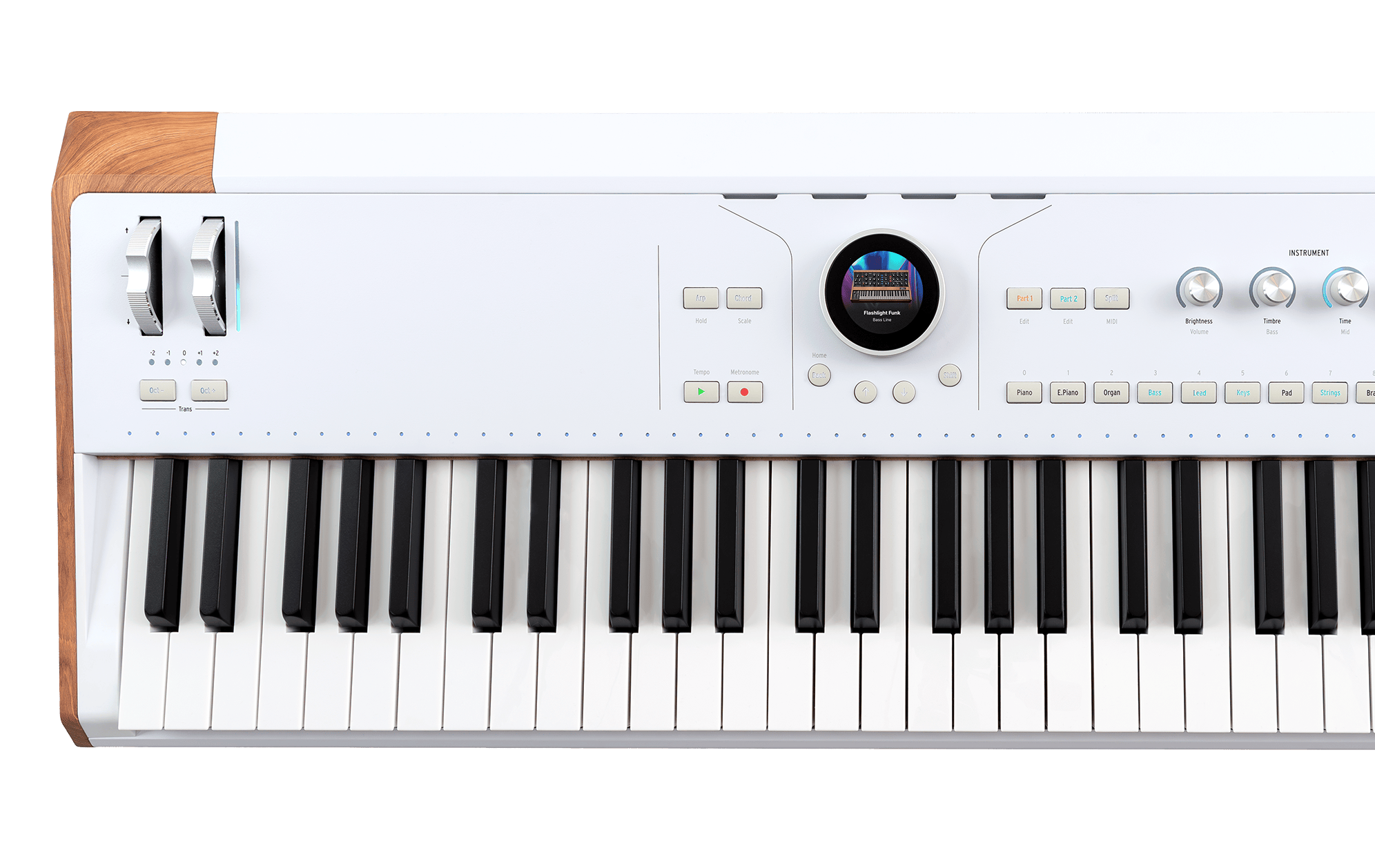
Why update Astrolab?
- Get access to even more sounds.
- New features & refinements of existing functionality
- Benefit from the latest performance improvements
Why Analog Lab?
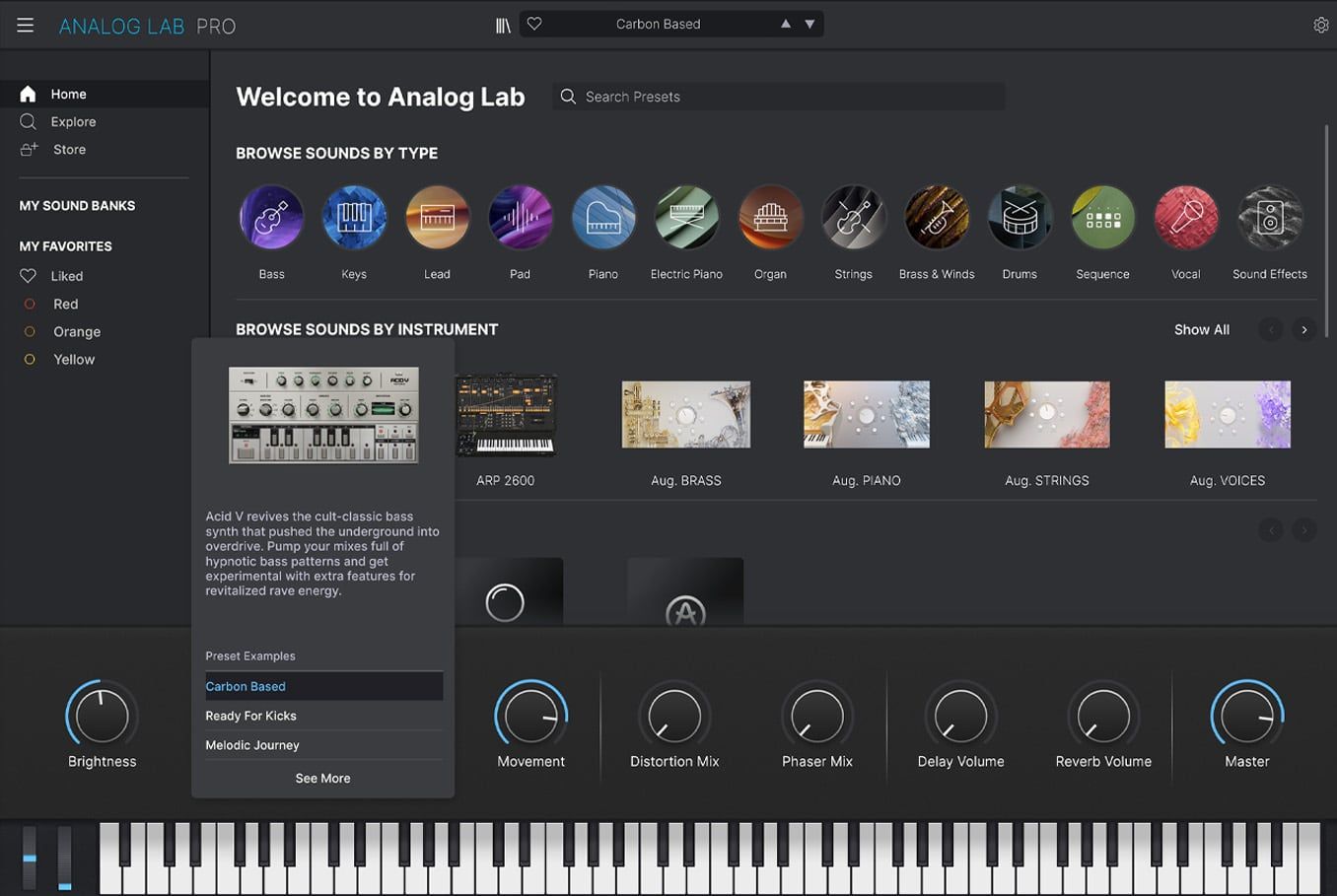
Analog Lab manages both your AstroLab and your sound content.
- Manage & tweak sounds in depth
- Integrate AstroLab into your DAW workflow
- Access 3000+ vintage and modern sounds
You already use Analog Lab?
- Make use your version of Analog Lab is up-to-date
- Activate the Analog Lab Pro license that comes with Astrolab.
- Open Analog Lab in standalone mode.
Note: the update process won't be possible if you launch Analog Lab as a plug-in in a DAW environment. - Connect Astrolab to your computed with the USB cable, and power it on.
You will now be able to link to Astrolab and manage your instrument by clicking the Link to Astrolab button displayed on the top of the interface.

If an update for AstroLab is available, a popup window in Analog Lab will appear automatically and allow you to update you AstroLab to the latest version.
Note: The update procedure will take some time, depending on the version currently installed and the version you are updating to. Make sure to not interrupt the update procedure.