
Get started
with MiniFreak Vocoder Edition
Get your MiniFreak Vocoder Edition up and running and kick start your musical journey.
Configuración
MiniFreak Vocoder Edition
- Registra tu MiniFreak Vocoder Edition para desbloquear tu licencia del MiniFreak V.
Con tu MiniFreak se incluye un un equivlante VST idéntico, que ofrece el mismo sonido híbrido con filtros analógicos modelados. Puedes usarlo en tu DAW, usar el los mismos presets en formato físico o virtual, sincronizarlo con los controles del MiniFreak y acceder a actualizaciones de firmware.
- Descarga e instala Arturia Software Center.
- Inicia sesión en Arturia Software Center, y activa e instala el MiniFreak V en tu ordenador.
Conecta tu MiniFreak por USB, enciéndelo y abre el MiniFreak V, asegurándote de tener conexión a internet. Si no tienes el firmware más reciente, verás las instrucciones para actualizarlo.
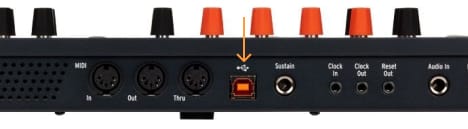
¿Por qué usar el MiniFreak V?
El MiniFreak V es el equivalente virtual del MiniFreak Vocoder Edition. Mantiene tu controlador siempre actualizado.
Learn more
with our MiniFreak Vocoder Edition tutorials
Empieza tu aventura creativa con total confianza. Descubre funciones esenciales, consejos para diseñar tus propios sonidos, trucos de producción musical y mucho más.
Lista de reproducción de tutoriales
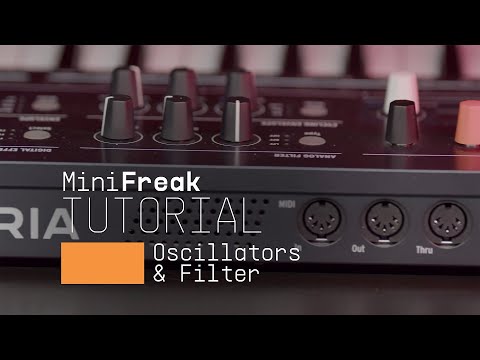
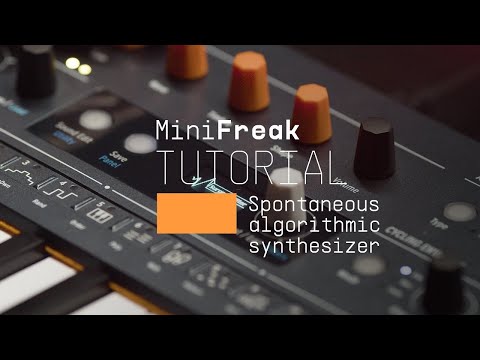
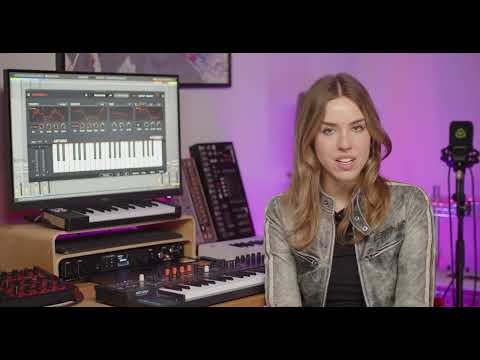
Update 4.0 | Vocoder
In this in-depth tutorial, we'll walk you through everything you need to know to harness the creative power of the MiniFreak's new vocoder capabilities. Discover how to set it up, explore its unique parameters, and start transforming your voice, drums, and other audio sources into incredible new textures. Whether you're aiming for classic robot vocals or groundbreaking sound design, Update 4.0 opens up a universe of sonic possibilities for your Freak.
Más información
en nuestros manuales
To learn even more, you can find the manuals on MiniFreak Vocoder Edition's Resources page:
