
Get started
with MiniFreak Vocoder Edition
Get your MiniFreak Vocoder Edition up and running and kick start your musical journey.
セットアップ
MiniFreak Vocoder Edition
- MiniFreak Vocoder Editionの製品登録をして 次の付属ソフトウェア・ライセンスをアクティベートします: MiniFreak V.
MiniFreakには、モデリングされたアナログフィルターを備えた同等のVSTプラグインが付属しており、あのワイルドなハイブリッドサウンドを再現します。DAW上で使用したり、ハードウェアとVSTの両方で同じプリセットを使用したり、VSTをMiniFreakのパラメーターと同期させたり、ファームウェアのアップデートを行ったりすることができます。
- Arturia Software Centerをダウンロードし、インストールします。
- Arturia Software Centerにログインし、MiniFreak Vのアクティベートとインストールを行ってください。
MiniFreakをコンピュータにUSBケーブルで接続してMiniFreakの電源を入れ、MiniFreak Vを開き、インターネットに接続していることをご確認ください。最新のファームウェアでない場合は、アップデートの手順が表示されます。
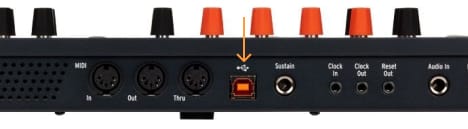
MiniFreak Vが必要な理由
MiniFreak Vは、MiniFreak Vocoder Editionのソフトウェア版として機能し、コントローラーを常に最新の状態に保ちます。
Learn more
with our MiniFreak Vocoder Edition tutorials
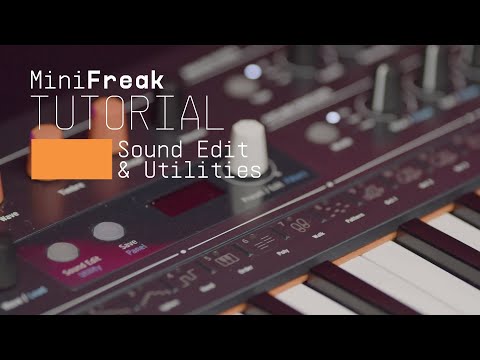
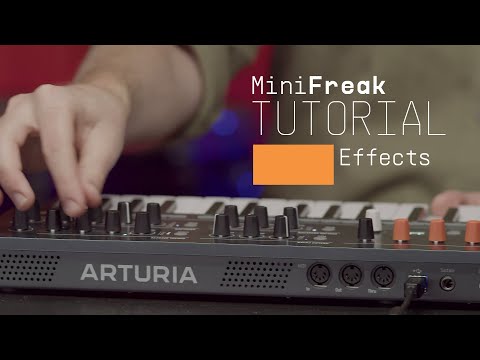
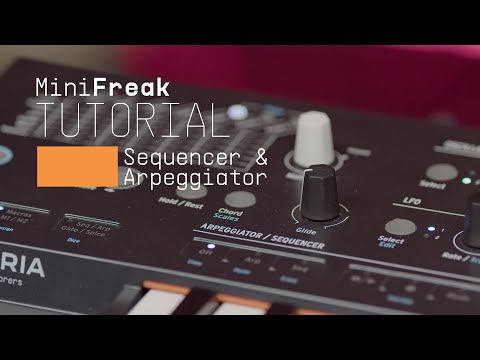
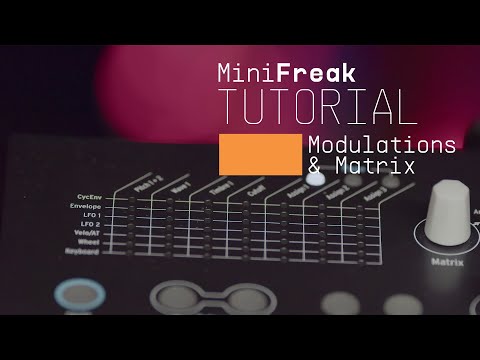
自信を持って、創造の旅へ。基本機能の解説からサウンドデザインのヒント、音楽制作テクニックまで、豊富なコンテンツをご用意しています。
チュートリアル・プレイリスト
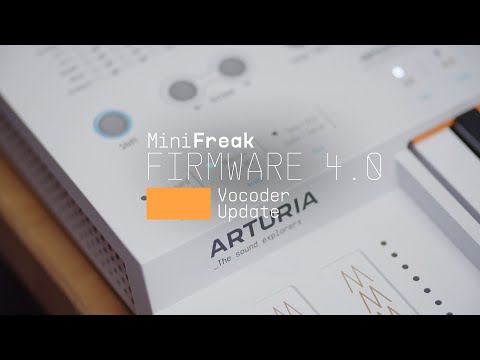
Update 4.0 | Vocoder
In this in-depth tutorial, we'll walk you through everything you need to know to harness the creative power of the MiniFreak's new vocoder capabilities. Discover how to set it up, explore its unique parameters, and start transforming your voice, drums, and other audio sources into incredible new textures. Whether you're aiming for classic robot vocals or groundbreaking sound design, Update 4.0 opens up a universe of sonic possibilities for your Freak.
機能や使用法などの詳細はこちら
マニュアル
To learn even more, you can find the manuals on MiniFreak Vocoder Edition's Resources page:
