
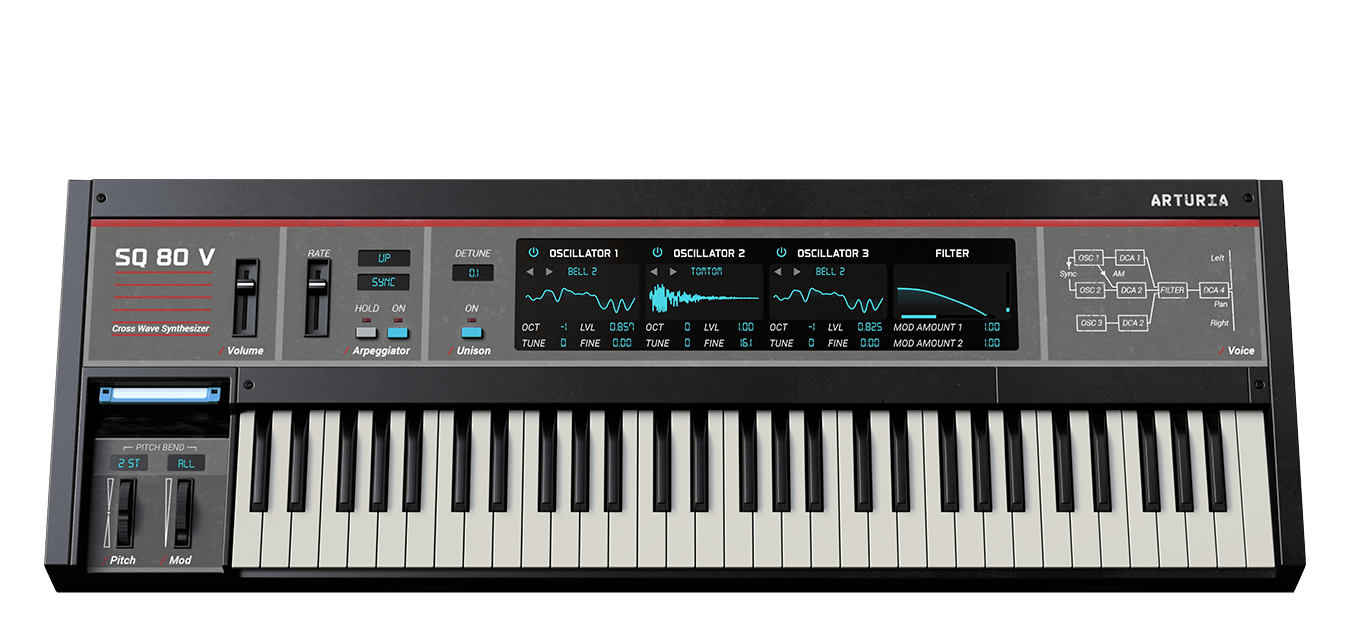
SQ80 V
Organic digital wavemaker.
1. Download & install the Arturia Software Center (ASC)
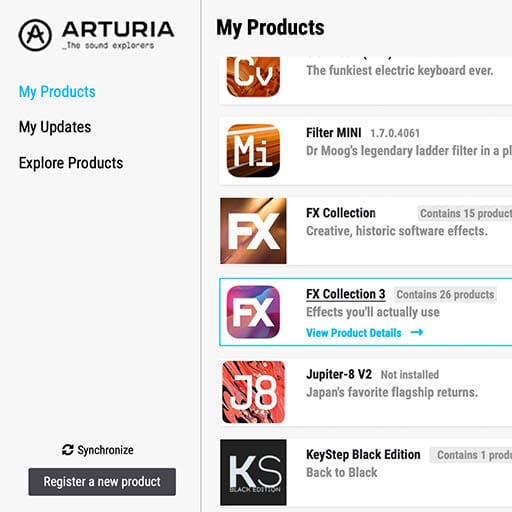
The Arturia Software Center (aka ASC) lets you activate, install and update your Arturia virtual instruments on your computers.
It will let you access the software you own as well as demos of the other titles in the Arturia catalog.
2. Log into the Arturia Software Center

Enter the same email address and password as for your My Arturia account. You will then be able to find your Product License on the main panel.
If you don’t have a My Arturia account, click on create account and follow the process to create one.
If you're using an offline computer, please follow the process described in this this article
If you have purchased your software license on the Arturia website, it has been automatically registered into your account. Otherwise click on the button “Register a new product” on top of the main window.
3. Install and Activate your product through the ASC

Look for your product in the list and click on the “Install” button to launch the silent installation process.
You will be asked to define the destination folders on the first time.
Your product will remain in demo mode until it is activated. To do so click on the “Activate” button. Your brand new effect will now be activated.
You are now able to use it without restriction on up to 5 different computers simultaneously. To do that, repeat this operation on your other computers.
4. Launch Your Product
Your product is not available as a standalone software.
It must be used in a DAW (Digital Audio Workstation).
Click on the icons to see how to select and use your new effect in the most popular DAWs:
Discover, experiment, enjoy!

Ableton Live

Bitwig

Cubase

FL Studio

Logic Pro X

Pro Tools

Studio One

Digital Performer

For Ableton Live
1/ Open the Live browser, and click on the 'Plug-ins' section.
2/ In the VST or Audio Unit* folder, browse the virtual effect of your choice.
3/ Drag & drop it in your track or FX return.
SQ80 V
Tutorials
Tutorials | Tutorial | SQ80 V
In this video, product specialist Charlie talks you through the history of the iconic synth, its main features, Arturia original enhancements, and takes you on a ride of the SQ80 V waves with sound demonstrations.
Tutorials | Honorable C.N.O.T.E meets SQ80 V
Carlton Mays, Jr., also known as Honorable C.N.O.T.E., is a hip-hop songwriter and record producer. He has produced for the likes of Gucci Mane, Lil Bibby, Migos, Flo Rida, Ne-Yo and more. Find out how he uses SQ80 V in his studio.
Tutorials | Bill Mauchly & John Senior | Ensoniq meets SQ80 V
With SQ80 V, we wanted to resurrect this hybrid icon in all its former glory and more. We had the privilege of spending a day with two of the original engineers on the project, Bill Mauchly and John Senior, exploring their inspirations, the limitations of technology, and their insight into the process of designing a classic.

Need more help ?
Our support team is happy to help you with questions on how to use Arturia instruments. You can contact them from this page :
Ask for help